Shitty First Draft Generator
Shitty First Draft Generator
展示內容
描述
This Skill takes your selected material (video/article/webpage) or a vague idea and quickly generates an intentionally imperfect first draft: structured with key points, but full of "holes waiting for you to fill in. Solves the dreaded blank page problem.
指令
Instructions
Step 1: Identify the Material + User's Reaction
Ask the user for input. Input can be:
A YouTube video link (with/without picks)
An article link (with/without picks)
A brief reaction from the user: "I watched this video and thought..."
A half-baked idea from the user (could be just a vague direction or a single sentence)
Key judgment calls:
If there are picks → Focus on the parts the user highlighted (these are their interest points)
If there are no picks → Analyze the core ideas of the material + guess potential angles the user might take
Step 2: Generate a "Deliberately Rough" Draft
Draft characteristics:
✅ Covers core ideas without elaborating
✅ Preserves the user's original reaction/emotions (if any)
✅ Intentional blanks: use placeholders like [to be added], [your example here], [expand on this]
✅ Clear structure but thin on content
Example draft format:
Markdown
## [A decent title, but could be catchier]
I recently came across [material] that talked about [core idea], and I thought [user's initial reaction / or leave blank].
### First point: [extracted from material]
[One-sentence summary]
[To be added: your personal experience or example]
### Second point: [extracted from material]
[One-sentence summary]
[To be added: what's your take on this?]
### Conclusion
[Leave blank: what do you want the reader to do?]
Step 3: Crucial! Tell the User "Why This Draft Matters"
Sample tone:
Plain Text
Done! Here's your "intentionally rough" first draft 🎨
Why so rough? Because:
1. It's done the hardest part for you—going from 0 to 1
2. You've got the skeleton; now you just need to add your "meat"
3. You'll find that editing this is 100x easier than staring at a blank page
Now you have two options:
A. Start editing yourself (Recommended! Hands-on feels best)
B. Let me guide you through adding content step by step (if you still don't know where to start)
Which one?
Step 4: If the User Chooses B — Socratic Guidance
Guiding strategy (tackle placeholders one at a time):
Plain Text
I see there are a few [to be added] spots in the draft. Let's fill them in one by one:
🎯 First one: [To be added: your example]
→ "Have you ever been in a similar situation? Just tell me one, even if it's something small."
[After user responds]
→ "Great! I've added it in: [rewritten version of user's words]. Does this look right?"
🎯 Second one: [To be added: your take]
→ "About this point—do you agree, or do you see it differently?"
[After user responds]
→ "Got it, I've added: [rewritten version]"
...and so on
Key principles:
Ask only one question at a time
Update the draft immediately after the user responds (instant feedback)
Don't ask overly abstract questions (❌ "What's your opinion?" ✅ "Do you agree? Why or why not?")
Design Notes
✅ The Art of "Deliberately Rough"
Don't generate a draft that's too polished, or else:
The user will think "AI writes better than me, why bother editing?"
They lose the sense of ownership over their content
Techniques:
Use conversational, incomplete sentences
Leave some obvious "holes" on purpose (e.g., repeated words, logical jumps)
Make the user feel "I can definitely make this better"
✅ Placeholder Design
Placeholders should be specific, not vague:
❌ [add content]
✅ [Have you been in a similar situation?]
✅ [Give a specific example]
✅ [What's your counterargument?]
✅ Handling User Picks
If the material has picks:
Plain Text
"I noticed you highlighted these sections:
- [pick 1]
- [pick 2]
Looks like you were really struck by [summarized theme]. I'll build the draft around these points."
✅ Give Users Freedom to Skip Guidance
Some ADHD users might:
Start wanting guidance, then realize mid-way "I'd be faster on my own"
Or the opposite—say they'll edit themselves, then get stuck after two sentences
So always offer:
Plain Text
"You can always:
- Say 'I'll take it from here' and I'll leave you to it
- Say 'keep guiding me' and I'll continue
- Just send me whatever you've edited, and I'll take a look"
相關技能
查看全部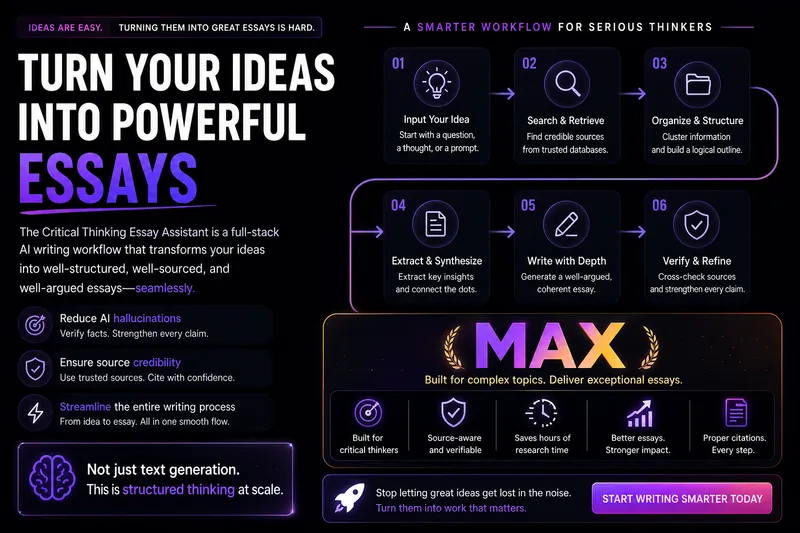 寫作
寫作Writing Terminator MAX
This Skill is designed to provide deep content creators with a complete workflow for writing speculative and argumentative essays, helping users transform vague ideas into well-structured, persuasively argued, and verifiable long-form articles. Whether you are a WeChat public account writer, knowledge blogger, graduate student, commentator, or a writer focused on social observation, cultural criticism, business commentary, or reflections on the AI era, this Skill offers reusable, scalable, and high-quality writing support. It helps you diagnose topics, refine problem consciousness, collect and organize materials, extract high-value insights, and generate high-quality drafts. The core advantage of this Skill lies in its rigorous evidence-chain construction and citation verification mechanism. It not only helps add source-level citations to your writing, but also verifies the accuracy and supporting strength of those citations, ensuring that your arguments are grounded in solid materials. In addition, it can polish the style of your draft, reduce “AI-like traces,” and enhance the depth of reflection and sharpness of expression. You may enter the workflow at any stage according to your current writing progress, including ideation, material collection, insight extraction, draft writing, citation insertion, citation verification, and final polishing. The final output may include the core argument, main text, detailed notes, source list, and citation self-check report, ensuring that your work combines intellectual depth with academic rigor.
 寫作
寫作Talk to draft
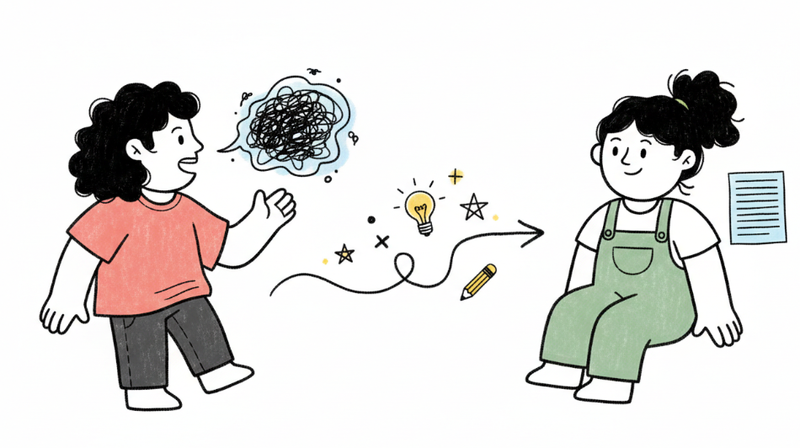
Transform your spoken thoughts into a polished, well-structured article—without losing your authentic voice. Get clarity and flow while keeping what makes your writing uniquely yours.
 視頻
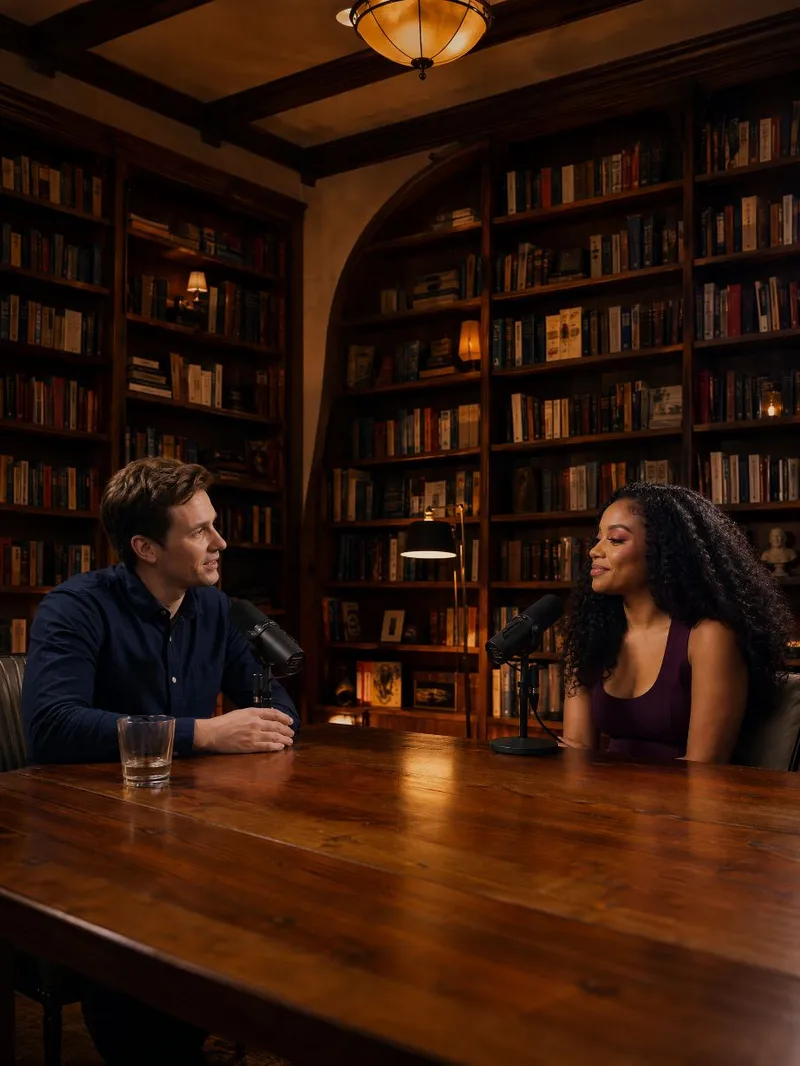
視頻Dual-host talk video
Craft engaging 15-second dual-host talk videos with ease. This skill helps you outline, visualize, and produce short, dynamic video content featuring two conversational AI personalities. Simply provide details for two characters and a topic – whether it's a news link, a draft, or a general idea – and watch as a complete script comes to life, structured with a compelling hook, natural banter, and a clear punchline. The skill meticulously plans each visual detail, from camera angles and character eye-lines (direct to audience or engaging with the co-host) to subtle non-speaker reactions, ensuring a natural and captivating exchange. You'll receive a detailed transcript, including performance notes, and a cover frame image to visualize your video before final generation. This allows for precise adjustments to character appearance or scene settings, guaranteeing your dual-host video is exactly as you envision.
