Slides you don't have to clean up
Drop in an article, a podcast, or a YouTube URL. GPT Image 2 aligns every word, face, and layout on the first pass.
Paste links or drag PDF / Markdown / images — up to 50MB
Pick a style (optional)
Each card is a full-style deck. Hover to flip through sample pages.
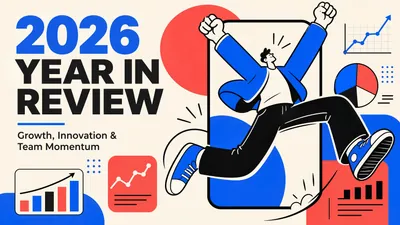
Year-End Report
Data storytelling
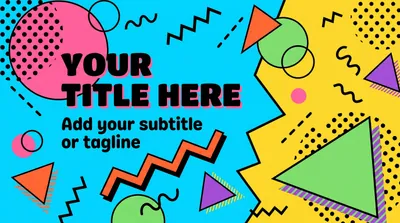
Memphis Design
Playful retro
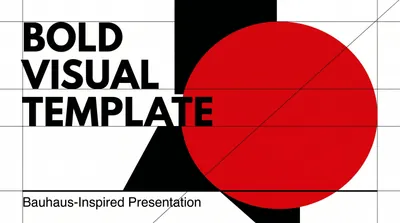
Bold Visual Brochure
Magazine-grade covers
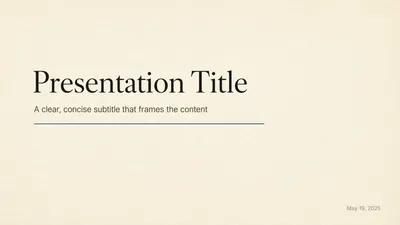
Kami Design
Paper-cut editorial
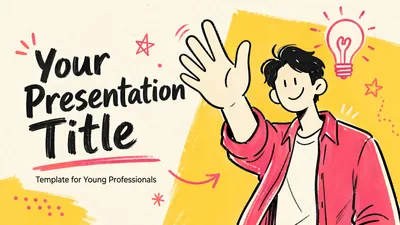
Vibrant Hand-drawn
Young professional
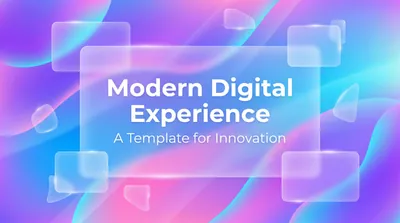
Modern Digital
Clean product
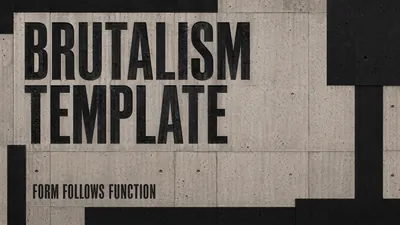
Brutalism
Raw & architectural
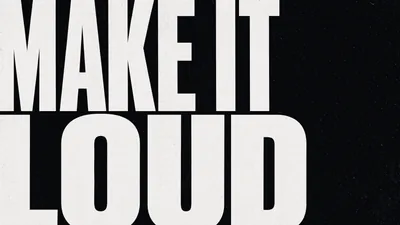
Neu-Brutalism Manifesto
Statement slides
Where the craft shows
Four quiet details that separate a first-pass deck from a draft you still have to clean up.

Text, faces, layouts — this model nails all three
Text, portraits, product assets, layouts — GPT Image 2 nails the three hardest things in slides on the first pass, with 99% typography and pore-level detail.

One link, one article, one podcast — one full deck
Drop in a YouTube link, podcast, article, or PDF. YouMind distills the key points and renders the whole deck in parallel — grounded in your real sources.

Beyond slides: one-click video in your own cloned voice
Smart Video turns the deck into a finished video — AI narration, captions, BGM, transitions — plus voice cloning so it actually sounds like you.

Consistent style, cover to close
Every slide is generated in parallel and locks in one style in a single pass. Palette, typography, visual rhythm — consistent cover to close.
Three steps, idea to slide
The professional way to iterate on visual stories.
Input your brief
Paste links or text and select your visual direction.
Watch it render
GPT Image 2 builds every layer with native consistency.
Export instantly
Download high-res PPTX, PDF, or export to video.
Actual pages from each template
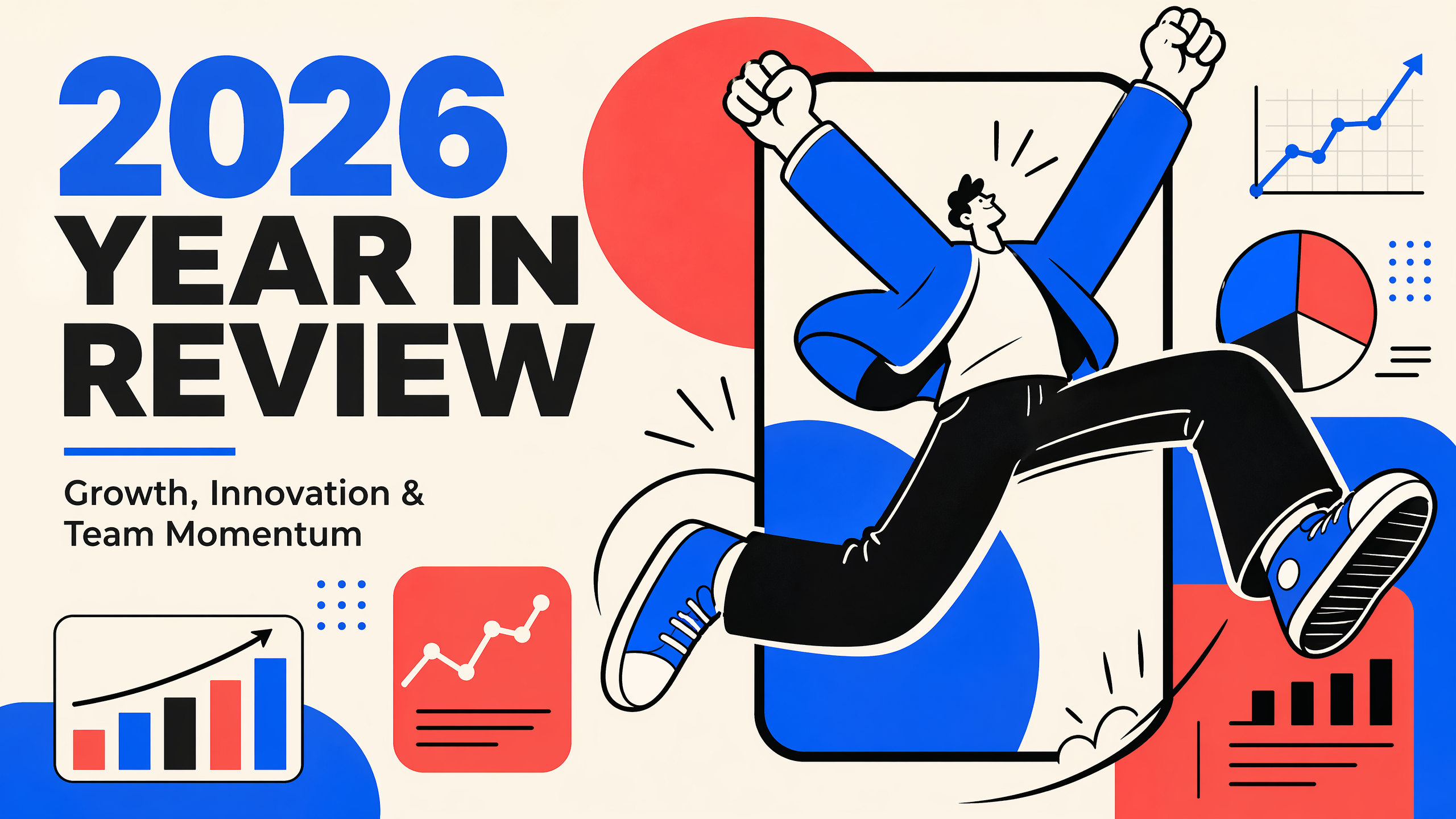
Every template above is a real YouMind Skill — these are the slides it produces. Click any page to open the full-size view.
Why YouMind
Plenty of tools claim 'AI slides'. The friction shows up at delivery — consistency breaks, export is PDF-only, or you need a second tool for narration. This comparison is from using all four ourselves.
| Dimension | YouMind | Gamma | Manus | Beautiful.ai |
|---|---|---|---|---|
| Image models | GPT Image 2 / Nano Banana Pro (one-click switch) | Gamma Imagine (self-built, 2026-03) | Nano Banana Pro (single integration) | Stock-first + light AI gen |
| AI chat editing | ||||
| Paragraph-level text edits | (since 2026-11) | |||
| Generate from docs / URLs / KB | Outline-first, limited | |||
| Batch slide generation | ||||
| Agent auto-selects style | Template-driven | |||
| Narrated video export | Smart Video | TTS + captions only | ||
| Human voice cloning | ||||
| Reusable Skills + Marketplace | Creators earn credits | Has Skills, no marketplace |
Only YouMind ships narrated videos in your own voice and pays creators for reusable Skills — with both GPT Image 2 and Nano Banana Pro one click away.
GPT Image 2 vs Nano Banana Pro
Slides hinge on text, faces, and layout — we default to GPT Image 2 for those. Nano Banana Pro wins when character consistency across many slides or reference-heavy workflows matter more than a one-pass render.
Primary Model
GPT Image 2
Alternative
Nano Banana Pro
Small text / UI labels / iconography strongest in our tests |
Multilingual (CJK / Hindi / Bengali) |
Portrait realism (pore-level, hands, lighting) |
Product / brand assets (logos, materials, packaging) |
Instruction following / detail preservation |
Complex multi-element layouts |
High-res output + aspect ratios up to 3840px, 3:1 → 1:31K / 2K / 4K native |
Dense infographic / editorial layouts slightly ahead |
Pure long-text correctness (paragraphs, posters) |
Strict cross-page character anchoring (multi-reference) up to 14 reference images |
3D spatial reasoning / reflections / lighting physics |
Local edits / inpainting mask-based editingstrong semantic edits |
Best for Daily batch decks · presentation visuals · marketing layouts · UI / product demos · multilingual campaign assets · portrait covers · brand / editorial visuals Strict character consistency · multi-reference character anchoring · serial narratives · semantic local edits · reference-heavy image workflows |
Default to GPT Image 2 for most decks. Switch to Nano Banana Pro when you need strict character consistency across many slides, serial narratives, or reference-heavy edits.
FAQ
- Default to GPT Image 2 — it leads on text accuracy, portrait realism, instruction following, and complex layouts, covering the vast majority of slide use cases. Flip to Nano Banana Pro in two cases: (a) the deck has a recurring character / person / brand IP that must stay strictly consistent across pages (NBP anchors with up to 14 reference images); (b) you need local edits / inpainting on an existing image. YouMind's Agent also flags these cases and suggests the switch.