Last week, we introduced Gemini Omni—our newest model designed to create anything from any input, starting with video.
You can experience the speed and creativity of Gemini Omni Flash today across @geminiapp, @FlowbyGoogle , @GoogleFlowMusic, and on @YouTube Shorts and Create.
To help you push the boundaries of what’s possible, here are five tips to get the most out of Gemini Omni’s advanced video generation capabilities.
1. Leverage Real-World Knowledge
You don’t need to over-explain the world to Gemini Omni. It’s built with Gemini’s deep understanding of history, science, and culture, so it can reliably create outputs that look, feel, and move realistically. Skip the granular descriptions. Use cultural touchstones, historical eras, or scientific terms directly in your prompt.
Example Prompts:
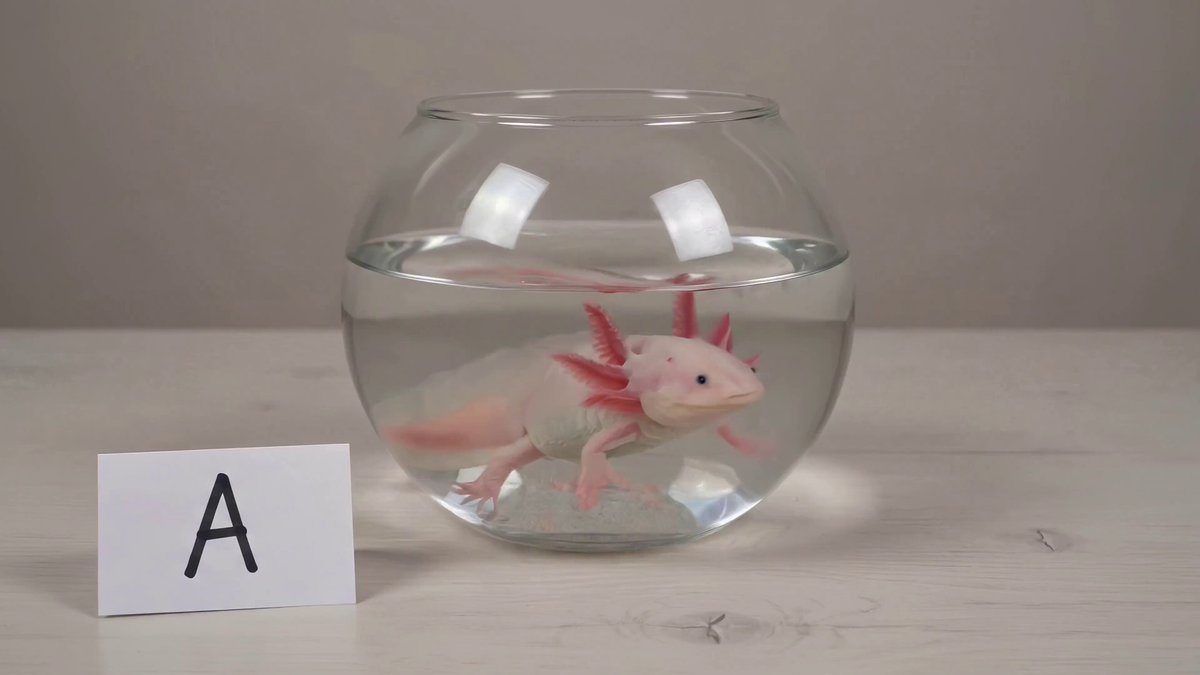
- [The video shows items of the alphabet. An unusual item starting with each letter is shown sitting on a table (like a Capybara for C, disco globe for D and Lava Lamp for L). All 26 letters must be represented by 26 items with matching lower thirds displaying the letter. Only one item and lower third at a time. Each lower third must look like a black marker written on a slip of paper in the bottom left. Rapid fire, roughly 9 frames per item at 24FPS. Last frame is a slip of paper "THE END." The whole video is accompanied by calm smooth music]
- [Astronaut's POV on Mars]
- [A marble rolling fast on a chain reaction style track, continuous smooth shot]
2. Take Control of Text Rendering
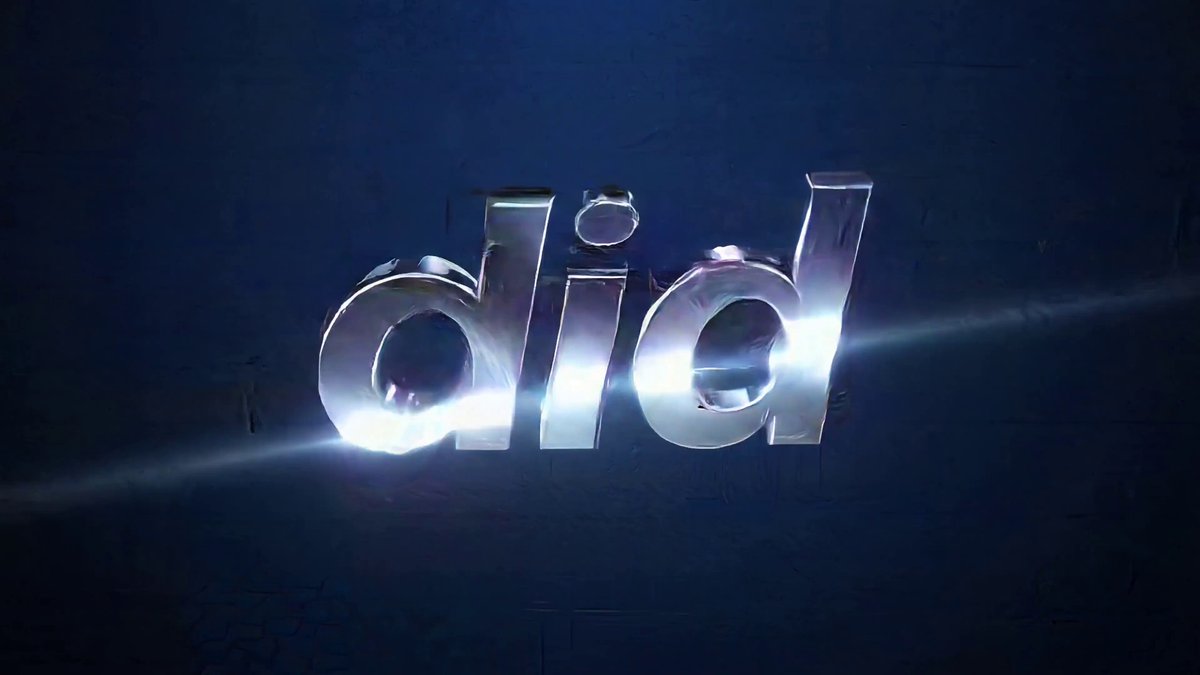
Gemini Omni not only has advanced text rendering capabilities, it even allows you seamlessly integrate text into your visuals. You can specify typography, spatial placement, animation styles, and complex visual effects like double exposures all perfectly synced to the action in your video.
Example Prompts:
- [word by word, one word on the screen at a time: did, you, know, that, this, model, can, do, pretty, good, text!? Each word appears with a different animated style, perfect pacing to a rhythm, sizzle reel]
- [Overlay motion-tracked, minimalist text commentary onto the physical environment of the video. This text represents [the subject] deadpan, immediate inner monologue that’s observant, slightly absurd, and life-contemplating. Think “intrusive thoughts.” Clean, white, lowercase sans-serif text (like Helvetica or Inter). The text hovers in 3D space, connected to the subjects being commented on via ultra-thin, crisp, white leader lines]
3. Direct Your Camera Like a Pro
Think like a cinematographer. Gemini Omni responds incredibly well to precise videography directions, camera types, and framing instructions. Try integrating these terms into your next prompt:
Example prompts:
- Shots & Angles: "One continuous shot", "oner", "static", "locked off", or "fixed angle."
- Camera Movements: "Push in", "punch in", "pan left", or "dolly zoom."
- Camera Styles: "Natural smartphone zoom", "vintage film camera", or "grainy webcam style."
4. Edit Iteratively (and keep what works)
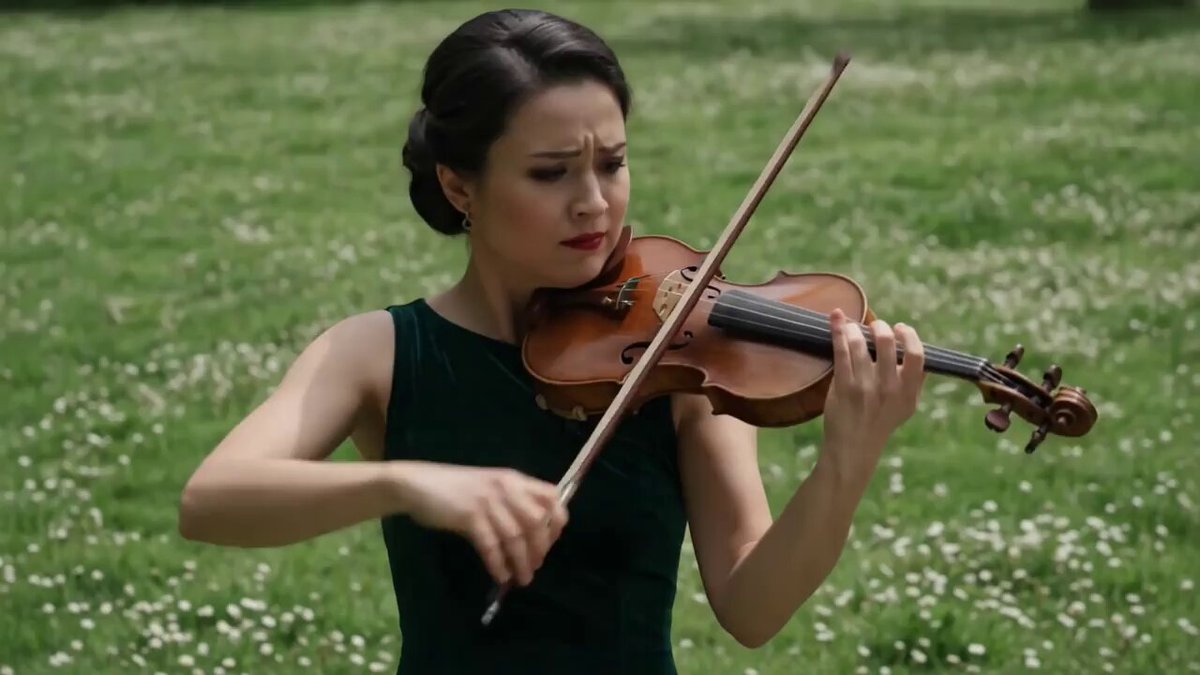
Every great video is made in the edit. With Gemini Omni, you don't need to rewrite your entire prompt from scratch to fix a single mistake. Ask for specific, targeted updates, like changing a background or swapping a caption. Omni will preserve the core structure of your video across multiple amends, letting you focus only on what needs tweaking.
Example prompts:
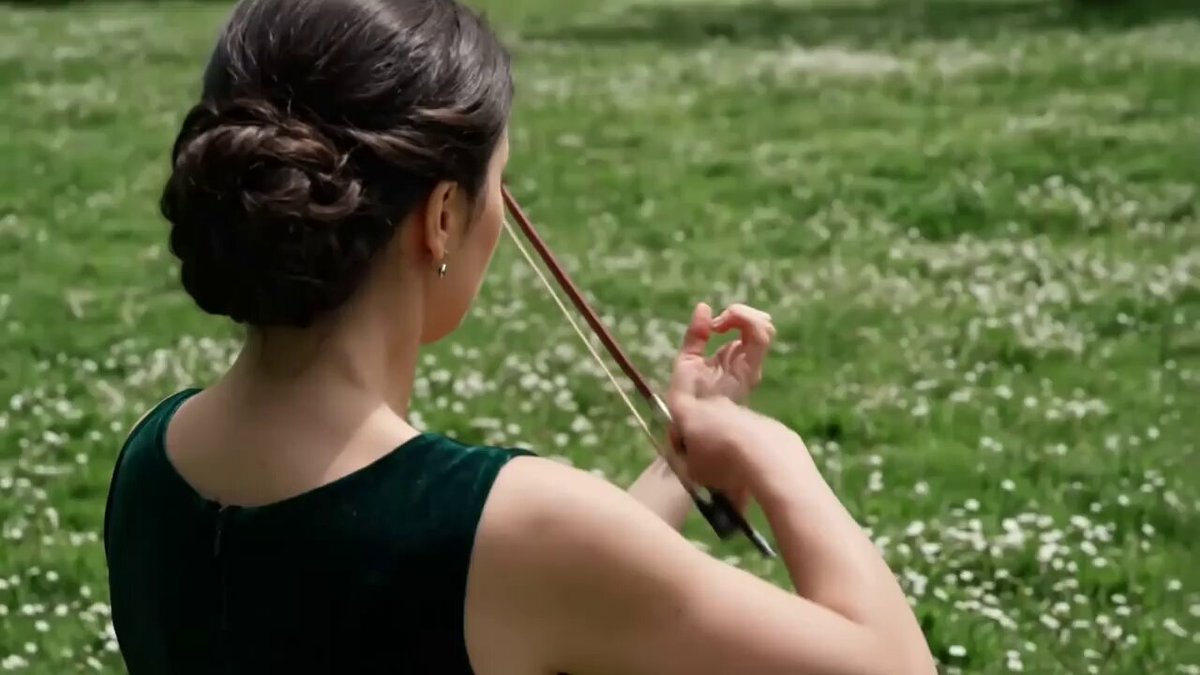
- [Transport the violin to a new environment]
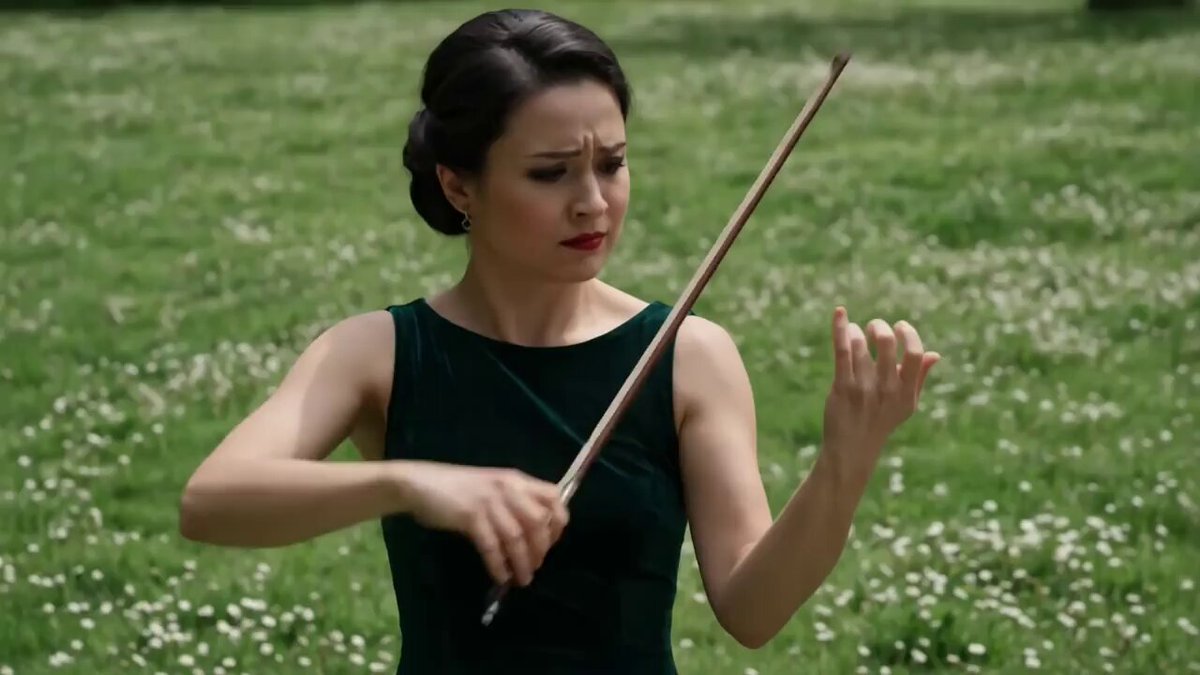
- [Make the violin invisible]
- [Change the camera angle so it’s looking over the violinist’s shoulder]
5. Change the Action on the Fly
Want to alter a character's pacing or emotion mid-scene? You can directly prompt Gemini Omni to modify how a subject moves or interacts with their environment without breaking the continuity of the character model.
Example prompts:
- [Make the character walk on their tiptoes]
- [Speed up the pacing]
- [Have them leap into the air]
Start Creating
The director’s chair is yours. Try out these prompting techniques with Gemini Omni Flash, and tag @GoogleAI to show us what you create!


