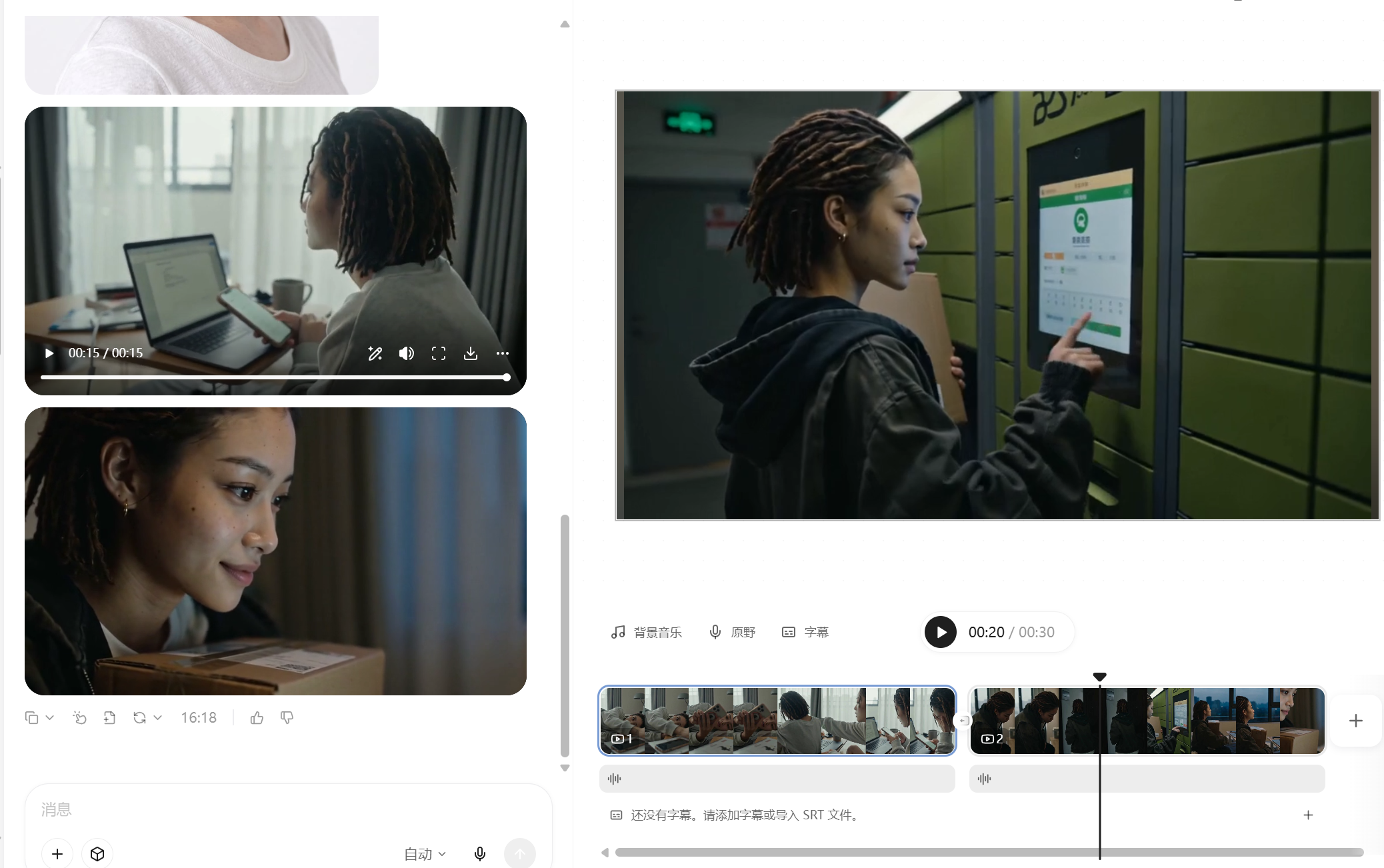
Credit-Saving AI Vlog Maker
Create coherent AI character Vlogs
Credit-Saving AI Vlog Maker
Create coherent AI character Vlogs
Showcase
Description
The monetization potential is clear—but still struggling with AI character videos? This Skill isn't a made-up template. It reverse-engineers the production patterns behind dozens of tested, high-performing Seedance videos, including retro DV diaries, sports event documentaries, action effects, exotic lifestyle journeys, and workplace burnout days. Just provide a character profile and a topic, and everything else is handled automatically: ✅ Character anchor image and a complete set of storyboard prompts in one go, keeping the character consistent throughout ✅ Covers all 19 YouMind image and video models and automatically recommends which one to use ✅ Includes an AI visual-error blacklist to tackle face swaps, extra fingers, sliding steps, and invisible teleportation ✅ Works across any genre—daily life, fitness, fantasy journeys, action, retro nostalgia, and more—with one logic that applies across the board ✅ Writes the title hook for your publishing caption at the same time No prompt engineering required—if you can type, you can use it.
Recommended by
Dancang
Why we love this skill
Locks identity across shots with anchor images and continuity prompts, addressing face drift, visual artifacts, and distorted motion while producing complete plans for generation and publishing.
Best for
Creators who want to quickly make coherent character Vlogs, short-video storyboards, and publishing copy.
How to use this Skill
Provide your input
Provide a character profile and video topic. You can also add duration, visual style, clothing, music, setting details, or an emotional direction.
Run the Skill
The Skill organizes the character profile, visual direction, continuous storyboard, and generation prompts, then adds a suitable title hook for publishing.
Review your result
Get prompts, a storyboard script, and publishing title copy for AI video creation, helping keep the character and narrative consistent.
Related Skills
View all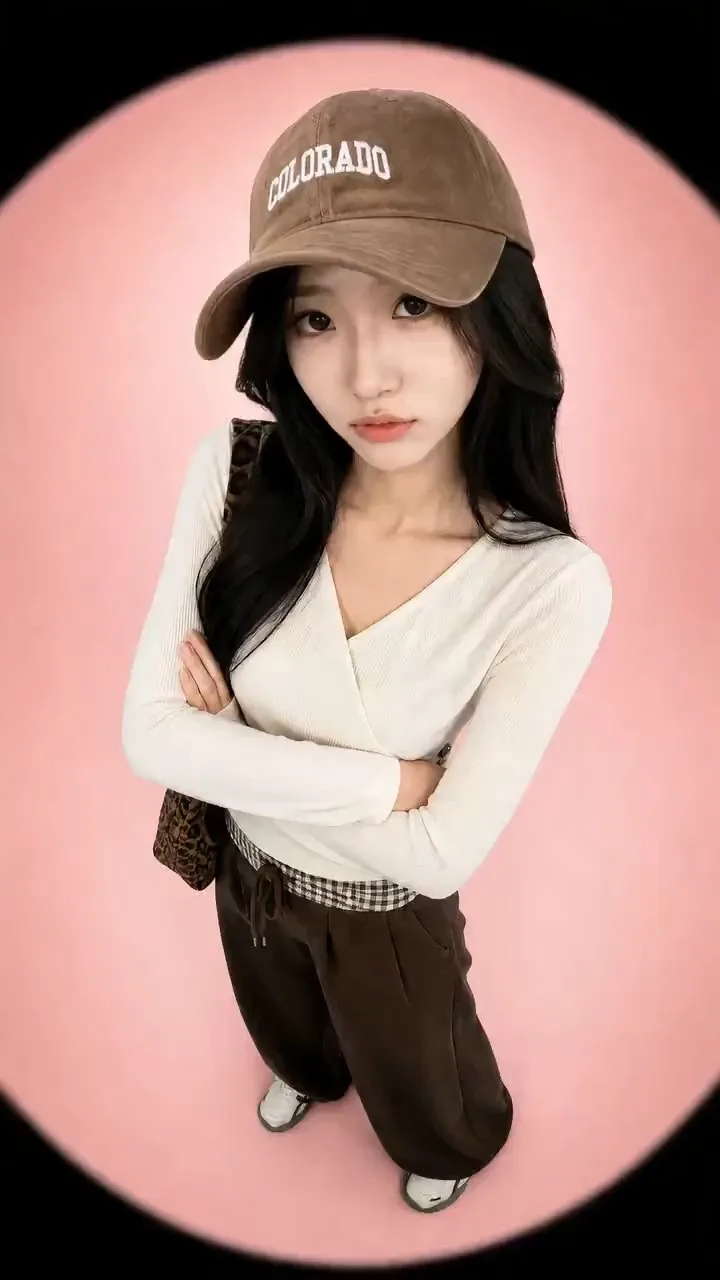 Video
VideoVirtual Try-On Video Generator
[Target Audience]: Apparel store owners, fashion bloggers, shopping short video creators, brand new arrivals, and transformation content for platforms like Xiaohongshu and Douyin. [Features]: Consistent face and accurate clothing colors: each outfit is independently generated using "character + that outfit" 6 mature styles, plus support for custom scenes Automatically matches YouMind's image and video models, defaulting to the most stable combination Generates images first, waits for your confirmation, then generates videos to save video credits [Styles or Scenes]: 1. Fisheye Glare: circular fisheye + flare jump cuts, trendy, fast, eye-catching 2. Magazine Editorial: neutral grey background + slow push-in + cross dissolve, high texture 3. Street Snap Camera: street walking + whip pan outfit change, authentic lifestyle feel 4. Retro Film: grain + date stamp + film burn edges, nostalgic and artistic 5. Beat Sync Transformation: fixed camera + snap/spin instant outfit change, great with music 6. Selfie Vlog: front phone camera perspective + hand-covering-lens outfit change, great for product recommendations · Defaults to style 1 if unselected; you can also write "I want something like a Japanese magazine style" or "in a coffee shop", etc. [One-Sentence Summary]: You just need to upload a portrait photo (or skip it, and a matching model will be automatically generated) and 3 to 6 clothing images, then choose a style: Fisheye Glare, Magazine Editorial, Street Snap Camera, Retro Film, Beat Sync Transformation, or Selfie Vlog, or directly describe your desired scene. It first profiles each piece of clothing, locks in the same character, and then sequentially generates final look images, storyboard keyframes, and video clips, finally providing an editing and transition list accurate to the second. Every step can be confirmed and redone individually without starting over from scratch.
 Video
VideoShort Video Creator
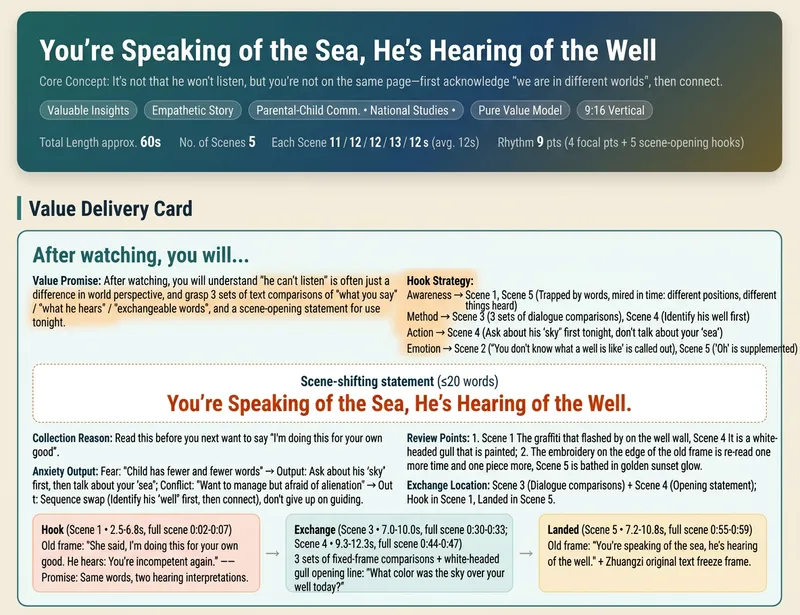
Turn a vague short video idea into a complete content plan ready for generation, editing, and publishing. Whether it is drama shorts, philosophical fables, cute pets, knowledge explainers, food reviews, travel scenery, product showcases, or emotional mood videos, simply describe the theme, characters, or effects in natural language to get genre-appropriate creative directions, story structures, visual styles, and audience value designs. The skill builds value cards around "what viewers take away," balancing save-worthy points, replay value, emotional resonance, and original recognition to avoid generic templates and homogeneous content, while preparing vertical short video assets for Seedance 2.0, Doubao, or Jimeng. Finally, it provides storyboard scripts, Chinese video generation prompts, and protagonist reference image prompts to help you generate scenes segment by segment and assemble them with background music and captions in editing software. It also generates titles, descriptions, tags, and publishing copy for Douyin, Xiaohongshu, and Video Channel, covering necessary disclosures for AI generation, fictional performances, and commercial content. Supporting creative directions like pure content, brand sponsorships, and in-app product tags, it emphasizes native platform alignment and compliant expression without external traffic redirection or exaggerated clickbait endings. All three deliverables are single-file HTMLs that can be opened and copied directly in the browser, suitable for completing short video production and publishing preparation all the way from creative planning.
 Video
VideoAI Hand-Dressed Video Maker
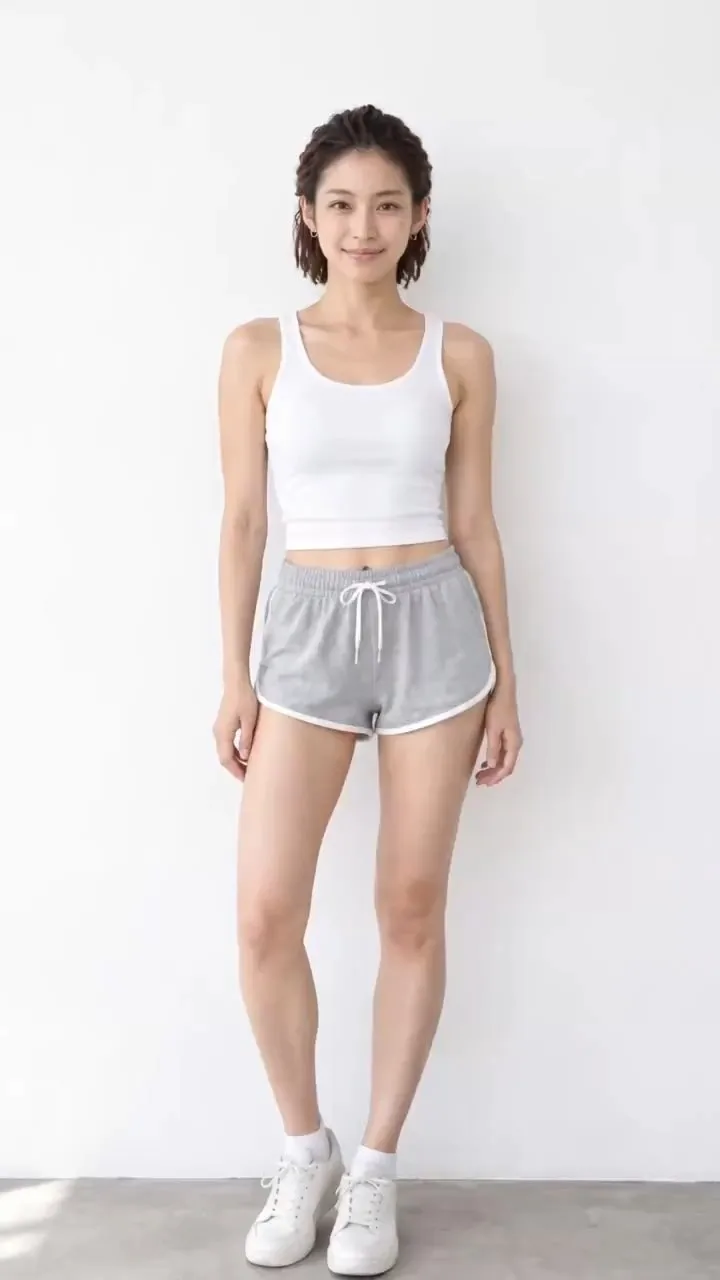
【Who it's for】 1. Fashion e-commerce sellers, Taobao and Douyin shop owners, and cross-border DTC sellers: quickly create showcase videos for an outfit without hiring models or filming. 2. Outfit bloggers and OOTD accounts: make series such as “A Week of Work Outfits” and “Outfit Ideas for Different Settings” in batches for consistent daily posting. 3. Affiliate creators and livestream teams: create traffic-driving Shorts with storefront and product links. 4. MCNs and content studios: replicate the same workflow across multiple accounts, changing only the clothing and style. 5. Fashion designers, wholesale sellers, and buyers: quickly create launch previews and product-testing assets from new-arrival images. 6. AI video creators: build accounts in the “AI outfit change” niche and break down or recreate this type of content. 【How to monetize】 Fashion affiliate sales: add the video to a storefront, shopping cart, or product link to earn commissions or sell your own products. Brand deals after growing an account: outfit accounts can pursue brand collaborations, sponsored campaigns, and product exchanges. Done-for-you services: create launch videos in batches for small and midsize fashion sellers, charging per video or per month. Find clients on Xianyu and Xiaohongshu. Sell assets and templates: package finished videos by style and sell them as asset packs or prompt packs. Cross-border sales: finished videos require no spoken language, so they can also be posted on overseas platforms and used with international DTC stores and affiliate marketing. 【Product description】 In one sentence: upload one person photo and several clothing images to automatically generate a vertical outfit-change video in which real hands help the model put on each garment step by step. If no person photo is provided, a matching model is generated automatically. If no clothing images are provided, outfits are matched automatically by style. 【How it differs from standard outfit-change videos】 Each garment has a complete four-beat dressing sequence: shown as it enters the frame, being put on, fully in place, and adjusted at the end. You can see hands holding the cuffs and guiding the garment onto the model instead of seeing an instant change. Storyboard images with a “half-dressed state” are generated first to lock in each step, then the video is generated in segments. The face stays consistent, and clothing colors do not bleed between garments. Starting outfit options: basic homewear by default, or the original outfit from the person photo. Built-in platform compliance rules: clothing stays complete throughout, with no undressing. Hands touch clothing only, not skin. Videos can be posted to Douyin, Xiaohongshu, WeChat Channels, and YouTube Shorts.
Information
- Version
- v5
- Last updated
- Runtime credits
- Usage-based
- Models
- Auto
- Use cases
- Images & designVideo & audioMarketing & growth
- What you get
- Social postScriptPrompt
