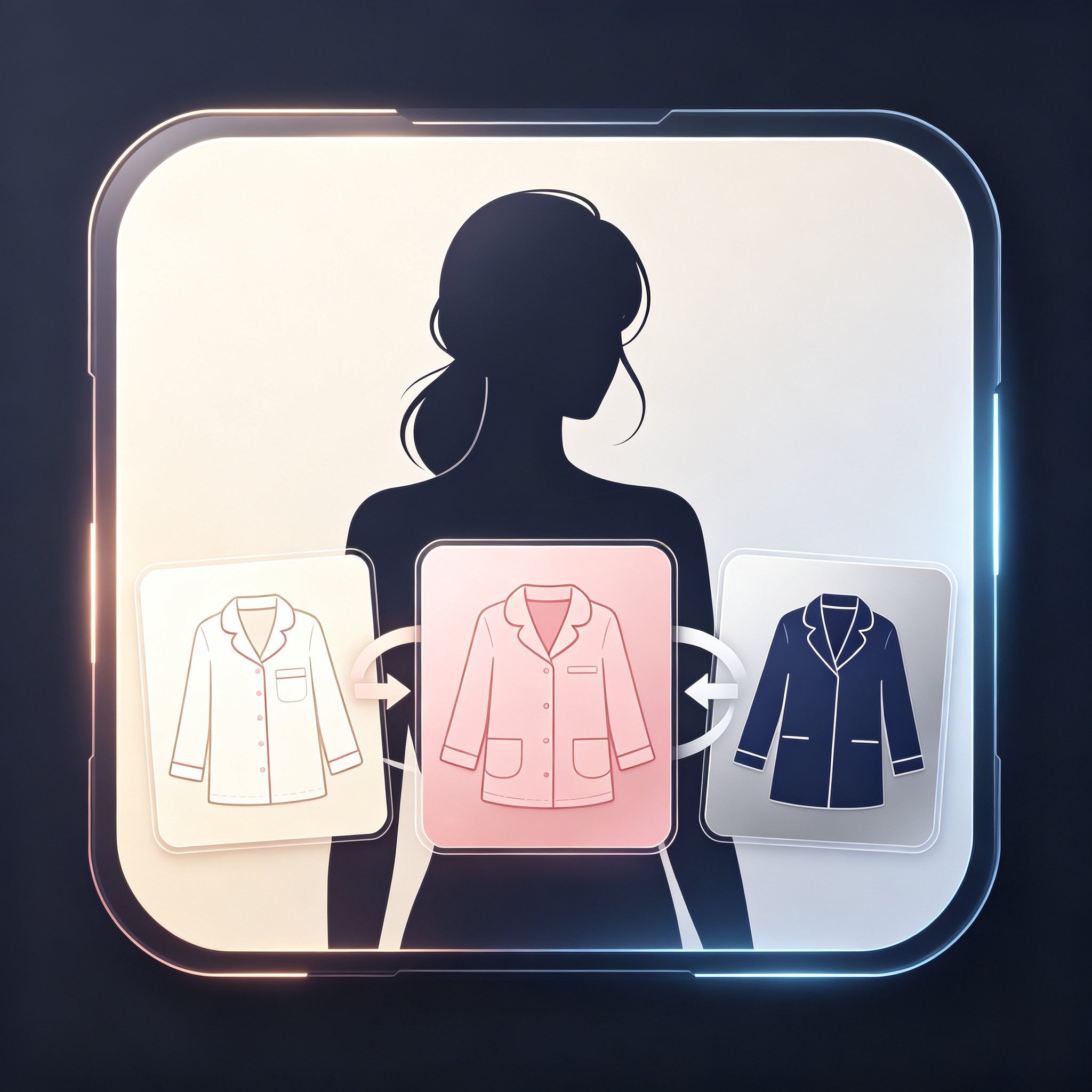
AI E-Commerce Model Outfit Switch
Lock model appearance to batch-swap apparel for e-commerce listings
AI E-Commerce Model Outfit Switch
Lock model appearance to batch-swap apparel for e-commerce listings
Showcase
Description
A practical skill for apparel e-commerce categories that generates a model asset package and garment style images with one click. It keeps the model's facial features and body shape unchanged to batch-swap multiple outfits. It outputs white-background product model images and can also generate various atmospheric e-commerce main images, saving real-model shooting costs and fitting e-commerce apparel visual needs.
Best for
Best for apparel e-commerce sellers, product operators, and visual designers who need to batch-produce model product images and e-commerce main images.
How to use this Skill
Provide your input
Upload the model asset package or reference image, along with white-background style images for multiple garments. You can also provide a scene reference image if you need to generate contextual main images.
Run the Skill
Select batch outfit changing or e-commerce main image generation. The system keeps the model's appearance consistent while changing the outfits based on your assets, generating the corresponding visual materials.
Review your result
Get full-body product images of models on a white background and optional lifestyle e-commerce main images, suitable for apparel product display. Please check small prints or embroidery details before listing.
Related Skills
View all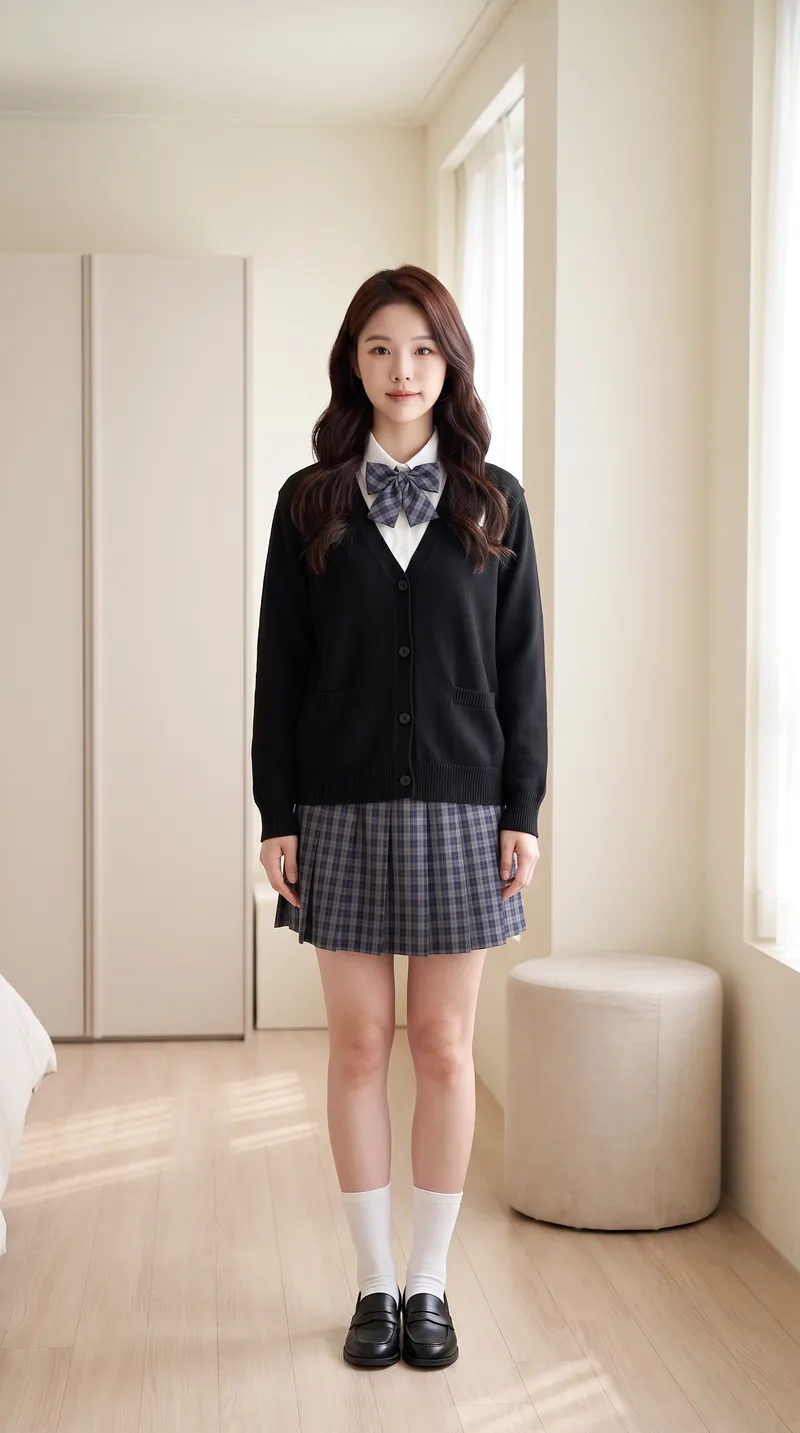
AI Try-On Video Generator
Transform a portrait and clothing images into a first-person interactive vertical short video for virtual try-on. [Input] * Portrait photo (optional): maintains face and person consistency if provided; otherwise automatically generates a matching protagonist based on style * 1-4 clothing images: tops, bottoms, shoes, bags, or accessories, with the upload order matching the dressing sequence * Optional parameters: style, scene, interactive effects, duration, and video count [Output] 9:16 vertical virtual try-on short video. The character remains consistent throughout, the scene is unchanged, clothing strictly matches the uploaded images and is put on one by one by "first-person hands," concluding with a full look freeze-frame. [Core Differences] * Two workflows: storyboard generation followed by video synthesis (controllable, precise clothing order) or direct one-step video generation (fast, suitable for batch production with few garments) * Full automation: automatically generates a matching protagonist without a portrait photo for zero threshold entry * Consistency locking: stable face, hairstyle, scene, and clothing style without drifting across the video * Default compliance: built-in clothing whitelist and negative words with initial styling forced to modest base layers, preventing prohibited content such as underwear, swimwear, stockings, or translucent items for immediate publishing [Who Is It For] * Fashion bloggers and content creators: try three outfits in one video and test styling without wearing them physically * E-commerce and apparel merchants: turn new arrivals into dynamic videos instantly, eliminating model and studio costs for content creation * Xiaohongshu/Douyin/TikTok operators: batch-produce hook videos featuring auto-dressing characters with completion rates higher than static outfit posts * Fashion styling educators, stylists, and buyers: quickly demonstrate multiple outfit options to clients * Independent designers and white-label sellers: create model showcase videos without physical photo shoots [Monetization Opportunities] * E-commerce sales: drive traffic with product links in videos and close sales directly using before-and-after try-on comparisons * Brand commercial deals: batch-produce promotional content for clothing brands with one style per video at a fraction of live-action shoot costs * Account growth: build series columns around try-on videos to grow accounts and monetize through traffic rewards and brand sponsorships * Asset resale: sell generic try-on template packs to peers or use them as training cases for coaching tutorials * Cost reduction for personal use: build an in-house product video asset library, saving time and money on repeated shoots [Applicable Scenarios] Outfit channel content production, e-commerce new arrival showcases, AI short video matrix marketing, outfit styling demos, social media grid posts, and client pitch samples.
 Image
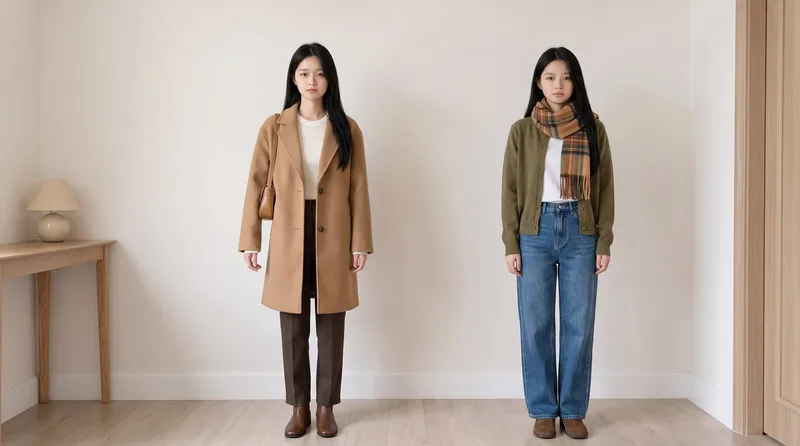
Same Model, New Outfits
AI virtual fitting room: Upload a person photo (+ clothing photo) to generate e-commerce-ready outfit swaps with the same face kept consistent across images and clothing reproduced faithfully. Supports: outfit swaps (one person, one scene, multiple outfits), scene swaps (one person, one outfit, multiple scenes), and full-season batches (a complete set of product detail images in one go); it also supports pet outfit swaps and pure white e-commerce backgrounds. Trigger when users say “change the outfit,” “try on clothes,” “help me change the clothes and generate an image,” “clothing product detail images,” “model photos,” “lookbook,” “styling images,” “wholesale market product images,” “on-model images,” “dress the pet,” or “change the scene while keeping the clothes unchanged.” Core rules: three locks (identity/clothing/scene), change only one thing per image, lock clothing down to the buttons, and keep colors neutral without color casts. The default canvas matches the uploaded image, and the aspect ratio can also be customized.
 Image
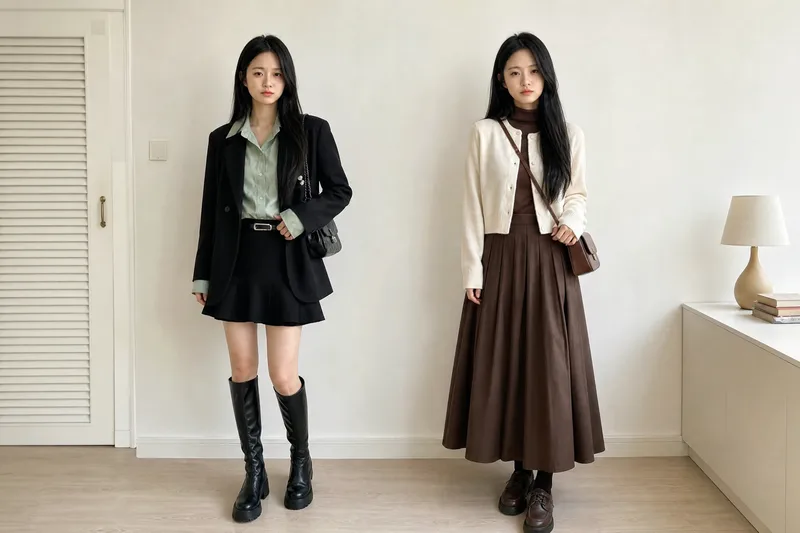
Virtual Outfit Try-On
Uses the user-uploaded person photo as the sole source for the person, generating photorealistic images of that person wearing multiple different outfits. It strictly preserves real identity features—no face swapping or facial feature changes. The GPT image model is used by default, and the number of outfits is confirmed with the user before generation. Best for: fashion e-commerce owners, brick-and-mortar clothing store owners, and fashion influencers who sell through livestreams
Information
- Version
- v2
- Last updated
- Runtime credits
- Usage-based
- Models
- Auto
- Use cases
- Images & designMarketing & growthE-commerce & sales
- What you get
- Image
- Visual styles
- Photorealistic
