Official Account Cover
Create a 21:9 cover from any article
Official Account Cover
Create a 21:9 cover from any article
Showcase
Description
Provide an article and get a 21:9 horizontal "article cover image." It automatically analyzes the article’s theme, structure, and key elements, identifies the article type, and selects the most suitable visual framework, such as a timeline scroll, central visual with surrounding elements, side-by-side comparison, or process strip. It then arranges the elements into a cohesive composition and uses GPT Image 2 to generate a high-quality image. Ideal for creating article illustrations, covers, or visual scrolls that guide readers through the content.
Recommended by
Dancang
Why we love this skill
Transforms an article’s topic and structure into a narrative-driven 21:9 Official Account cover with an adaptive visual composition.
Best for
Content creators who need to turn articles into covers, illustrations, or visual scrolls for introductions.
How to use this Skill
Provide your input
Provide an article, or reference a related file, webpage, or long-form text.
Run the Skill
The system extracts the article’s theme, structure, and key elements, then arranges them into a suitable horizontal composition and generates a cover image.
Review your result
Get a 21:9 horizontal article cover that retains the title and presents the article’s theme and structure.
Related Skills
View all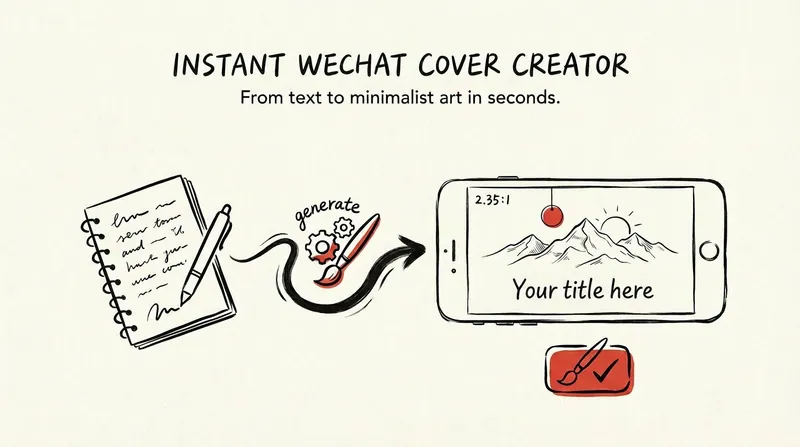
WeChat Cover | Envision Cover
Deeply understand the theme, mood, and imagery of the entire article, conceive two completely different minimalist visual scenes, integrate the article title into the image with striking visual typography, and generate two hand-drawn ink sketch style cover images for the official account for selection. Suitable for long-form article covers such as WeChat Official Account posts, newsletters, etc.
 Image
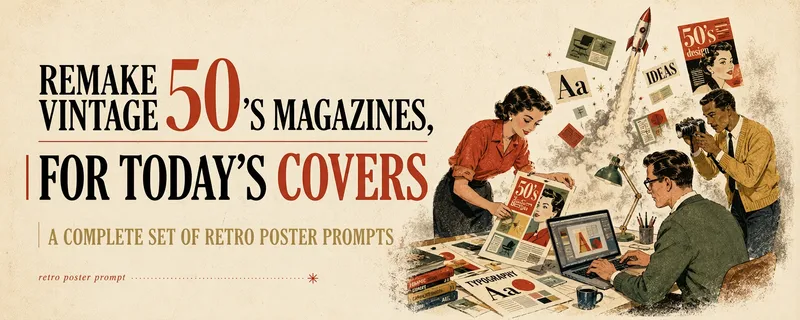
ImageMulti-Platform Cover Design
Turn articles, notes, topics, or long-form text into stylized covers ready for publishing and sharing, balancing title readability, content recognition, and memorable visual metaphors. Supports Xiaohongshu, WeChat Official Accounts, X, and custom aspect ratios. It works for single covers and can also create separate compositions for clearly specified multi-size requirements, avoiding simple cropping or stretching. The skill extracts the title, topic, visual subject, audience, emotion, and contextual background from your content. It then combines these insights with visual styles suited to covers or posters to generate a complete cover prompt ready for AI image generation. Title hierarchy, typography, color, materials, negative space, and the relationship between text and imagery are handled consistently around the selected style, making the result feel more like a designed editorial cover than a generic illustration or templated poster. If you have not provided a publishing platform or visual style, it first asks about the required dimensions and recommends three suitable styles based on your content. Once the details are clear, it continues with generation. You can choose to generate the cover directly or receive only a polished prompt, making it suitable for content creators, editors, and teams that need to adapt covers in batches for social platforms.
 Image
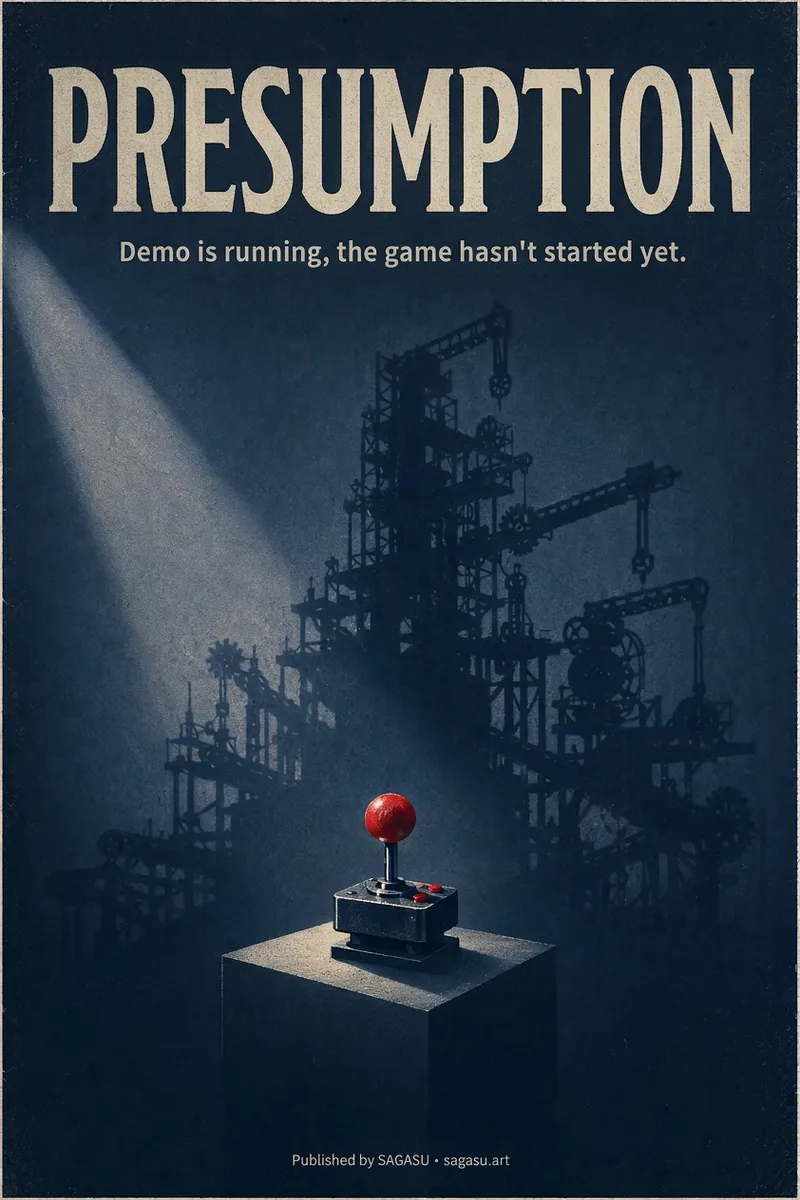
ImageCinematic Cover Studio v2.0
You wrote an article with a strong point, but can only pair it with a randomly chosen image? Cinematic Cover Studio turns your article’s central idea into a cinematic poster-style cover: the image catches attention in the feed at first glance, and viewers understand what it says at second glance—so they stop and click. Just paste in an article link or describe the topic in one or two sentences. It will understand the content, identify the most compelling tension in the article, turn it into a metaphorical scene with a single main subject, then match it with the right design style, composition, and colors to deliver a finished poster. You’ll get: - A ready-to-use cover with the title and subtitle already placed in the design. Chinese articles use Chinese titles with accurate, legible text. - Platform-ready aspect ratios: 2:3 portrait by default for movie posters; 3:4 for Xiaohongshu and Instagram; 9:16 for Stories; and 16:9 for WeChat Official Accounts, Bilibili, YouTube, and blog headers, with space reserved for the title. - Five design styles to choose from or match automatically: minimalist symbolism, illustrative storytelling, surreal metaphor, Eastern atmosphere, and commercial blockbuster. - No need to answer repeated questions: when there’s enough information, it generates the image directly. By default, it creates one image at a time so you don’t waste credits. - When you want to compare options, say “give me a few more versions” to see different directions, such as literal, metaphorical, and minimalist. If it feels too dark or too cool, or you want to change the style or colors, adjust the current image with a single sentence. Ideal for creators writing for WeChat Official Accounts, blogs, newsletters, Xiaohongshu, and X, as well as anyone who needs a key visual for opinion-based content, product introductions, or events.
Information
- Version
- v4
- Last updated
- Runtime credits
- Usage-based
- Models
- GPT Image 2
- Use cases
- Images & design
- What you get
- Image
