
Article to Viral Video
Convert articles to videos with auto voice and MP4
Article to Viral Video
Convert articles to videos with auto voice and MP4
Showcase
Description
Fully simulates a film director workflow. Input articles, lecture notes, or product copy to automatically break down storyboard scripts, generate detailed presentations, and editing scripts, complete with an independent quality inspection module for visual defects. Following a generation-inspection-correction-confirmation-finalization closed loop, it automatically handles TTS voiceover, subtitle timeline alignment, and browser recording, ultimately outputting a viral presentation video with subtitles and voiceover. Ideal for knowledge explainers, teaching courseware, product introductions, and self-media content production.
Best for
Best for content creators, instructors, and marketers turning knowledge, teaching materials, or product copy into presentation videos.
How to use this Skill
Provide your input
Provide an article, lecture notes, speech, product copy, or an existing HTML presentation.
Run the Skill
Organizes the text into storyboards and HTML presentations, then generates voiceover, subtitles, and recorded video after visual confirmation; HTML quality checks can also be performed separately.
Review your result
Receive an HTML presentation, quality check report, and an MP4 presentation video with voiceover and subtitles.
Related Skills
View all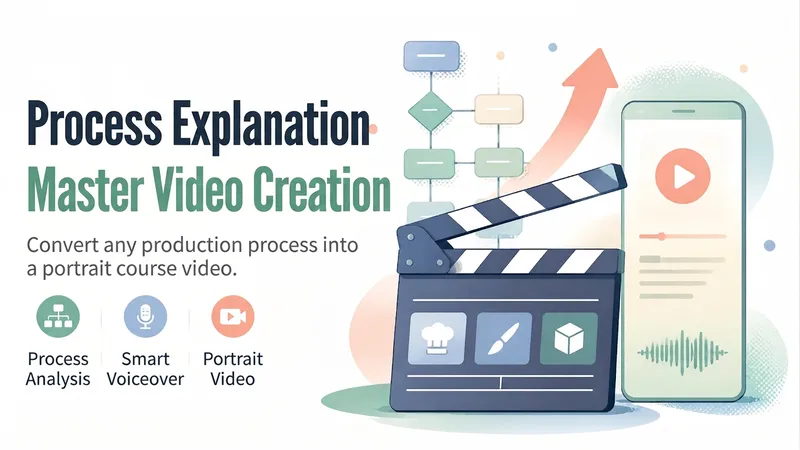
Process Explainer Video Maker
Turn a “making process”—cooking, crafts, painting, software操作, and more—into a 45–90-second vertical explainer course video. The Skill first analyzes the topic and creates a six-part storyboard script, then generates or uses a presenter character, animated visuals and subtitles for each segment, and finally records the voiceover, assembles the timeline, and performs quality checks before delivery. Uploaded user audio is preferred for the voiceover. If no audio is uploaded, the Skill automatically selects a suitable, natural-sounding voice and does not use any personal cloned voice. Suitable for process explainers, workflow training, tutorial shorts, and similar use cases.
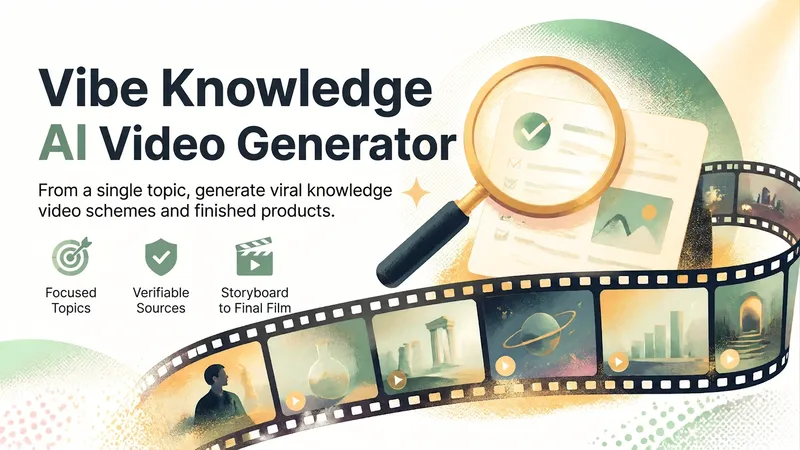
Vibe Knowledge AI Video Creator
Transform a popular science topic into an evidence-backed, cinematic knowledge short video plan, complete with finished video generation when conditions allow. It revolves around a single counter-intuitive story, filtering figures, events, experiments, data, or industry details while verifying years, figures, sources, and cross-evidence. It organizes fact cards, core statements, publishing titles, and explicit content boundaries so every key conclusion is traceable, preventing unverified claims from entering the subtitles. On the creative front, the skill establishes uniform visual parameters, rhythm grids, and audio schemes for the topic, then breaks it down into 6 segments of 2-second executable storyboards featuring three-tier depth-of-field movement, subtitles, transitions, and necessary sound effect placements. By default, it adopts a dark warm gold, off-white subtitle, film grain, golden dust, and soft glow visual direction, while retaining the option for no background music, no narration, and no sound effects. You can also specify duration, aspect ratio, color palette, audio, logo, or sources. Before generation, it outlines the deliverable path and budget, choosing between AI video generation, programmatic rendering, or a complete production plan only based on the environment. Before rendering, it reviews text legibility, composition, exposure, style consistency, and factual accuracy through a keyframe overview, undergoing at least two rounds of review and revision. Ultimately, it provides the finished video, keyframe overview, horizontal cover, vertical cover in a user-specified aspect ratio, and source or project documents for further editing and re-generation.
 Video
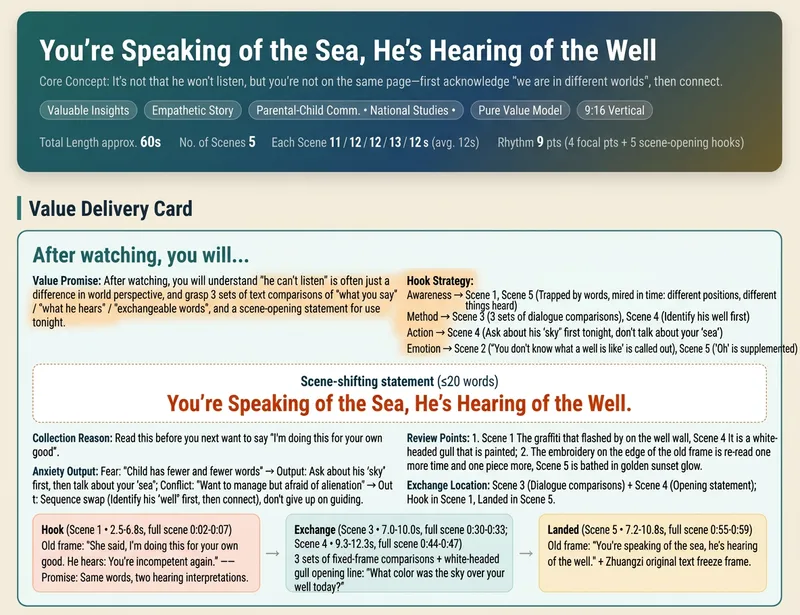
Short Video Creator
Turn a vague short video idea into a complete content plan ready for generation, editing, and publishing. Whether it is drama shorts, philosophical fables, cute pets, knowledge explainers, food reviews, travel scenery, product showcases, or emotional mood videos, simply describe the theme, characters, or effects in natural language to get genre-appropriate creative directions, story structures, visual styles, and audience value designs. The skill builds value cards around "what viewers take away," balancing save-worthy points, replay value, emotional resonance, and original recognition to avoid generic templates and homogeneous content, while preparing vertical short video assets for Seedance 2.0, Doubao, or Jimeng. Finally, it provides storyboard scripts, Chinese video generation prompts, and protagonist reference image prompts to help you generate scenes segment by segment and assemble them with background music and captions in editing software. It also generates titles, descriptions, tags, and publishing copy for Douyin, Xiaohongshu, and Video Channel, covering necessary disclosures for AI generation, fictional performances, and commercial content. Supporting creative directions like pure content, brand sponsorships, and in-app product tags, it emphasizes native platform alignment and compliant expression without external traffic redirection or exaggerated clickbait endings. All three deliverables are single-file HTMLs that can be opened and copied directly in the browser, suitable for completing short video production and publishing preparation all the way from creative planning.
Information
- Version
- v3
- Last updated
- Runtime credits
- Usage-based
- Models
- Auto
- Use cases
- Images & designVideo & audioLearning & education
- What you get
- ReportSlidesVideo
