
Front-view Q-style Cartoon
Create front-view Q-style avatars from photos
Front-view Q-style Cartoon
Create front-view Q-style avatars from photos
Showcase
Description
Upload a personal photo to generate a Q-style cartoon character.
Recommended by
Nico@YouMind
Why we love this skill
With one click, transform your photo into a front-view chibi cartoon that accurately captures your personal features, presenting an adorable and unique new style.
Related Skills
View all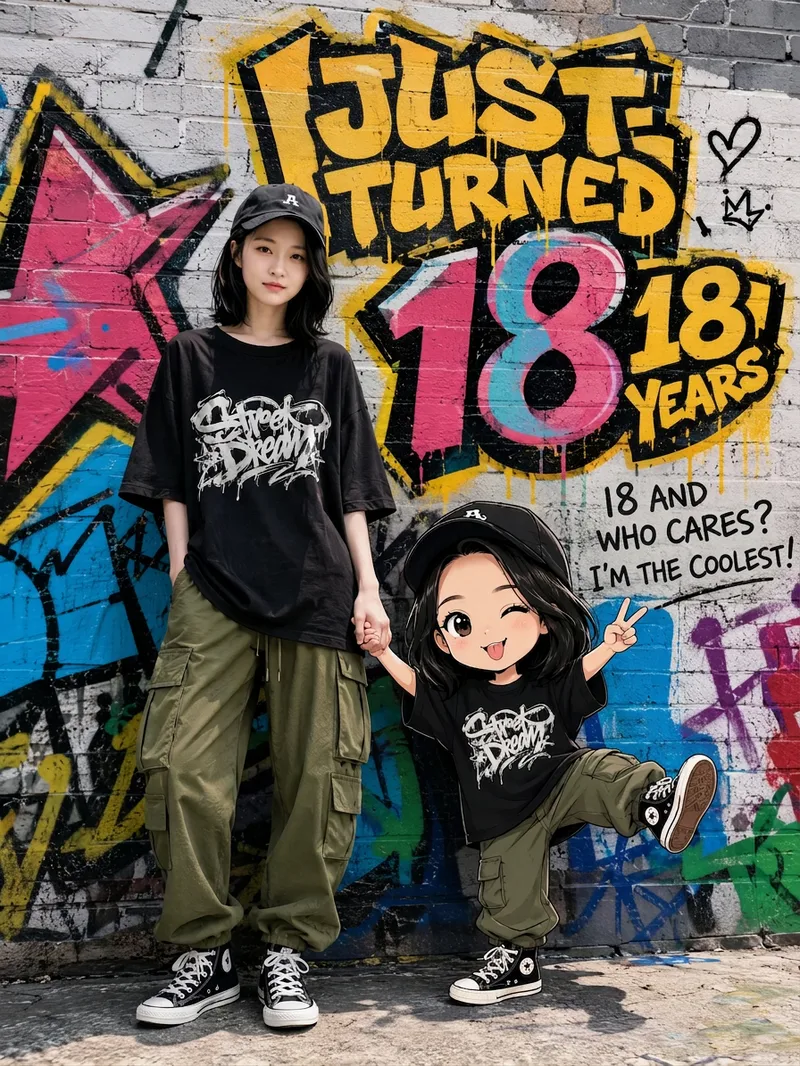 Image
ImageCreate Parent-Child Posters
Upload a photo of a person to automatically recreate their real appearance in a street-graffiti-style portrait poster featuring the person and a Q-version cartoon child. Parent-child roles (father or mother), clothing style, and background wall are automatically adapted, with fresh variations generated each time.
 Image
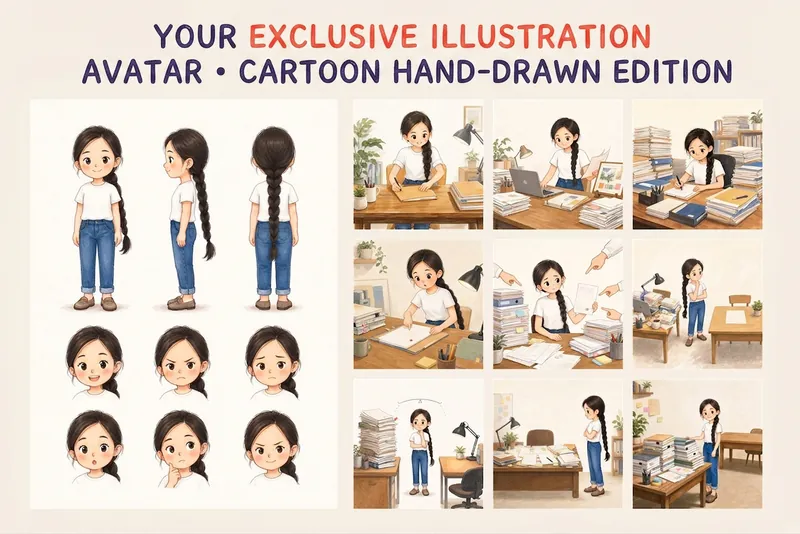
ImageYour Custom Cartoon Avatar
Turn a photo of a person into a custom hand-drawn cartoon character. Choose your favorite from 4 candidates with different poses and expressions, then finalize the design using one of 3 standard reference sets, each featuring three views and 6 commonly used expressions. You can download and save the reference images, or continue using them for article illustrations, Xiaohongshu posts, profile pictures, covers, sticker packs, nine-grid WeChat Moments posts, and custom scenes. Each task is linked to one character; when switching to a different person, we recommend creating a new task to avoid mixing up characters.
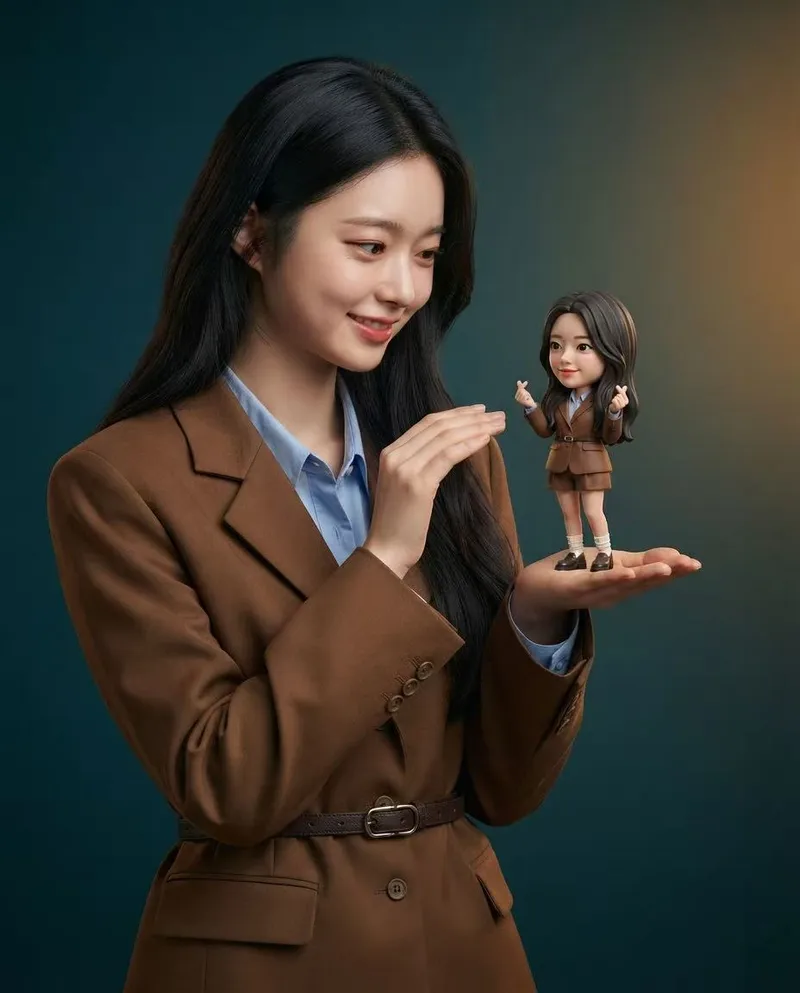
Mini Chibi Alter-Ego Poster
Upload a portrait photo to generate a hyper-realistic, cinematic commercial poster: the person interacts with a mini chibi 3D “alter ego” on their palm, while closely preserving their identity, hairstyle, accessories, and clothing. The skill automatically selects a varied combination from six poses and eight background color schemes, prioritizing contrast between the background and clothing. The result is a single vertical poster, defaulting to a 3:4 aspect ratio.
Information
- Version
- v3
- Last updated
- Runtime credits
- Usage-based
- Models
- GPT Image 2
