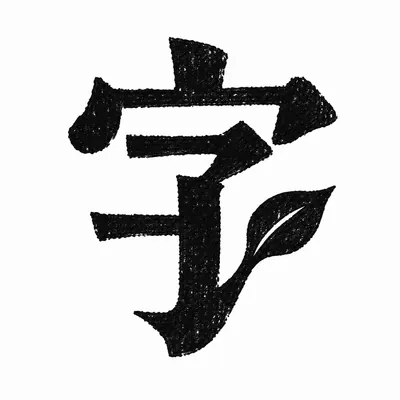
Character Imagery Design
Enter 1-4 characters for graphic art logos
Character Imagery Design
Enter 1-4 characters for graphic art logos
Showcase
Description
Chinese characters are essentially pictures. Having been written for thousands of years, they have become abstract symbols. This skill lets you rediscover the scene behind the characters. — Enter any Chinese characters or short words, and the AI will find the most suitable strokes, using illustrations to let the character grow into its original shape. Black-and-white woodcut style, output as you type. Try other languages for surprises!
Recommended by
Shuting@YouMind
Why we love this skill
Adopting a unique printmaking woodcut aesthetic, through precise local structural deformation, it transforms text semantics into minimalist visual symbols, allowing Chinese characters to maintain readability while exhibiting highly compelling artistic imagery.
Related Skills
View all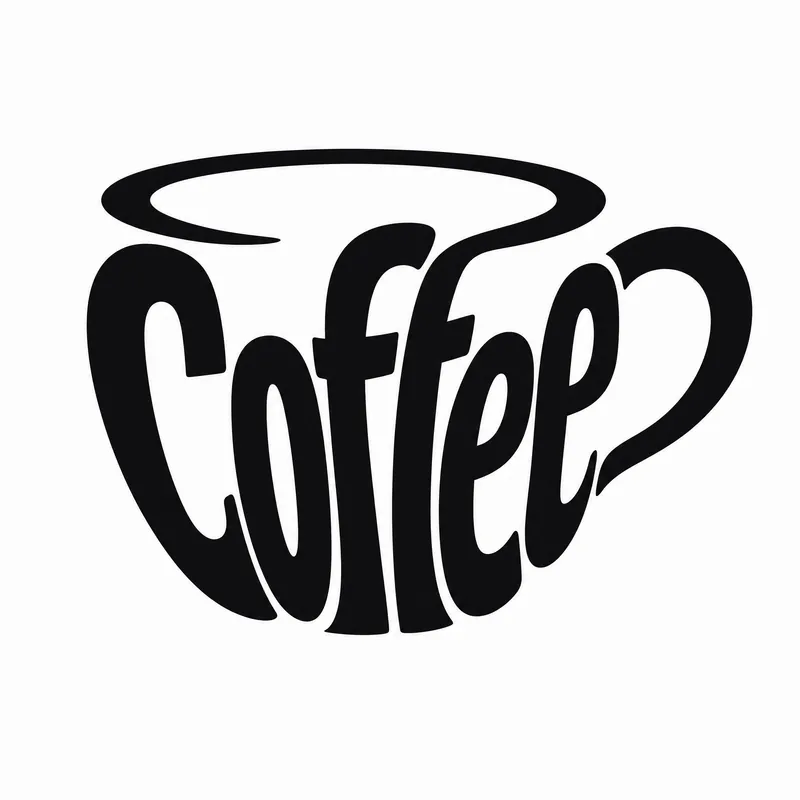
Typography Logo Generator
Want to create a unique visual identity for your brand or text? This typography logo generator cleverly integrates your text into creative graphics, producing minimalist logos that are both artistic and recognizable. Whether you need to transform a company name, product name, or any text into an eye-catching visual symbol, it has you covered. This tool offers three creative shaping methods: you can have the text elegantly fill the outline of a specific object, so the strokes of the characters themselves outline the shape; or have the text cleverly transform into components of a graphic, such as letters becoming wheels or support structures; or even shape an entire block of text directly into a concrete object with scene narrative, creating an illustrative logo with a story. Simply provide the text you want to design, and the skill will intelligently suggest the most suitable object shape and method. Of course, you can also specify exactly what shape you want the text to take or which method to use. In the end, you'll get a ready-to-use design prompt, and based on that prompt, a high-quality logo image will be generated, with a consistent style of pure black graphics, light gray-white background, flat design, ensuring high contrast and vector-level aesthetics. If you're not satisfied with the generated logo, you can always request changes to the object, method, or background, letting your creativity extend infinitely.
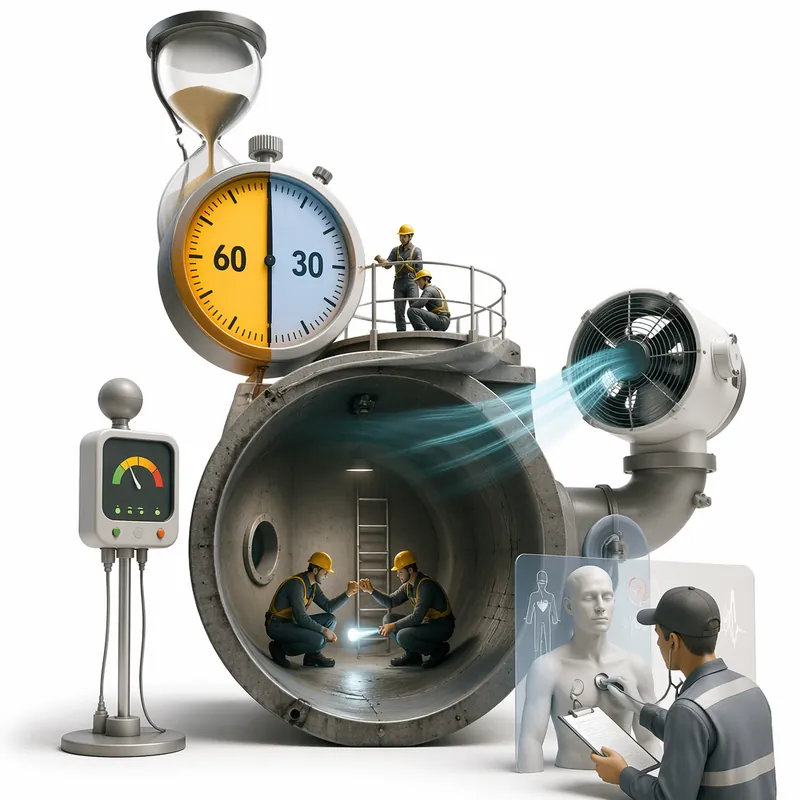
Surreal Image Generation
Have you ever felt this way— Abstract thoughts swirling in your mind, yet unable to find the right visual language to express them? Written a deep, insightful article, only to struggle endlessly for an accompanying image—ordinary photos too literal, illustrations lacking soul? Want to create a 'thoughtful' visual for your brand, only to end up with clichés that everyone else has already used? Stuck in a creative rut, scouring your asset library, only to find every image repeating yesterday's self... We desperately need a visual language that can 'read' the emotions, conflicts, and philosophy behind the text. And now, all it takes is a theme, a piece of text—leave the rest to it. What is it exactly? A smart creative tool that transforms abstract concepts and deep thoughts into surreal, wordless images with a single click. How to use it? Ridiculously simple. Enter any text: a sentence, a short essay, a philosophical proposition, or even a few fleeting keywords. Choose a ratio: 16:9, 4:3, 1:1... you decide. Click generate—and a surreal image full of philosophical depth and visual impact appears instantly. No drawing skills needed, no design experience required. You think, it sees. What makes its visual language stand out? It doesn't rely on realism or flatter prettiness. Instead, it uses the 'grammar' of surrealism to translate your thoughts: Scale paradox — a giant apple floating above a miniature city; Material alienation — books growing bones, clocks flowing into rivers; Spatial misconstruction — staircases leading to the sky, windows opening to another universe; Collage grafting — unrelated elements colliding into striking metaphors. In terms of color, it is restrained to the point of being cold—low-saturation, high-end grays as the main tone, with local high-saturation highlights at key points, creating a dreamlike detachment and silent astonishment. Every frame is clean, exquisite, and balanced, uniformly using a pure white background—extreme simplicity to accentuate extreme absurdity. Where can it be used? Art creation for inspiration — let the subconscious surface as images; Concept covers / album visuals — instantly captivating at first glance; Deep articles / poetry illustrations — image and text resonate, striking the heart; Brand visual extension — create a unique, story-rich visual identity.
 Image
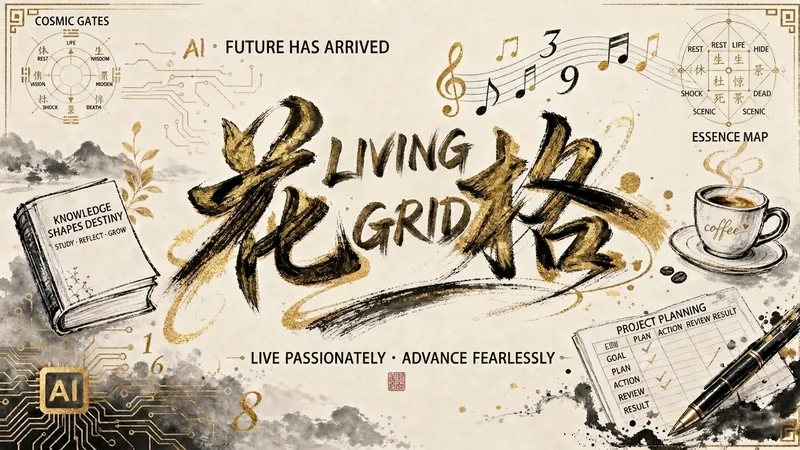
ImageInk Name×Hexagram: Art, Fate
🎨 Your name deserves to be a work of art Your name has been called thousands of times, but never truly "seen." Now, let AI turn your name into a unique ink art painting — blending your hobbies, personality, and temperament — and pair it with a personalized Liuyao (I Ching) analysis card. It's not for signing documents or office work. It's for you — someone worth taking seriously. 🎁 What you'll get: 1 name art image (great as avatar, wallpaper, or social media post) 1 mysterious Liuyao analysis card (a delight for mysticism and aesthetics lovers) 5 color schemes × 4 styles — there's one for you 3 minutes — a unique little gift for yourself. ✨ 👉 Install now: https://youmind.com/skills/personalized-signature-generator-woF0Va3m0Tatif See how beautiful your name can be. 💬 Want to see the result before deciding? Add me on WeChat (gege424153538) and send me the name you want to test. Get a free style preview, or test it yourself. We guarantee two pleasant surprises.
Information
- Version
- v10
- Last updated
- Runtime credits
- Usage-based
- Models
- Auto
