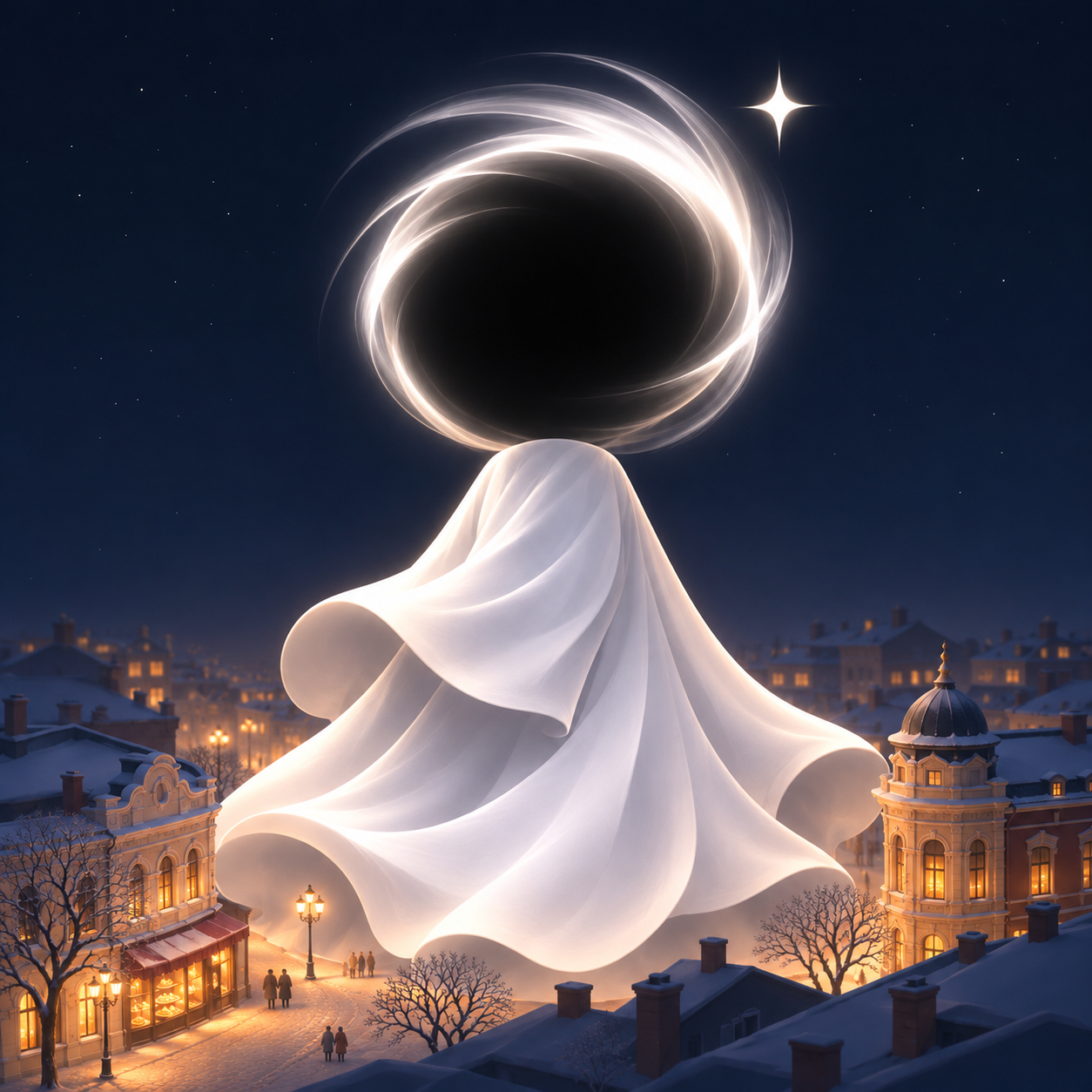
City Aerial Night Poster
S-Series Visual Creation
City Aerial Night Poster
S-Series Visual Creation
Showcase
Description
Transform a city's landmarks, streets, and lights into a vertical cityscape woven with deep blue night tones and warm golden lights. Enter a city name to start, or upload a city photo and specify the landmarks and scene relationships you want to preserve. The artwork features a quiet cinematic feel and a delicate miniature city atmosphere, arranging buildings, roads, pedestrians, and night lighting according to each city, with understated bilingual city name subtitles at the bottom. It generates a default 2:3 vertical piece, perfect for city imagery, travel mementos, and series visual creations. Photo inputs undergo AI reconstruction, preserving key landmarks and spatial relationships as much as possible. Generated results are not equivalent to an exact record of a real city. If strict city name accuracy is required, use authentic fonts for post-processing layout and verification.
Recommended by
Dancang
Why we love this skill
Translates cities into miniature cinematic night posters in deep blue, balancing landmark recognition, spatial relationships, and architectural texture.
Best for
Ideal for users who want to create city imagery, travel mementos, or series of visual works.
How to use this Skill
Provide your input
Enter a city name, or upload a city photo and describe the landmarks or scene relationships you want to keep.
Run the Skill
The system reconstructs city elements into a vertical image with deep blue night views, warm gold lighting, and a cinematic miniature atmosphere, preserving key relationships from reference photos where possible.
Review your result
Receive a default 2:3 vertical city night view poster with subtle bilingual city name subtitles at the bottom. Photo reconstruction results do not equal an exact record of a real city.
Related Skills
View all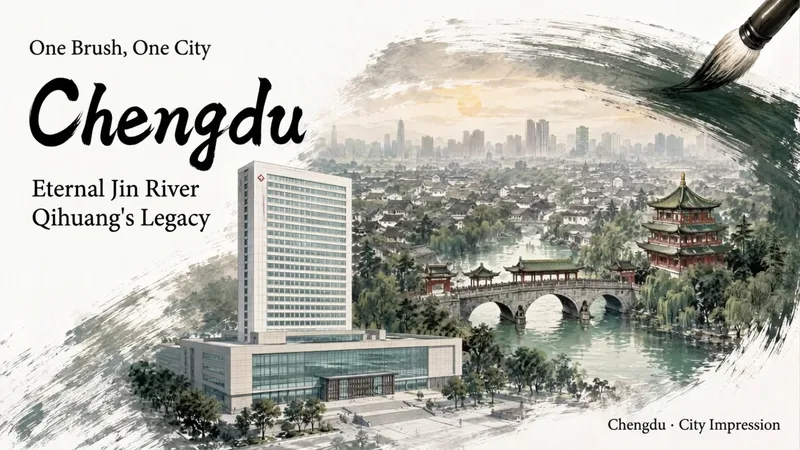 Image
Ink City Poster Generator
Enter a city name to create a miniature city poster with a strong sense of place and polished design, suitable for conference backdrops, city promotions, and event visuals. Traditional Chinese painting brushwork wraps realistic city scenes, organizing landmark buildings, waterways, neighborhoods, and skylines into three layers of depth: foreground landmarks, midground city, and distant outlines. Clear negative space is reserved for titles and brand copy, allowing the city image and text information to blend naturally. Create posters for conferences or city-related events. You can specify landmarks, a main title, subtitle, brand copy, and details such as the meeting name, date, time, and location. Choose a brush effect—ink brush, pen, pencil, or charcoal—and pair it with ink black, stone green, ochre, cobalt blue, cinnabar red, smoke gray, or a custom color. You can also adjust the presentation from expressive to balanced to realistic. Landscape, portrait, and square formats are supported. Meeting fields display only the information actually provided, with no placeholder content added. During generation, the city’s buildings are first checked for their names, locations, forms, and sources. The composition is then planned and the poster is generated. Delivery also includes an architectural reference table and itemized review results, with a focus on landmark attribution, building forms, spatial relationships, Chinese text, brushwork texture, layout spacing, and parameter consistency—helping you create a city visual more suitable for formal presentation.
 Image
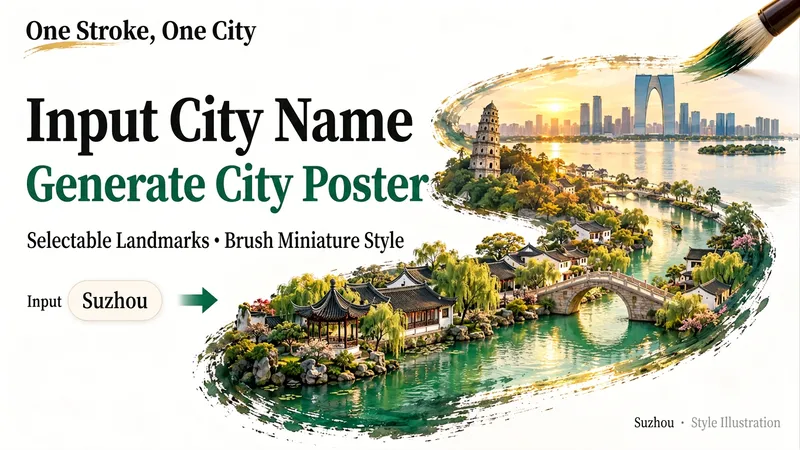
Miniature City Reliefs
Fit an entire city into a single brushstroke. Enter a city name, and let its landmarks, gardens, waterways, or modern architecture unfold along the brush tip to form a detailed miniature relief artwork on a white background with generous negative space. It’s ideal for city-themed posters and travel keepsakes, or for exploring a familiar city from a new perspective. Before generating the image, I’ll organize the landmarks and visual concept for you. After you confirm which scenery to keep, generation will begin. You can specify landmarks, a classical or modern style, landscape or portrait orientation, and preferences such as no text or no visible hand. To skip a step, say “choose everything and generate directly.” If you’re only brainstorming for now, you can choose to organize the prompt without generating an image.
 Image
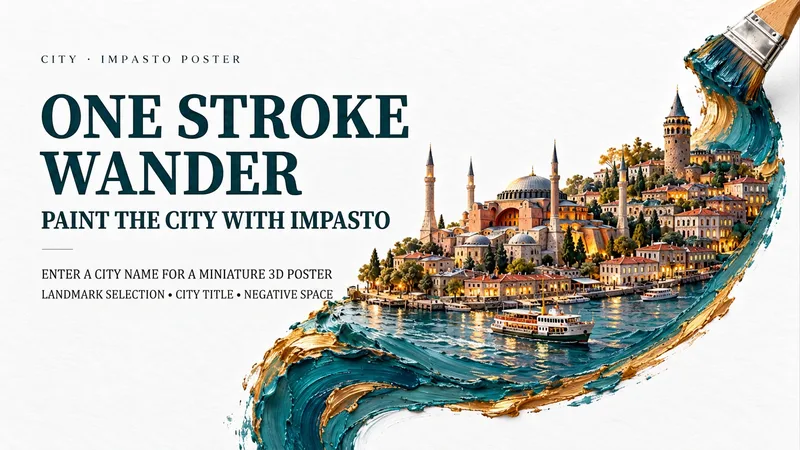
One-Stroke City Oil Poster
Capture the essence of a destination in a thick, textured stroke of oil paint. Input a city name to weave historical architecture, contemporary streetscapes, tiny figures, and local waterways along a single flowing line. The thick oil pigments, tactile miniature buildings, and generous white space combine with a bold city title and an exclusive short poem to create a collectible travel art poster. Design autumn streets in Kyoto, blue-and-white breezes in Lisbon, copper-and-gold nights in Istanbul, or your own hometown. Landmarks, colors, seasons, title languages, and aspect ratios are all customizable, with support for text-free versions and series. By default, we first confirm landmarks and layout before generating the image to inspect buildings, brushstrokes, text, and brushes. To skip a step, say "choose and generate directly." Defaults to a 9:16 vertical format, flat oil brush, and white fibrous paper background.
Information
- Version
- v3
- Last updated
- Runtime credits
- Usage-based
- Models
- Auto
- Use cases
- Images & designLifestyle & entertainment
- What you get
- Image
- Visual styles
- Cinematic
