Consulting Firm Style Slides
Consulting Firm Style Slides
Showcase
Description
Transform lengthy reports into MBB-level slides in seconds. Professional visual presentation helps you easily impress executives.
Related Skills
View all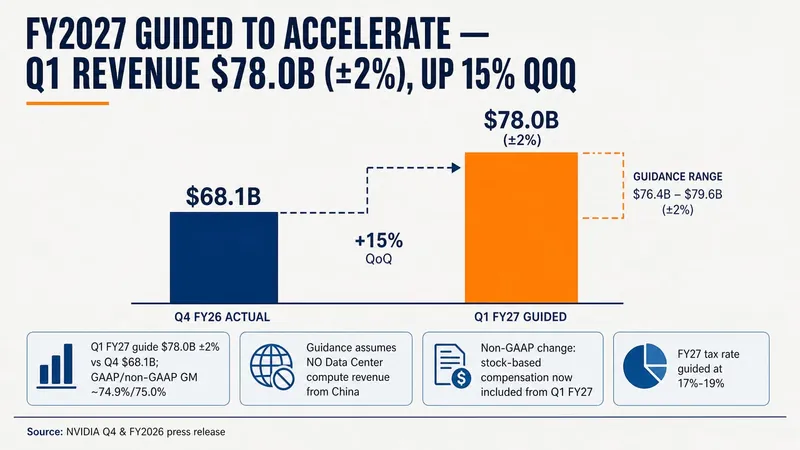 Slides
Consulting-Style Slides
This Skill helps you create high-quality business Slides to the professional standards of top-tier consulting firms. It strictly follows the Pyramid Principle and applies the core ideas of leading with conclusions, progressing logically, and using data to turn scattered business insights into structured, coherent presentations. Whether you are developing a strategy, proposing a project, or conducting a business analysis, it helps you quickly build a framework based on the MECE principle, ensuring that points are mutually exclusive and collectively exhaustive. During content development, this Skill automatically distills insightful slide titles and recommends the most suitable visualizations based on your data, such as waterfall charts, funnel charts, and stacked bar charts. It provides structured design guidance and can also generate a professional Slides file with title slides, content slides, comparison slides, and chart placeholders. The generated document uses a classic dark blue and orange business color palette, with clean, professional layouts and clear visual hierarchy, helping your presentation demonstrate a high level of professionalism in both design and content.
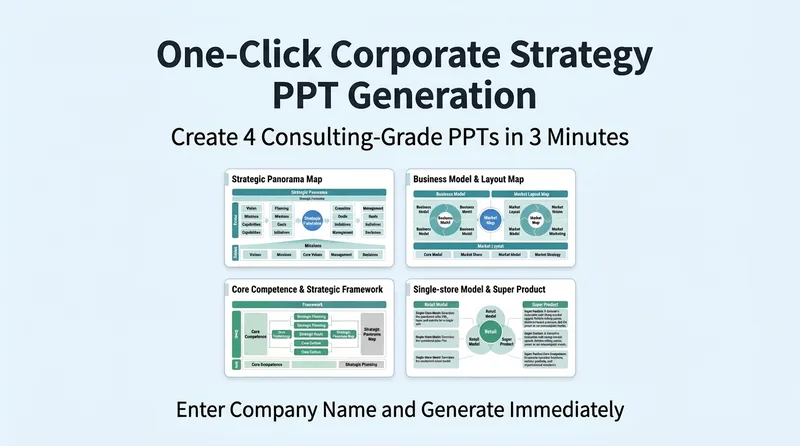
One-Click Company Case Slides
Get a clear understanding of a company—or even create a full case study—in just five minutes. Enter any company name to generate a consulting-firm-grade strategic analysis Slides deck with four core charts by default. Add deeper MBB-style analyses on profitability, competition, profit pools, unit economics, scenario planning, and more, then assemble a complete 13-slide presentation in one click. First identify the business archetype—cyclical manufacturing, evidence-driven hard tech, IP-led emotional consumption, chain retail, platform, subscription, or balance-sheet-driven—then prescribe the right analysis. Includes built-in modules for intangible assets and the emotional economy, discipline for making differing definitions explicit, and a falsification dashboard. Automatically gathers intelligence, distills strategic insights, generates visual charts, and outputs core conclusions with falsification tests. Suitable for creating Slides, case studies, business analysis, and learning reference. Validated on cases including Songtsam, XPeng, Pang Dong Lai, Pinduoduo, Aier Eye Hospital, tea'stone, JinkoSolar, EHang, and POP MART.
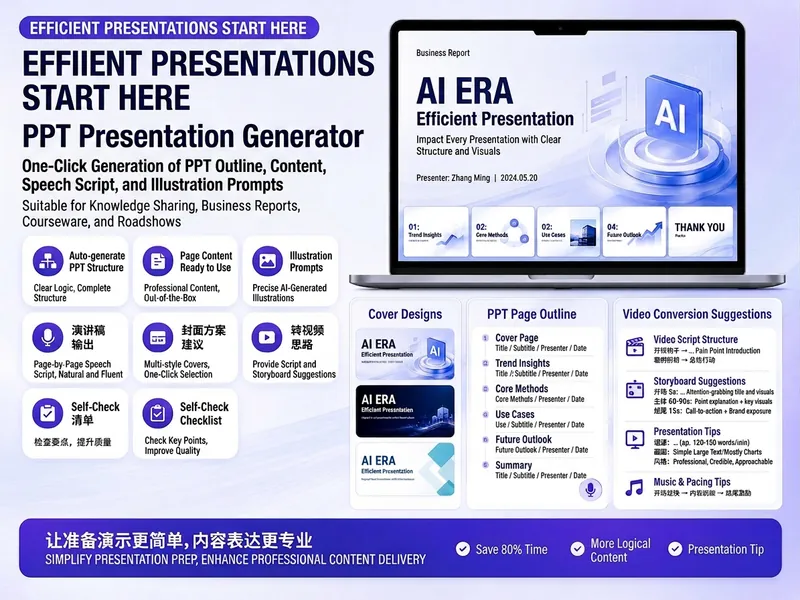
Trending PPT Slides Generator
Easily create engaging PPT Slides for knowledge sharing, business reports, course teaching, product introductions, or roadshows. Simply provide the topic, purpose, audience, duration, number of slides, or style preferences to get a customized PPT content plan. This skill provides a detailed PPT slides plan, including the PPT title, one-sentence theme, audience analysis, slide structure, titles for each slide, body text, and key points for your speech. It also offers specific visual suggestions and image prompts for each slide, even including cover design keywords to help you create a visually cohesive and attractive presentation. If you need to convert your PPT to a short video, this skill can also provide professional video conversion suggestions, covering key elements like rhythm, subtitles, voiceover, camera movements, and cover art to help your content perform well on multiple platforms. Say goodbye to vague outlines; every slide's content is ready to copy and use, ensuring your presentation is both substantive and impressive.
Information
- Version
- v5
- Last updated
- Runtime credits
- Usage-based
- Models
- GPT Image 2
