To be PDF
To be PDF
Showcase
Description
Converts reference content—such as articles, reports, notes, Markdown, and text extracted from PDFs—into A4 print-ready single-file HTML. It adaptively selects accent colors based on the content theme, embeds semantic, minimalist hand-drawn SVG line art, automatically fixes printing issues like blank pages, widows, and element truncation when exporting PDF, and opens the result directly in a canvas panel in the final step. Users can browse, print, or export PDF without copying and pasting code.
Why we love this skill
This skill intelligently converts various content into beautiful A4 print/PDF export HTML documents, automatically fixing print compatibility issues to ensure perfect layout.
Related Skills
View all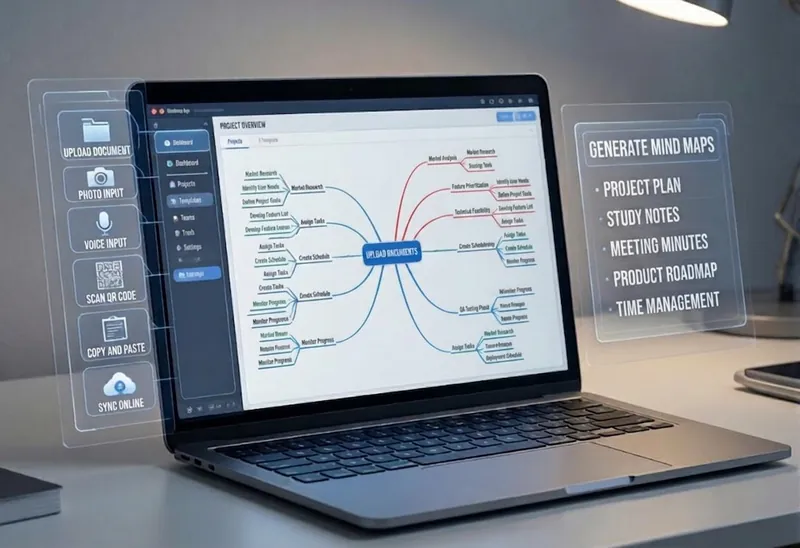 Research
Multi-Source Mind Map 2.0
Turn complex documents, web pages, or long text into clearly structured visual mind maps with one click. Whether it's academic papers, course materials, or technical documents, this tool intelligently extracts core topics and multi-level knowledge points, helping you quickly clarify the logical structure. Through in-depth content analysis of the input source, it automatically identifies section structure and key details, generating a well-organized knowledge system. This tool supports generating mind maps in multiple styles, including professional educational tree diagrams (PlantUML format) and intuitive center-radial diagrams (Mermaid format). You can directly get SVG images viewable in a browser, along with the corresponding source code files. This means you can quickly preview the results and also import the source code into XMind, FreeMind, or a Markdown editor for further editing and in-depth processing. Simply upload a PDF, Word, or text file, or provide a web link, to transform a large amount of information into a visual knowledge map. It's ideal for study notes, structured paper reading, and brainstorming presentations, making knowledge organization and sharing more efficient and professional.
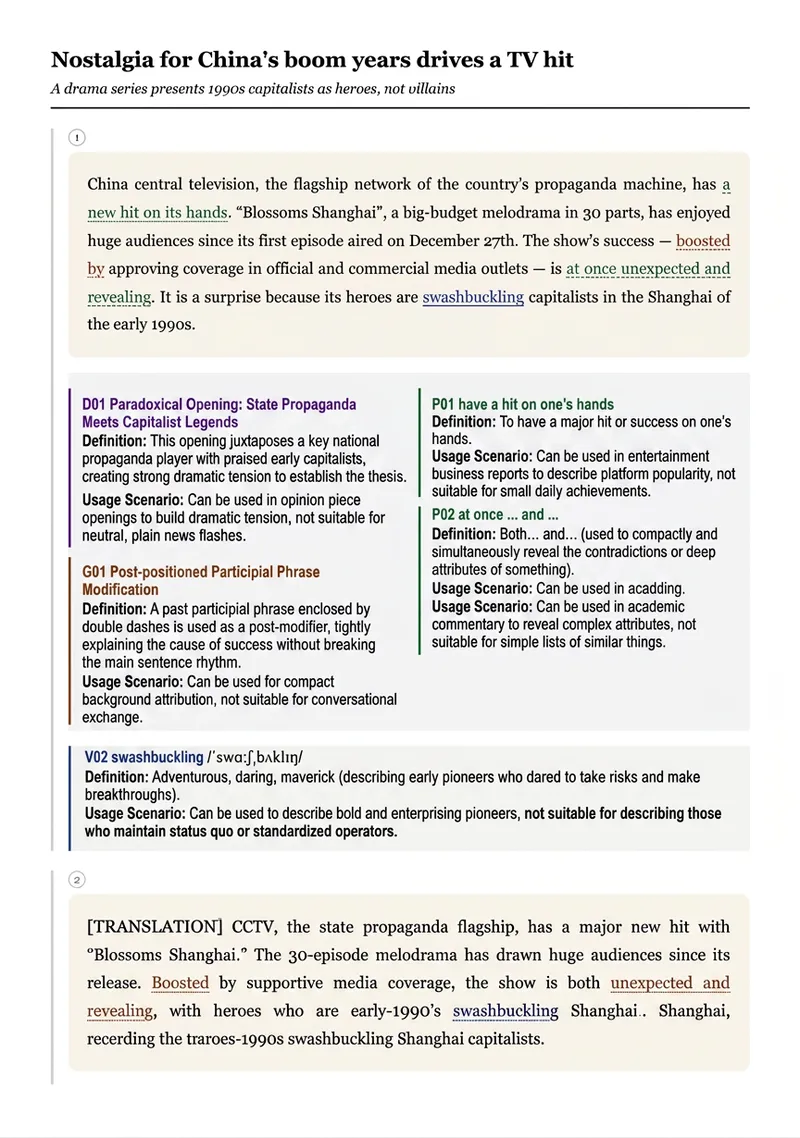
To Be English PDF
1. Enter English materials (text, PDF, image, or webpage link)\n2. Select, add, or remove key points\n3. Generate webpage code, download it, open the webpage, and press Ctrl+P to print an A4 PDF
 Webpage
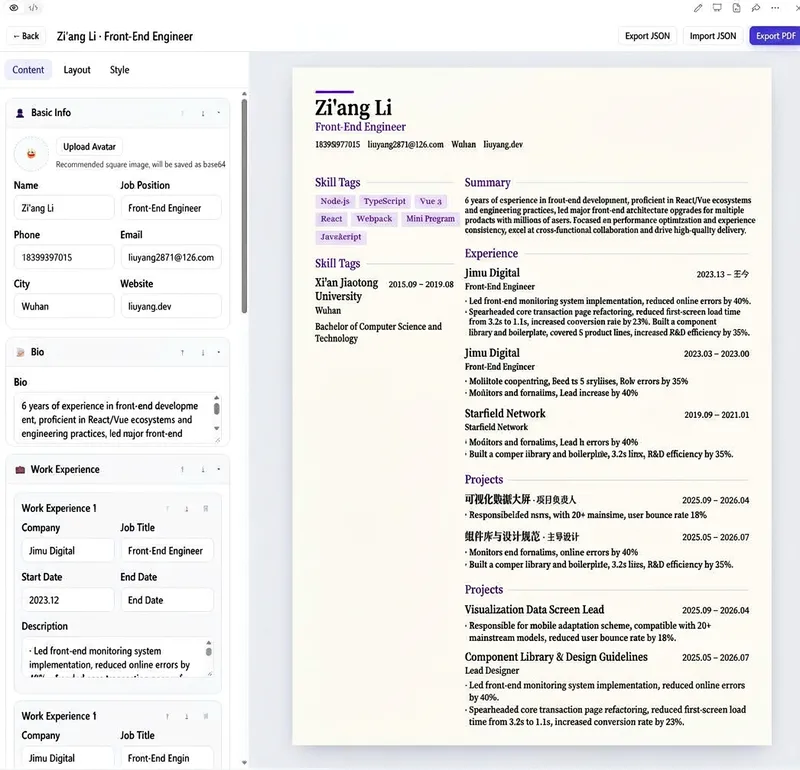
Online Resume Builder
Create and use a complete online resume builder in your browser—from creating a new resume and entering your experience to adjusting the layout and colors, previewing changes in real time, and exporting the result. It helps job seekers quickly create professional resumes. It is ideal for individuals who need multiple resumes for different roles and want to repeatedly refine both their content and visual presentation. It can also serve as a front-end single-page tool that requires no backend deployment. Manage multiple resumes and edit your basic information, personal summary, work experience, education, projects, skills, and custom sections. Organize content by dragging items or changing their order. The tool offers multiple layouts, including single-column, two-column, and timeline styles. You can customize the font, font size, line height, spacing, paper background, and colors, while the right panel provides a real-time preview of all changes in A4 proportions. Resume data is saved in your browser, so you can continue editing after refreshing the page. You can also copy, rename, and delete resumes, randomly generate sample resumes, and import or export JSON data. When finished, export a PDF suitable for printing or job applications. The tool also works on narrow-screen devices and runs without a backend or external network resources.
Information
- Version
- v5
- Last updated
- Runtime credits
- Usage-based
- Models
- Auto
