
Cornell Notes Infographic
Cornell-style infographic for any study topic
Cornell Notes Infographic
Cornell-style infographic for any study topic
Showcase
Description
Enter a study topic, and the content will be organized into a Cornell note-style infographic. The layout uses A4 portrait orientation and includes a cue question column, modular note column, summary column, and a one-sentence memory aid, combined with flowcharts, tables, diagrams, and unified-style icons. Suitable for course preview, knowledge review, exam preparation, printed study, and digital note-taking.
Related Skills
View all
Content → Knowledge Notes v1.0
Turn content from any subject or topic—text, images, files—or keywords into high-quality visual knowledge-note images in one click. Supports web search and generation, with six visual styles to choose from: Future Campus, Hand-Drawn Notes, 3D Clay, Excalidraw, Academic Infographic, and Xiaohongshu Cards. Ideal for student review, teacher lesson preparation, and knowledge creators.
 Image
ImageEfficient Study Planner
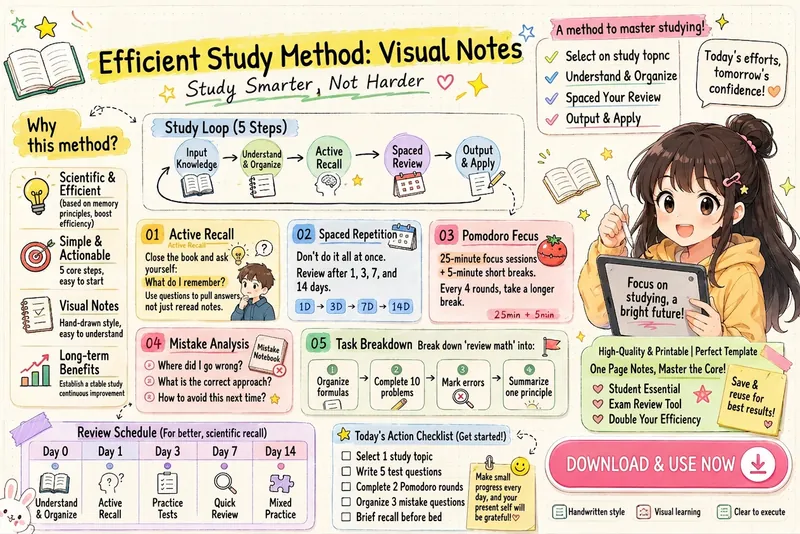
Transform your learning methods into clean and cute iPad handwritten illustrated notes. Automatically organize modules such as the learning loop, active recall, spaced repetition, Pomodoro timer, mistake review, task breakdown, review schedule, and action checklist. Generate highly readable infographics suitable for knowledge cards, study materials, Xiaohongshu notes, and course handouts.
 Image
ImageEfficient Reading Annotation
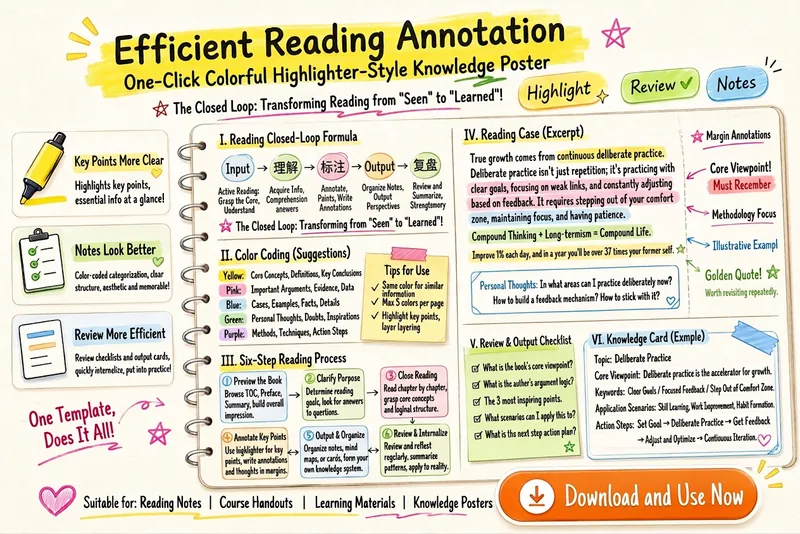
Generate a colorful highlighter-style knowledge organization poster from reading methods, learning processes, key annotation rules, and review checklists. Suitable for creating reading notes, study materials, lecture handouts, review cards, and knowledge infographics. It highlights core concepts, questions and doubts, action steps, examples and evidence, and common mistake reminders, making content clearer, easier to review, and more collectible.
Information
- Version
- v3
- Last updated
- Runtime credits
- Usage-based
- Models
- GPT Image 2
