Glimpse
Glimpse
Description
A cover generator designed for high click-through rates. It analyzes article content for hook strategies, identifies authentic brand identity, and generates covers that stand out in feeds. Core principles: grab attention in 3 seconds, prioritize authentic branding, drive clicks through emotional resonance. It determines the optimal combination of text and visuals from the perspective of top cover designers.
Why we love this skill
Glance intelligently transforms article content into highly attractive cover images, helping your content stand out in feeds. It not only identifies brand image but also tailors visual strategies based on content emotion and target audience, ensuring each cover precisely captures users' attention and boosts click-through rates.
Showcase
1 / 2
Related Skills
View all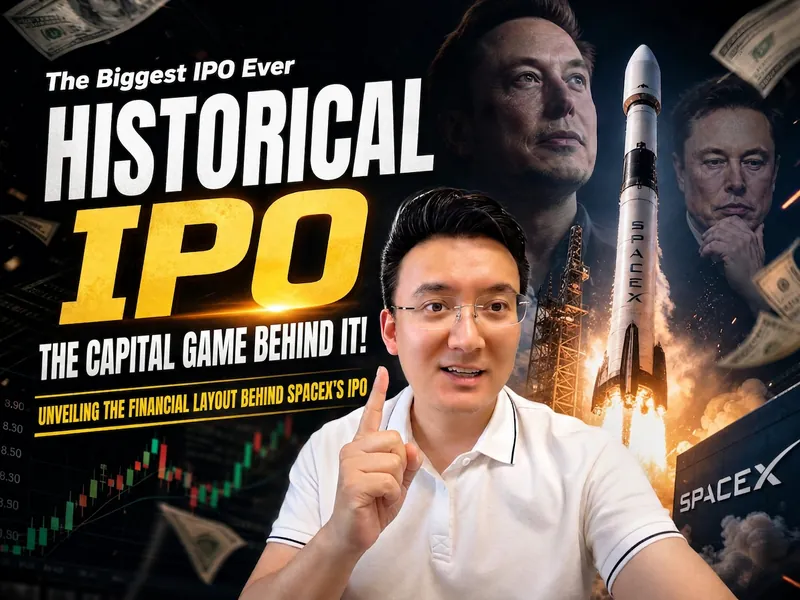 Image
ImageXiao Lin Says Cover
Want to create eye-catching covers for your video content? This intelligent cover generator automatically designs covers that are both professional and visually striking based on your video's topic and style. Simply provide a title and a photo of a person, and it instantly captures the essence of your content. Whether it's deep tech analysis, business trend commentary, or casual daily life sharing, it flexibly switches among three sub-styles: 'Dramatic', 'Warm Interview', or 'Life Vlog', ensuring the cover perfectly matches your content's tone. The AI intelligently analyzes the title, automatically selects a color scheme that best conveys the emotion, identifies and highlights keywords, and generates realistic scene-based backgrounds based on the topic, making your cover stand out among many. You will receive both horizontal 16:9 and vertical 3:4 cover images, perfectly suited for distribution on different platforms like Bilibili, YouTube, Xiaohongshu, and WeChat Channels. In the cover design, the person's expression is intelligently adjusted based on the title's emotion, ensuring vivid visual expression, and can subtly incorporate related celebrity portraits into the background, adding authority and appeal to the content. Say goodbye to the tedious design process, and make your video covers full of personality and professionalism. Quickly generate high-quality, high-click-through-rate video covers to get your content more attention.
 Image
ImageMagic Cover Designer Pro
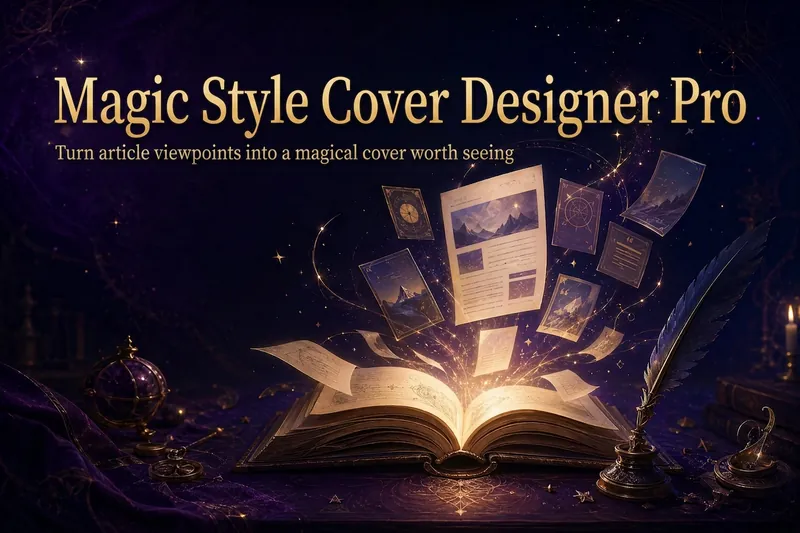
Turn an article title into a magical cover that makes its ideas stand out. “Magic Cover Designer Pro” is not a random image generator. It is a visual content packaging workflow: “content understanding → title confirmation → visualizing ideas → platform adaptation → cover generation.” It helps preserve the real title and subtitle while transforming an article’s core ideas, emotions, and narrative relationships into vivid, engaging magical visuals with a distinct identity. It supports Twitter long-form posts or Threads, WeChat Official Account articles, Xiaohongshu Notes, product introductions, knowledge sharing, growth retrospectives, and personal brand content. The Skill first identifies the article’s original title, original subtitle, and core idea. The original title is used as the default main cover title, while the original subtitle is prioritized as the cover subtitle. The core idea does not directly replace the cover text; instead, it guides the choice of subject, symbols, composition, lighting, and visual metaphors. It matches visual strategies to different content types: practical breakdowns use magical blueprints or step-by-step scrolls; growth retrospectives use journeys and illuminated paths; contrarian ideas use light-and-shadow conflicts or broken seals; product introductions use magical workshops and core devices; knowledge sharing uses academy archives and spellbooks; and case studies use before-and-after changes and narrative scenes. When a title is too long, it provides both the original-title version and a concise version for you to confirm, without rewriting it on its own. When there is no subtitle, it first offers candidate copy instead of placing an unconfirmed idea directly into the image. Its default visual language combines retro fantasy with magical journaling: deep purple, midnight blue, black-brown, antique bronze, and warm gold, along with parchment, quill pens, spellbooks, sealing wax, stardust, and other tactile elements. It can also draw shared colors, materials, lighting, and narrative qualities from reference images, but it does not copy the specific composition, people, logos, or distinctive elements of any single image. For each platform, it adapts the aspect ratio, text density, subject size, whitespace, and thumbnail legibility to real reading contexts. It is suitable for knowledge creators, personal brands, product authors, and content creators who want to build a consistent visual identity. It does not fabricate numbers, results, identities, or brand endorsements, and it does not promise viral performance. It simply helps the visuals support real content more accurately and vividly.

Nihuang Cover Image Generator
Generate hand-drawn style cover images for articles. Supports 20 visual styles (elegant, minimal, watercolor, retro, pixel art, etc.), automatically analyzes article topics, and generates professional cover images that match the content tone, improving visual appeal and click-through rate.