
English Word Video Maker
Turn word lists into vertical audio videos
English Word Video Maker
Turn word lists into vertical audio videos
Showcase
Description
Turn an English word list or topic into a 9:16 vertical vocabulary video with audio: first, use a grid to create a text-free illustrated background, then overlay real text with the English word, British phonetics, and Chinese definition to prevent AI spelling errors. Add a British male voice that reads each word twice, with the second reading slower. As each word is read, its text gently enlarges and bounces while the background and all other elements remain pixel-perfect still. Hard-cut the word clips together in order into one editable long video. Ideal for viewing and sharing on mobile phones.
Recommended by
淡苍
Why we love this skill
Creates study-ready 9:16 vocabulary videos with British IPA, a British male voice, and slow word-by-word repetition. Only the current word animates, keeping attention focused.
Best for
Teachers, learners, and content creators making English vocabulary videos for viewing and sharing on phones.
How to use this Skill
Provide your input
Provide an English topic or word list, optionally with English, British phonetics, and Chinese definitions, and confirm the word list and text animation plan.
Run the Skill
The system creates a text-free illustrated layout, overlays proofread text, generates audio reading each word twice, and adds a subtle animation to the current word only.
Review your result
Get a 9:16 vertical English vocabulary video designed for phone viewing, with words played in order, hard cuts between clips, and the background and other text kept still.
Related Skills
View all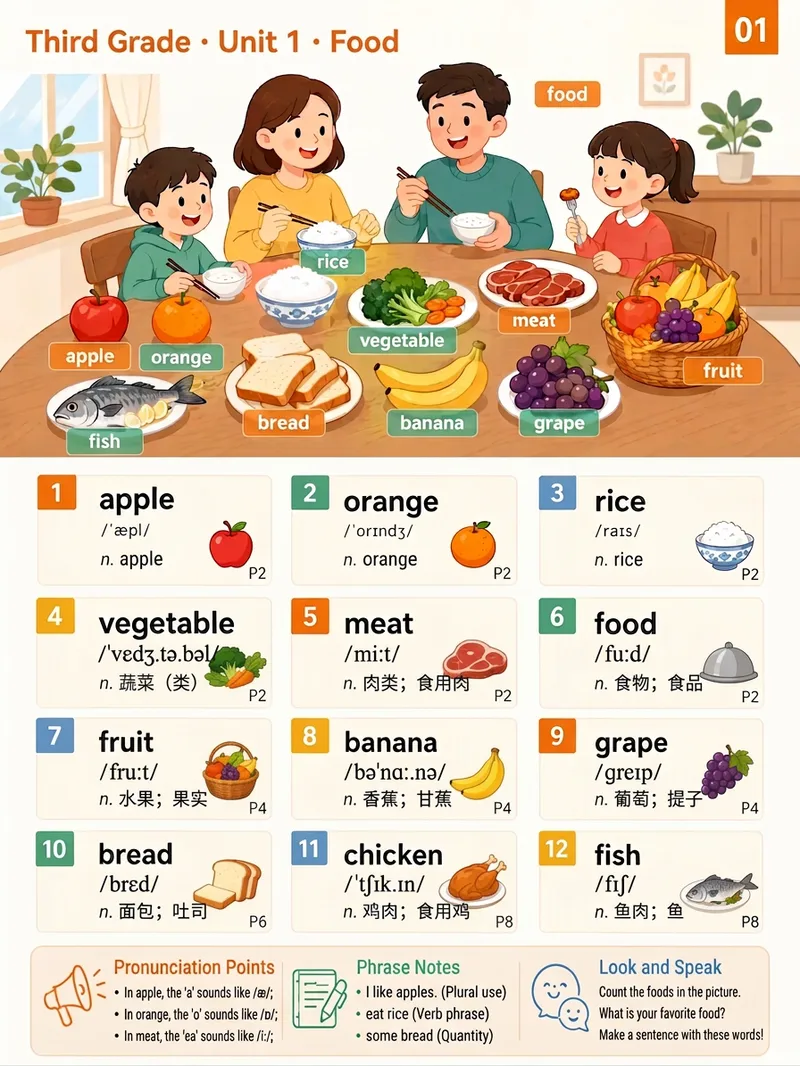 Image
ImageAI Picture Word Lists
Organizes the raw word list from any English textbook unit into semantic scenes, with about 6–10 words per category. For each category, it generates an illustrated “picture word list” page: the top half features a scene illustration containing all the vocabulary, while the lower section presents numbered word cards with the word, phonetic transcription, part of speech, Chinese meaning, page number, and a small icon. A “Pronunciation Tips / Collocation Notes / Look and Speak” memory toolbox is included at the bottom. Suitable for classroom displays, vocabulary review, and parent guidance.
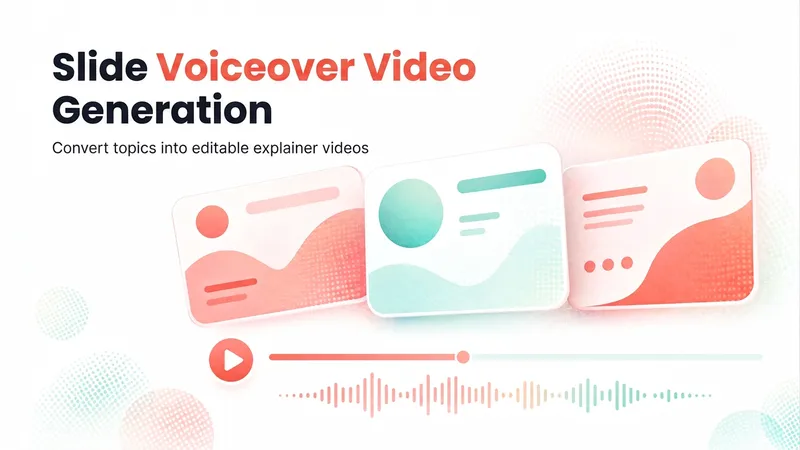
Slideshow Narration Video
Turn a presentation topic—or your existing script, materials, or Slides—into an editable 16:9 video with Chinese narration for each slide. The Skill first plans the main narrative and asks you to confirm the outline and preview, then generates the slide visuals, writes and synthesizes Chinese narration for each slide, and assembles an editable video with one slide visual and one narration segment per page. Subtitles are enabled by default. The visual style, voice, slide count, and tone adapt to the topic, audience, and platform.
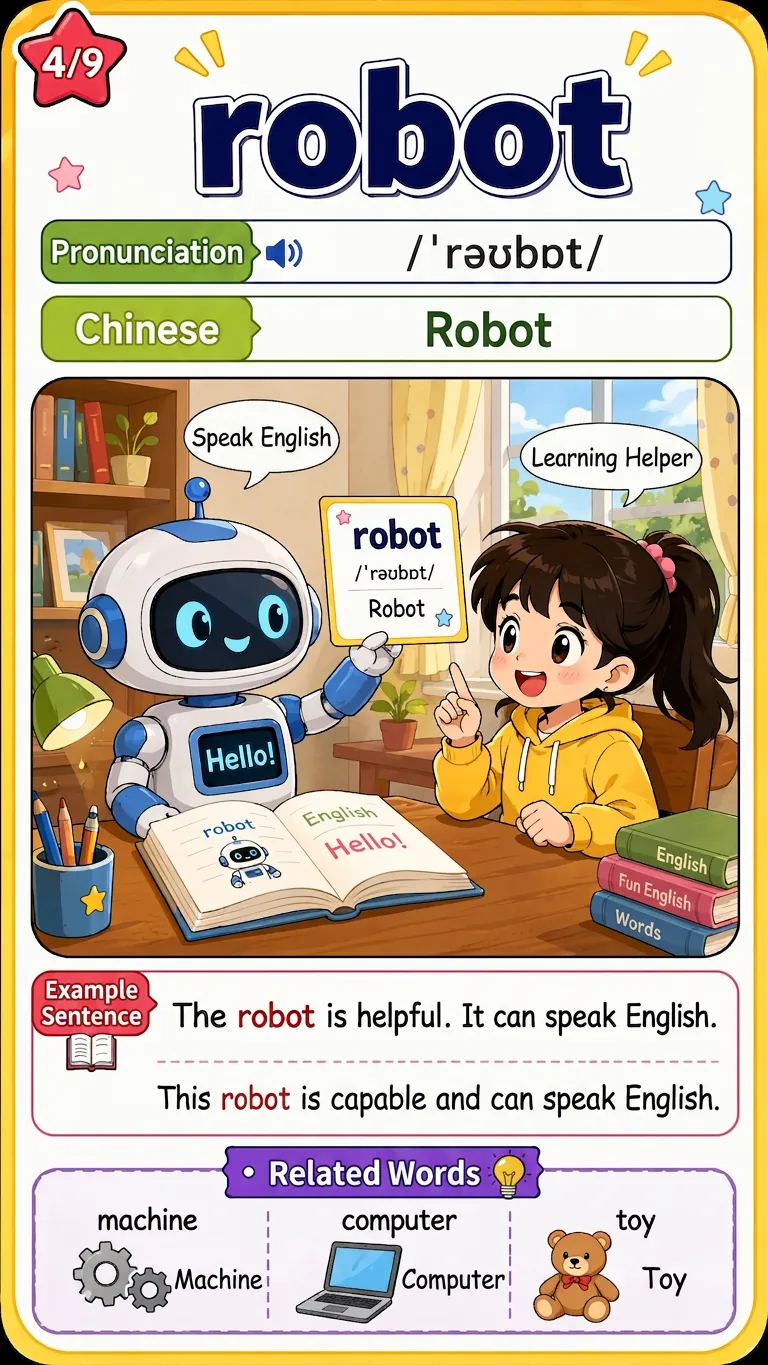
Word Scene Memory Cards
Enter English words, textbook grade units, or a word list image. After online verification and user confirmation of the word list, batch generate uniformly formatted 9:16 comic-style word scene memory cards. Each card includes a scene illustration matching the word's meaning, the word itself, phonetic transcription, Chinese definition, a red-highlighted example sentence with translation, and 3 related word extensions. Suitable for elementary students to learn words through pictures.
Information
- Version
- v3
- Last updated
- Runtime credits
- Usage-based
- Models
- Auto
- Use cases
- Images & designVideo & audioLearning & education
- What you get
- Video
