
Enterprise 16:9 Infographics
Policies, plans & training to infographics
Enterprise 16:9 Infographics
Policies, plans & training to infographics
Showcase
Description
Transform management, safety, and training content into multi-page widescreen infographics for business presentations, internal training, and employee communications. The skill extracts core modules from the content structure and creates one 16:9 enterprise-style image for each module, making complex information easier to understand, present, and share. The final visuals follow a consistent, clean business design system. They use infographic elements such as card layouts, process arrows, matrices, circular diagrams, pyramids, data charts, and thematic icons to clearly present titles, key points, and relationships between modules. The primary palette features professional colors such as dark blue, light blue, and white, with restrained accents. Title bars, card styles, icon treatments, and layouts remain consistent across pages. Simply provide the article, policy, plan, or training content you want to explain, and receive a multi-page Chinese-language infographic generated in the order of the source material. Each page focuses on one core module, with concise text optimized for projection viewing. The visuals avoid information overload, chaotic colors, and unnecessary decoration, making them suitable for executive presentations, management policy communication, workplace safety training, contractor management, and employee education.
Why we love this skill
Breaks down policies, plans, and training content into clear multi-page infographics with consistent enterprise visuals, controlled Chinese typography, and strong readability for presentations and training.
Related Skills
View all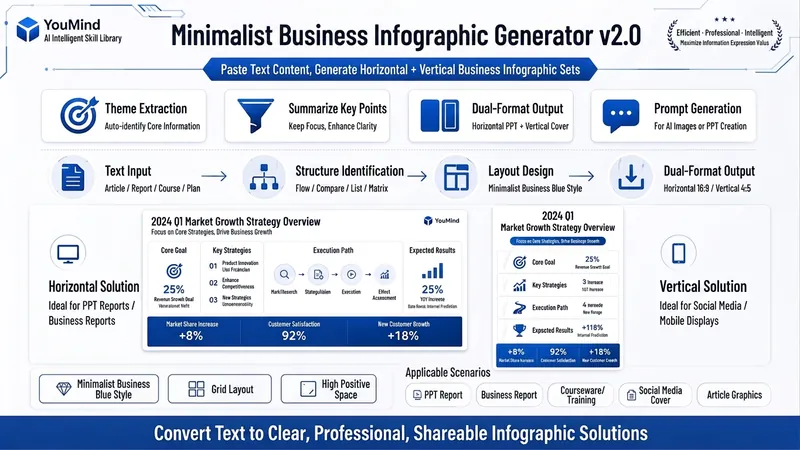 Image
ImageBiz Infographic Generator v2.0
Transforms complex text into clear, professional, presentation-ready business minimalist infographics. It can help you: 1. Automatically extract core information Extract topics, keywords, logical relationships, and key points from user-provided text, materials, course content, meeting minutes, or reports. 2. Automatically design infographic structure Match business expression formats such as flowcharts, comparison charts, hierarchical charts, matrix charts, checklist charts, and path charts based on content type. 3. Automatically generate dual-format solutions Output two sets of infographic designs: landscape and portrait. Landscape is suitable for PPT, presentations, and web display; portrait is suitable for Xiaohongshu, WeChat Moments, public account covers, and vertical screen display. 4. Automatically generate diagram prompts Output complete diagram prompts ready for use with AI drawing tools, designers, or PPT tools. Suitable for: Professionals, knowledge bloggers, trainers, course creators, consultants, operations staff, PPT designers, business report creators. How to use: Directly paste a piece of text, materials, course content, meeting minutes, or report summary. You don't need to organize the structure first; I will automatically extract the core content and generate both landscape and portrait business minimalist infographic solutions.
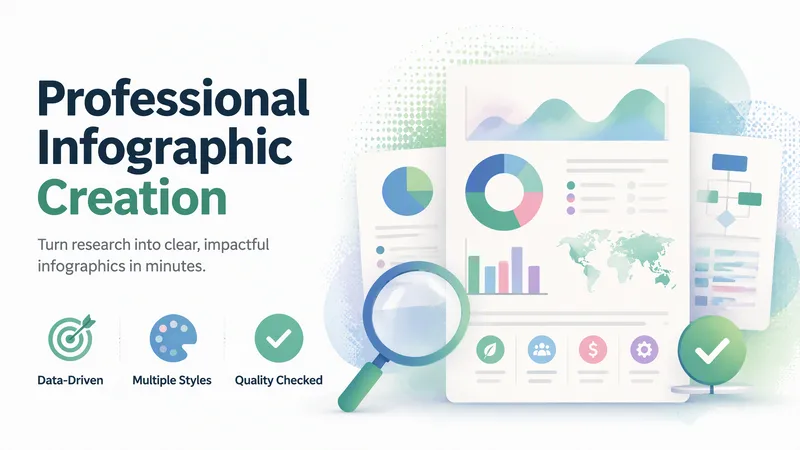
Professional Infographic Maker
Quickly transform complex information, data, and ideas into clear, professional, publication-ready infographics. Simply describe your topic, content, and purpose to generate visual outputs suitable for reports, marketing materials, presentations, internal documents, and social media without requiring any design experience. It supports common formats such as data visualizations, timelines, flowcharts, comparison charts, list summaries, geographic distributions, hierarchical structures, resumes, and social media graphics. It also matches visual styles to scenarios like enterprise, healthcare, technology, education, finance, and environmental protection. You can choose color schemes tailored to different audiences, including accessible palettes that are easier to read and considerate of color vision deficiencies. For content like market trends, industry statistics, scientific and medical information, or recent events, it can combine real-time research to supplement facts, figures, and background, helping reduce outdated or unsupported information. The generated results undergo quality checks focusing on layout hierarchy, text readability, data expression, color contrast, and overall communication effectiveness, with necessary optimizations for the use case. It is ideal for creating business report charts, product comparisons, project milestones, how-to guides, and social media content.
 Slides
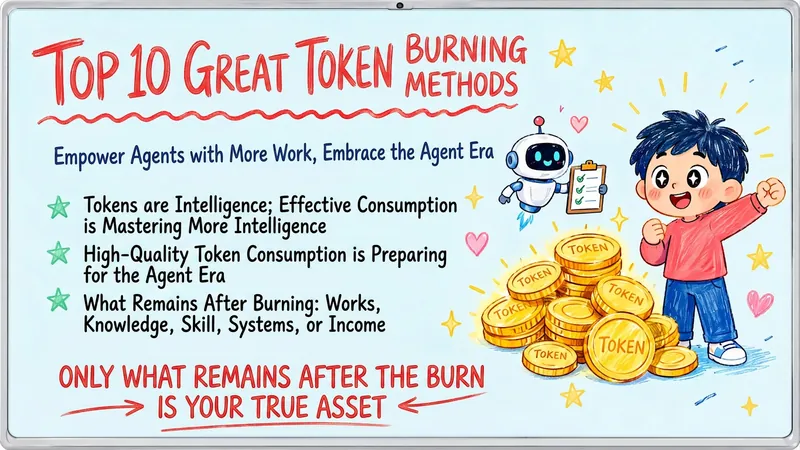
Hand-Drawn Whiteboard Slides
Transform your topic content, articles, knowledge points, or course copy into a set of creative and warm hand-drawn whiteboard style Slides. Whether you need to present key ideas, teaching content, or share personal insights, we can refine them and present them in a fresh, lively visual form. This skill excels at simplifying complex information. Each Slide revolves around a core topic, accompanied by vivid hand-drawn illustrations and clear, concise key points. We simulate the feel of a teacher writing on a digital whiteboard in class, using a light blue screen background, red and blue handwritten titles, and hand-drawn elements like stars and hearts to make learning and sharing more fun and engaging. Whether it's quote interpretation, method steps, science popularization, parent-child education, inspirational growth, or AI technology topics, this skill automatically matches the most suitable visual expression. The final Slides will be in 16:9 landscape format, with natural handwriting-style fonts, soft colors, and a unified overall style, making your content both professional and approachable, like warm and interesting knowledge cards.
Information
- Version
- v6
- Last updated
- Runtime credits
- Usage-based
- Models
- GPT Image 2
