Photo Fail Roll
Turn one photo into a hilariously real album
Photo Fail Roll
Turn one photo into a hilariously real album
Showcase
Description
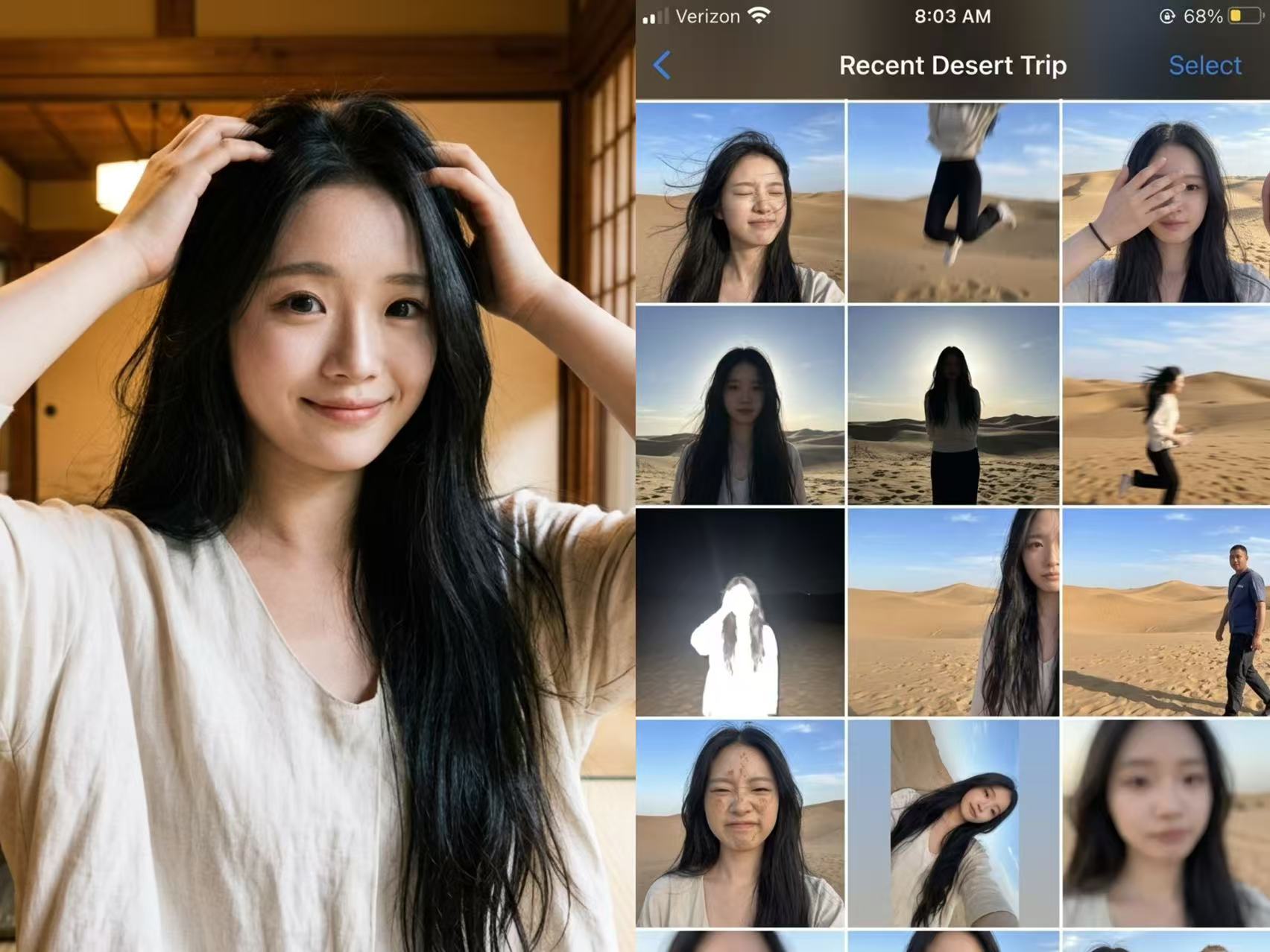
Not a polished nine-grid collage, but a collection of those throwaway shots on your phone that are too hard to delete yet too embarrassing to share. Upload one photo, enter the scene you want, and let AI “capture” an entire day—motion blur, harsh backlit shadows, awkward expressions, crooked framing, and all. The more realistic, the funnier, and the more believable. Best for: pranking friends, creating playful content, fake travel logs, social media prank posts, and AI photography memes
Recommended by
Dancang
Why we love this skill
Turns one portrait and one scene into 15 connected, candid-looking China-market iPhone camera-roll shots, filled with varied angles and hilarious mishaps—not polished perfection, but everyday snapshots you can't delete yet wouldn't post.
Related Skills
View all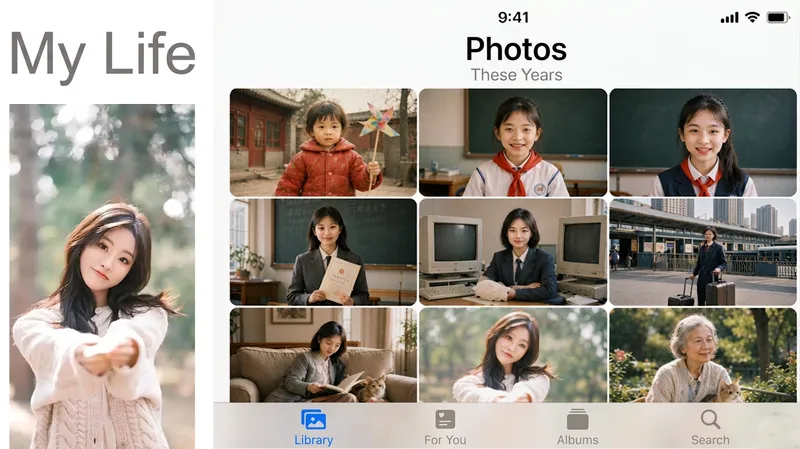 Image
ImageLife Album
My Day Album Generator: Upload a photo of a person or pet to create a nine-grid screenshot styled like the iPhone Photos app. The same face appears in several casual snapshots, forming “My Day,” “My Week,” “My Life,” or “A Pet’s Day.” Trigger it when users say things like “generate a day album,” “social media nine-grid,” “show-off album,” “my day,” “virtual life log,” “one-week diary images,” “life album,” “a pet’s day,” or “photo app screenshot.” The key counterintuitive rule: every tile must look like a casual phone snapshot—slightly blurry, tilted composition, and uneven lighting. Fully polished images look fake at a glance. Four modes are available: day, week, lifetime (the same face naturally ages), and pet. The default aspect ratio is 1:1, with custom ratios also supported.
 Image
ImageCandid Cinematic Shots
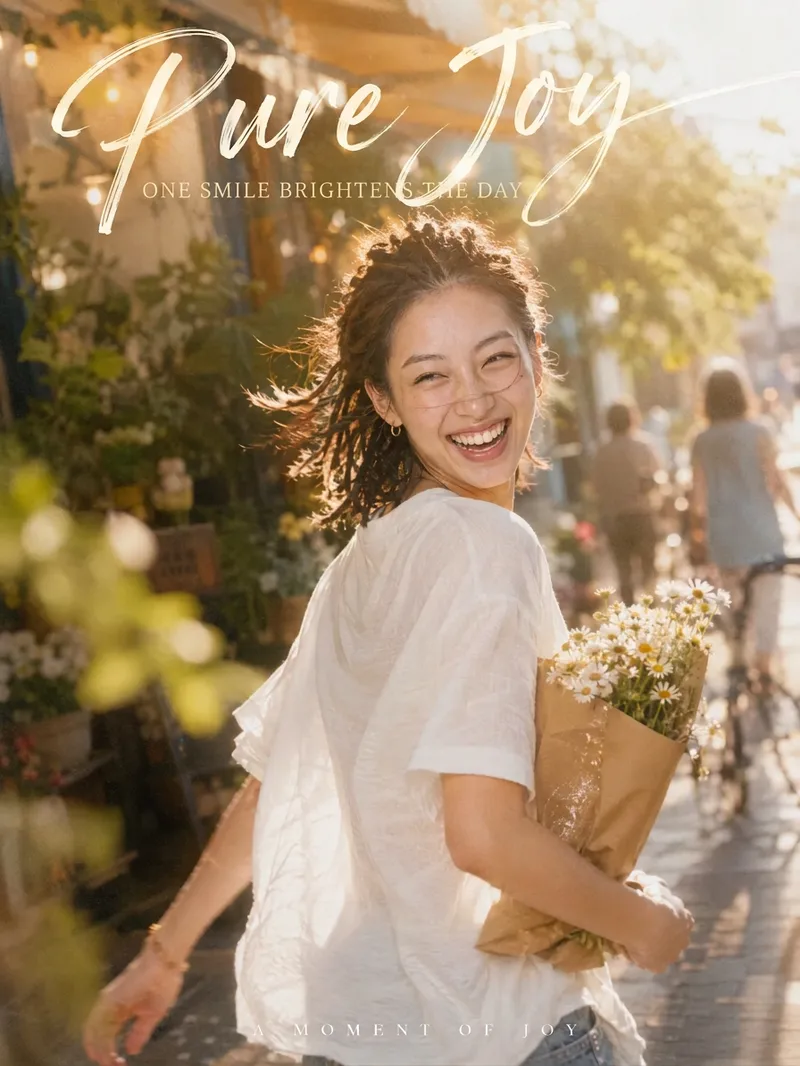
Your photo isn’t missing beauty—it’s missing "that second." 「Candid Cinematic Shots」first reads the person in your photo—their presence, outfit, setting, and mood—then designs a natural candid moment just for them. It might capture wind-tossed hair as you glance back, the instant bright light makes you squint mid-laugh, or your back as you walk past a street corner with a book in your arms. The image features an authentic handheld feel, film grain, backlight glow, and motion-blurred surroundings, keeping the subject sharp while the world moves around them. Add hand-lettered typography and Chinese-English captions, and one image takes on the polished feel of a magazine cover. Core highlights: 🎬 Truly candid: No posing or forced smiles—the expression and movement are captured in a moment of change 🎯 Made for you: Poses, props, settings, and captions are designed from your photo, so every generation is different ✍️ Artistic captions: A handwritten headline with short Chinese-English copy that fits your image instead of using a template 📐 3:4 portrait by default: Ideal for Xiaohongshu, WeChat Moments, and Douyin covers; the aspect ratio can be customized 🎛️ Adjustable: Choose the level of candidness, motion intensity, copy direction, and Chinese-English pairing Best for: Xiaohongshu, Douyin, and WeChat Channels creators: Make covers and personal-brand visuals Content creators in AI art and AI portrait photography: Create viral before-and-after videos Personal-brand and knowledge creators: Make profile photos and promotional graphics
 Image
Image3D Miniature Keepsake Cards
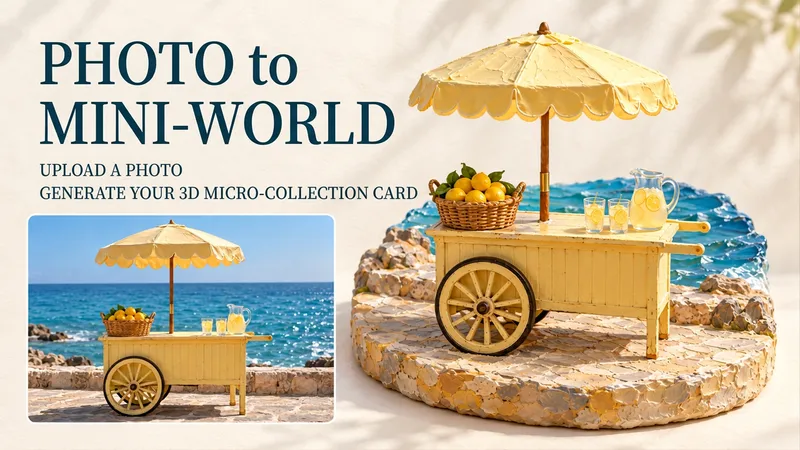
Street corners you've visited, family pets, or favorite sweet treats can all be turned into exquisite miniature dioramas. Upload a photo to transform the main subject into a miniature scene complete with handmade textures, a 3D base, and soft lighting, arranged alongside the photographic image into a collection card. Travel memories, pet albums, and everyday keepsakes can all begin with your own photos. Simply upload a photo, and you can also add notes like "keep the red umbrella," "title it Summer Beach," or "make it feel warm." Each photo outputs a complete individual image, defaulting to a 3:4 portrait layout, with adjustable titles, language, and atmosphere. When you don't have a photo, it also supports creating AI presentation cards based on themes. Pick a photo from your album that you love and see what it looks like as a mini world.
Information
- Version
- v4
- Last updated
- Runtime credits
- Usage-based
- Models
- Auto
