Flyer Designer
Share your industry and message for a print-ready flyer
Flyer Designer
Share your industry and message for a print-ready flyer
Showcase
Description
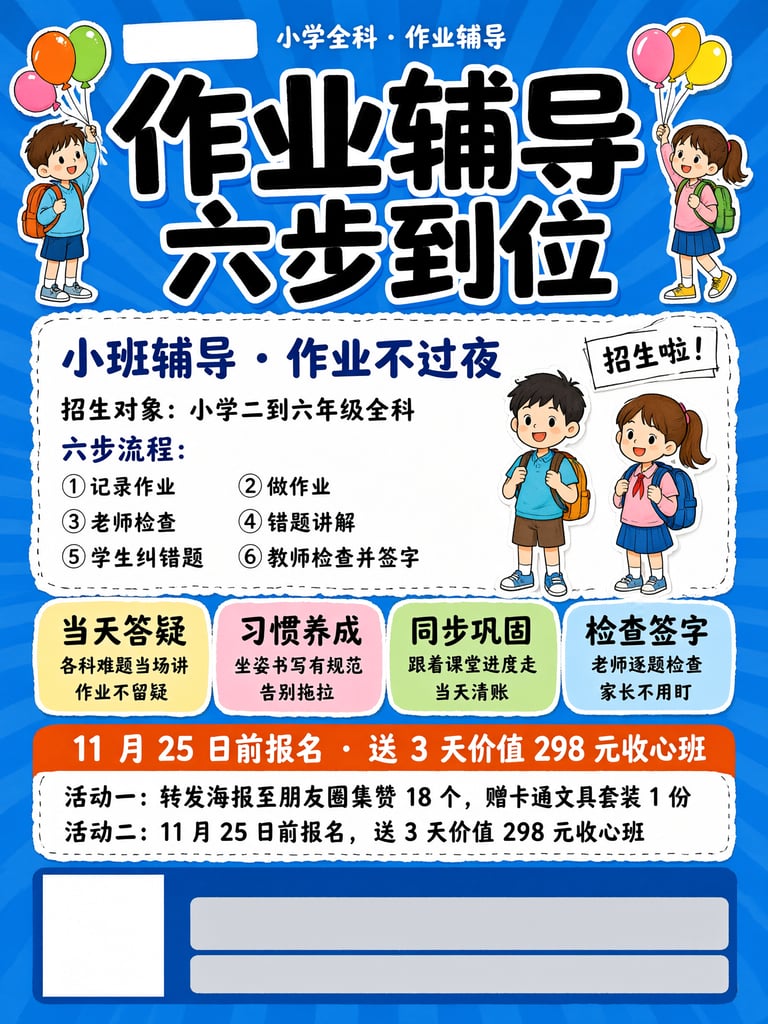
Flyer Designer: Provide an industry and the message you want to share, and get a one-page promotional design ready to print or post to social media—with a three-layer information structure, four tone options, tiered text to reduce typos, and reserved space at the bottom for a QR code and phone number. Trigger it with requests such as “make a flyer,” “design a flyer,” “make a poster,” “grand opening poster,” “event poster,” “promotional flyer,” “store flyer,” “hiring poster,” “menu flyer,” “social media poster,” “flyer,” or “poster.” Core guidelines: cover only three points per flyer, keep the main headline to eight Chinese characters or fewer, submit text organized by level, and never use words prohibited under advertising laws. The default format is a 3:4 vertical layout, which can be customized. The output includes Chinese copy layout, copyable English prompts for image generation, a list of text to add later, and print specifications.
Recommended by
Dancang
Why we love this skill
Turns flyers from “pretty images” into finished pieces ready to post, share, and print: a three-level information structure, industry-matched tone, and clear separation between generated text and details added later reduce errors and reprints.
Related Skills
View all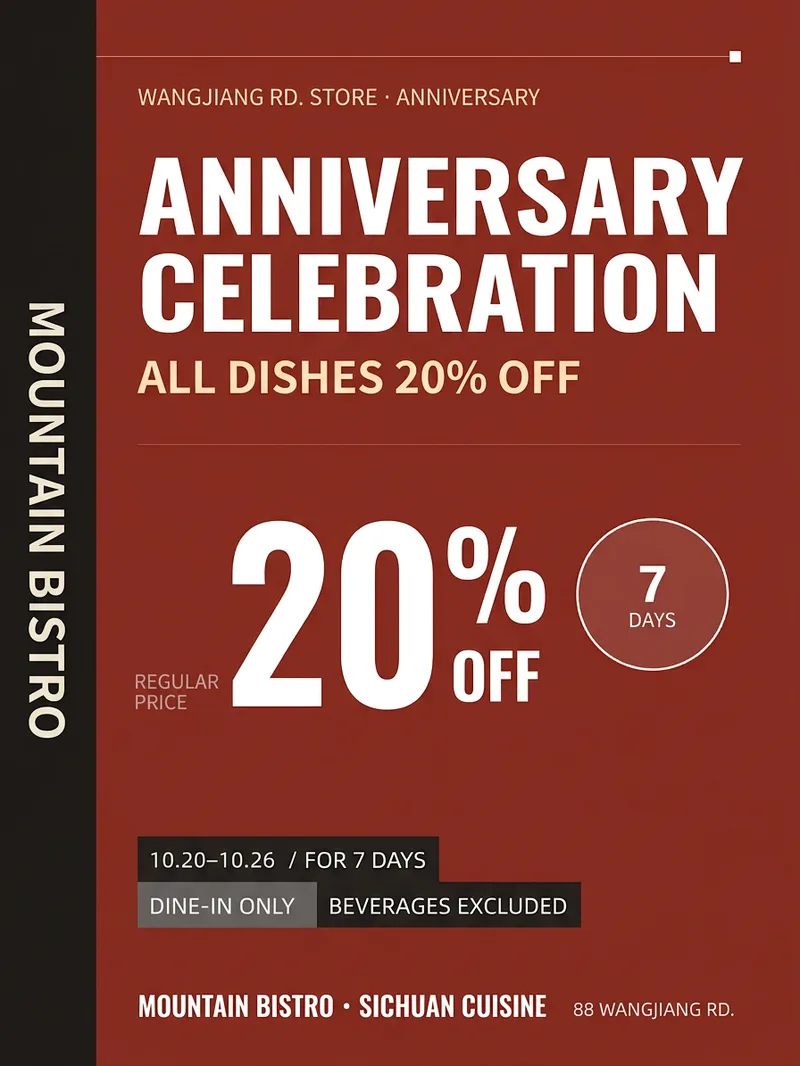 Image
ImageStore Promotion Poster
When a small store runs a promotion, the biggest challenge is often not the idea—it’s having a decent visual. Hiring a designer can start at $200 and take three days, while template-based designs can all look alike. 【Store Promotion Poster】Takes your store name, promotion details, discount, dates, and address, then creates a 3:4 vertical poster: a headline large enough to read from a distance, a highly visible price section, complete promotion rules, and space for the address and phone number at the bottom. It also provides a square image for social media and a caption. Hard rules: It only uses the information you provide. It will not invent discounts or gifts, make exclusive claims such as “lowest price,” or leave a watermark on the design.
 Image
ImageLogo Finalizer
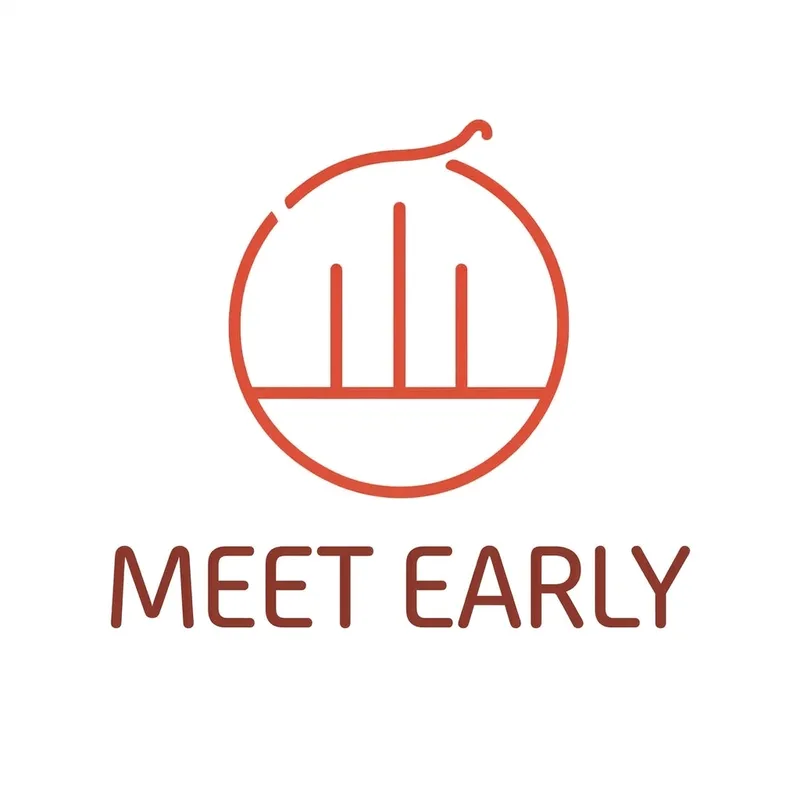
Brand logo designer: Provide a “brand name + industry” and receive logo concepts ready for final approval—three distinct directions, four-state validation (full color/monochrome/reversed/grayscale), thumbnail testing, application-scene mockups, and a basic brand guidelines card. Trigger it with requests such as “design a logo,” “create a mark for my brand,” “design a store logo,” “create a company logo,” “make a brand symbol,” “logo design,” “brand visual identity,” “trademark design,” “brand logo,” “icon design,” or “VI design.” Core constraints: the brand name is preserved exactly, graphic elements are limited to three, existing brands are not imitated, and delivery defaults to a 1:1 square format. The output includes Chinese concept explanations, copyable English image-generation prompts, color values, and commercially usable font recommendations.
 Image
ImageBring Objects to Life
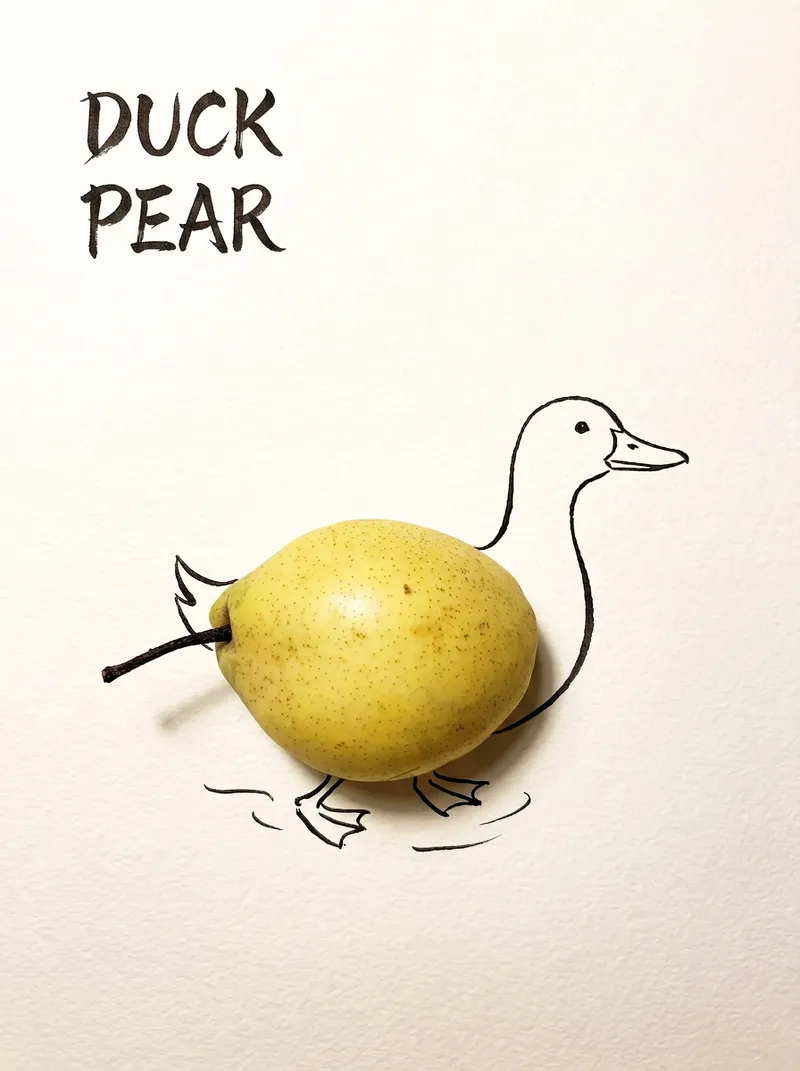
Best for: Xiaohongshu / Douyin creators Turn everyday objects into posters and create a consistent "bring-to-life series" with highly engaging content Food and lifestyle creators Turn ingredients into cover images that make your work more memorable Illustrators / designers Find inspiration quickly and test the "real object + line art" creative direction Teachers / parents Create materials for arts and crafts lessons, helping children make up stories with objects around them Businesses / brand operators Create creative hero images, holiday posters, and packaging inspiration for produce, fruit, and snacks Cultural creative brands, stationery shops, and coffee shops Design merchandise, postcards, stickers, and menu illustrations Everyday enthusiasts Photograph something nearby and share an "artwork" on social media Everything you photograph is hiding another character. "Bring Objects to Life" is a creative poster generator that combines real-object photography with minimalist line art. Just upload a photo of an object, and AI will automatically do three things: 🔍 Read the shape: Analyze the object's outline, curves, and texture to find what it most resembles ✏️ Add line art: Use dark ink pen lines to draw in a head, limbs, a human figure, ropes, and more, fitting the lines precisely to the object's edges 🖋 Turn the idea into a phrase: Create a 2–4-character Chinese pun title and arrange it in the empty space in an artistic typeface The finished image preserves the object's real colors and texture. The background is clean, warm-white watercolor paper, with at least 40% negative space. The result feels calm and refined: recognizable at a glance, then delightfully witty once you see the idea. The default format is a 3:4 vertical layout, suited to Xiaohongshu, Moments, and Douyin image posts. The aspect ratio, font, and title can all be customized.
Information
- Version
- v2
- Last updated
- Runtime credits
- Usage-based
- Models
- Auto
