
Vocabulary Matching Game
Practice instantly after class with bubble challenges
Vocabulary Matching Game
Practice instantly after class with bubble challenges
Showcase
Description
Paste your lesson vocabulary (10 to 40 words work best) and answer three quick questions to instantly generate an interactive bubble-matching game you can play on your phone or computer. 📚 Lesson Practice: Automatically divided into 1 to 4 levels with free level selection. 🔄 Three Directions: Foreign language to native language, native to foreign, or random. 🫧 Correct answers make bubbles vanish with auto-replacements. 🔊 Natural foreign language pronunciation. 📈 Study Reports: Check-ins, 7-day progress charts, mastery levels, and frequently missed words. 🏆 Completion rewards based on accuracy, plus a review book and scoreboard.
Recommended by
Dancang
Why we love this skill
Turn lesson vocabulary into an interactive multilingual bubble challenge game instantly. It features automatic leveling, two-way matching, audio pronunciation, wrong-word review, and progress reports for quick review and lasting motivation.
Related Skills
View all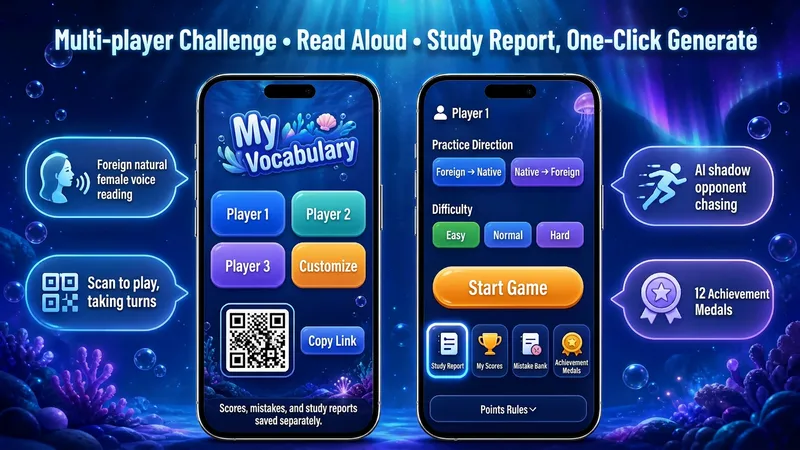 Research
Advanced Vocabulary Game V8.0
Paste vocabulary, search textbooks, or look up exam lists to generate a mobile and desktop-ready word matching game in 30 seconds. Share it instantly with a link. Supports English, Japanese, Korean, German, French, and more across all learning stages. 🌐 Three input methods: textbook search, exam vocabulary search, or paste/photo upload 🎯 Automatic grouping, fully unlocked, with saved progress 🔄 Two-way practice (foreign-to-native and native-to-foreign) with three difficulty levels 🔊 Natural foreign language text-to-speech for audio-assisted practice 📈 Study reports: check-in days, 7-day progress charts, mastery rates, and trouble words 🏆 Combo bonuses, AI shadow opponents, tier badges, and 12 achievement medals 👥 Pass-and-play multiplayer mode with independent score and mistake tracking 📚 Smart mistake notebook for targeted one-click review 🎨 11 visual themes with quick link sharing Choose the Advanced Challenge Edition for full-book vocabulary, exam prep, and long-term practice, or the Quick Practice Edition for single-lesson consolidation.
 Research
Vocabulary Dictation Generator
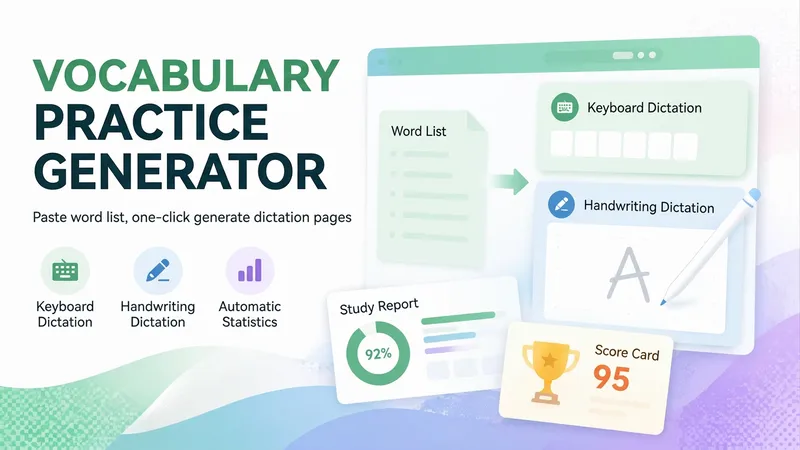
Paste a vocabulary list (or just mention a textbook name like Grade 8 Unit 3 or TOPIK beginner vocabulary) to generate a vocabulary dictation webpage in 30 seconds that you can send directly to students. Great for English, Korean, Japanese, and more, for vocabulary dictation, listening practice, memorization, and exam cramming. ⌨️ Keyboard dictation: See the definition and type the foreign word manually; not multiple choice. ✍️ Handwritten dictation: Write directly on your phone touchscreen and self-assess against the answer key, like digital paper. 🔀 Two modes share one set of data: The same vocabulary list, error log, scores, and progress reports let students switch habits. 🔢 Smart level splitting: Automatically groups by lesson or unit, splitting large lists into manageable halves. 💡 Two-tier hints: First shows the initial letter, then the full word. Words using hints automatically go to the error log. 📚 Auto error logging: Incorrect or hinted words are saved for targeted review. 📊 Learning reports: Tracks sessions, level scores, and overall accuracy, with separate stats for typing and handwriting. 🏆 Percentage scorecards: Generates a scorecard with name upon completion to save and share. 🎨 14 visual themes: Deep sea aurora, cherry blossom, cream bread, Monet's garden, and more. Zero-dependency single-file HTML5 page that opens directly in mobile browsers and WeChat without login or installation. Teachers just share the link with the class. Ideal for English dictation, Korean vocabulary, Japanese memorization, Chinese characters/poems, exam cramming, and parents checking homework.
 Image
Bestselling Character Family
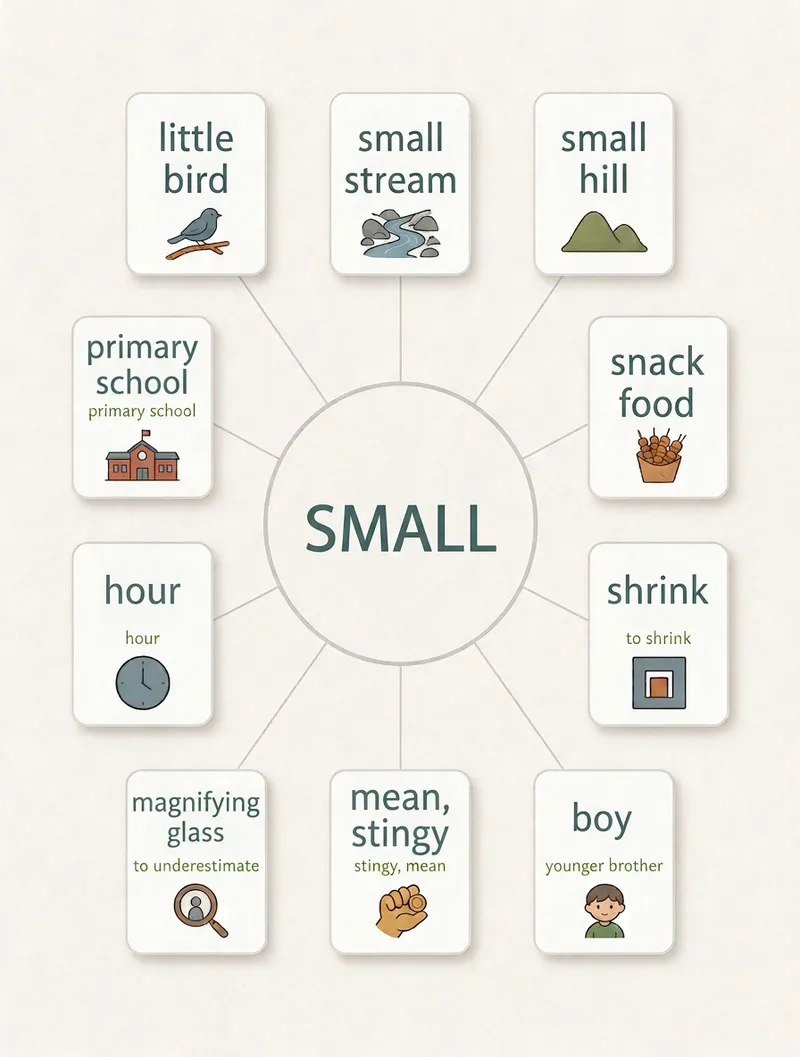
Target Audience: 1. Xiaohongshu, Douyin, and Video Channel creators focusing on literacy, parenting, or Chinese enlightenment content. 2. International Chinese teachers and TCSOL practitioners who need presentation illustrations with built-in English text. 3. Kindergarten teachers and education institution operators needing enrollment materials and literacy card resources. 4. Individuals looking to start a lightweight side hustle: image and text content is lighter than video, and the literacy niche has low competition and strong search long-tail traffic, making it ideal for solo creators. Monetization Methods: · Account Growth & Fan Building → Promote literacy textbooks, copybooks, and courses, and accept educational brand sponsorships. · Batch Image Output → Package into 9.9 to 39 yuan literacy card collections delivered via cloud drives. · Freelance Content Supply → Provide themed content to educational institutions and Chinese teachers on a per-set basis. · Serialized Production → Build a content library with one image per character to capture platform search long-tail traffic. Enter any Chinese character to automatically complete three tasks: 1. Phrase Planning — Select 9 common words containing the character based on a ratio of 3 original meanings + 3 daily life + 2 actions + 1 contrast, complete with pinyin, English definitions, and icon descriptions. 2. Image Generation Execution — Generate 3:4 vertical prompts with filled parameters (default is 3:4, adjustable to 1:1 or 16:9). 3. Quality Inspection & Rework — Includes a 7-point quality checklist and typo rework strategy (such as inpainting or using a text-free version with typography software) to ensure stable, reliable output.
Information
- Version
- v10
- Last updated
- Runtime credits
- Usage-based
- Models
- Auto
