Image to Prompt Reverse Engineer
Tailored for MJ/SD/DALL-E with dual-language prompts.
Image to Prompt Reverse Engineer
Tailored for MJ/SD/DALL-E with dual-language prompts.
Showcase
Description
Upload an image to instantly generate native Chinese and English prompts, with deep adaptation to the underlying syntax differences of MJ and SD. It comes with customized negative prompts to prevent degradation, style transfer strength annotations, and even parameter guidance. Whether you are a beginner or a hardcore prompt engineer, you can copy and paste directly to recreate stunning web images instantly!
Best for
Creators using AI drawing tools who need to analyze reference images and generate ready-to-use prompts.
How to use this Skill
Provide your input
Upload an image and specify the target generation tool or platform.
Run the Skill
The system analyzes the subject, composition, lighting, material, and style in the image, and adjusts the prompt format for the target platform.
Review your result
Get bilingual recreation prompts, style variants, customized negative prompts, and parameter suggestions.
Related Skills
View all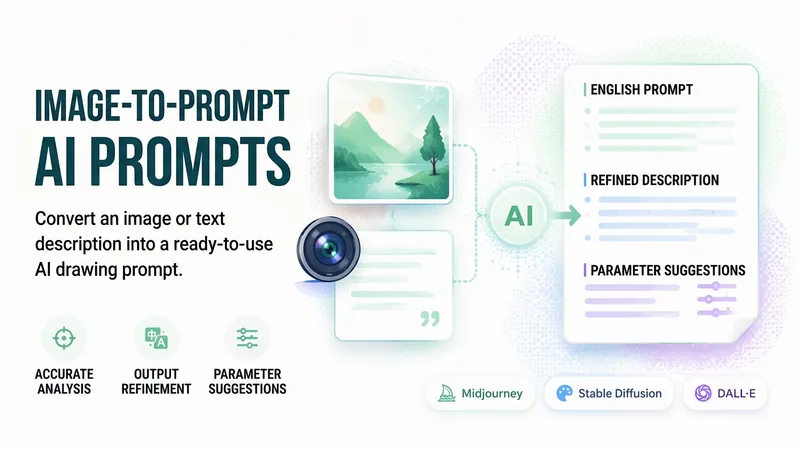
Reverse-Engineer AI Prompts
Upload an image or enter a text description to break down the subject, composition, lighting, colors, and materials into professional terms. Generate a structured English prompt ready to paste and use, along with a Chinese translation, parameter suggestions, and one-click directions for fine-tuning. Covers differences in syntax and aspect ratios across Midjourney, Stable Diffusion, and DALL-E. For the latest versions and parameters, xiaoxiaodong verifies details online first. It distinguishes among image, text, image-and-text, and multiple-reference inputs, adapting the style and target tool as needed. For images, it defaults to faithfully recreating the style shown. Delivered entirely as text—no code, webpages, or images.
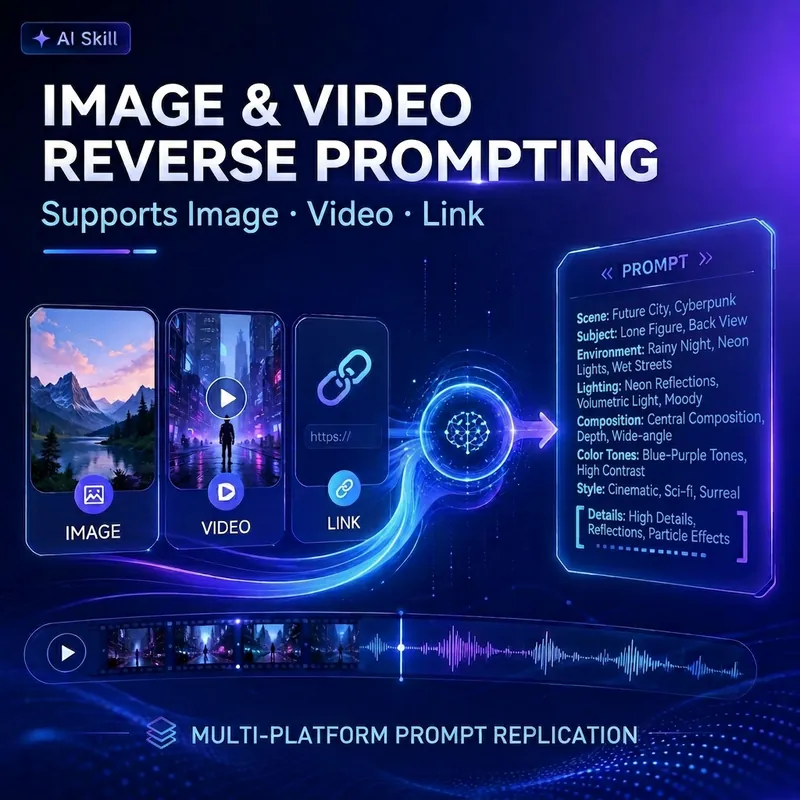
Prompt Reverse for Image/Video
Want to turn your favorite images or videos into high-quality AI-generated content? This assistant deeply analyzes any visual material you provide, whether images, video files, or public links from major social platforms, and reverse-engineers refined prompts ready for use on major AI creation platforms. It breaks down visual material in detail across multiple dimensions: style, subject, scene, cinematography, lighting, color, motion rhythm, and even sound atmosphere. Whether you want to study the structure of a viral short video, replicate cinematic framing and lighting, or turn images into dynamic videos, you'll get professional AI generation solutions. You'll receive customized prompt versions for major platforms such as Jimeng, Kling, Runway, Pika, Veo, PixVerse, Hailuo, Seedance, Midjourney, Flux, Stable Diffusion, including universal Chinese and English prompts, image-to-video, text-to-video, keyframe, and negative prompts. Additionally, detailed shot breakdowns, platform adaptation suggestions, and replication difficulty assessments are provided to help you efficiently achieve high-similarity content replication and turn your creativity into reality.
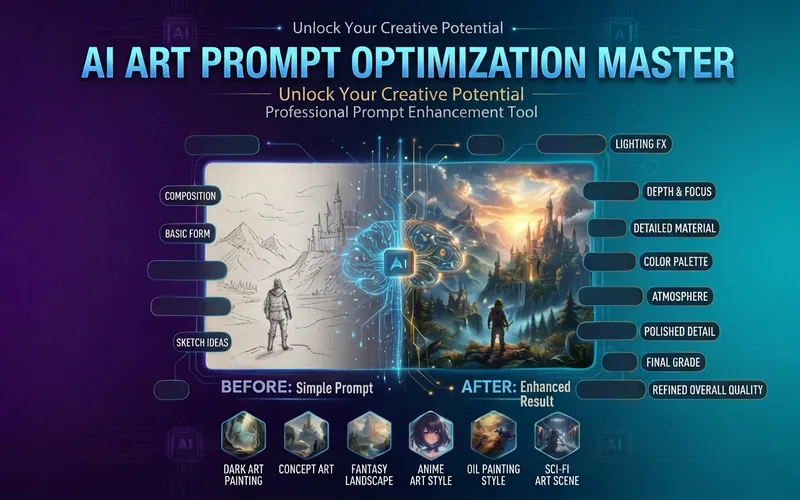
AI Prompt Master | MJ/SD 🎨
Simple descriptions instantly become professional prompts, boosting AI image quality by 10x! ✨ Core Features: • Convert casual descriptions into professional Prompts • Supports major tools like Midjourney, Stable Diffusion, DALL-E • Automatically adds: lighting, composition, texture, style, parameters • Provides multiple prompt versions (photorealistic/illustration/concept art) • Includes recommended parameters and negative prompts 🎯 Target Audience: Designers, illustrators, AI art creators, brand visual designers 💡 Use Cases: Don't know how to write prompts? Use this! Unsatisfied with generated results? Use this! Want professional-level images? Definitely use this! Make every generation a work of art ✨
Information
- Version
- v2
- Last updated
- Runtime credits
- Usage-based
- Models
- Auto
- Use cases
- Images & designLearning & education
- What you get
- ReportPrompt
