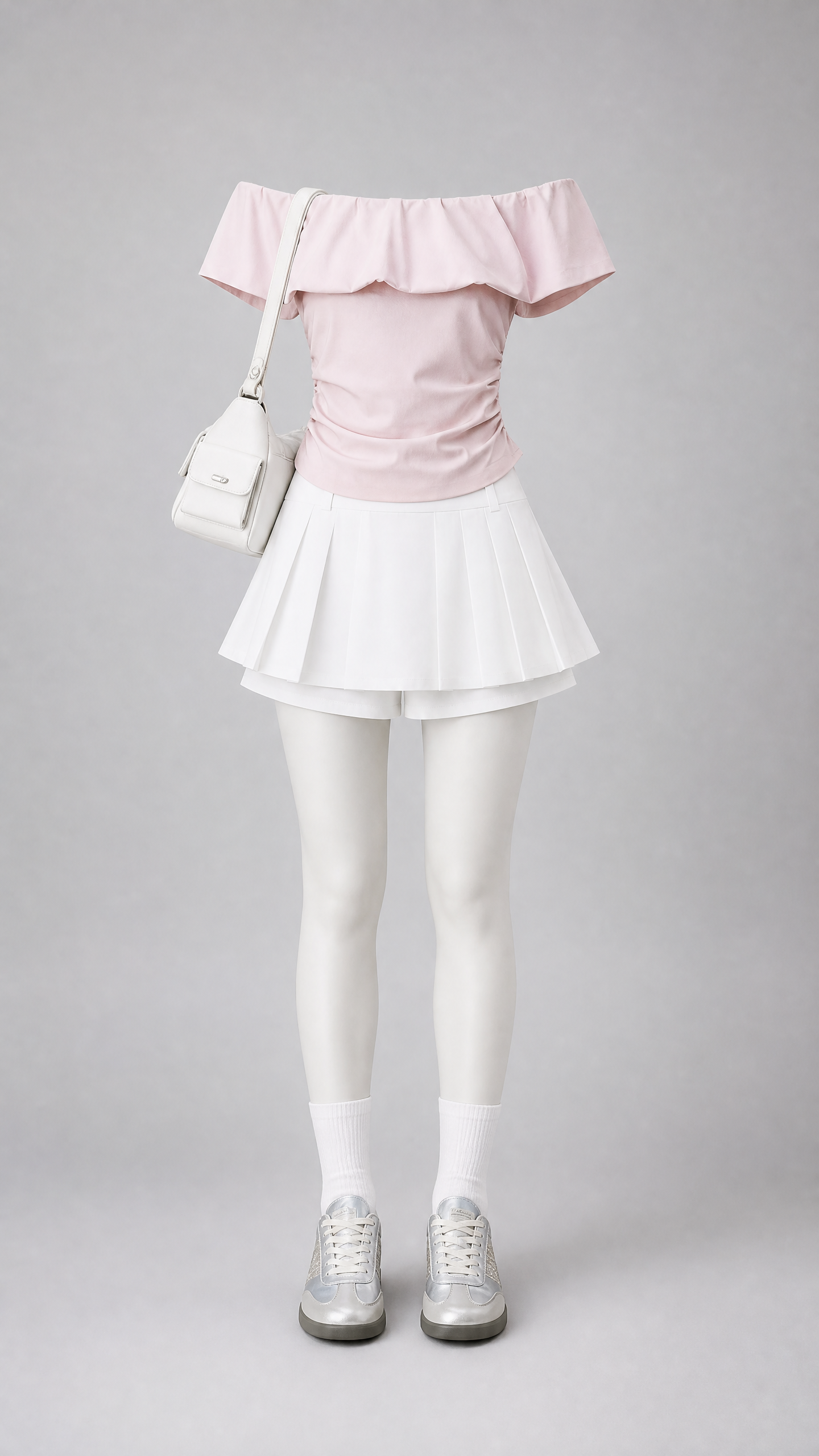
Ghost Mannequin Outfit Display
Create ready-to-publish apparel display images
Ghost Mannequin Outfit Display
Create ready-to-publish apparel display images
Showcase
Description
Skip hiring models, setting up photo studios, and retouching. Simply upload a reference image—flat lays, hanging shots, or someone else wearing it—and get a complete outfit display image ready for your product page: Natural standing pose on a ghost mannequin, with the entire outfit realistically "worn." No head, face, hands, or skin visible, yet shoulders, back, and waist are filled out, with arms inside sleeves and legs inside skirts or pants. Shoes worn on feet, bags carried on shoulders, and necklaces worn around the neck. Light gray gradient studio background, soft lighting shadows, and 8K fabric texture. Perfect for boutique owners, fashion bloggers, e-commerce operators, garment manufacturers, and wholesalers. Change an image and tweak a few parameters to generate visuals repeatedly, cutting the cost of a product detail image down to the price of breakfast.
Best for
Ideal for boutique owners, fashion bloggers, and e-commerce operators creating clothing display assets.
How to use this Skill
Provide your input
Upload one or more reference clothing images and specify background color, aspect ratio, footwear placement, and accessory preferences.
Run the Skill
The system generates an invisible mannequin outfit display image based on your references, presenting clothing, footwear, and accessories according to your parameters.
Review your result
Receive an e-commerce style finished image for showcasing complete outfits without showing head, face, hands, or skin, with clothing details matching your reference.
Related Skills
View all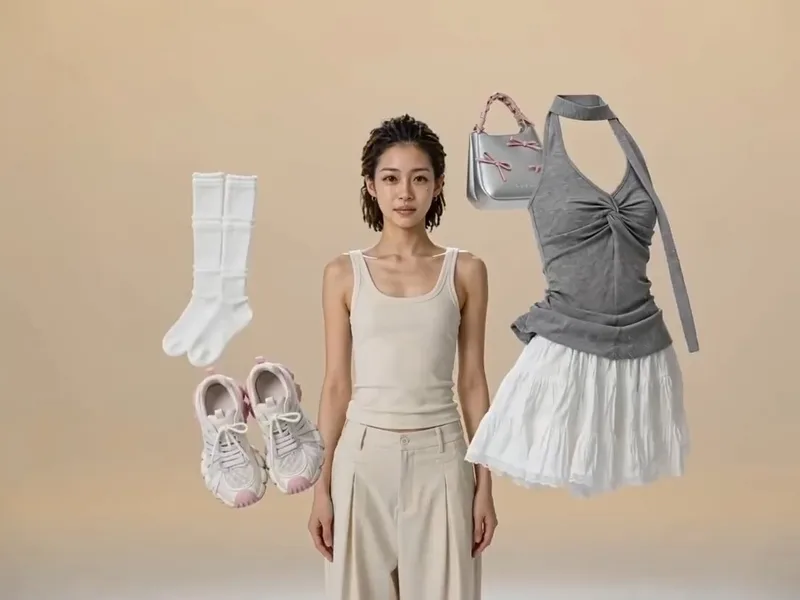
Floating Outfit Generator
[Who it is for]: 1. Fashion e-commerce sellers (Taobao, Pinduoduo, Douyin stores). 2. Outfit bloggers and fashion live streamers. 3. Garment factories, wholesalers, and independent fashion brands. In a nutshell: Upload 2 to 5 clothing images, choose the final outfit to wear, and automatically generate luxury-ad-grade clothing change videos. [Video Effect] Each outfit floats in a beige studio, swept away by black gloved hands with a crisp rhythm. Your specified final outfit magically appears on the model, with fabric fitting naturally like custom tailoring. 180° and 360° camera movements orbit the model, featuring fabric close-ups and full-body reveals. The model walks, turns, smiles, blinks, and freezes in a three-quarter side pose at the end. [Three Notes] If no character image is uploaded, the skill automatically generates a style-matched model; upload a character reference image to fix the face. The complete prompt is displayed before video generation so you confirm before calling the model, avoiding wasted credits. Video generation consumes platform credits; longer durations and more advanced models cost more. [Default Parameters] 4:3 aspect ratio, 10 seconds, Seedance 2.5 model. Add duration for more outfits: 3 outfits suggest 15s, 4 outfits 20s, 5 outfits 25s; over 15s automatically switches to Seedance 2.5.
 Image
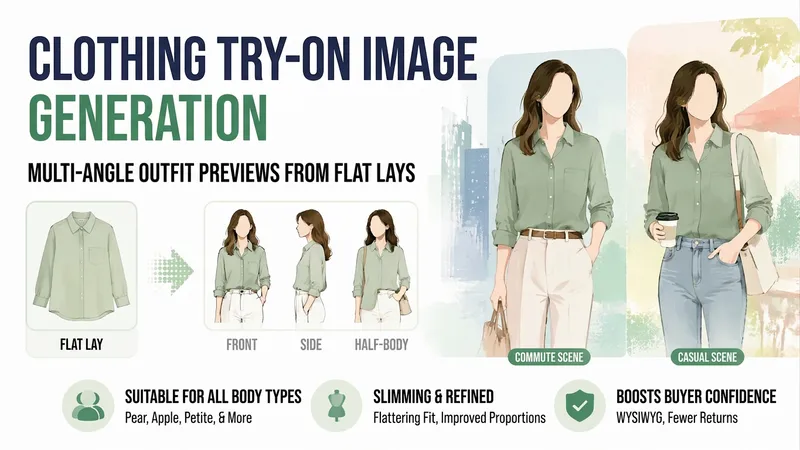
ImageApparel Try-On Images
Small shop owners know the challenge: you can only photograph clothes laid flat, so buyers swipe away after a couple of pages because they cannot tell what the clothes look like when worn. A model shoot can cost hundreds and requires a wait.【Apparel Try-On Images】uses your existing flat-lay photos and the style, fabric, and sizes you provide to create finished worn outfit images—one each from the front, side, and waist-up views, in both commuting and casual settings. It also includes notes on what body types the garment suits and where it may look more prominent, helping buyers see less difference between the images and the actual product and reducing returns.
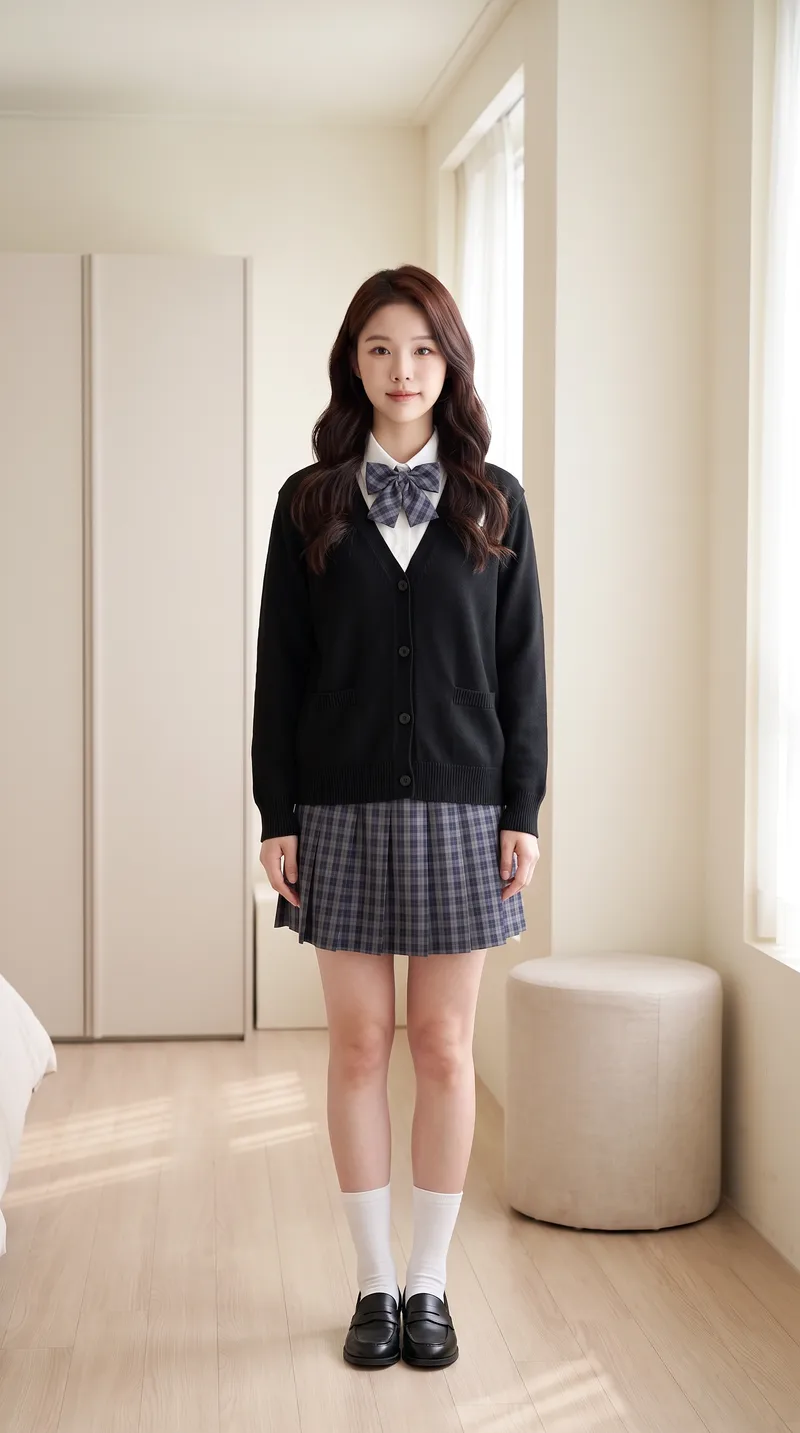
AI Try-On Video Generator
Transform a portrait and clothing images into a first-person interactive vertical short video for virtual try-on. [Input] * Portrait photo (optional): maintains face and person consistency if provided; otherwise automatically generates a matching protagonist based on style * 1-4 clothing images: tops, bottoms, shoes, bags, or accessories, with the upload order matching the dressing sequence * Optional parameters: style, scene, interactive effects, duration, and video count [Output] 9:16 vertical virtual try-on short video. The character remains consistent throughout, the scene is unchanged, clothing strictly matches the uploaded images and is put on one by one by "first-person hands," concluding with a full look freeze-frame. [Core Differences] * Two workflows: storyboard generation followed by video synthesis (controllable, precise clothing order) or direct one-step video generation (fast, suitable for batch production with few garments) * Full automation: automatically generates a matching protagonist without a portrait photo for zero threshold entry * Consistency locking: stable face, hairstyle, scene, and clothing style without drifting across the video * Default compliance: built-in clothing whitelist and negative words with initial styling forced to modest base layers, preventing prohibited content such as underwear, swimwear, stockings, or translucent items for immediate publishing [Who Is It For] * Fashion bloggers and content creators: try three outfits in one video and test styling without wearing them physically * E-commerce and apparel merchants: turn new arrivals into dynamic videos instantly, eliminating model and studio costs for content creation * Xiaohongshu/Douyin/TikTok operators: batch-produce hook videos featuring auto-dressing characters with completion rates higher than static outfit posts * Fashion styling educators, stylists, and buyers: quickly demonstrate multiple outfit options to clients * Independent designers and white-label sellers: create model showcase videos without physical photo shoots [Monetization Opportunities] * E-commerce sales: drive traffic with product links in videos and close sales directly using before-and-after try-on comparisons * Brand commercial deals: batch-produce promotional content for clothing brands with one style per video at a fraction of live-action shoot costs * Account growth: build series columns around try-on videos to grow accounts and monetize through traffic rewards and brand sponsorships * Asset resale: sell generic try-on template packs to peers or use them as training cases for coaching tutorials * Cost reduction for personal use: build an in-house product video asset library, saving time and money on repeated shoots [Applicable Scenarios] Outfit channel content production, e-commerce new arrival showcases, AI short video matrix marketing, outfit styling demos, social media grid posts, and client pitch samples.
Information
- Version
- v4
- Last updated
- Runtime credits
- Usage-based
- Models
- Auto
- Use cases
- Images & designMarketing & growthE-commerce & sales
- What you get
- Image
- Visual styles
- Photorealistic
