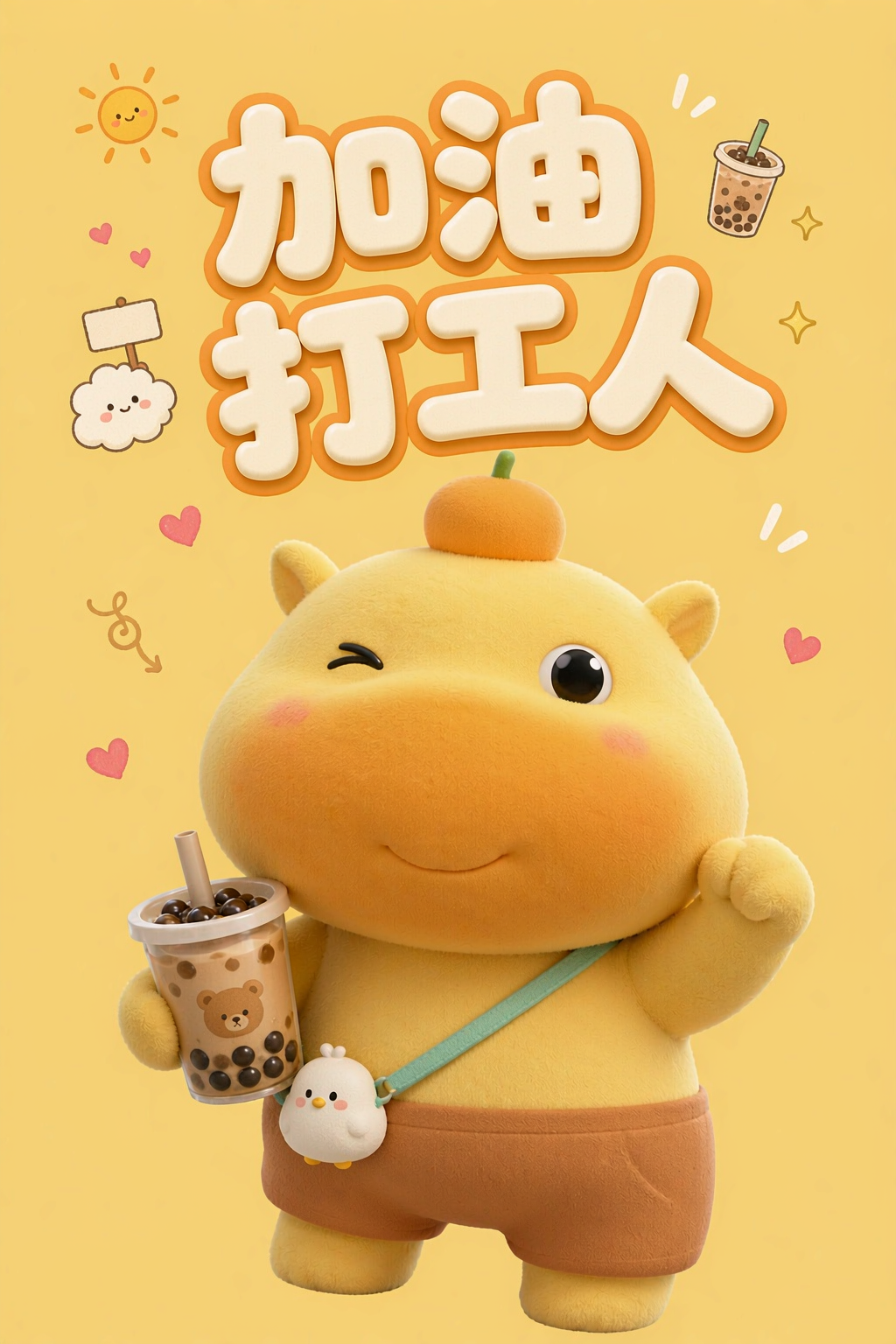
Wallpaper Freedom
Create phone lock screens in themed sets
Wallpaper Freedom
Create phone lock screens in themed sets
Showcase
Description
Phone wallpaper designer: Enter a theme, cartoon character, or short description to generate phone wallpapers. The default style is soothing hand-painted watercolor, with the top two-thirds left open for the clock and icons and the subject placed lower in the frame. Supports three composition types: character scenes, tiled still lifes, and window views. Create a series with the same character throughout, customize the visual style (traditional Chinese ink wash, cyber neon, minimalist line art, and more), and use the default 9:16 portrait format or set your own. Triggers when users say “make a wallpaper,” “draw a wallpaper,” “phone wallpaper,” “lock-screen wallpaper,” “soothing wallpaper,” “cartoon wallpaper,” “profile-picture wallpaper,” “wallpaper,” or similar phrases. Core constraints: the top must remain open, the image must contain no text or watermark, characters must stay consistent across a series, and original creator signatures must not be copied.
Recommended by
Dancang
Why we love this skill
Built for phone lock screens, with open space at the top, 9:16 framing, and no text to keep the clock clear—plus consistent styles and character details for cohesive wallpaper sets.
Best for
For users who want personalized phone lock screens, character wallpaper series, or soothing themed wallpaper sets.
How to use this Skill
Provide your input
Provide a theme, cartoon character, or description. You can also add a style, composition, aspect ratio, quantity, or reference image.
Run the Skill
Design a phone lock-screen wallpaper based on the theme, leaving room for the clock at the top, matching the composition and style, and keeping character features consistent across a series. No text or watermarks are added.
Review your result
Get a single phone wallpaper or a coordinated set, along with the theme, composition type, and corresponding prompts.
Related Skills
View all
Wallpaper Design
Wallpaper Design AI wallpaper prompt engineering skill covering 6 major wallpaper categories (mobile/computer/tablet/animated/illustration/photographic) and 10 styles (minimalist/healing/cyber/classic/anime/realistic/abstract/starry/aurora/watercolor). Includes 6 composition principles, color psychology, device dimensions, dynamic vs static differences, Seedream V4.5 prompt engineering, style keywords, and a pitfalls guide. Suitable for: (1) Personal wallpaper customization, (2) Designer wallpaper portfolio, (3) Brand-themed wallpapers. Trigger keywords: 壁纸, wallpaper, mobile wallpaper, computer wallpaper, desktop, lock screen, dynamic wallpaper, 4K wallpaper, healing, minimalist, starry.
 Image
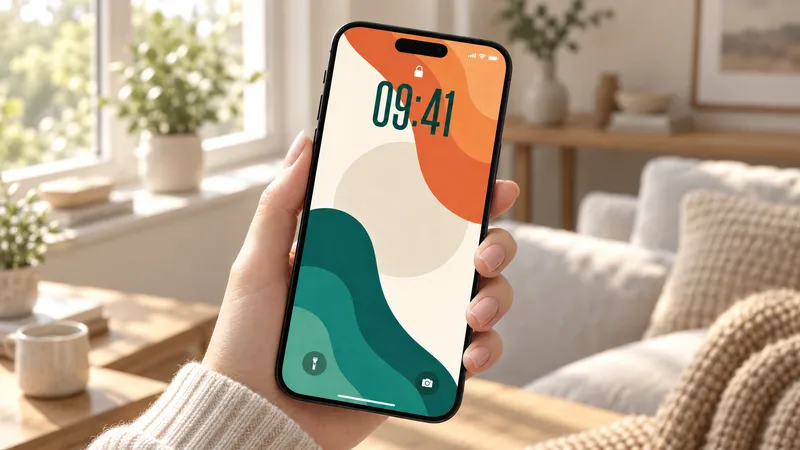
ImageColor Block Wallpaper Lab
You spot a beautiful color-block wallpaper on Xiaohongshu, but cannot find it in the color you want—or the original image does not fit your screen. Sometimes you just want a new wallpaper without paying separately for it. Now, simply say “warm tones, a little brighter” or “navy blue with cream white” to create a wallpaper that matches your preferences. With 16 visual styles and 152 reference color palettes built in, you can preview layouts, choose a composition, and then adjust the colors. If you like the original structure, keep the layout and change the palette. If you want to try something new, let AI design freely. Supports phone, iPad, and computer formats, extending the composition to match your screen’s aspect ratio. Text-free by default, so comfortable colors and a clean design remain the focus. Generation uses the platform’s model resources; actual usage is subject to the platform’s rules.
 Image
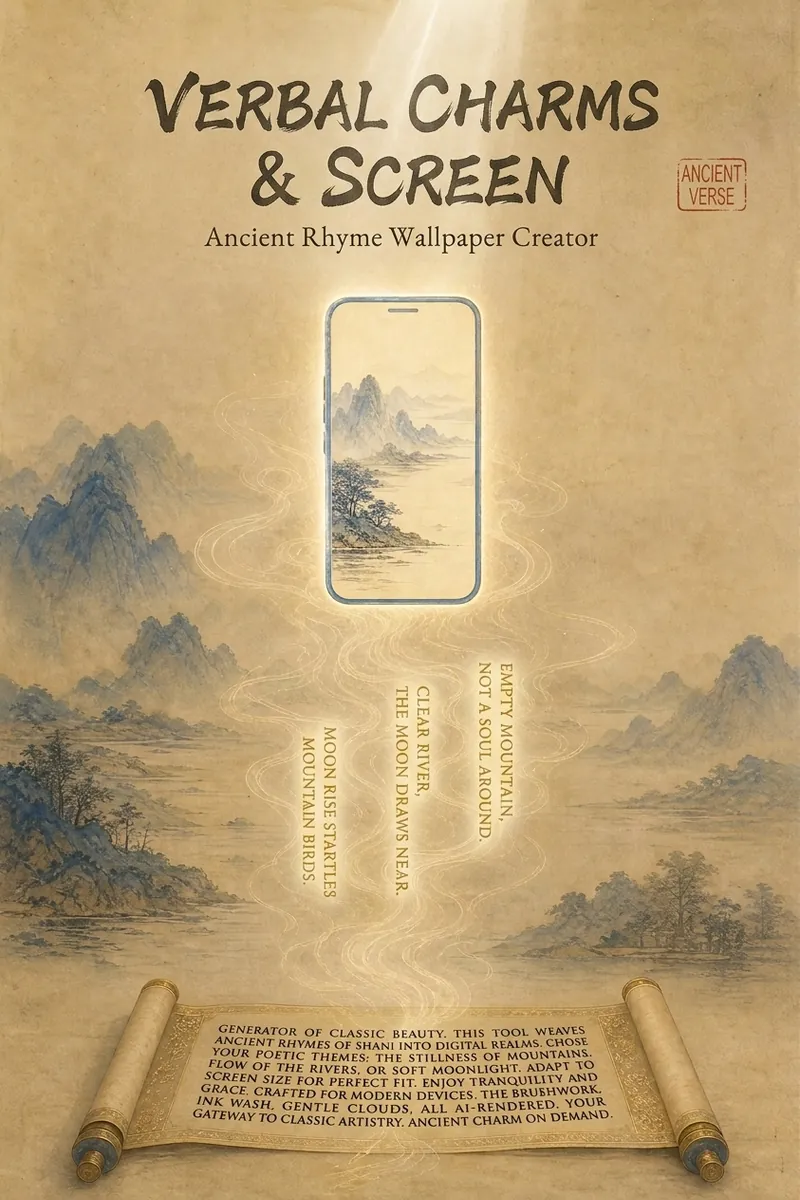
ImagePoem Screen -Ancient Wallpaper
"Your poem, your words, your wallpaper." Transform poems into custom wallpapers. Conversational requirement gathering, outputs four versions of prompts (phone lock screen/home screen + computer lock screen/desktop) in Chinese and English, including safety zone guidelines. Supports ancient painting style library (Ode to the Goddess of the Luo River, A Thousand Li of Rivers and Mountains, Dwelling in the Fuchun Mountains, etc.). Provides image selection (seven-dimension evaluation), feedback analysis, modification iteration, and full installation guide service. Converts poems, mottos, to-do reminders into custom wallpapers. Supports four versions: phone lock screen, phone home screen, computer lock screen, computer desktop. Bilingual Chinese-English prompts, compatible with Doubao, Jimeng, Kling, Midjourney, Stable Diffusion. What can Poem Screen do? In one sentence: You tell me the poem name and what words to write, I provide four versions of prompts plus installation guide, you generate, screenshot, I revise until satisfied. What can you input? - Ancient poems (e.g., "Spring River in the Flower Moon Night") - Mottos (e.g., "A straw cloak, a bamboo staff, and a pair of sandals—through the rain, I stroll") - Work task reminders (e.g., "Today's work must be done today") - Scene descriptions (e.g., "Bamboo grove in the rain, a cup of tea") - Festivals and solar terms (e.g., "Mid-Autumn Moon") What will you get? - Four bilingual prompts (phone lock screen, phone home screen, computer lock screen, computer desktop) - Text embedding plan (what text to write, where to place it, color, font size, font suggestions) - Safety zone guide (where system time/icons are, where to place main elements and text) - Installation guide (step-by-step for iPhone, Android, Windows, Mac) - Feedback analysis (screenshot diagnosis for overlap issues, provide revised prompts, revise until satisfied) - Other formats (long scroll version, tablet version, image-only sharing version, print framing version available on demand) Core logic: poetic imagery → emotional color temperature → ancient painting school → style matching → text position recommendation → four prompts → installation guide → feedback analysis. You decide what to write, I handle the painting, the text, and after-sales. Text strategy note: 💡 Tip: AI tends to garble precise text, so we use a "reserve area + overlay" approach. The image will leave a clean space for you to add text later with system fonts or photo editing apps. Can't decide? Let me help! - "Landscape pastoral, want tranquility" → ink wash painting style, light ochre with negative space, text in seal stamp style at bottom right - "Nostalgic epic, want grandeur" → heavy blue-green, gold line drawing, text on scroll unfolding at the bottom - "Work task reminder" → minimalist dark, centered horizontal text at top, clear high contrast - "Not sure" → I'll recommend based on the poem's emotional color temperature: warm tones use heavy color, cold tones use ink wash, neutral use minimalist Now, tell me your poem and your words. I'll help turn them into a reflection on your screen.
Information
- Version
- v2
- Last updated
- Runtime credits
- Usage-based
- Models
- Auto
- Use cases
- Images & designLifestyle & entertainment
- What you get
- ImagePrompt
- Visual styles
- FuturisticWatercolorTraditional Chinese
