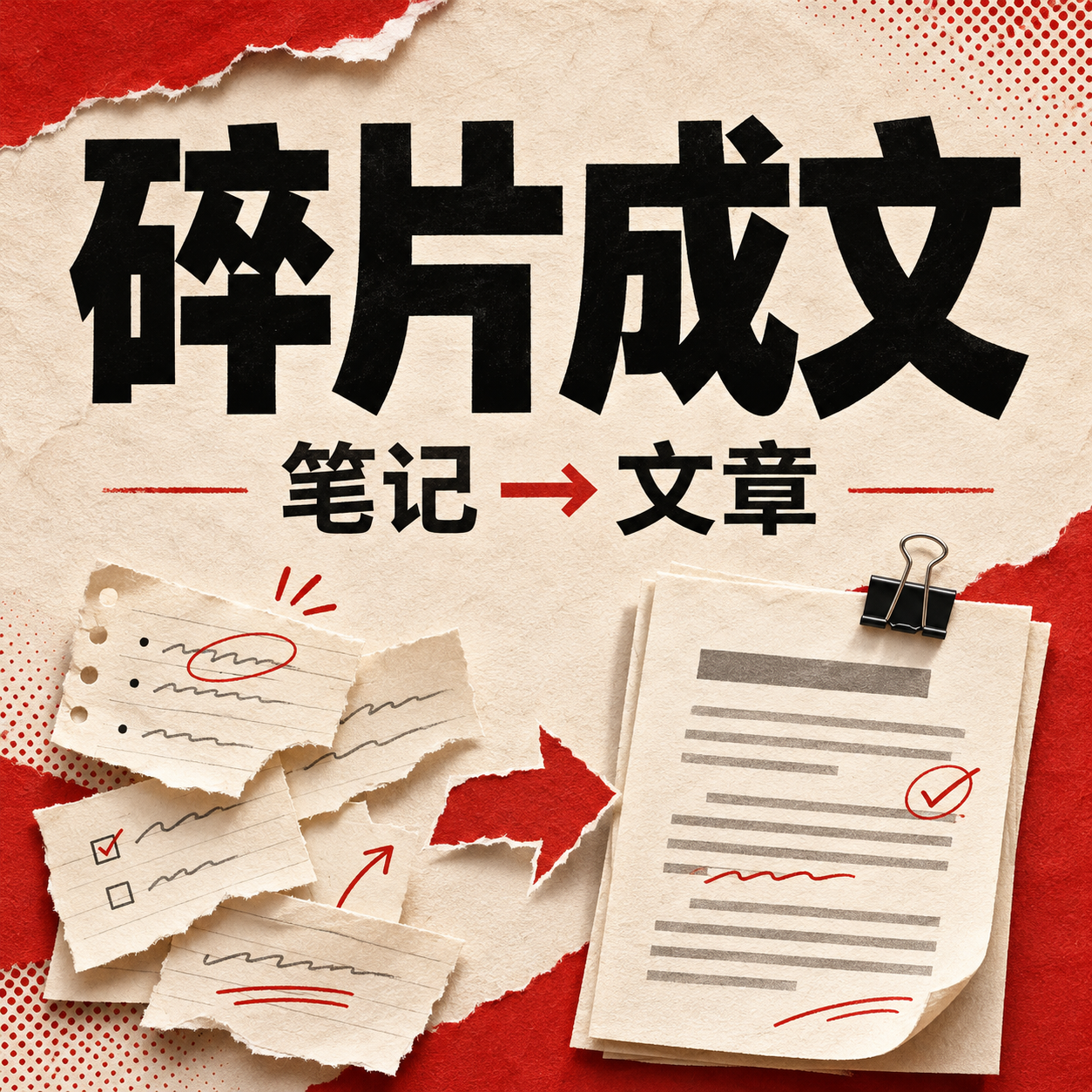
Notes to Article with Checklist
Turn notes and interviews into fact-backed articles
Notes to Article with Checklist
Turn notes and interviews into fact-backed articles
Showcase
Description
Target Audience: Creators who have scattered notes, interview texts, or spoken transcripts and want to organize them into articles. What You Need to Provide: Raw materials, target audience, purpose, length, and expressions you wish to keep. How It Works: Numbers the materials, distinguishes factual statements, opinions, and plans; drafts around a single thread, then reviews numbers, speakers, and evidence gaps. Final Delivery: 3 title options, complete body text, material correspondence table, items to confirm, and editing notes. By default, it outputs copyable text directly; file saving depends on the runtime environment. Steps to Use: Paste your materials and specify the reader and word count; read the article first after running, check the materials against the correspondence table, and use it after revision. The core feature requires only a text model, and GPT is recommended; current YouMind tests select GPT-6.1 Sol, and actual results depend on runtime configuration. The four display images are excerpts from real local Skill test outputs with fictional inputs, presented via layout formatting, and are not real client cases. Wording issues found in testing have been archived, and articles still require manual review. The platform has completed one text case test, which does not guarantee stable success in all scenarios. Not Suitable For: Fabricating real interviews from scratch, generating unprovided personal experiences, replacing fact-checking, or automatic publishing. Insufficient materials will shorten the content and list gaps rather than expanding it with fabricated facts.
Why we love this skill
Transforms scattered notes and interview transcripts into cohesive articles while itemizing source attribution, evidence, and verification items.
Best for
Ideal for creators and editors who need to turn scattered notes or interview materials into reliable articles.
How to use this Skill
Provide your input
Provide scattered notes, interview text, or transcripts, and specify the target audience, purpose, length, perspective, and key phrases to retain.
Run the Skill
Organize the materials into facts, opinions, plans, and items to verify, draft the piece around a central thread, and then check people, numbers, attribution, and evidence gaps.
Review your result
Receive 3 title options, a complete article, a material correspondence table, pending items, and editorial notes.
Related Skills
View all
Viral Chinese Content Creator
Transform a topic, keyword, link, or scattered notes into engaging, shareable long-form Chinese content tailored for platforms like WeChat, Xiaohongshu, Zhihu, and Douyin to boost clicks, reads, and shares. Even with a vague direction, it identifies distinct angles by factoring in target audiences, real-world scenarios, and viral contexts. If you provide specific experiences, brand details, or restricted words, it respects those facts without altering them. The final draft goes beyond simple opinions by starting with relatable dialogues, actions, times, and objects, developing conflicts, causes, and deeper insights, and concluding with actionable solutions. Balancing click-through appeal with reader resonance, it generates multiple emotional, informative, and identity-driven titles, adapting the tone for your platform and word-count needs. The final output is a well-structured, natural-sounding Chinese article with specific talking points and reusable topic ideas, perfect for content creators, media operators, and teams producing ongoing brand content.
 Write
Viral Article Engine Pro
Viral Article Engine Pro turns your materials, viewpoints, reports, or trending topics into in-depth WeChat articles optimized for the 2026 recommendation and search environment: informative, verifiable, actionable, and worthy of saving and sharing. It prioritizes value over mere reach. Before writing, it conducts a material diagnosis and value check: identifying informative increments, saveable assets like checklists or SOPs, and fact reliability levels (official, industry case study, pending verification, or opinion). It also pre-scans for platform red lines such as forced sharing, outbound traffic redirection, prohibited absolute terms, efficacy promises, and undeclared commercial promotions. The creation process includes clear confirmation steps: determining the article value format, reader level, authentic expression style, and confirmation rhythm, followed by angle, outline, saveable assets, titles, style, and intro. Building the skeleton before the title ensures every promise is delivered in the text; parts unsupported by materials are cut rather than padded with empty words. For writing, it retains the dual-track title system and material-driven intro decision system, adding value-density rules, credibility phrasing standards, a buzzword blacklist, and mobile-friendly formatting alternatives to tables (step flows, check-lists, decision paths, and scenario cards). The draft leaves room for the author's real experience and judgment, matching the platform's preference for authentic expression. Finally, it delivers a complete article document with a pre-publish manual checklist. Afterwards, you can optionally run a fact and compliance review, generate a summary and pinned comment, compress an essential edition, or rewrite it for graphics-based accounts or Xiaohongshu.
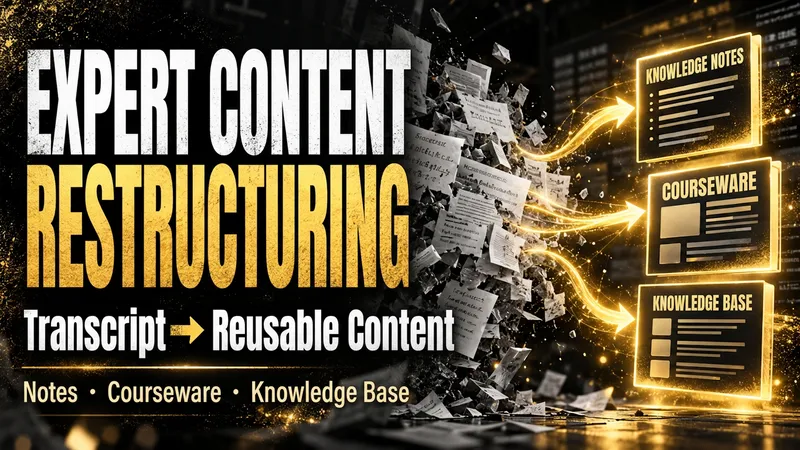
Content Reconstruction Expert
After an expert course, training session, interview, or meeting, what remains is often a long, messy transcript that is difficult to use again. The Expert Content Reconstructor fully restructures existing text into genuinely usable content deliverables. It does not produce a summary that keeps only the conclusions; it preserves definitions, explanations, examples, conditions, figures, limitations, steps, and conclusions, then reorganizes them into a clear knowledge hierarchy. You can use it to: - Turn transcripts of expert courses into reusable knowledge notes; - Turn training materials or speeches into course outlines, course content, and PPT page copy; - Turn interviews, articles, or meeting notes into structured articles, knowledge base entries, or team documents; - Organize multiple materials into searchable, traceable knowledge packages. You only need to provide the existing text and explain who will read it, how deeply it should be organized, and what output format you prefer. You will receive: - Complete knowledge notes, articles, course outlines, course content, or PPT page copy; - Clear heading levels, paragraphs, lists, and necessary terminology explanations; - Teaching notes that students can study directly, without retaining paraphrasing such as “the speaker says” or “the course will cover”; - Structured content that can be delivered directly to clients, teams, or a knowledge base; - Source logs, content ledgers, glossaries, quality reports, and retrieval chunks as needed; - No compression of useful content simply for brevity, and no added viewpoints, examples, or conclusions that are not present in the source material. Suitable for organizing existing written materials; Does not handle audio recognition or generate transcripts from audio.
Information
- Version
- v3
- Last updated
- Runtime credits
- Usage-based
- Models
- Auto
- Use cases
- Writing & contentResearch & analysis
- What you get
- ArticleDocument
