
Office File Renamer
Standardize and organize Office files in bulk
Office File Renamer
Standardize and organize Office files in bulk
Showcase
Description
Bulk Office file renaming: automatically standardize names by date, client, project, and ID. Suitable for Office file recognition, conversion, renaming, archiving, retrieval, metadata, template application, and delivery package organization.
Best for
For office professionals who need to standardize Office file names in bulk, organize archives, and reduce manual search time.
How to use this Skill
Provide your input
Provide the Office files to process, naming fields, business rules, archive location, and output requirements.
Run the Skill
Generate a rename preview based on the rules, check for duplicates, missing fields, and format issues, then confirm processing while preserving the original files and change log.
Review your result
Receive standardized file names, organized archive results, a renaming rules table, and a review checklist.
Related Skills
View all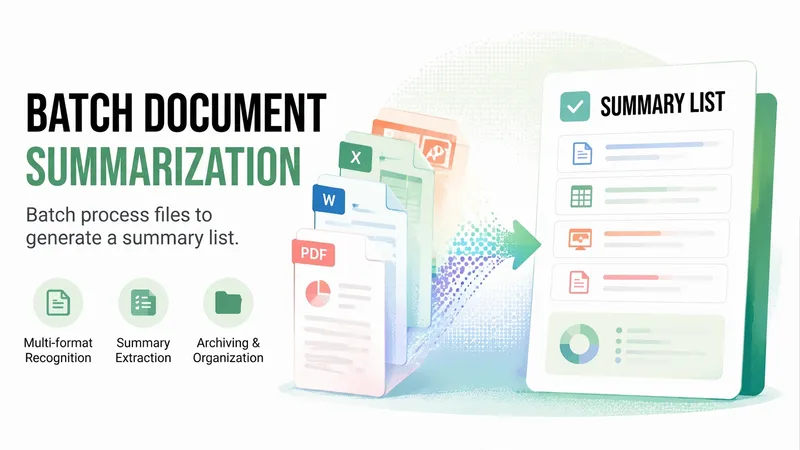
Office File Summaries
Batch-read Office files: identify Word, Excel, PPT, and PDF files and generate summaries. Useful for Office file identification, conversion, renaming, archiving, search, metadata management, template application, and delivery package organization.
Smart Batch File Renamer
Automatically reads multiple file types (PDF, Word, Excel, PPT, images, text, etc.) from folders, intelligently extracts titles and dates, generates a standardized naming format (title_date.extension), provides a preview table for confirmation, then batch renames files—solving the problem of chaotic file names.
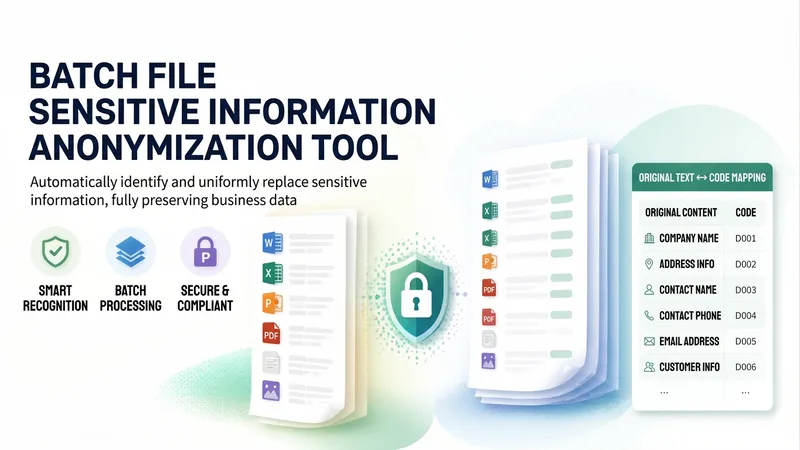
Batch File Redactor V2.0
Upload local files or data materials to automatically identify and redact common sensitive information, including organization and company names, addresses, contact names, customer information, contact details, email addresses, and phone numbers. The tool replaces them with consistent codes while fully preserving the business data in the files. It supports Office files (Word/Excel/PPT), PDFs, plain text, and images, including scanned documents processed with OCR, and can handle files in batches. It outputs redacted files with the same names as the originals, along with an additional “Original ↔ Code” mapping table.
Information
- Version
- v2
- Last updated
- Runtime credits
- Usage-based
- Models
- Auto
- Use cases
- Business & strategy
- What you get
- DocumentData
