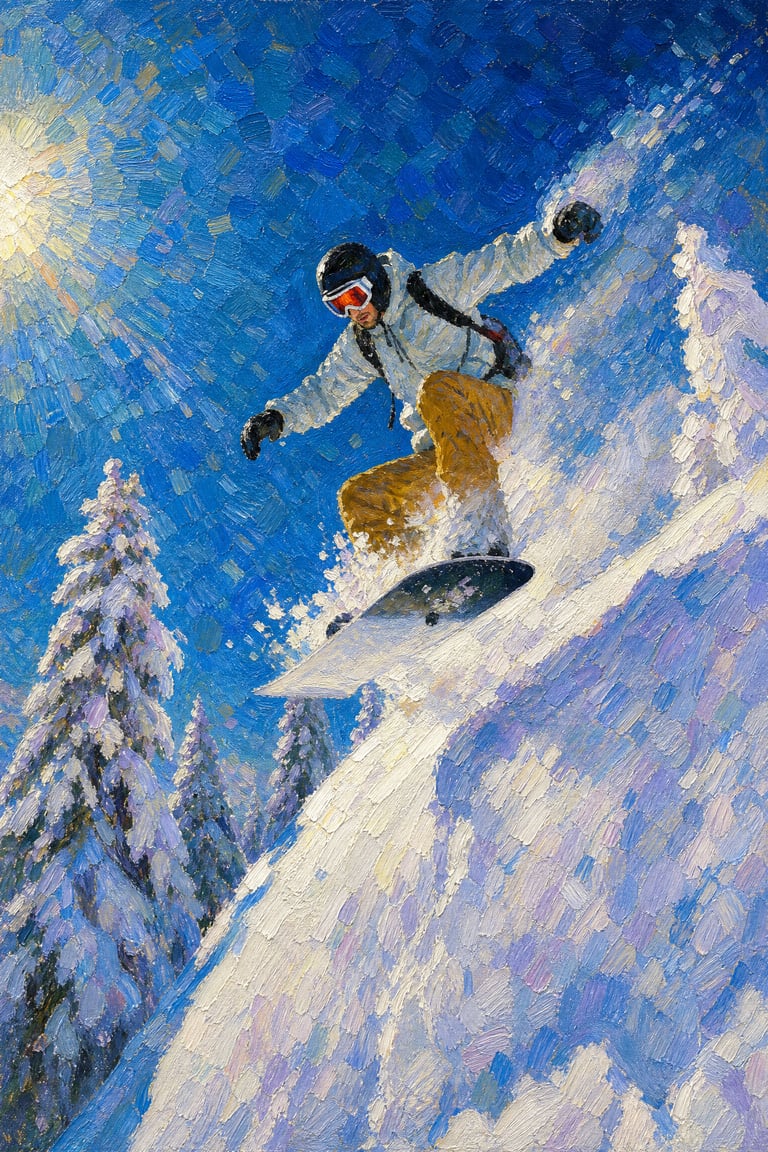
Oil Painting Style Transfer
Photo to Oil Painting
Oil Painting Style Transfer
Photo to Oil Painting
Showcase
Description
Upload an image to transform it into a museum-quality oil painting, strictly preserving the subject's identity, facial features, pose, and composition. Choose from various oil painting sub-styles and aspect ratios, with the best image editing model applied by default.
Recommended by
Dancang
Why we love this skill
Accurately transforms reference images into oil paintings featuring canvas texture, impasto brushstrokes, and rich depth, while prioritizing subject identity, facial features, pose, and composition.
Best for
Ideal for users looking to turn portrait, pet, landscape, architecture, or still-life photos into oil paintings.
How to use this Skill
Provide your input
Upload a reference image and optionally specify an oil painting sub-style, aspect ratio, or other requirements.
Run the Skill
Transforms the reference image into an oil painting while preserving the subject's identity, facial features, pose, composition, and key elements, while rendering brushstrokes, impasto, and canvas texture.
Review your result
Receive an oil painting-style final image, with the option to change the sub-style or aspect ratio and regenerate as needed.
Related Skills
View all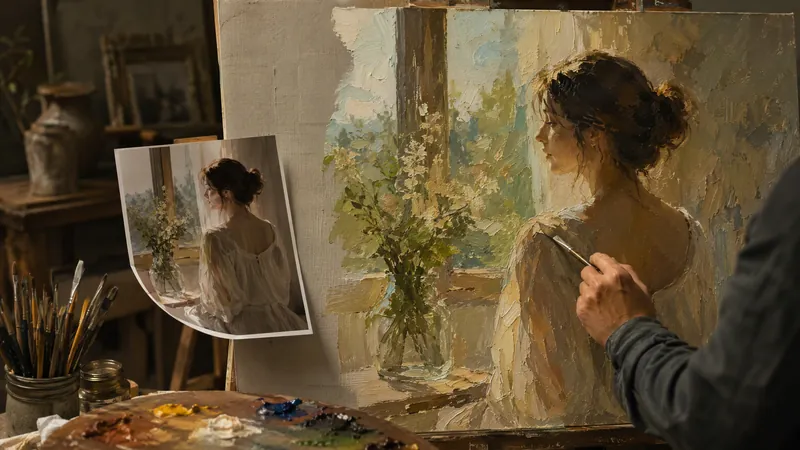
Photo to Oil Painting
Turn your photo into a true oil painting. It's not simply adding a filter, nor is it pixel-by-pixel tracing. It's as if a painter recreated your photo in the style you choose: the composition, people, poses, and scene remain unchanged, the spirit of the subjects is preserved, but the light, color, and brushwork are all left to the chosen style. The soul of the style lives in light and color: the golden warm glow of Romanticism, the dramatic chiaroscuro of the Baroque, the wild colors of Fauvism—all truly land on the canvas. Includes 10 classic oil painting styles: Classical Realism, Impressionism, Post-Impressionism, Baroque, Romanticism, Rococo, Ukiyo-e, Fauvism, Impasto, and Academicism. Upload a photo, pick a style, and each generation produces 2 options to choose from. Not satisfied? Regenerate.
 Image
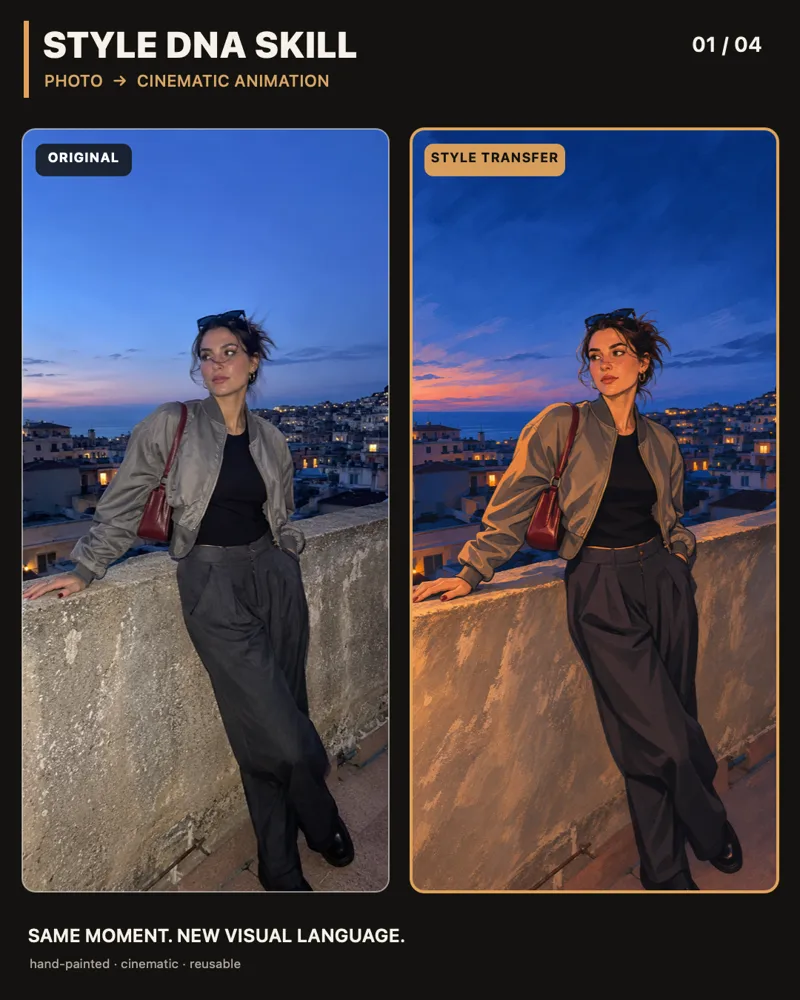
Photo to Cinematic Illustration
Upload a photo to transform it into a cohesive 2D hand-drawn cinematic animated illustration. It prioritizes preserving character recognition, posture, clothing, travel locations, composition, and original proportions, modifying only the drawing style, color, lighting, and material expression. After generation, check against the original image and receive one best-suited final image by default.
 Image
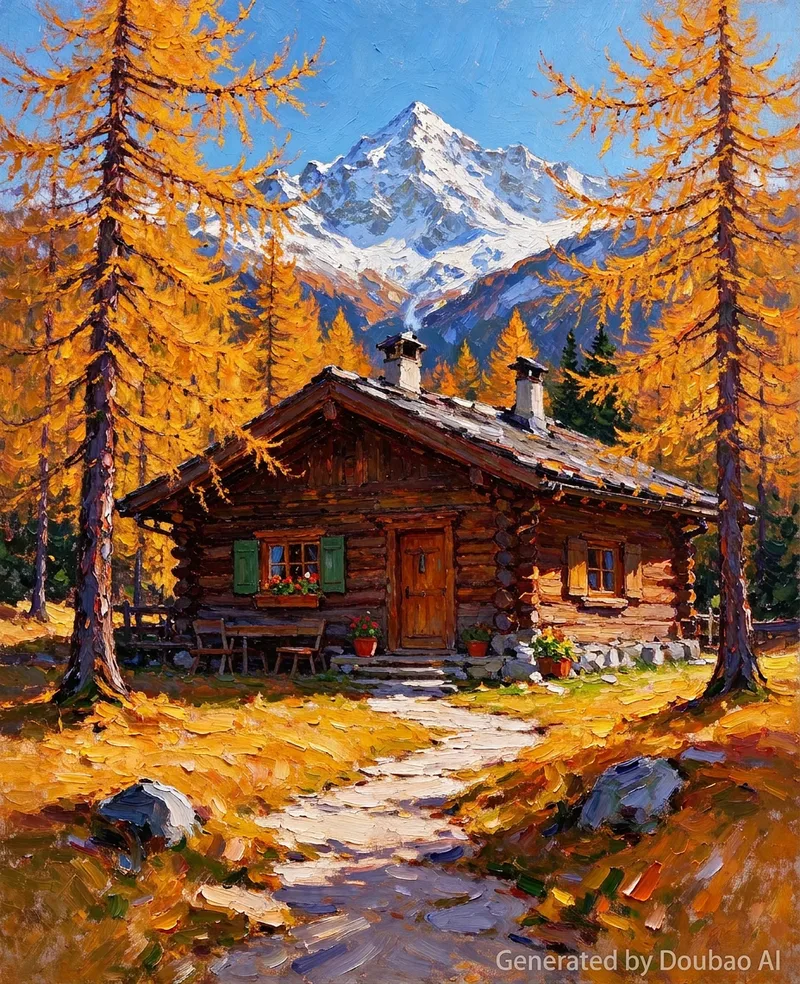
Oil Painting Creator
An impasto oil painting style image generation skill. Use this skill when users want to transform any theme (text description or uploaded image) into an "impasto oil painting / impressionist plein-air painting" style artwork. This style originates from an oil painting of a Mediterranean coastal stone house and flower field: thick visible brushstrokes, layered paint texture, high-saturation cobalt blue sky, orange-red terracotta tiles, red, orange, and white wildflower accents, and warm natural light. Users input a theme or upload an image, and this skill outputs professional-grade prompts ready for image generation models (bilingual in Chinese and English, text-to-image and image-to-image versions, including negative prompts). Keywords: impasto oil painting, oil painting style, impasto, impressionism, plein-air painting, brushstroke texture, style transfer, image to oil painting.
Information
- Version
- v3
- Last updated
- Runtime credits
- Usage-based
- Models
- Auto
- Use cases
- Images & design
- What you get
- Image
- Visual styles
- Oil painting
