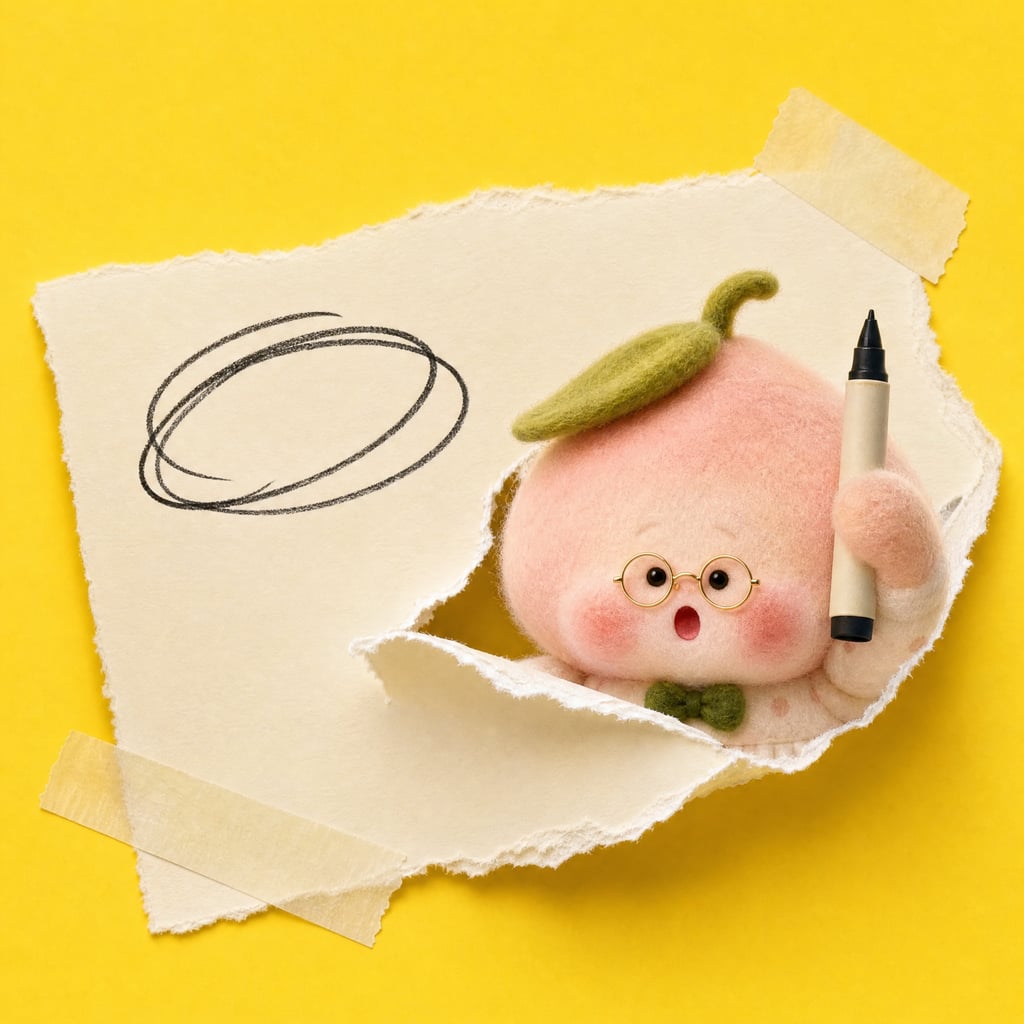
Personal IP Interactive Slides
Make your content unmistakably yours
Personal IP Interactive Slides
Make your content unmistakably yours
Showcase
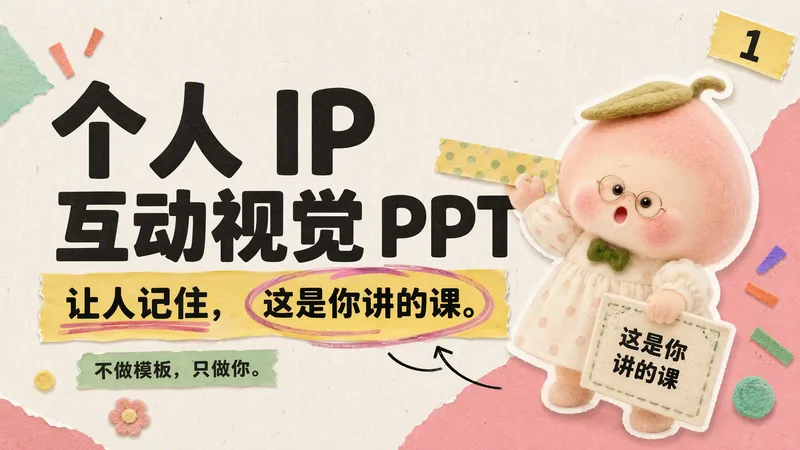
个人 IP 互动视觉 PPT|技能推广演示
个人 IP 互动视觉 PPT|技能推广演示
个人 IP 互动视觉 PPT|技能推广演示
个人 IP 互动视觉 PPT|技能推广演示
Description
Have your course materials been reused, with someone else able to present them smoothly? That’s why my courses need to carry my fingerprint. I don’t make templates—I make work that is uniquely yours and understands you better over time. Hi, I’m Taozi, a PhD in visual arts, a university teacher, and a leading AI training instructor. Through years of commercial presentations and academic conferences, I’ve had a persistent concern: I worry that someone might steal my Slides for commercial use or imitate my courses. Or perhaps this reflects a lack of confidence. If someone else presents my courses and knowledge system, do these materials still belong only to me? So I began to wonder whether all the Slides from my career could be developed into a complete visual system, much like a television series. After more than six months of testing and iteration, this skill has helped me complete 100 commercial course decks. More and more people have asked how they were made, so I’m sharing it as 【Personal IP Interactive Slides】. This skill can help you: 1. Translate the presenter’s professional identity, personality, and content into a custom color palette and visual system; 2. Generate visual elements that echo the text through a personalized “IP character route” or “professional elements route”; 3. Make your personal IP actively work on the page and interact closely with the script; 4. Build a Slides creation system with a strong personal style that becomes easier and more effective to use over time; 5. Turn all your Slides into a series from today onward; 6. Include a coronation statement based on real evidence at delivery. Core standard: Visual elements must speak for the script. If removing an element makes the page worse, keep it; otherwise, delete it.
Related Skills
View all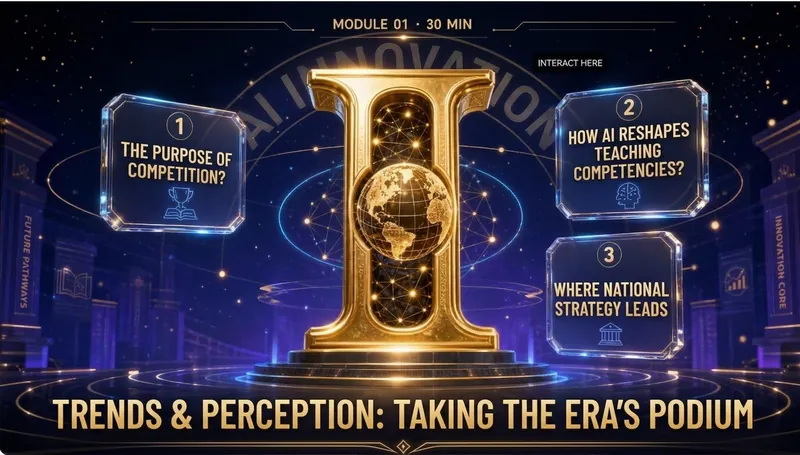
Elite Tech Slide Designer
Make every slide a breathtaking moment for the audience! Are you still suffering through presentations like these? 😴 Your carefully prepared content ruined by a template-heavy PPT? 😩 Judges or clients think "another ordinary presentation" at first glance, losing interest instantly? 😵 You want to convey authority, cutting-edge, and trustworthiness, but it looks like a "township enterprise brochure"? 😞 Others' PPTs look like an Apple launch, yours like a 1998 Office default template? The problem isn't your content—it's your visual authority! ✨ Now, equip the Elite Tech Slide Designer skill 👉 Turn any content (speech, report, whitepaper, policy briefing) into: An elegant film-like chapter structure that gives the audience breathing rhythm 💎 With this skill, you'll gain: 🔥 A design master assistant that builds your authority—no more struggling with colors, fonts, or alignment 🔥 A cover that makes judges/clients "hold their breath" at first sight—winning their expectations in 3 seconds 🔥 Never flashy or cheap 🔥 A "premium template library" that peers secretly copy—isometric 3D + glassmorphism + gold fine lines, max visual impact 🔥 Get asked "Can you send me that PPT?" after your speech—your presentation will be remembered because of the slides 🎯 Who is it for? 🎙 Seasoned speakers / TED-style presenters—keynotes, industry conferences, product launches 💼 Senior consultants / investment managers—investor roadshows, board meetings, client proposals 🎓 University professors / academic authorities—academic lectures, research reports, policy briefings 📊 Corporate strategy leads / CMOs—annual strategy meetings, brand launches, media communications 🏆 Any professional participating in national competitions/reviews—teaching competitions, innovation contests, project defenses ⚡️ Install Elite Tech Slide Designer now Turn your next presentation into a visual ritual that makes the audience "hold their breath and rush to save." "Not just conveying information, but creating a sanctuary." This skill is your scepter of visual authority. 👑 👇 Click to install and become the speaker that makes your peers say, "That's the one who made the audience hold their breath!"
 Slides
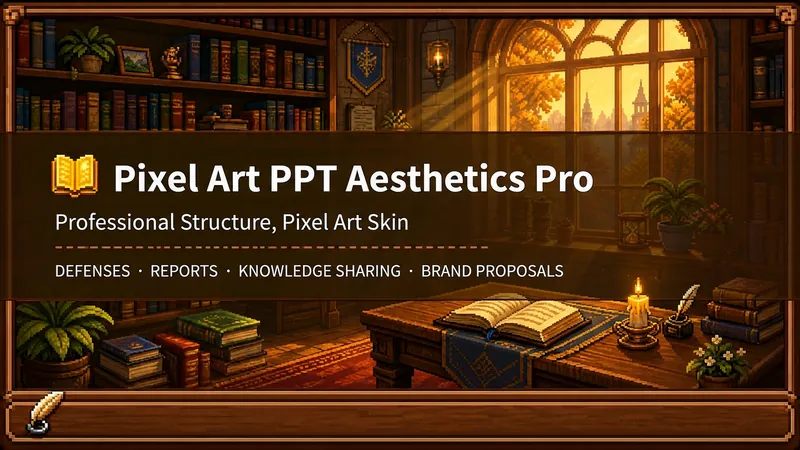
Pixel Game PPT Designer Pro
Who says professional PPTs have to be white backgrounds, black text, blue-gray colors, and cookie-cutter templates? If you love games, adore pixel art, and happen to need a thesis defense, report, knowledge sharing session, or brand proposal—then you have to try this. Pixel Game PPT Aesthetic Designer Pro does one simple thing: the skeleton is professional, the skin is pixel. It doesn't just make a "pixel-style creative PPT"; it makes a serious PPT that's fit for any professional occasion—only this one wears a 16-bit pixel game aesthetic coat. Core design philosophy: Separate skeleton and skin. Information architecture, visual flow, and page templates stick to professional norms; colors, borders, icons, and decorations adhere to universal pixel game aesthetics. Text is never pixelated, ensuring readability within 0.8 seconds. Pixel elements only appear in backgrounds, borders, icons, and decorative accents. No game-specific symbols are used—only cross-game universal symbols like candles, books, coins, stars, hearts, and crystals—so any pixel fan can use it. 🎮 How to use? Two modes, choose as needed: ① Direct Generation (2 steps): Enter topic/materials → AI confirms framework → Full output. Ideal for everyday scenarios with tight deadlines and moderate text requirements. ② Fine Mode (3 steps, saves credits): Enter topic/materials → AI confirms framework → Confirm text per slide → Full output. Finalize text per slide before generating images—avoids wasting credits on regenerating due to text errors. Use this for important occasions to control content and save credits. 🏰 Four professional scenarios with adaptive immersion depth: Academic Defense — Light immersion mainly, medium immersion on cover, deep immersion anchor points on data pages. Judges get it at a glance, and key pages make an impression. Work Reports — Light immersion plus medium immersion on metrics pages; risk pages stay non-pixelated. Bosses see professionalism, colleagues remember the style. Knowledge Sharing — Medium immersion mainly plus deep immersion on synthesis recipes. Replace boring flowcharts with "synthesis recipes" so knowledge sticks like game items. Brand Proposals — Adapts to brand temperature: cool brands get restrained pixel use, warm brands embrace the scene. 🎨 What you'll get: ① A complete pixel-style professional PPT (YouMind Slides format, editable online—text, layout, page order—change anytime. Edit within YouMind, then export locally as images.) ② A three-layer pixel wood border system (#5C3A1E outer ring + #8B5E3C inner ring + #F5E6D3 fill, unified visual language across the deck) ③ Exclusive synthesis recipe infographic (ingredient grid → synthesis circle → result grid, replacing traditional flowcharts with a visual anchor that RPG players instantly understand) ④ Adaptive immersion rhythm across four scenarios (not every page crammed with pixels—heavy where needed, light where not) ⑤ Dual-mode design (direct generation for daily use, fine mode for important occasions—finalize text first, then generate images to save credits) 399 credits. Give your professional content a 16-bit armor. Anyone who loves pixel art knows its worth.
IP Hand-Drawn Visual Consultant
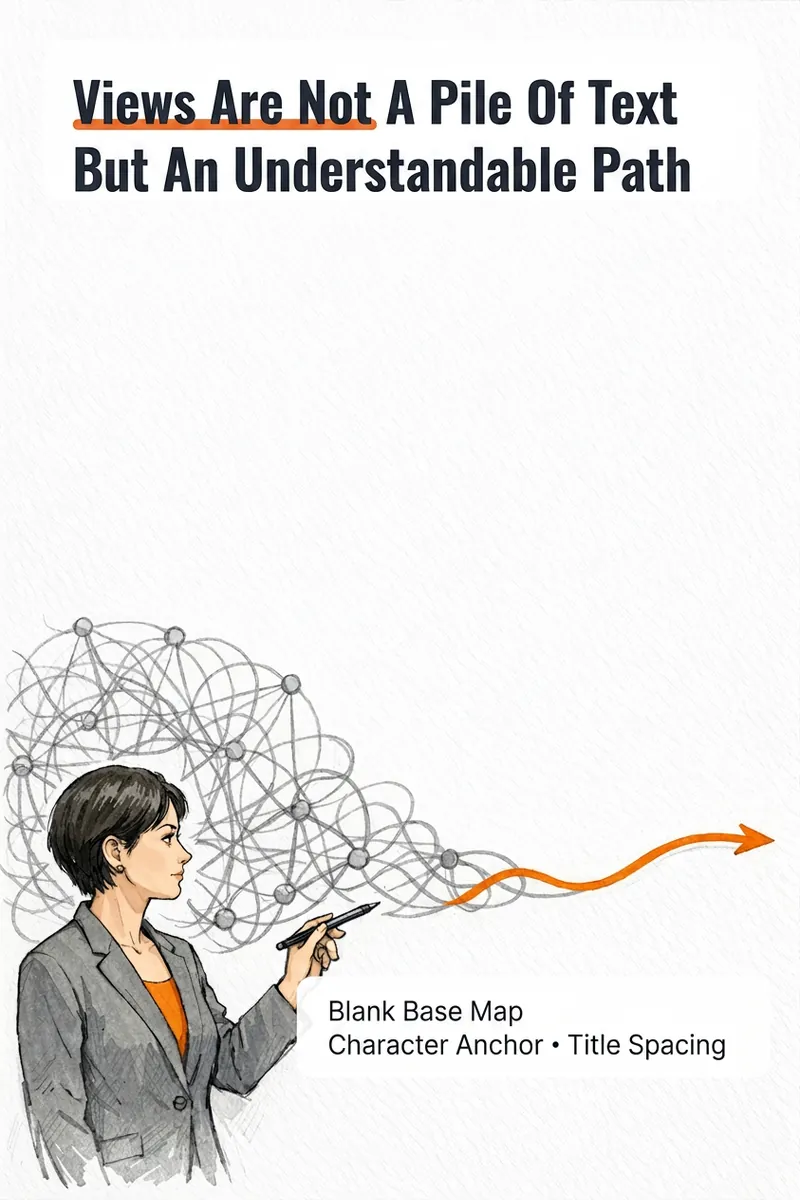
It's not that you can't write content; you often get stuck at the last step: what kind of image should this idea, method, or story become to feel like you? The IP Hand-Drawn Visual Consultant breaks down your content expression into a suitable visual form, then gives you a practical visual + text solution. You will receive: - A judgment of whether the content suits an opinion diagram, method diagram, or story diagram; - A hand-drawn visual direction that matches your field and style; - A copy confirmation form to lock in text after review; - A hand-drawn visual base map without text, or a ready-to-use text-free image prompt; - A layout guide: where to place titles, steps, and key text, and how much space to leave. Why provide a text-free base map first? Chinese text needs to be accurate and editable. Instead of letting the image generation model randomly 'draw' text, we first design the image, characters, or scene with white space for text, and then you overlay the confirmed copy using your familiar tools. This is suitable for those who want to first verify if they need a personal visual expression: consultants, lecturers, coaches, knowledge content creators, or those just starting to build their personal brand. This skill currently can do: a single, single-platform content visual solution; one text-free preview base map or text-free prompt; copy confirmation and layout guide; extract hand-drawn IP anchors from photos if available; use professional props, scenes, or abstract symbols to build recognition without photos. Currently does not: generate multiple images or content card sets at once; adapt to multiple platforms simultaneously; save IP archives across tasks; directly generate publishable final images with accurate Chinese text; auto-publish to any platform. If after the experience you naturally need multi-image, multi-platform, long-term fixed character images or serialized columns, those are scenarios better addressed by the subsequent Pro and Max versions. This skill will first complete this single experience and will not proactively upsell.
Information
- Version
- v22
- Last updated
- Runtime credits
- Usage-based
- Models
- Auto
