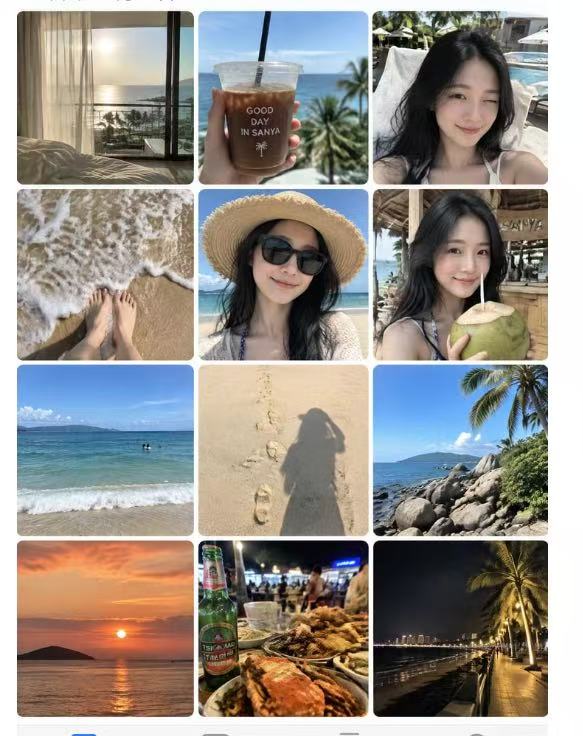
Photo to Day Album
Create a shareable day-in-the-life album
Photo to Day Album
Create a shareable day-in-the-life album
Showcase
Description
Based on the person reference photos you provide, infer their ordinary, authentic day and generate a complete “day album” screenshot that faithfully recreates the iPhone Photos app interface with thumbnails of casual snapshots. GPT Image 2.5 is used by default.
Recommended by
Dancang
Why we love this skill
Transforms one reference photo into a complete phone album screenshot, connecting authentic moments from morning to night with consistent identity and natural candid detail.
Related Skills
View all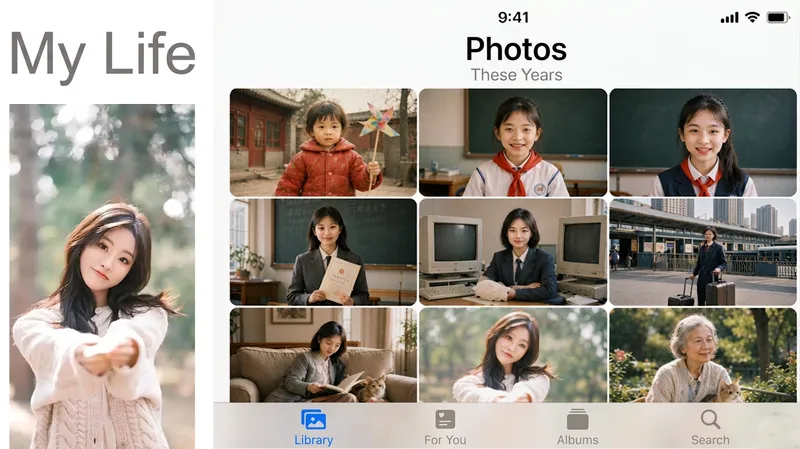 Image
ImageLife Album
My Day Album Generator: Upload a photo of a person or pet to create a nine-grid screenshot styled like the iPhone Photos app. The same face appears in several casual snapshots, forming “My Day,” “My Week,” “My Life,” or “A Pet’s Day.” Trigger it when users say things like “generate a day album,” “social media nine-grid,” “show-off album,” “my day,” “virtual life log,” “one-week diary images,” “life album,” “a pet’s day,” or “photo app screenshot.” The key counterintuitive rule: every tile must look like a casual phone snapshot—slightly blurry, tilted composition, and uneven lighting. Fully polished images look fake at a glance. Four modes are available: day, week, lifetime (the same face naturally ages), and pet. The default aspect ratio is 1:1, with custom ratios also supported.
 Image
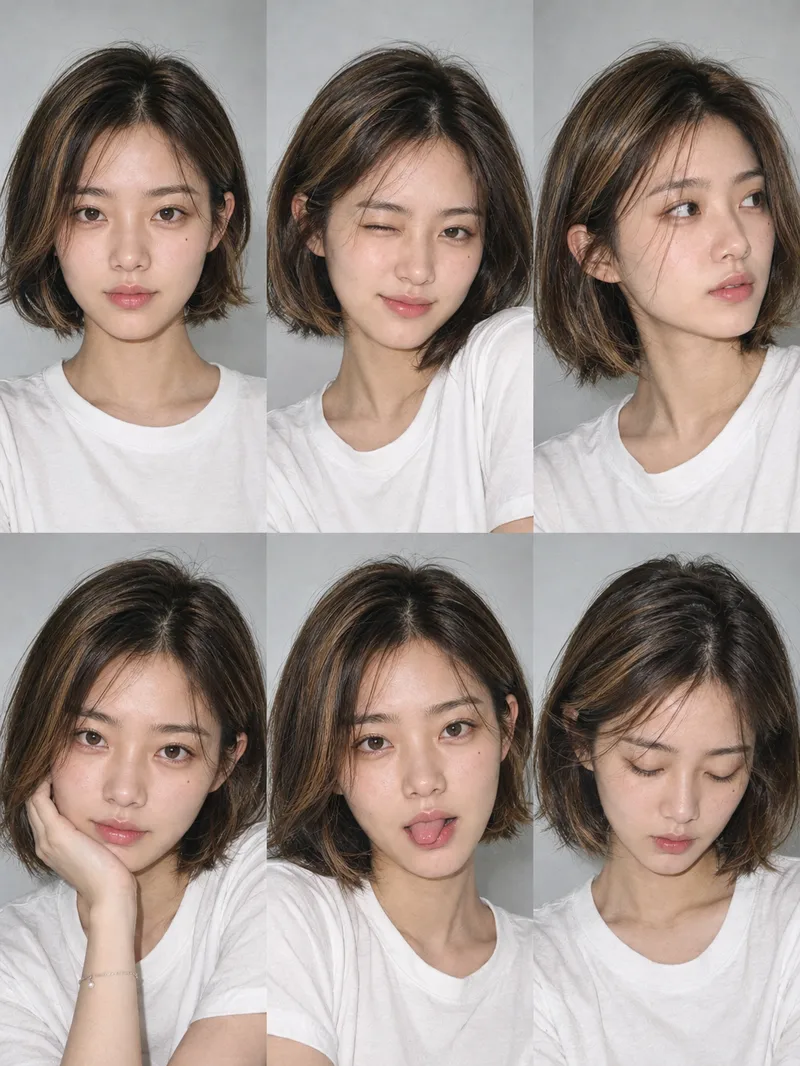
ImageOne-Click Snapshot Collage
Using the user-uploaded photo as the sole identity reference, generate a realistic multi-panel portrait collage of the same person, with a default 3×2 layout. It features a range of expressions and poses with the feel of an Instagram candid snapshot collection. By default, the best image-generation model is used to create the image directly, along with the complete prompt used for the final result.
 Image
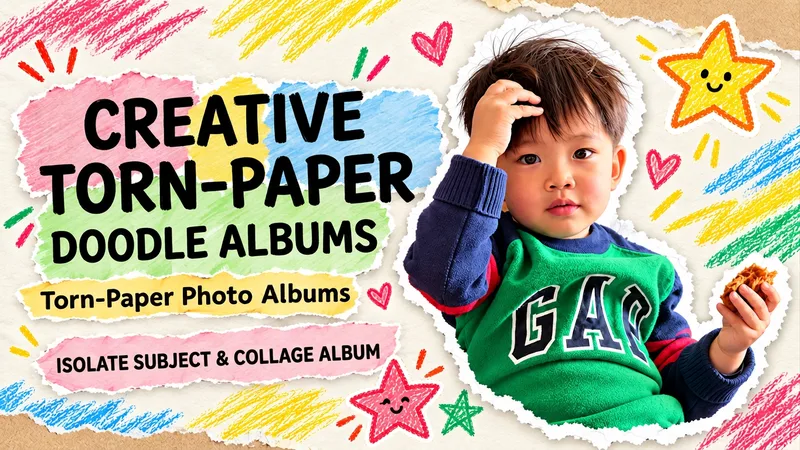
ImageTorn Paper Dotted Photo Album
Upload a photo to turn people or pets into scrapbook stars, complete with torn paper edges, handwritten doodles, and vintage paper textures. Upload an original photo, and the subject (whether a person, pet, or main object) is automatically extracted with the original background removed. Group photos retain all individuals by default. Recognizable facial features, hairstyles, clothing, poses, and handheld items are kept, surrounded by natural white torn-paper furry edges, a cream-colored paper background, colored crayon stars, and handwritten short phrases. Generates a 3:4 vertical album image by default. Supports text-free versions, short Chinese phrases, fewer doodles, color adjustments, and landscape or portrait aspect ratios. Text-free means no added album text, though original clothing text is preserved. When parts of the body are obscured in the original photo, an appropriate half-body composition is used without inventing hidden limbs. Full-photo mode is available when explicitly requested. Great for everyday portraits, friend group photos, pet memories, and journal illustrations. Image editing may introduce subtle changes to faces or other details and does not guarantee 100% facial replication. The final image is checked against the original photo. This Skill is free to install. Image generation or editing quota consumption is subject to platform and model terms. Displayed examples show photo editing effects; complete image generation within YouMind has not been fully tested yet.
Information
- Version
- v3
- Last updated
- Runtime credits
- Usage-based
- Models
- Auto
