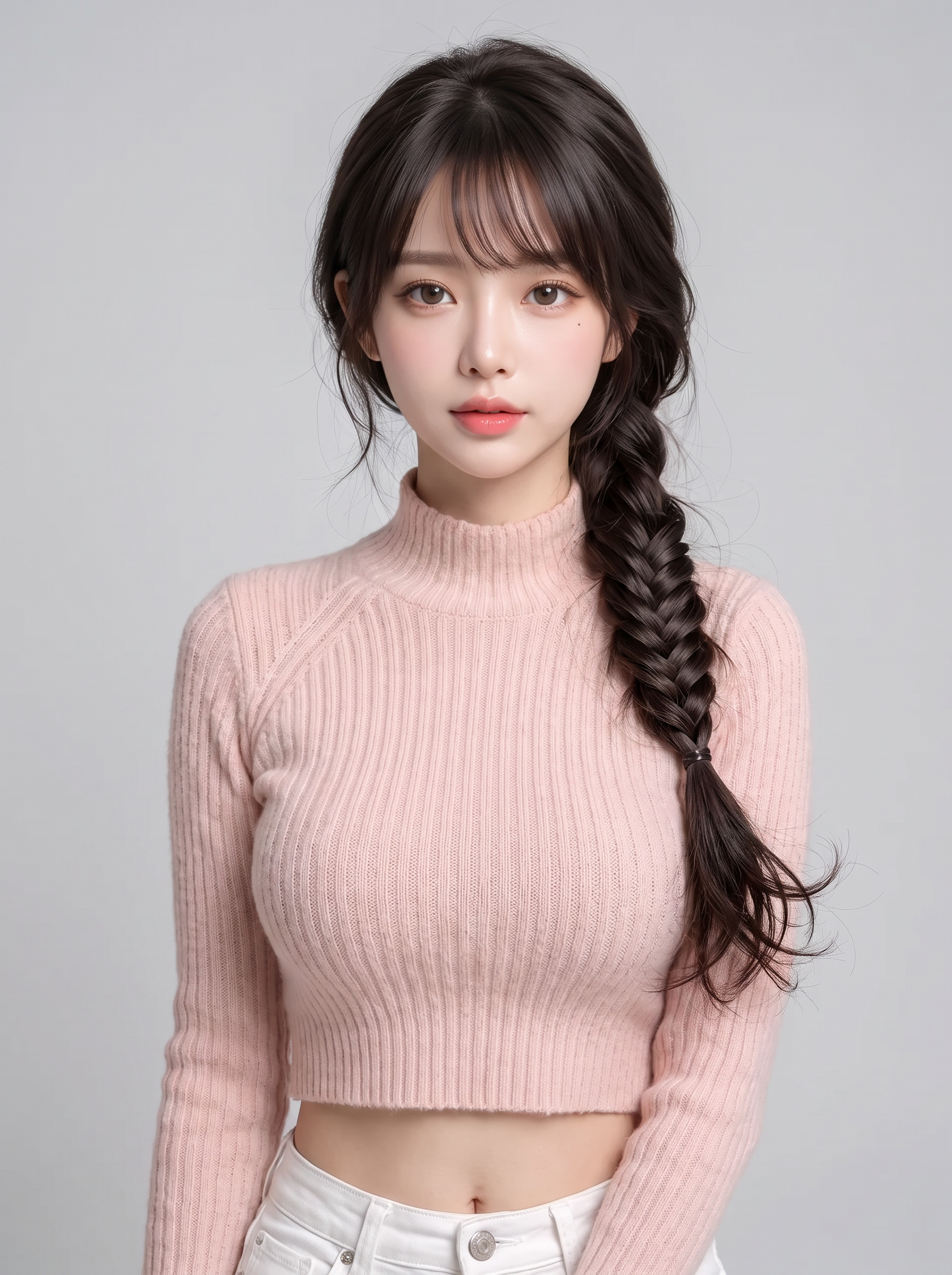
Multi-Style Portrait Generator
Lock facial identity, create diverse hairstyles
Multi-Style Portrait Generator
Lock facial identity, create diverse hairstyles
Showcase
Description
Based on a user-uploaded portrait reference image, this tool batches out multiple distinctly styled hair transformation images while strictly locking down the facial structure, facial feature proportions, skin tone, texture, perceived age, and gender characteristics. The options cover three dimensions: length (short/medium/long), texture (straight/curly/coily/braided), and vibe (fresh and natural, intellectual and elegant, trendy and bold, vintage and artistic). It unifies the shooting angle, lighting direction, and background to output professional portrait photography results. By default, it uses the currently available image generation model with the strongest character consistency, outputting 6 images at a 3:4 aspect ratio with a solid studio background. The quantity, ratio, background, and angle can all be customized by the user within the conversation.
Recommended by
Dancang
Why we love this skill
Using the same face as the sole identity baseline, this skill first plans a non-overlapping hairstyle matrix based on length, texture, and vibe, then generates and verifies facial consistency image by image. It balances option coverage, reference image usability, and failure fallbacks, making it especially suitable for systematically comparing haircut directions.
Best for
Ideal for individuals looking to compare multiple hairstyle effects before getting a haircut or changing their style.
How to use this Skill
Provide your input
Upload a clear single-person portrait reference image and specify your desired number of hairstyles, aspect ratio, background, or preference constraints.
Run the Skill
After confirming the hairstyle plan, the system generates multiple styling images across different lengths, textures, and styles while keeping facial features and shooting conditions consistent.
Review your result
Receive multiple comparable portrait preview images to intuitively review styling differences across various hairstyles.
Related Skills
View all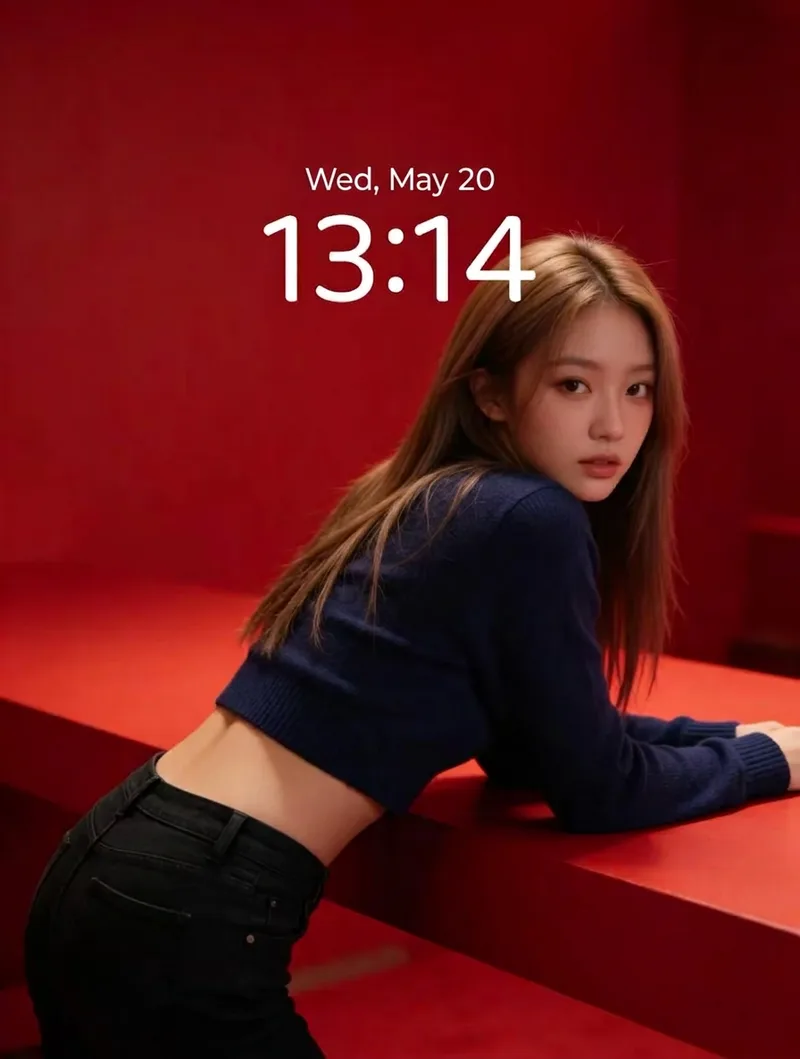 Image
ImageRed Immersive Fashion Portrait
Turn any portrait description into a vertical magazine-grade fashion portrait. It applies a default baseline template: a minimalist red monochrome immersive scene with red steps and walls, soft studio lighting, realistic skin texture, film grain, top one-third negative space, and no text or watermarks. The portrait DNA (young Asian female, light brown long hair, dark blue cropped knit sweater, black jeans) is systematically reused to ensure the same face and styling across batches. You can customize the portrait appearance/clothing, wall material and red tones, number of steps, pose and gaze, lighting type, texture intensity, negative space position, aspect ratio, and quantity. Defaults to a 3:4 vertical format and 1 image, generated directly using the best image model.
 Image
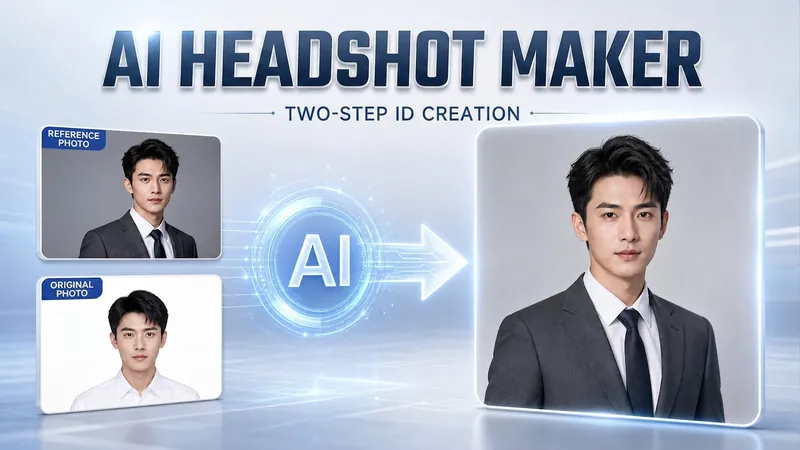
ImagePortrait Freedom-2-Step Prompt
Generate a high-end portrait that is uniquely yours from a single reference image. Many people creating AI portraits upload a selfie and say 'Generate a high-end professional headshot for me,' but often end up with a face that doesn't look like them, a style that is template-like and generic, plastic-looking skin, and makeup and clothing that don't match their personality. The root problem is asking the AI to simultaneously guess 'what you look like' and 'what style to use'—it fails at both. This skill breaks it down into two stable steps: First, you provide a single reference image (professional headshot, magazine portrait, black-and-white film, modern Chinese style, etc.). Instead of immediately generating an image, the AI deconstructs its 'photographic language' like a photographer—analyzing lighting, composition, focal length, background, color palette, mood, and texture—and then writes two complete prompt sets for male and female versions separately. Clothing, makeup, hairstyle, and pose are all written differently by gender, fundamentally avoiding disasters like 'putting a man in a silk camisole.' Second, you choose your set of prompts and pair it with a clear photo of yourself: the reference image handles the style, while your photo handles the identity—preserving your face shape, features, age perception, and expression, then applying the professional photographic quality from the reference. The result is a portrait that is unmistakably you with a cinematic quality. The reference image controls the style, your photo controls the identity—it's that simple. Changing the reference image changes the direction. ID photos, professional headshots, magazine covers, black-and-white film—one workflow handles them all, completely eliminating the homogeneity and plastic feel of AI portraits. Target audience: professionals needing a headshot/ID photo/personal brand portrait, social media influencers, job seekers, and anyone who wants a high-end portrait that is truly their own.
 Image
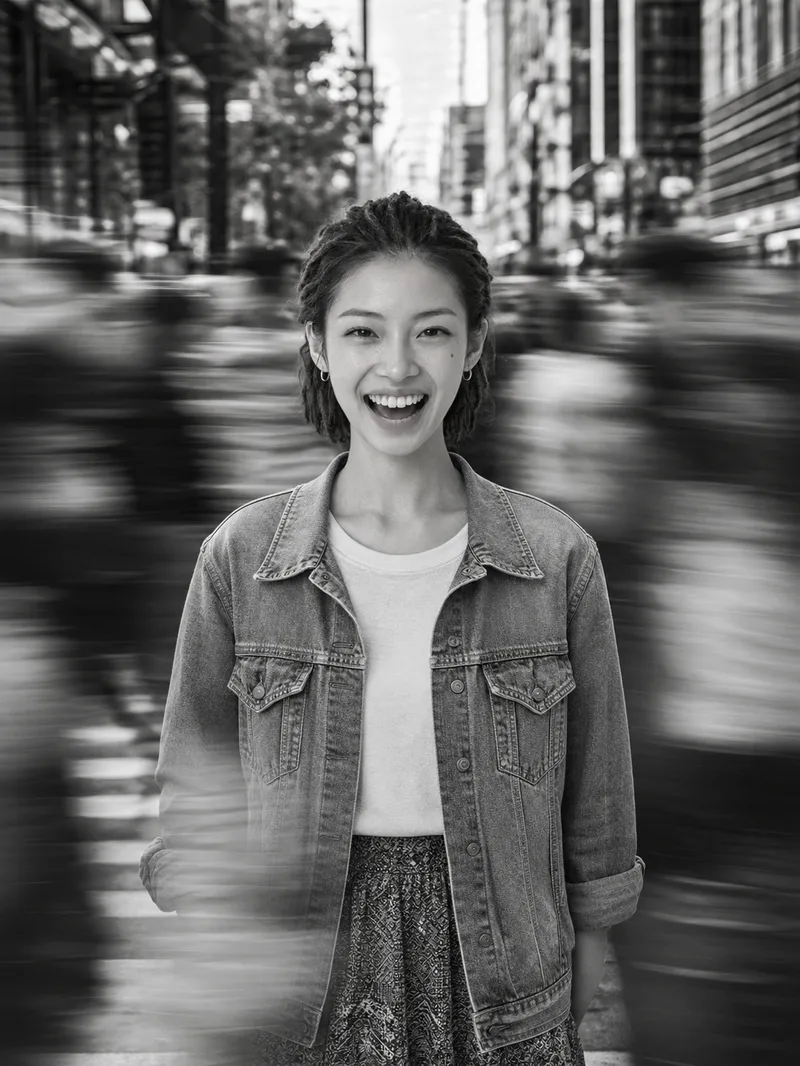
ImageCinematic Street Portrait
Upload a single clear portrait reference photo to create an image, with the aspect ratio, light direction, focal length, and other details adjustable as needed. Using the uploaded reference photo as the sole basis for the person, this Skill creates a cinematic black-and-white street portrait with a sense of calm amid the bustle. The person’s identity is strictly preserved, including facial features, expression, skin tone, age, gender, body type, hairstyle, accessories, and clothing. They are placed at the center of a constantly moving crowd, with only the subject remaining sharp while the surrounding people and foreground show horizontal motion trails. The result has a pure black-and-white, high-contrast look with natural side lighting and a documentary street-photography feel reminiscent of film grain.
Information
- Version
- v3
- Last updated
- Runtime credits
- Usage-based
- Models
- Auto
- Use cases
- Images & designLifestyle & entertainment
- What you get
- Image
- Visual styles
- Photorealistic
