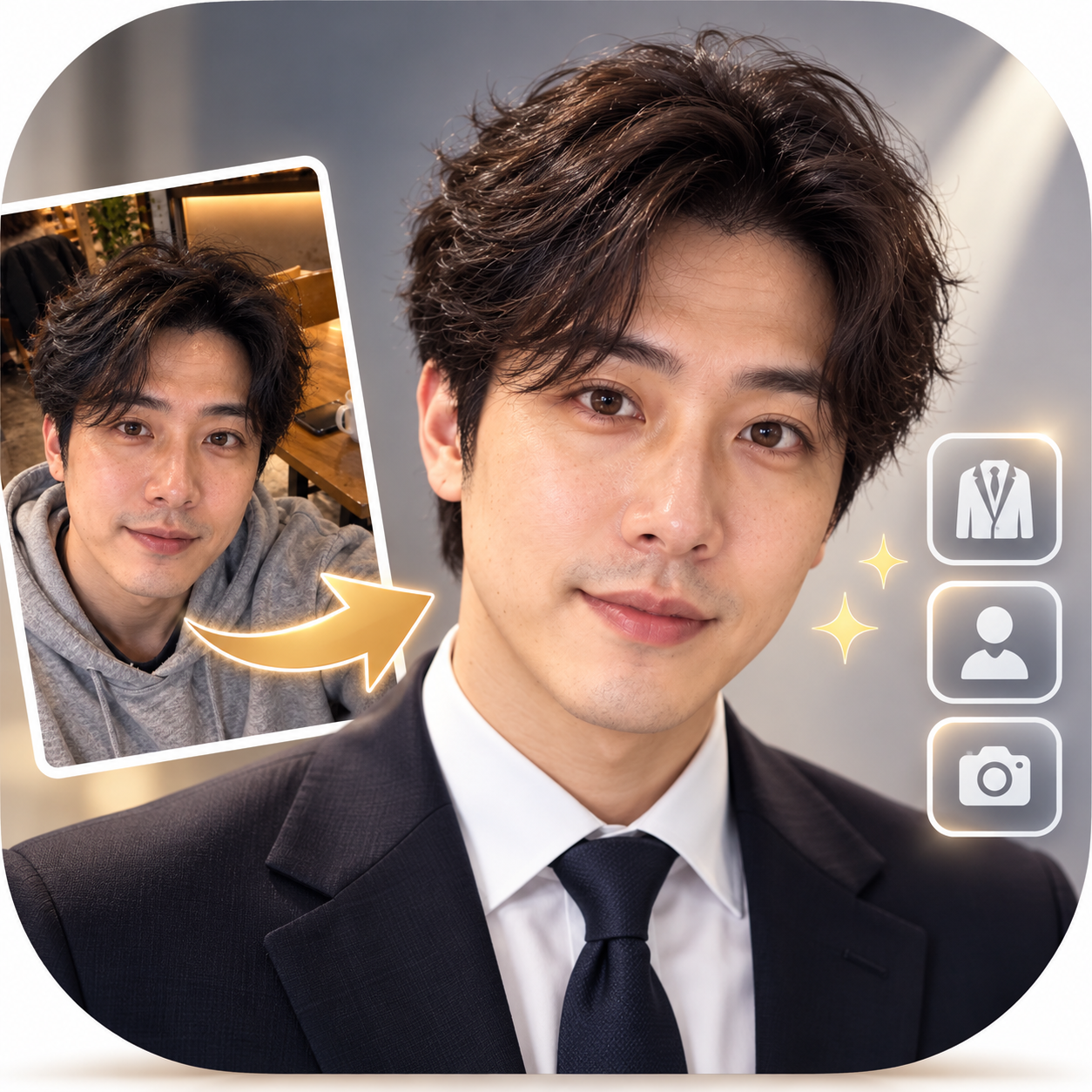
AI Professional Headshot
Turn casual selfies into professional headshots with AI attire, backgrounds, and studio lighting.
AI Professional Headshot
Turn casual selfies into professional headshots with AI attire, backgrounds, and studio lighting.
Showcase
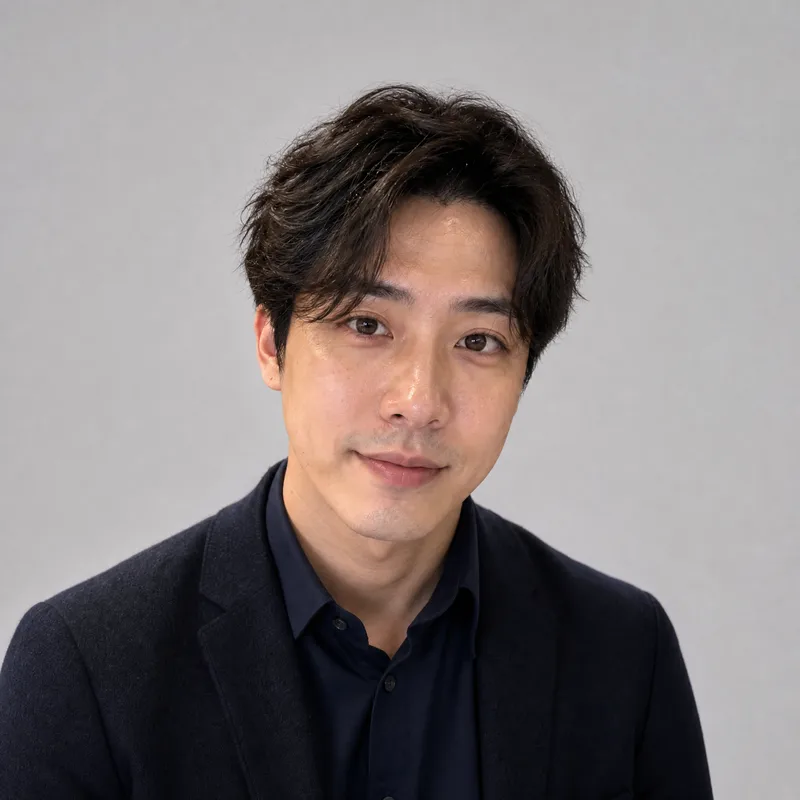
生成科技行业领英头像
LinkedIn 科技行业职业形象照
生成科技行业领英头像
LinkedIn 科技行业职业形象照
Description
# AI Professional Headshot **Turn casual selfies into professional, polished business headshots!** No suitable resume photo? Using a random selfie for LinkedIn? Want a professional headshot without booking a photo studio? Simply upload an everyday photo, and AI will design the attire, background, and studio lighting based on your professional use case, generating a headshot tailored for the workplace. **The focus is on elevating your professional presentation, not changing who you are.** ## What You Get **① Tailored Professional Image Concept** Recommended styles based on your purpose and industry: - 💼 Resumes & Job Hunting: Natural, neat, and professional - 🌐 LinkedIn & Business Networking: Polished, trustworthy, and approachable - 🏢 Corporate Websites & Team Intros: Uniform, formal, and high-quality - 🎤 Speakers & Presenters: Poised, natural, and charismatic - ✨ Entrepreneurs & Freelancers: Formal or business casual based on industry **② A Professional Business Headshot** Transforms everyday photos into studio-quality styles: - Swaps in appropriate business attire - Adjusts to a clean, professional background - Optimizes lighting and overall composition - Selects a 1:1 avatar or 3:4 portrait ratio based on use case **③ Preserves Your True Features** Focuses on keeping your facial features, face shape, skin tone, hairstyle, and natural expression from the original photo. No default slimming, eye enlargement, or heavy skin smoothing; freckles, moles, and other personal traits are preserved. Headscarves, religious attire, or traditional garments are respected and kept according to your requirements. **④ Result Verification** Checks person recognition, clothing necklines, shoulders, and image edges after generation. If noticeable discrepancies are found, adjustments will be attempted according to the Skill's actual settings. Minor generation details may still vary. **⑤ Headshot Usage Tips** Provides applicable scenarios, cropping methods, and usage suggestions for different platforms. ## Who Is This For? - Job seekers preparing resumes - Professionals looking to update their LinkedIn photo - Entrepreneurs needing team photos for their website - Freelancers, consultants, and speakers - Anyone wanting to boost the professionalism of their workplace avatar ## How to Use 1. Upload a clear front-facing or slight-profile photo; phone selfies work too. 2. Select your use case, industry, and preferred business style. 3. Review the professional image concept recommended by AI. 4. Confirm to generate your professional headshot. 5. Use or crop the photo according to platform requirements. ## Tips - Photos with even lighting, clear facial features, and no obstructions generally yield better results. - For adults only; please upload photos of yourself or ones you have authorization to use. - AI-generated images are for professional presentation, not official photographic records. - Not suitable for passports, ID cards, visas, or other official identity document requirements. - Character details, clothing edges, and lighting may still contain generation errors. - Image generation and extra adjustments may consume credits; actual charges are subject to YouMind usage logs. --- **One everyday photo, one professional upgrade. Make your first workplace impression stand out.**
Recommended by
Dancang
Why we love this skill
Transforms casual selfies into trustworthy, natural workplace headshots while preserving facial features, hairstyles, and age, avoiding heavy retouching or template-based beautification. It matches attire, backgrounds, and composition by industry and use case.
Best for
Great for job seekers, professionals, entrepreneurs, freelancers, and anyone looking to update their professional headshot.
How to use this Skill
Provide your input
Upload a clear solo photo of yourself and specify the use case, industry, or preferred clothing, background, and aspect ratio.
Run the Skill
After selecting the professional purpose, AI edits the attire, background, lighting, and composition while keeping your facial features and natural look intact.
Review your result
Receive a professional headshot suitable for resumes, LinkedIn, business cards, or corporate websites, complete with usage tips.
Related Skills
View all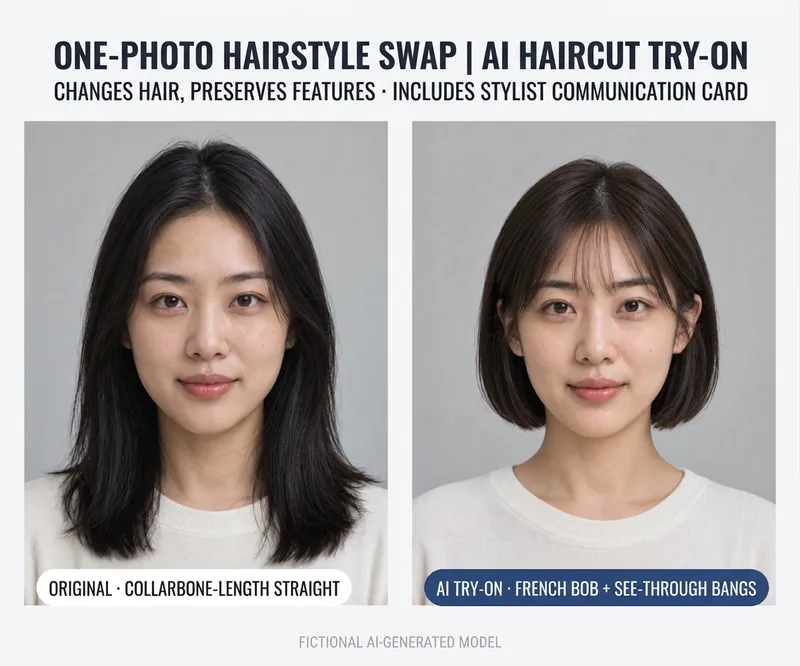 Image
ImageAI Hairstyle Try-On
# AI Hairstyle Try-On **See what you look like with a new hairstyle before you cut!** Want short hair but worried it won't suit you? Thinking about bangs or a new hair color, but not sure of the final result? Never quite know how to describe the hairstyle you want at the salon? Upload a frontal photo, and the AI will recommend 3 hairstyles of different styles. Once you pick your favorite, it generates a try-on preview image along with a communication card you can show your hairstylist. **Suitable for both men and women—take the guesswork out of changing your hair.** ## What You Get **① 3 Personalized Hairstyle Recommendations** Based on your visible facial contours, current hairstyle, and preferences, the AI recommends 3 hairstyles with varying degrees of change: - ✂️ Minor Change: Optimize your existing hairstyle - ✨ Moderate Change: Adjust length, bangs, or layers - 🌟 Major Change: Try a noticeably different look or hair color Each recommendation includes details on length, bangs, layers, color, and daily maintenance difficulty. **② AI Hairstyle Preview Image** After choosing your preferred hairstyle, generate a test cut preview. Focuses primarily on hair adjustments while retaining your original facial features, face shape, clothing, and background to help you easily judge the visual effect of the new style. Check recognition and hair changes after generation, using runtime settings to correct noticeable issues if needed. **③ Professional Hairstylist Communication Card** It gives you more than just an image; it tells you how to talk to your hairstylist: - Length and layers for the back, sides, and top - Shape of the bangs and cutting requirements - Clipper length recommendations for short men's cuts - Hair color notes and whether to consult ahead about bleaching conditions - Daily maintenance methods and questions to confirm in person Includes a ready-to-use description you can read directly to your stylist. **④ Multilingual Salon Communication** Getting a haircut abroad and not sure how to express yourself? Request English or other language versions of the communication card to help you explain the desired look to your stylist. ## When Is This Useful? - Want short hair, but worried it won't work out - Want to try curtain bangs, layered cuts, or different hair colors - Men looking for a fresher, sharper short haircut - Preparing for an interview, date, photoshoot, or important event - Wanting reference images and communication notes ready before heading to the salon ## How to Use 1. Upload a clear frontal photo. 2. Tell the AI what hairstyle direction you want to try, or leave it unspecified. 3. Review the 3 hairstyle recommendations. 4. Select your favorite and generate a try-on preview. 5. Bring the preview and communication card to your hairstylist to confirm the actual cut. ## Tips - Photos with hair naturally down, a clear front view, and even lighting usually yield better results. - Limited to adult photos; please upload your own or authorized photos. - AI previews are visual approximations and do not guarantee an exact replica in real life. - Actual results depend on hair texture, hair volume, hairline, cutting technique, and daily styling. - Minor details or hair deviations may occur with AI; confirm major changes with a professional hairstylist. - Image generation and extra corrections may consume credits; check platform details for actual usage. --- **One photo, three hairstyle inspirations, one stylist communication card. Try before you cut!**
 Image
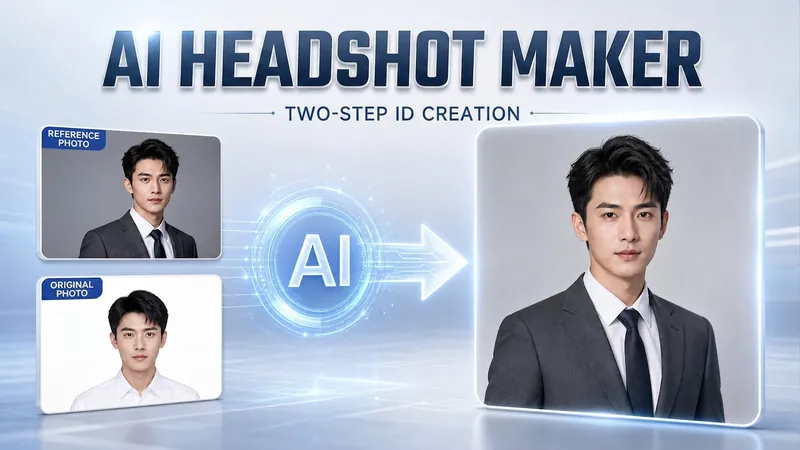
ImagePortrait Freedom-2-Step Prompt
Generate a high-end portrait that is uniquely yours from a single reference image. Many people creating AI portraits upload a selfie and say 'Generate a high-end professional headshot for me,' but often end up with a face that doesn't look like them, a style that is template-like and generic, plastic-looking skin, and makeup and clothing that don't match their personality. The root problem is asking the AI to simultaneously guess 'what you look like' and 'what style to use'—it fails at both. This skill breaks it down into two stable steps: First, you provide a single reference image (professional headshot, magazine portrait, black-and-white film, modern Chinese style, etc.). Instead of immediately generating an image, the AI deconstructs its 'photographic language' like a photographer—analyzing lighting, composition, focal length, background, color palette, mood, and texture—and then writes two complete prompt sets for male and female versions separately. Clothing, makeup, hairstyle, and pose are all written differently by gender, fundamentally avoiding disasters like 'putting a man in a silk camisole.' Second, you choose your set of prompts and pair it with a clear photo of yourself: the reference image handles the style, while your photo handles the identity—preserving your face shape, features, age perception, and expression, then applying the professional photographic quality from the reference. The result is a portrait that is unmistakably you with a cinematic quality. The reference image controls the style, your photo controls the identity—it's that simple. Changing the reference image changes the direction. ID photos, professional headshots, magazine covers, black-and-white film—one workflow handles them all, completely eliminating the homogeneity and plastic feel of AI portraits. Target audience: professionals needing a headshot/ID photo/personal brand portrait, social media influencers, job seekers, and anyone who wants a high-end portrait that is truly their own.
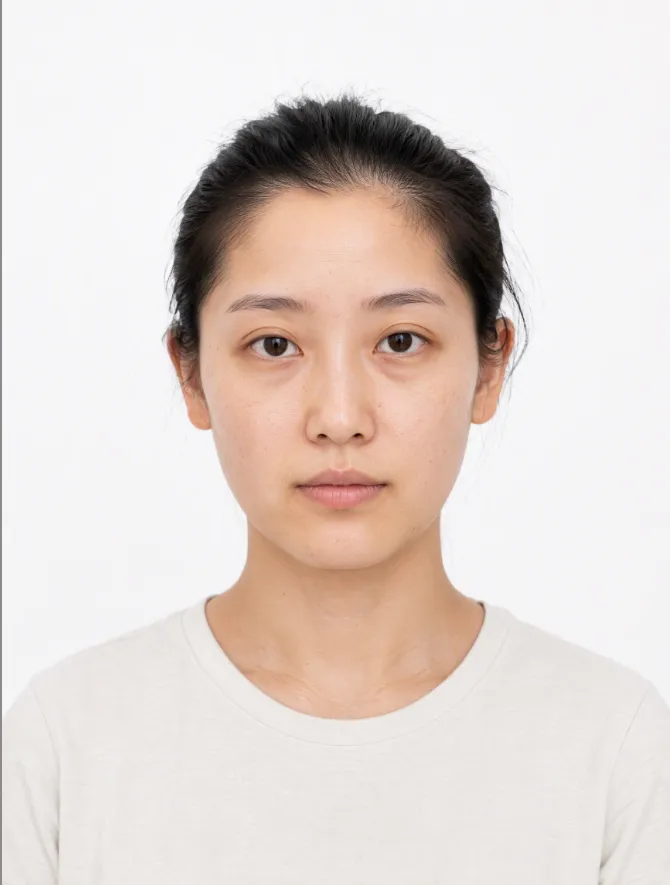
AI Makeup Try-On
# AI Makeup Try-On | AI Makeup Designer Upload a front-facing photo, and AI will analyze your skin undertone, eye shape, and lip shape. It will select the three most suitable looks from current makeup trends, generate try-on previews, and give you an application card you can follow step by step. ## What you’ll get - **Facial analysis**: Explains what suits you without judging your attractiveness or commenting on your skin - **3 makeup recommendations**: One light, one medium, and one bold look, with an explanation of why each suits you - **Makeup try-on preview**: Changes only the makeup while keeping your facial features, hairstyle, and background unchanged; after generation, it automatically compares the result with the original and redraws it once if there are discrepancies - **Application card**: Clearly explains the base, brows, eyes, blush, contour, and lips, including color, texture, placement, difficulty, time, and a product list ## When to use it Before a date, interview, wedding, or photo shoot, when you want to see which makeup look suits you before deciding how to apply it. ## Usage tips - Clear, front-facing photos with even lighting and no obstructions work best - You can include an occasion or style, such as a date, interview, wedding guest makeup, Korean-inspired, or Western-inspired looks - For adults only. Upload your own photo or one you have permission to use - The preview is an AI-generated visualization; actual results may vary with lighting, skin texture, and application technique - Each try-on uses about 100–200 credits (one generated preview; automatic correction generates one additional preview)
Information
- Version
- v4
- Last updated
- Runtime credits
- Usage-based
- Models
- Auto
- Use cases
- Images & designCareer development
- What you get
- Image
- Visual styles
- CorporatePhotorealistic
