Quote & Portrait Card
Quote & Portrait Card
Showcase
Description
Turn your words and portraits into elegant, minimalist quote cards. Achieve a sophisticated, matte-textured design with perfect typography and classical line art in minutes.
Recommended by
nene@YouMind
Why we love this skill
Craft elegant, minimalist quote and portrait cards with a timeless aesthetic. This skill transforms your text and images into beautifully designed, print-ready cards featuring classic serif typography, warm beige tones, and even converts photos into exquisite line-art portraits. Perfect for sharing inspirational messages or creating sophisticated personal branding.
Instructions
Step 1: Gather Your Content for Card A
You need to provide:
✏️ Quote Text: Your philosophical quote or message
🏷️ Brand Name: Bottom label text (e.g., "ADHD CREATORS")
Step 2: Generate Card A
Use this prompt:
Plain Text
A minimalist philosophical quote card with warm beige background (#D4C4B0), matte paper texture. Soft even lighting, centered composition with generous whitespace (20-25% margins).
TOP: Small lightning bolt icon (⚡) in dark brown (#2C2416), simple line art style, centered near top.
MAIN QUOTE (vertically centered):
"{YOUR_QUOTE_HERE}"
Typography: Elegant serif font (Garamond or Baskerville style). Dark brown text (#2C2416), generous line spacing (1.8x). Use italic emphasis for key words as needed.
BOTTOM LABEL (small sans-serif, uppercase):
"{YOUR_BRAND_NAME}"
Direct front view of the card itself. Clean, contemplative mood. Purely typographic design, no photography.
Aspect ratio: 3:4 portrait card.
Card A Structure:
Plain Text
╔═══════════════════════════════╗
║ ⚡ ║
║ ║
║ [Your Quote] ║
║ [Goes Here] ║
║ ║
║ [BRAND NAME] ║
╚═══════════════════════════════╝
Background Warm beige #D4C4B0
Text Color Dark brown #2C2416
Aspect Ratio 3:4 portrait
Margins 20-25% whitespace
Primary Font Elegant serif (Garamond/Baskerville)
Line Spacing 1.6x - 1.8x
Texture Matte paper
Step 3: Gather Your Content for Card B
You need to provide:
📸 Portrait Photo: A clear portrait photo
👤 Person's Name: Name to display at top
📝 Description: Brief bio or description (1-2 sentences)
Step 4: Transform Portrait to Line Drawing for Card B
Upload your portrait photo and use this prompt:
Plain Text
Transform this portrait photo into a classical line drawing illustration style: delicate pen and ink linework, resembling Renaissance or neoclassical portrait sketches. Fine cross-hatching for shadows and depth, elegant contour lines defining facial features. Sepia or warm brown ink tones on cream/beige paper texture background. Maintain the subject's likeness and features but render in the style of 18th-century portrait engravings or classical anatomical drawings. Artistic, timeless, hand-drawn aesthetic with visible line quality and texture. No photographic elements, purely illustrative linework.
Save the generated line drawing - you'll need it for Step 3.
Step 5: Generate Final Portrait Card
Use the line drawing from Step 2 and this prompt:
Plain Text
A minimalist philosophical card design with warm beige background (#D4C4B0), matte paper texture. Soft even lighting, centered composition with generous whitespace (20-25% margins).
TOP NAME (centered, elegant serif font in small caps, dark brown #2C2416, positioned at top margin):
"{PERSON_NAME}"
CENTER: A classical line drawing portrait in Renaissance engraving style. Delicate pen and ink linework with fine cross-hatching, sepia/warm brown tones. The portrait should be positioned in the middle section, showing head and upper shoulders in traditional portrait format. Hand-drawn aesthetic with elegant contour lines.
BOTTOM TEXT (refined serif font, justified or centered, dark brown #2C2416, lower third):
"{PERSON_DESCRIPTION}"
Typography: Elegant serif fonts throughout, generous line spacing (1.6x). Direct front view of the card itself (not a card on a surface). Balanced negative space with clear hierarchy: Name → Portrait → Description. Contemplative and elegant mood.
Aspect ratio: 3:4 portrait card.
Card B Structure:
Plain Text
╔═══════════════════════════════╗
║ [NAME] ║
║ ║
║ [Classical Portrait] ║
║ ║
║ [Description text] ║
║ ║
╚═══════════════════════════════╝
Background Warm beige #D4C4B0
Text Color Dark brown #2C2416
Aspect Ratio 3:4 portrait
Margins 20-25% whitespace
Primary Font Elegant serif (Garamond/Baskerville)
Line Spacing 1.6x - 1.8x
Texture Matte paper
Related Skills
View all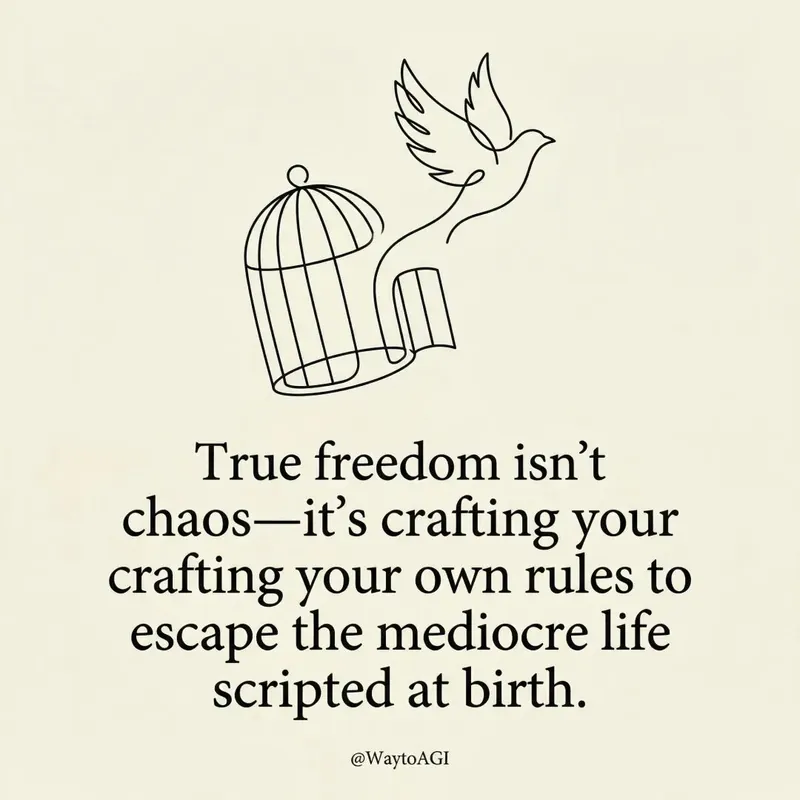 Image
ImageTwitter quote card
Turn your thoughts into elegant, minimalist art cards. Craft witty, insightful visual statements with bespoke line art and refined typography, perfect for sharing your unique perspective.
 Image
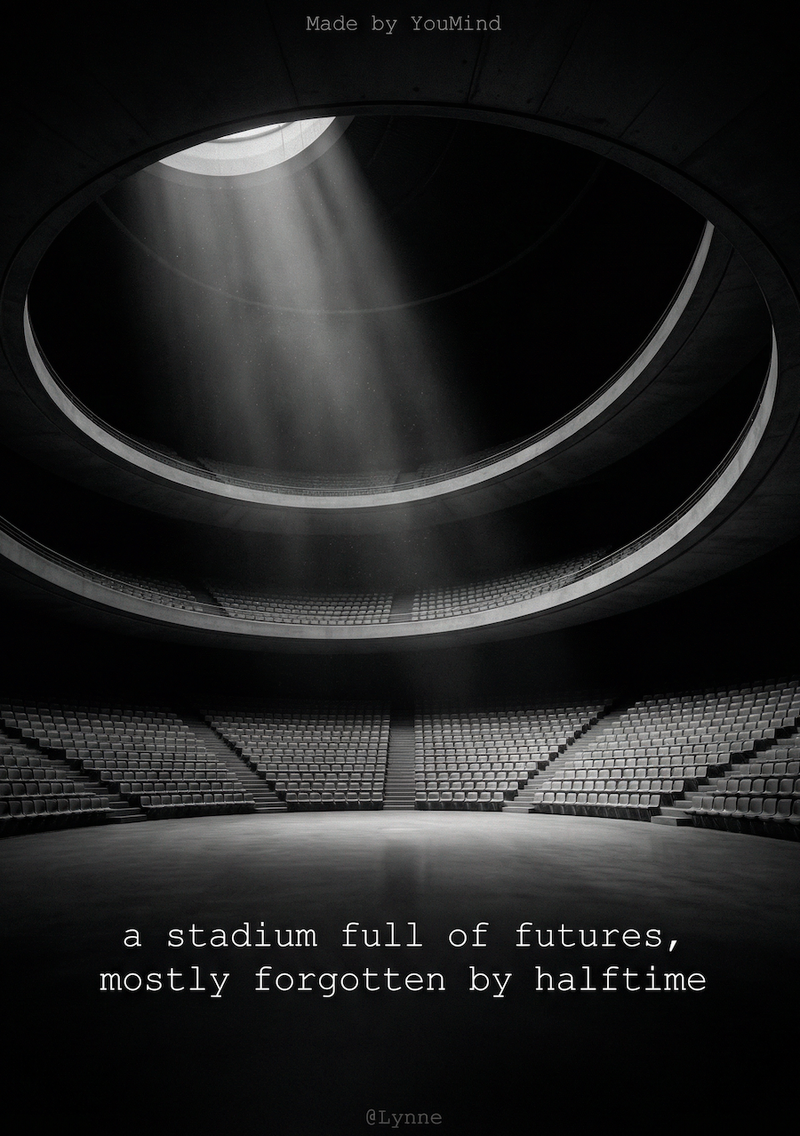
ImageB&W quote poster card
Transform your words into stunning, minimalist visual quote cards. Extract core insights and craft fine art photography aesthetics for impactful sharing, effortlessly.
 Image
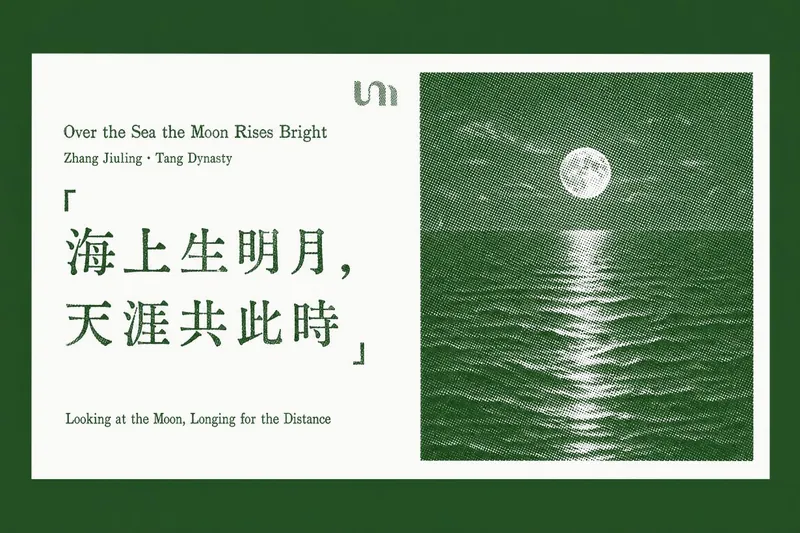
ImageQuotable Quote Card
Transform your favorite quotes and insightful passages into beautifully crafted letterpress-style cards. This skill specializes in extracting "golden quotes" from any article text, web page URL, or document you provide, then generating a series of elegant, horizontal quote cards with a vintage print aesthetic. Each card features a pure white background, showcasing your chosen quote on the left, rendered with authentic letterpress imperfections like ink voids and uneven strokes. On the right, a distinctive halftone landscape photo—ranging from misty mountain ridges to snow-capped peaks—adds a touch of natural serenity, all tinted in a sophisticated accent color. Whether you're curating wisdom from a lengthy report or highlighting key takeaways from an online article, this tool ensures every card maintains a consistent, refined design. It thoughtfully places each generated quote card back into its original context within your document or a newly created article, making it easy to share or revisit profound ideas with a timeless visual appeal.
Information
- Version
- v1
- Last updated
- Runtime credits
- Usage-based
- Models
- Nano Banana Pro
