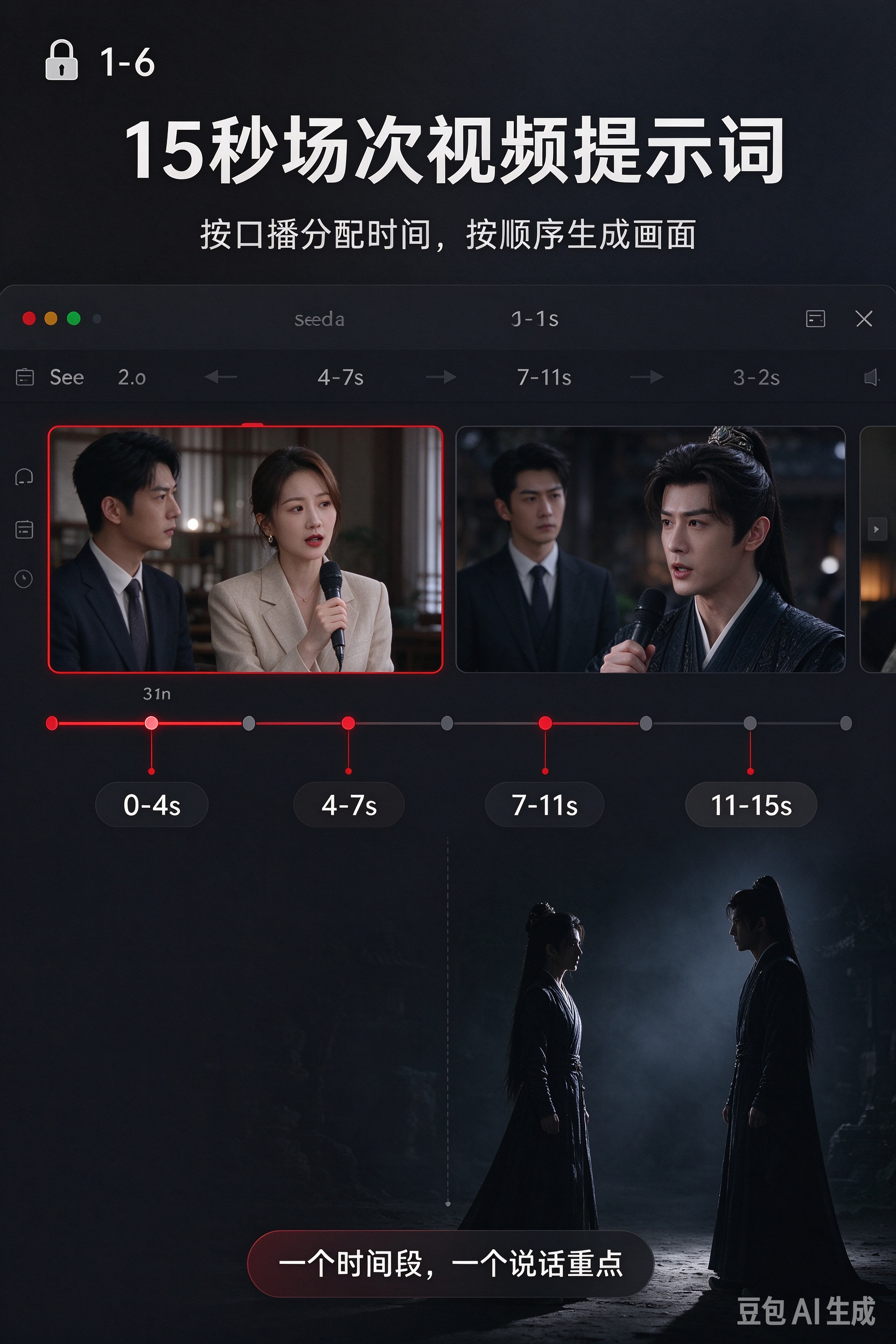
Drama Storyboard Master
Turn drama scripts into 15s video prompts
Drama Storyboard Master
Turn drama scripts into 15s video prompts
Showcase
Description
Transforms split short drama script segments into 15-second storyboard prompts ready to be copied into Seedance 2.0 for video generation. Each original number corresponds to an independent video, preserving plot actions, character lines, voiceovers, character relationships, and chronological order without merging, splitting, or reordering the script, making it ideal for continuous mini-dramas and episodic video production. The skill organizes the 15-second shot pacing based on spoken content, detailing shot size, camera movement, facial expressions, gaze, action, atmosphere, lighting, sound effects, and BGM. It distinguishes between dialogue and non-lip-syncing inner monologues, giving dense lines, crowd reactions, emotional payoffs, and key highlights a clear visual focus. The visual descriptions balance generation stability with a drama cinematic feel, adapting to historical border armies, fantasy xianxia, historical political intrigues, modern urban settings, wealthy families, and school themes. Each prompt also includes preceding and succeeding scene details such as positioning, action, and prop status to help adjacent numbers transition naturally. Continuous same-scene plots, scene changes, emotional shifts, eye contact, and audio continuation are matched with appropriate bridging methods. The final output has a clear structure including 15-second time-segment storyboards, unified style terms, and ending scene descriptions for the next video continuation, facilitating direct use in Seedance 2.0.
Recommended by
Dancang
Why we love this skill
Converts split scripts number by number into directly generable 15-second video prompts while strictly preserving original lines and plot order, focusing on spoken duration, lip-sync control, and shot continuity.
Best for
Writers, directors, and creators looking to turn split drama scripts into continuous short video storyboard prompts.
How to use this Skill
Provide your input
Provide numbered short drama script segments including scenes, characters, actions, dialogue, internal monologues, or voiceovers.
Run the Skill
Converts each numbered segment into independent 15-second video storyboard prompts, arranging shots, voiceovers, audio, and transitions in order.
Review your result
Receive ready-to-use storyboard prompts for video generation, complete with timed shot descriptions, style tags, and continuity details.
Related Skills
View all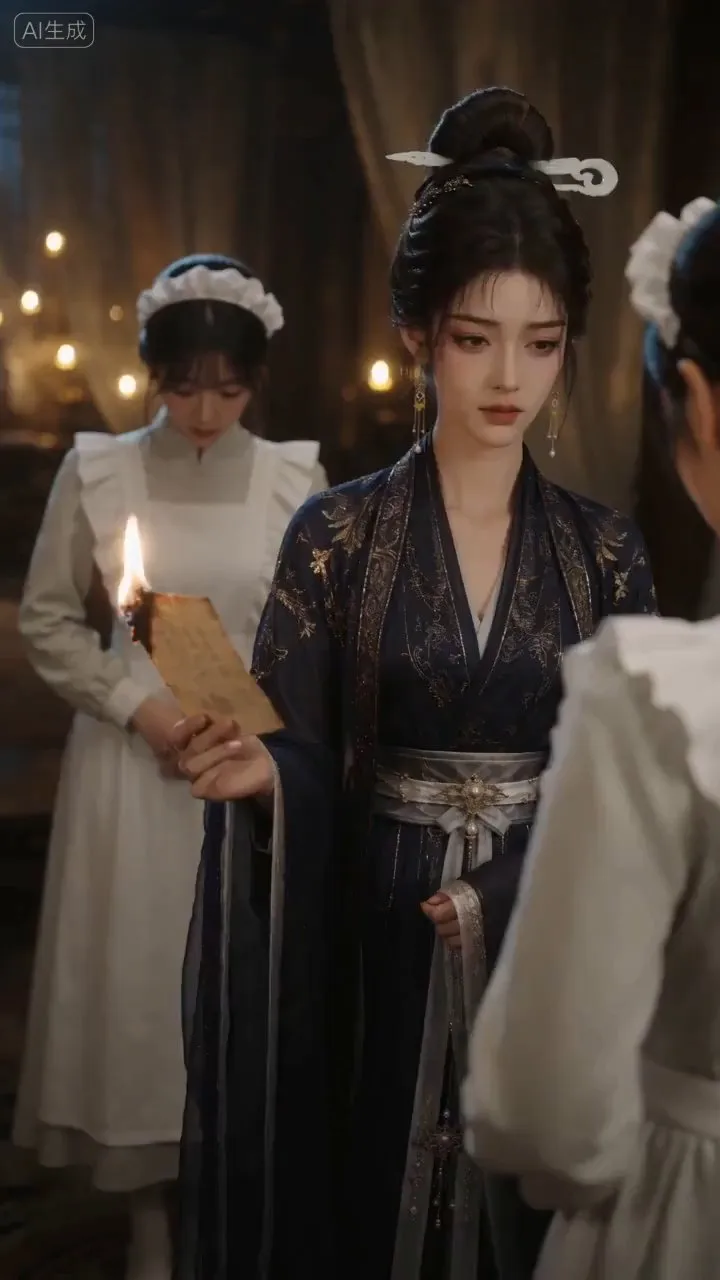
AI Video & Storyboard Prompts
Turn storylines, character profiles, or existing video prompts into professional storyboards and ready-to-use shot prompts for AI video generation. Whether the scene involves contemporary life, historical drama, mystery, romance, or high-payoff drama, the skill focuses on character relationships, pacing, and emotional hooks. It clearly defines shot scale, camera position, perspective, camera movement, composition, lighting, ambient sound, and dialogue, giving every shot a clear visual focus and actionable movement. The skill pays close attention to character consistency and scene continuity. It helps lock in each character’s appearance, clothing logic, identity and status, and defining details, reducing generation issues such as facial changes, visual drift, spatial confusion, and unclear actions. A character’s gaze, expressions, breathing, hand movements, and physical reactions are also translated into visible performance changes, strengthening conflict, tension, twists, and emotional progression. You can start with a complete storyline or provide existing character assets, storyboards, or prompts for targeted optimization. When you already have an established character profile, it can be reused directly to avoid redesigning it. The complete sequence can then be organized into clips of 15 seconds or less for generation with mainstream AI video models, while preserving visual, audio, and duration details for easy copying, use, and further editing.
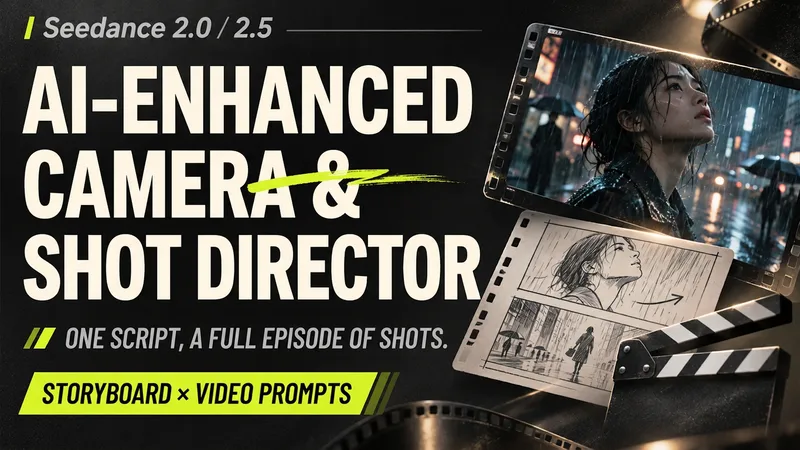
Seedance Storyboard Director
Ideal for creators of short dramas, animated series, and AI films. Got a script ready but stuck on how to shoot a specific scene? Hand your script over to this Skill to break the plot down into dense storyboards featuring shot sizes, actions, camera movements, and emotional progression, organized into copy-pasteable video generation prompts by section. Supports Seedance 2.0 / 2.5, Chinese / English / bilingual prompts, and art styles like live-action cinema, 2D animation, and 3D animation. Organize sections into 10-second, 15-second, or 30-second blocks, with at least 40 shots per full episode and no single shot exceeding 4 seconds. What you will receive: • A unified full-episode storyboard: Matching original text, timecodes, visuals, dialogue, music, and sound effects shot by shot. • Section-by-section video prompts: Detailing actions, cuts, audio, and start/end states. • Continuity and duration verification: Checking characters, scenes, props, and cross-section transitions. Defaults to live-action cinematic quality, 9:16 vertical video, 30-second sections, and multiple reference material setups. This Skill delivers storyboards and prompts; it does not directly generate videos. Actual generation capabilities depend on the platform you use.
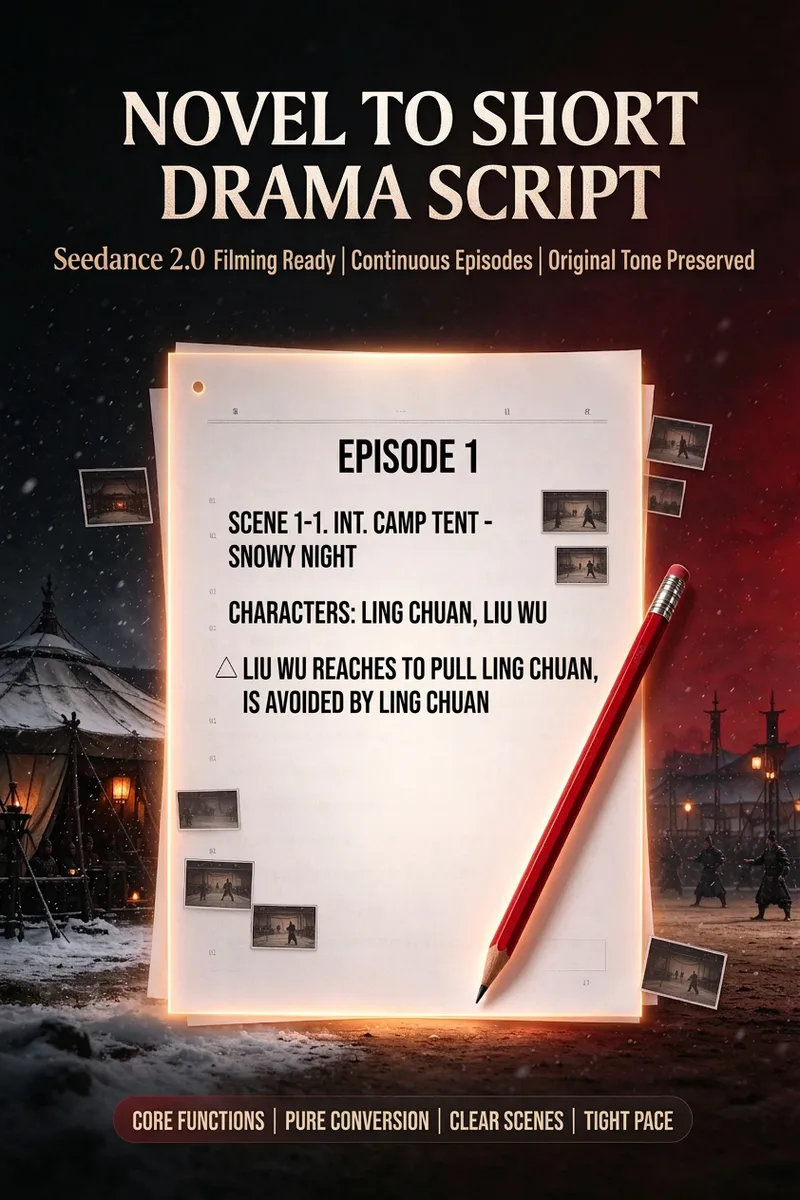
Novel to Short Drama Script
Transforms original novel text into continuous episodic scripts ready for short drama production and video generation. While preserving the plot order, key settings, character motivations, original dialogue, inner monologues, and high-engagement highlights, it breaks the content into scenes paced for approximately 15 seconds each. It is ideal for web novels, fast-paced genre fiction, time-travel, rebirth, and historical political dramas, especially for creators needing to convert novel content into shooting scripts for short dramas. The Skill converts narrative text into clear script scenes, organizes visualizable plots into action descriptions, and presents character dialogue, psychological activities, background rules, and system prompts separately. It also makes necessary corrections to obvious transcription errors, name confusions, and grammatical issues. For information-dense plots, it uses reasonable segmentation to preserve world-building, identity backgrounds, villainous plots, conflict advancement, plot twists, and key choices, avoiding pacing compressions or omissions that would impact subsequent understanding. Scenes advance through a continuous plot and are automatically organized into episodes, making it convenient to subsequently create 15-second video storyboards. Whether the input is a novel excerpt, a chapter, or the continuation of a previous output, it maintains seamless plot and numbering continuity, ultimately delivering a well-structured, visually executable short drama shooting script that is easy to convert into video storyboards.
Information
- Version
- v2
- Last updated
- Runtime credits
- Usage-based
- Models
- Auto
- Use cases
- Writing & contentImages & designVideo & audio
- What you get
- Prompt
