
Seedream 5.0 Pro Prompt Artist
Seedream 5.0 Pro Prompt Artist
Showcase
Description
Activate this skill when the user needs to generate, edit, or compose images using Seedream 5.0 Pro. Covered scenarios: local editing (replace objects, change colors, adjust styles), commercial product images, poster/menu layout, multi-color SKUs, multilingual materials, scene composition, exploded view diagrams, annotated feature images, and full material chain production. Through a five-step workflow (Diagnose → Tag → Build → Generate & Verify → Iterate & Expand), it transforms rough user requirements into precise mixed prompts that can be directly sent to Seedream 5.0 Pro.
Related Skills
View all
Scene Illustration V2.0
Scene Illustration: AI scene illustration prompt engineering skill, covering 10 major themes (portrait, landscape, city, fantasy, sci-fi, history, life, animals, plants, architecture) and 8 art styles (realism, oil painting, watercolor, illustration, anime, cyberpunk, classical, modern art). Includes camera language, composition, perspective, lighting, color, style keywords, Seedream V4.5 prompt engineering, camera scripting, and pitfall avoidance guide. Applicable to: (1) Illustrator inspiration generation, (2) Designer scene concept art, (3) Storybook creation, (4) Commercial illustration. Trigger keywords: illustration, scene illustration, concept art, character illustration, landscape illustration, fantasy illustration, prompt, camera, lighting.
 Write
WriteSeedance 2.5 Prompt Director
An industrial-grade prompt optimization system designed for Seedance 2.5, combining the expertise of a director, cinematographer, and technical artist. It quickly transforms rough ideas into director-level prompts ready for generation, covering the full range of scenarios from creation from scratch and troubleshooting to fine-tuning, iteration, and reference material integration. The system uses a 3×3 temporal structure to control narrative pacing, four-dimensional industrial controls to precisely manage visual, physical, spatial, temporal, and stylistic attributes, and standardized subject anchoring with negative constraints. It addresses issues such as subject drift, flickering, and loss of style control at the source, helping produce stable, high-quality, cinematic motion visuals.
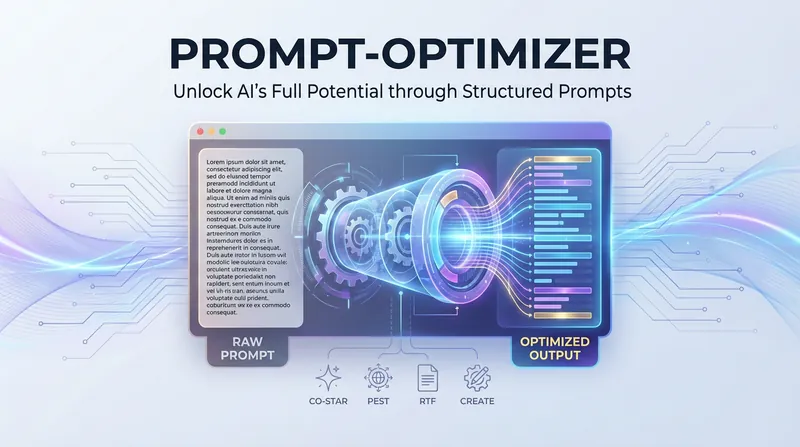
AI Prompt Optimization Expert
The AI Prompt Optimization Expert focuses on improving prompt quality through a systematic framework, helping you convey your intent precisely and making AI output more stable and predictable. Whether you need to refine existing prompts, build complex task descriptions from scratch, or find professional templates for specific scenarios, this skill provides comprehensive support. It can not only restructure vague requests into structured prompts, but also identify and fix common logical flaws through a diagnostic process. The skill includes a variety of proven optimization frameworks and can flexibly switch strategies based on the nature of the task. For example, for formal documents and professional content, it strengthens the background and audience dimensions; while for code generation or data processing tasks, it focuses more on role definition and specific constraints. In this way, it ensures every prompt has a clear goal, a defined style, and a well-structured output format. In addition, it covers specialized templates for a wide range of high-frequency scenarios, from copywriting and data analysis to technical documentation. You can directly use these proven structures and quickly fill in key details such as core selling points, data descriptions, or reader background. During optimization, the skill also checks against a quality checklist and uses multiple iterations and side-by-side comparisons to help you master essential prompt engineering techniques, significantly reducing communication costs and boosting productivity.
Information
- Version
- v2
- Last updated
- Runtime credits
- Usage-based
- Models
- Auto
