
Desktop Theater
Turn props or characters into short videos
Desktop Theater
Turn props or characters into short videos
Showcase
Description
Transform a simple object, toy, character, or daily creative idea into an engaging short video complete with a story, camera angles, visuals, and audio. This Skill uses a professional short film director workflow to guide you through conceptualization, story design, character setup, storyboard planning, key visuals, video generation, editing optimization, and final review, producing the short video you envision. It is suitable for tabletop stop-motion, toy stories, miniature scenes, anthropomorphic objects, heartwarming shorts, creative ads, and social media short videos. It supports calling available video generation tools in YouMind to create shot by shot and integrate them into a final piece. The ultimate goal is to output a playable, downloadable MP4 video along with a cover image, subtitles, and publishing copy. Note: Stories, storyboards, and video prompts are not the final video. Completion is only marked after the video is actually generated and verified as playable. Target Audience: Video creators, AI creators, toy story creators, short video operators.
Recommended by
Dancang
Why we love this skill
Directs a creative object or character into a truly playable short video rather than stopping at stories and storyboards. Focused on visual continuity, shot breakdown, audio editing, and quality acceptance.
Best for
Ideal for video creators, AI creators, toy story creators, and short video operators making fun shorts.
How to use this Skill
Provide your input
Provide an item, toy, character, or everyday idea, along with optional requests for story goals, setting, style, duration, aspect ratio, audio, and platform.
Run the Skill
The system develops your idea into a story, character profile, and storyboard, then generates, edits, and reviews the short video using available video capabilities.
Review your result
Receive a playable video preview along with optional cover art, subtitles or voiceover text, and publishing captions.
Related Skills
View all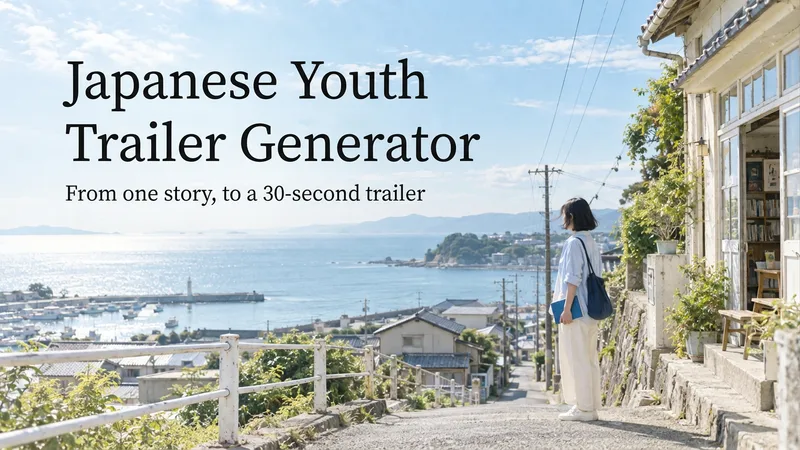 Video
Japanese Youth Trailer Maker
How can you turn a story idea into a suspenseful Japanese youth trailer? This Skill breaks production into a repeatable workflow: define the style, write the script, choose scenes, establish characters, assemble the storyboard, generate video shot by shot, then organize editing and sound. Provide a story or reference image, and it first locks in the composition, lighting, colors, and details that must remain consistent. It then uses a four-panel empty-scene grid to select visuals and creates facial, half-body, and full-body references for each character, giving the people, clothing, props, and environment a consistent basis across shots. Before batch generation, sample images are used to calibrate light direction, skin tones, highlights, and character states. The default is 30 seconds, 16:9, and 8 shots; duration, aspect ratio, number of characters, and mood can all be adjusted. You can also create only the script, reference images, or storyboard instead of completing the entire film at once. Deliverables • Consistent visual rules and a suspenseful script • Scene, character, prop, and storyboard materials • Separate image and video prompts for each shot • A shot-by-shot timing, in/out point, editing, and sound table • Generated files and review records, based on the capabilities of the available tools When the appropriate media tools are available, the Skill continues with actual generation and review. When tools are unavailable, it delivers complete production materials and explains where the process stops. Image, video, and music generation costs are billed separately and depend on the runtime environment. The featured example, “The Day I Returned the Book,” consists of AI-original still images and storyboards; it is not yet a completed video.
 Video
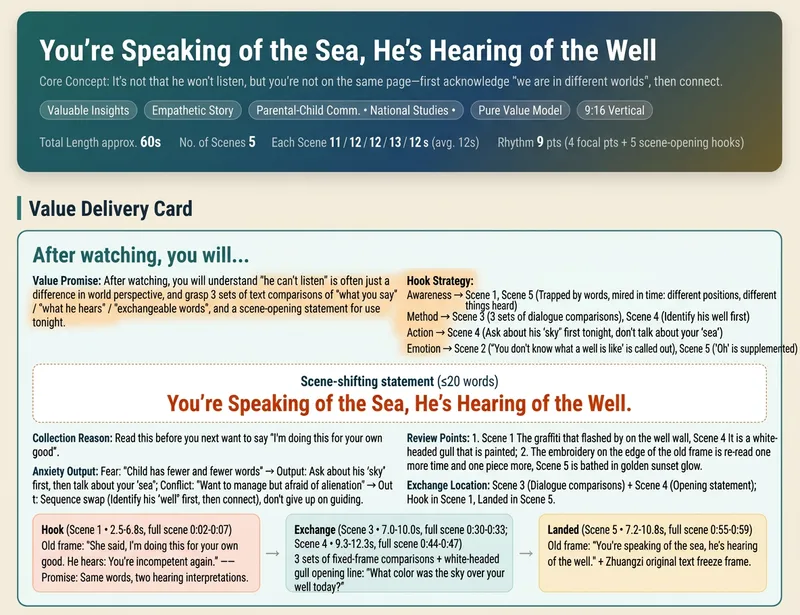
Short Video Creator
Turn a vague short video idea into a complete content plan ready for generation, editing, and publishing. Whether it is drama shorts, philosophical fables, cute pets, knowledge explainers, food reviews, travel scenery, product showcases, or emotional mood videos, simply describe the theme, characters, or effects in natural language to get genre-appropriate creative directions, story structures, visual styles, and audience value designs. The skill builds value cards around "what viewers take away," balancing save-worthy points, replay value, emotional resonance, and original recognition to avoid generic templates and homogeneous content, while preparing vertical short video assets for Seedance 2.0, Doubao, or Jimeng. Finally, it provides storyboard scripts, Chinese video generation prompts, and protagonist reference image prompts to help you generate scenes segment by segment and assemble them with background music and captions in editing software. It also generates titles, descriptions, tags, and publishing copy for Douyin, Xiaohongshu, and Video Channel, covering necessary disclosures for AI generation, fictional performances, and commercial content. Supporting creative directions like pure content, brand sponsorships, and in-app product tags, it emphasizes native platform alignment and compliant expression without external traffic redirection or exaggerated clickbait endings. All three deliverables are single-file HTMLs that can be opened and copied directly in the browser, suitable for completing short video production and publishing preparation all the way from creative planning.
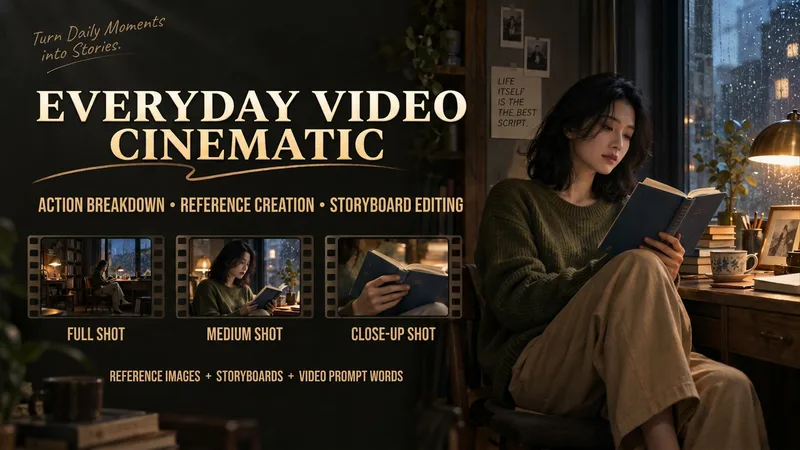
Make Everyday Video Cinematic
Provide everyday footage, ordered keyframes, or action descriptions, and tell it the mood you want. The basic deliverables are an event chain, cinematic storyboard, reference-material mapping, platform-neutral video-generation prompts, and review notes. Reading the original video, creating reference images, and generating the finished video continue according to the tools supported in the current environment. This version has not yet been fully tested with complete tasks in YouMind. The Skill first separates confirmed visual information, user-provided details, and unknown elements. It organizes the people, settings, and key objects, then redesigns the shots, pacing, lighting, and color. When it cannot read the footage, it guides you to provide keyframes and action descriptions. It focuses on checking whether people change appearance, whether extra props appear, whether action cause and effect is altered, and whether positions still connect after a cut. It is suited to everyday creators who want to give life moments, pet stories, and small shop stories a stronger narrative feel. When the environment supports image generation, it directly creates and checks reference images. When it supports a video-generation tool with the relevant reference inputs, it can continue to generate and review a short clip. Without the corresponding tools, it clearly delivers the completed plan and materials for external generation. Actual image and video generation capabilities, available parameters, and resource usage depend on the current environment.
Information
- Version
- v4
- Last updated
- Runtime credits
- Usage-based
- Models
- Auto
- Use cases
- Images & designVideo & audioMarketing & growth
- What you get
- ImageVideoSocial post
- Visual styles
- Playful
