
Story to Xiaohongshu Comics
Turn story text into cohesive vertical comics
Story to Xiaohongshu Comics
Turn story text into cohesive vertical comics
Showcase
Description
Turn a plot, story outline, or script into a vertical comic plan designed for Xiaohongshu. Starting with the characters, settings, conflicts, and emotional tone, it identifies the most visual moments and breaks them into clearly paced comic panels. Each panel includes specific visual details, shot type, actions, expressions, brief dialogue, and emotional keywords, keeping the story’s progression natural, faithful to the original text, and easy to draw. Before generating images, you can choose a visual style such as Japanese black-and-white manga, full-color webcomics, watercolor picture books, retro American comics, or chibi art. You can also confirm the linework, coloring, backgrounds, and color direction, while establishing reusable appearance details for the main characters so they remain consistent across the full set of images. Once the storyboard and visual style are confirmed, it generates 3:4 vertical comics including a cover image and the main pages, with clean areas reserved for dialogue or narration. The result is suited to Xiaohongshu reading and publishing. When finished, you’ll receive comic images arranged in order, a cover title, three title options, post copy with hashtags, and a complete editable storyboard script. It’s suitable for quickly turning short stories, school dramas, mystery twists, heartwarming everyday moments, emotional scenes, and similar content into serialized comics. Images are not generated until the storyboard and visual settings have been confirmed.
Related Skills
View all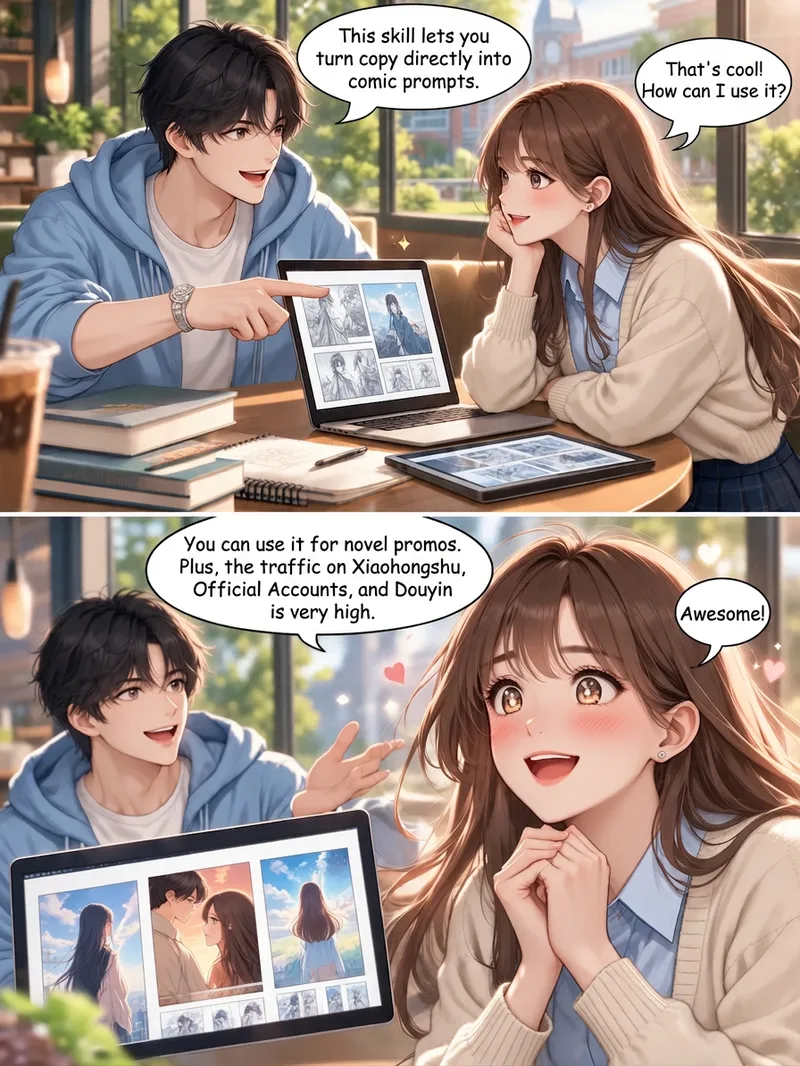
Story-to-Comic Storyboards
Turn novels and story copy into comic prompts. Create visuals for WeChat public accounts, Xiaohongshu posts, novel promotions, and personal stories. The Skill accurately analyzes characters and dialogue in a story and designs them into suitable comics. This upgraded version: 1. Adds character consistency, so reference images are no longer needed as underlays. Text-to-image generation can directly maintain character consistency across a continuous comic. 2. Uses a top-and-bottom panel layout with diagonal-cut comic styling to make the plot easier to follow and improve viewer retention. If you need single-page storyboards, you can tell the AI directly. 3. Adds multiple visual effects, including montage collages, layered silhouettes, and out-of-frame compositions. It can match suitable visual effects to the copy. The default art style is Korean webtoon style, but you can change it to styles such as a hand-drawn, soothing look or a historical Chinese-inspired style.
Create Healing Comic Notes
Automatically generate healing-style Xiaohongshu content for social media operators. Enter a topic to generate a 3:4 comic image with speech bubbles and matching copy. ## Step 1: Topic Analysis and Style Positioning Analyze the user's input topic, extract core keywords and emotional tone, determine the scene type (daily life/nature/pets/food/solo time, etc.), set the visual temperature (warm: warm yellow-orange tones vs fresh: blue-green-white tones) and emotional depth (light healing/deep resonance). **Prohibited**: Do not analyze commercial or sales-oriented content; avoid horror, thriller, negative, or overly sentimental tones. ## Step 2: Image Concept and Generation Use the imageGenerate tool to create a 3:4 ratio healing comic image. The prompt must include: healing comic style, soft colors, simple composition, appropriate white space, and comic speech bubbles (2-10 short warm words inside the bubble). Set quality to high. **Key Requirements**: The image must be a 3:4 comic style with soft colors and comic speech bubbles. ## Step 3: Copywriting Write Xiaohongshu copy including: a title (must include emoji, 15-20 characters), body text (automatically determined by topic emotional depth: 50 characters or less for light topics, 100-200 characters for story-driven topics), and 5 relevant topic hashtags (format #Hashtag). **Copy Requirements**: First-person perspective, warm and gentle, avoid commercial or preachy tone, may include a soft call-to-action at the end. **Output Format**: [Title] [Body] #[Hashtag1] #[Hashtag2] #[Hashtag3] #[Hashtag4] #[Hashtag5] ## Step 4: Final Output Combine the generated image and copy into a complete Xiaohongshu content proposal. --- **Tool Configuration**: imageGenerate (generates 3:4 healing comic images) **Usage Tips**: 1. The more specific the topic, the more precise the output 2. You can add style preferences like "I want a warm style" 3. Use the same topic multiple times to get different perspectives **Testing Suggestions**: - Standard scenario: Enter "Healing moments of the weekend" → generate warm/fresh comic + healing copy + 5 hashtags - Edge case: Enter a negative topic → automatically turn it into a positive healing direction
 Image
ImageMoXi LianZhang Video Pro 2.0
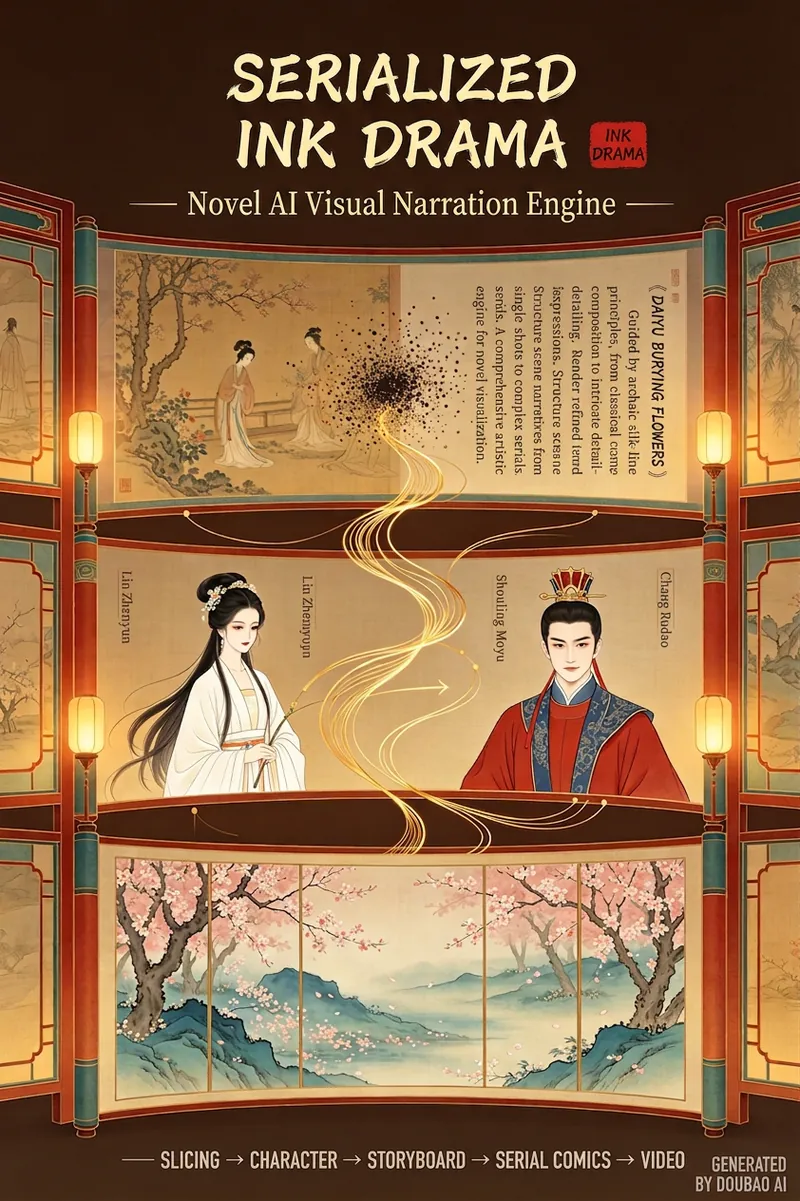
A full-stack engine that converts novel text into professional storyboard comics / comic strips → video. It integrates a dual-track style library with 14 ancient styles and 8 modern styles, uses character design sheets to ensure character consistency across panels, and supports chapter slicing, dialogue bubbles, action storyboarding, and other novel-specific scene processing. It outputs standardized prompts ready for AI drawing tools. The basic version focuses on comic storyboarding, while the PRO version enhances video capabilities. Input a piece of a novel, and I output: ✓ Slicing scheme (short story / single chapter / long chapter / full book – you choose) ✓ Character design sheet (first decide what the characters look like, then reuse in every panel) ✓ 10-panel storyboard (shot type, mood, text position – all designed) ✓ Dual-track style library: 14 ancient styles (Nymph of the Luo River, A Thousand Li of Rivers and Mountains, Shitao's Splashed Ink, ...) + 8 modern styles (Makoto Shinkai, Cyberpunk, American comics, Korean webtoons) ✓ Novel-specific grammar: dialogue → bubbles, inner thoughts → zigzag borders, action → speed lines ✓ Panel-by-panel AI drawing prompts (bilingual Chinese-English, copy and paste directly) ✓ PRO version = comic strips + video storyboard + music + editing script Give me a piece of a novel, I output a complete plan (slicing + characters + storyboard + prompts). You copy it to Doubao, Kling, or Jimeng, first generate character images for confirmation, then generate the scenes. Tips for using MoXi LianZhang: mainly for novels, both ancient and modern. ① Input the full text or a snippet of a novel. For classics like Dream of the Red Chamber or Love in a Fallen City, just enter the title. The skill uses the AFP prompt architecture; follow the process to choose. ② First generate character design images according to the prompts, paste into the image generation model, confirm the character designs, and return to the model to proceed to the next step. ③ Generate multi-panel storyboard prompts, paste into the image generation model to determine the storyboard panels, forming a comic strip. ④ In the PRO version, return the storyboard panels to the model to proceed to the next step to generate video storyboard script prompts. Paste into the video generation model along with the storyboard panels to generate the first frame of the storyboard video. ⑤ You can manually edit, and automatic editing provides recommended music and editing scripts as references. ⑥ Currently, my case videos all manually edit the storyboard videos in CapCut, and the images and songs are mostly from Doubao. Generating everything in YouMind is convenient but consumes too many credits. If you have any questions or suggestions during use, please contact me at dhxlucy@126.com.
Information
- Version
- v3
- Last updated
- Runtime credits
- Usage-based
- Models
- Auto
