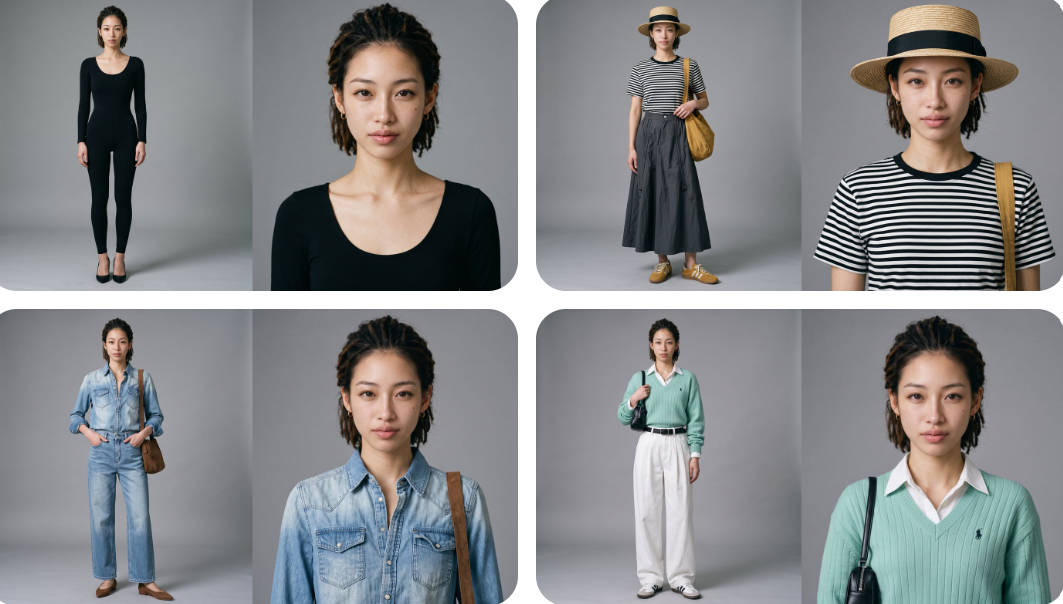
Street Outfit Transition Generator
Create vertical fashion transition videos for sellers
Street Outfit Transition Generator
Create vertical fashion transition videos for sellers
Showcase
Description
Ideal for clothing sellers on platforms like Taobao, Pinduoduo, and Douyin who lack models or shooting setups, as well as fashion creators who need daily content without the hassle of daily shoots, and e-commerce agencies handling high volumes of video requests. Monetization methods include saving costs by replacing traditional shoots, taking on client orders, bulk testing products, and bootstrapping fashion accounts with batch content. Key features include no models or filming required by simply uploading clothing images, seamless outfit transitions triggered as vehicles pass by, a cinematic ending where the protagonist locks eyes with the camera, and a clear styling map panel to preview your outfits and sequence.
Related Skills
View all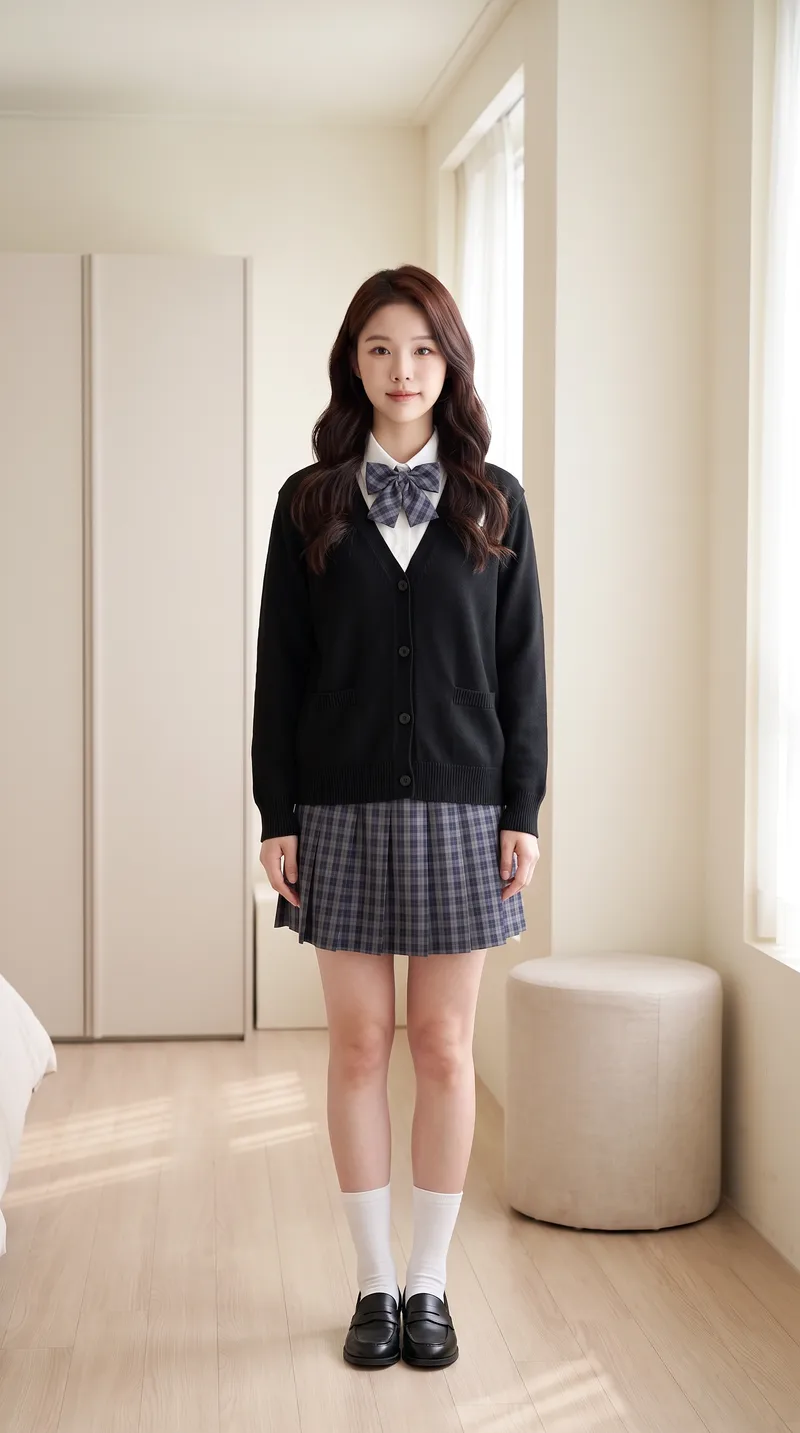
AI Try-On Video Generator
Transform a portrait and clothing images into a first-person interactive vertical short video for virtual try-on. [Input] * Portrait photo (optional): maintains face and person consistency if provided; otherwise automatically generates a matching protagonist based on style * 1-4 clothing images: tops, bottoms, shoes, bags, or accessories, with the upload order matching the dressing sequence * Optional parameters: style, scene, interactive effects, duration, and video count [Output] 9:16 vertical virtual try-on short video. The character remains consistent throughout, the scene is unchanged, clothing strictly matches the uploaded images and is put on one by one by "first-person hands," concluding with a full look freeze-frame. [Core Differences] * Two workflows: storyboard generation followed by video synthesis (controllable, precise clothing order) or direct one-step video generation (fast, suitable for batch production with few garments) * Full automation: automatically generates a matching protagonist without a portrait photo for zero threshold entry * Consistency locking: stable face, hairstyle, scene, and clothing style without drifting across the video * Default compliance: built-in clothing whitelist and negative words with initial styling forced to modest base layers, preventing prohibited content such as underwear, swimwear, stockings, or translucent items for immediate publishing [Who Is It For] * Fashion bloggers and content creators: try three outfits in one video and test styling without wearing them physically * E-commerce and apparel merchants: turn new arrivals into dynamic videos instantly, eliminating model and studio costs for content creation * Xiaohongshu/Douyin/TikTok operators: batch-produce hook videos featuring auto-dressing characters with completion rates higher than static outfit posts * Fashion styling educators, stylists, and buyers: quickly demonstrate multiple outfit options to clients * Independent designers and white-label sellers: create model showcase videos without physical photo shoots [Monetization Opportunities] * E-commerce sales: drive traffic with product links in videos and close sales directly using before-and-after try-on comparisons * Brand commercial deals: batch-produce promotional content for clothing brands with one style per video at a fraction of live-action shoot costs * Account growth: build series columns around try-on videos to grow accounts and monetize through traffic rewards and brand sponsorships * Asset resale: sell generic try-on template packs to peers or use them as training cases for coaching tutorials * Cost reduction for personal use: build an in-house product video asset library, saving time and money on repeated shoots [Applicable Scenarios] Outfit channel content production, e-commerce new arrival showcases, AI short video matrix marketing, outfit styling demos, social media grid posts, and client pitch samples.
 Video
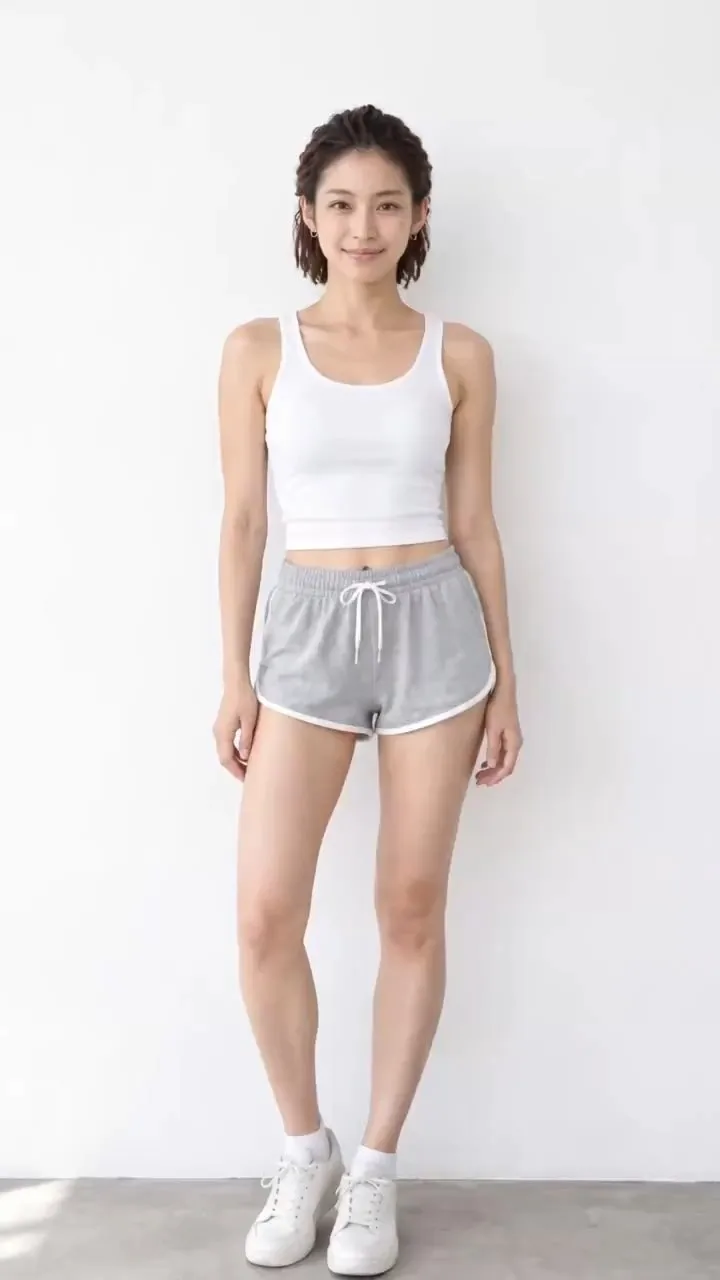
VideoAI Hand-Dressed Video Maker
【Who it's for】 1. Fashion e-commerce sellers, Taobao and Douyin shop owners, and cross-border DTC sellers: quickly create showcase videos for an outfit without hiring models or filming. 2. Outfit bloggers and OOTD accounts: make series such as “A Week of Work Outfits” and “Outfit Ideas for Different Settings” in batches for consistent daily posting. 3. Affiliate creators and livestream teams: create traffic-driving Shorts with storefront and product links. 4. MCNs and content studios: replicate the same workflow across multiple accounts, changing only the clothing and style. 5. Fashion designers, wholesale sellers, and buyers: quickly create launch previews and product-testing assets from new-arrival images. 6. AI video creators: build accounts in the “AI outfit change” niche and break down or recreate this type of content. 【How to monetize】 Fashion affiliate sales: add the video to a storefront, shopping cart, or product link to earn commissions or sell your own products. Brand deals after growing an account: outfit accounts can pursue brand collaborations, sponsored campaigns, and product exchanges. Done-for-you services: create launch videos in batches for small and midsize fashion sellers, charging per video or per month. Find clients on Xianyu and Xiaohongshu. Sell assets and templates: package finished videos by style and sell them as asset packs or prompt packs. Cross-border sales: finished videos require no spoken language, so they can also be posted on overseas platforms and used with international DTC stores and affiliate marketing. 【Product description】 In one sentence: upload one person photo and several clothing images to automatically generate a vertical outfit-change video in which real hands help the model put on each garment step by step. If no person photo is provided, a matching model is generated automatically. If no clothing images are provided, outfits are matched automatically by style. 【How it differs from standard outfit-change videos】 Each garment has a complete four-beat dressing sequence: shown as it enters the frame, being put on, fully in place, and adjusted at the end. You can see hands holding the cuffs and guiding the garment onto the model instead of seeing an instant change. Storyboard images with a “half-dressed state” are generated first to lock in each step, then the video is generated in segments. The face stays consistent, and clothing colors do not bleed between garments. Starting outfit options: basic homewear by default, or the original outfit from the person photo. Built-in platform compliance rules: clothing stays complete throughout, with no undressing. Hands touch clothing only, not skin. Videos can be posted to Douyin, Xiaohongshu, WeChat Channels, and YouTube Shorts.
 Video
VideoAll-in-One Showcase Video
Ways to monetize: 1. Build an account and earn through product sales and brand deals (fashion creators and product recommendation accounts can use it to produce daily outfit changes and review clips. One person can maintain a steady output, then earn commissions and brand partnerships as the content grows.) 2. Take on client work for merchants (clothing stores, small brands, small-appliance sellers, and consumer electronics merchants all need product showcase videos and short ads. Upload their products, deliver finished videos, and charge per video, package, or month.) 3. Create videos for your own products (store owners can use it to make showcase videos for every new product, saving on model, photography, and editing costs and putting more budget toward advertising.) 4. Produce at scale to help teams work more efficiently (agencies and MCNs can integrate it into their production workflow so the same team can create more content across more products and accounts.) Put anything on a person for a one-shot showcase. Upload a person’s photo, then upload anything you want to feature: clothing, shoes and bags, accessories, perfume, hats, phones, earbuds, small appliances, sports equipment, food, and drinks. It automatically generates premium person-centered showcase images and turns them into a coherent, beat-synced short video with music. If no person photo is provided, it automatically designs a model. The default is 15 seconds in 9:16, while duration, aspect ratio, and style can all be customized. Who it’s for: fashion creators, e-commerce sellers and store owners, product-promotion short-video creators, brand content teams, and anyone who wants to turn their favorite products into polished showcase videos.
Information
- Version
- v4
- Last updated
- Runtime credits
- Usage-based
- Models
- Auto
