
Retro Collage Art
Turn photos into bold, subject-focused art
Retro Collage Art
Turn photos into bold, subject-focused art
Showcase
Description
This Skill transforms your uploaded photos into visually striking vintage archival artworks, with a particular focus on portraits, still lifes, and landscape photography. Using distinctive “garbled sticker” and “print glitch” styles, it creates a dynamic visual reinterpretation while carefully preserving the original subject’s outline, pose, and position. The system precisely identifies the main subject and uses warm-white, fibrous-paper garbled silhouettes, halftone dot backdrops, and offset same-shape patches to create the visual rhythm of a handmade collage. Visually, this Skill aims for an authentic archival feel, with fine paper grain, screen-printed ink marks, and photocopy noise. Subtle registration shifts and localized fading add the warm, oxidized feeling of an old archive, while retaining about half of the original colors and key visual cues. This approach keeps the subject recognizable while using the contrast of black, warm white, and accent colors from the original image to create a visual style that feels both avant-garde and nostalgic. It is ideal for creating distinctive art posters, personalized social media avatars, or design-forward visual assets.
Recommended by
Shuting@YouMind
Why we love this skill
Precisely isolates photo subjects and transforms them into vintage archival collages with glitch stickers, halftone dots, and photocopy misregistration while preserving composition, pose, and recognizable details.
Best for
Creators who want to turn portraits, still lifes, or landscapes into striking vintage visual works.
How to use this Skill
Provide your input
Upload a photo featuring a person, still life, or landscape as the main subject.
Run the Skill
Extract the subject from the background and transform it into a collage with a vintage archival print texture.
Review your result
Create an artistic image that preserves the subject’s outline and compositional position, with paper grain and print glitch effects.
Related Skills
View all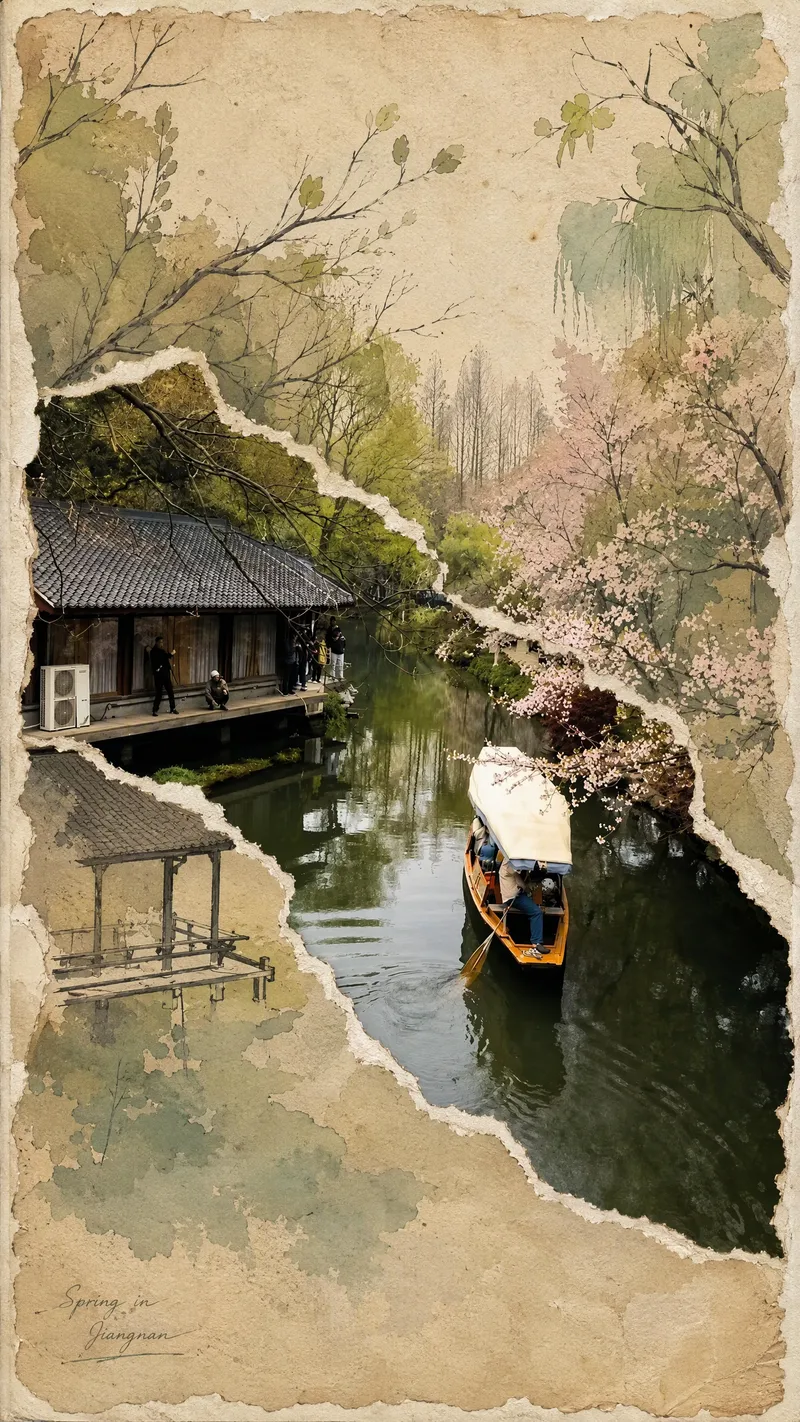 Image
ImageViral Photo Torn-Paper Collage
Turn a real-world photo into a vintage torn-paper collage with the tactile feel of physical paper, while preserving the true colors and recognizability of important subjects. The image follows the original photo's proportions, naturally emerging through torn edges in old beige paper. Around it, minimalist painted elements, hand-drawn outlines, and paper grain create a mixed-media collage where photography overlaps with illustration. The torn edges vary freely with the image content instead of using rigid straight cuts, while keeping the subject's contours, perspective, and horizon as coherent as possible across different layers. The overall look is vintage and low-saturation, but this treatment is not applied to the preserved real-world photo areas. Beige paper extends beyond the photo to enhance the feel of a handmade collage. You can add corner text, keywords, or layout preferences, and the result will prioritize clear requirements. When no preferences are specified, it uses a natural collage composition with a small amount of concise text. Suitable for transforming travel scenes, architecture, street views, and everyday-life photos into artistic images that combine realism with a sense of narrative.
 Image
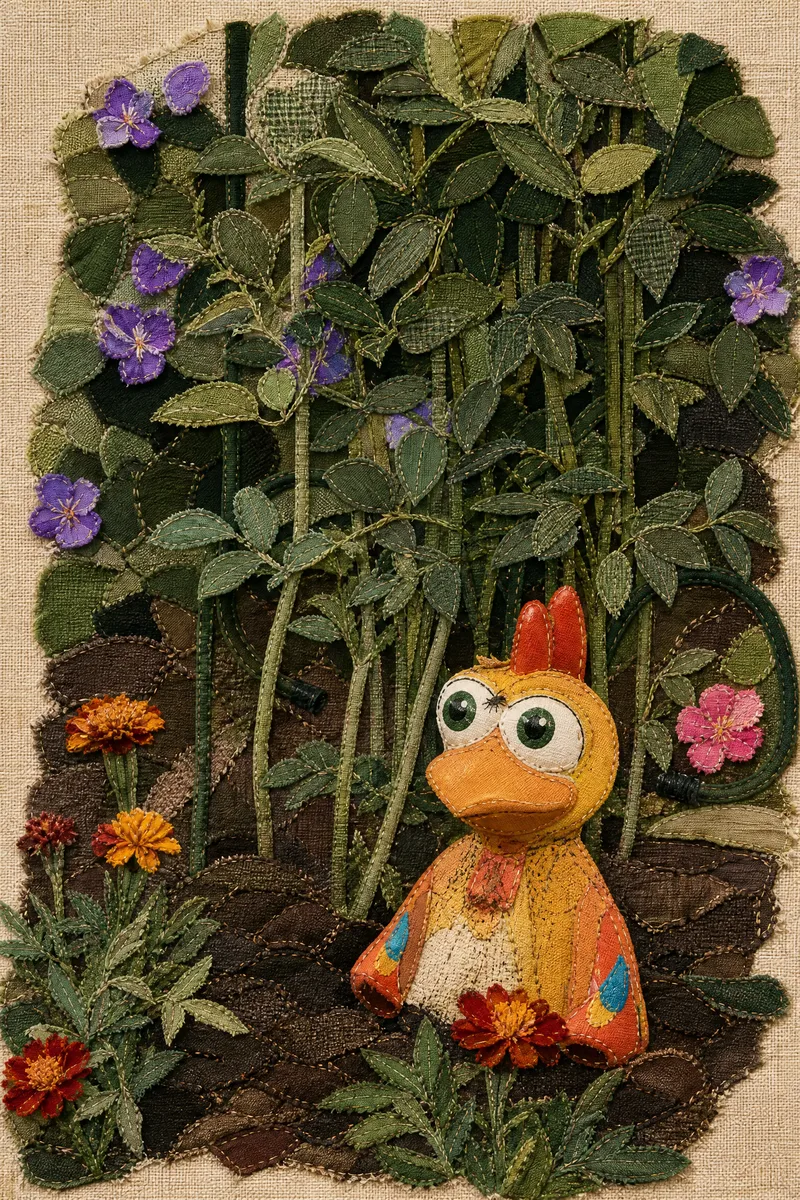
ImageFabric Art Studio
Give every ordinary photo the warmth of textile art. Upload a photo to transform it into a unique handmade fabric collage. Light beige coarse linen backgrounds, retro plaid cotton, natural burlap, frayed edges, fine hand-stitched details, and layered patches interweave to create a rustic, warm, vintage, and whimsical visual effect. Whether it's magnificent landscapes, cute pets, portraits, city architecture, or everyday moments, transform them into creative textile collage artworks while preserving the original composition and main features. Key Highlights One-Click Art: Turn real photos into unique fabric collages. Authentic Handcrafted Texture: Features fibers, frayed edges, patches, stitches, and fabric layers. Break the Frame: Allow elements like clouds, peaks, and branches to extend naturally. Versatile Subjects: Suitable for landscapes, people, pets, architecture, and still life. No Experience Needed: Upload an image to start without professional design skills. Turn daily memories into treasured fabric art, and let every photo tell its own textile story.
 Image
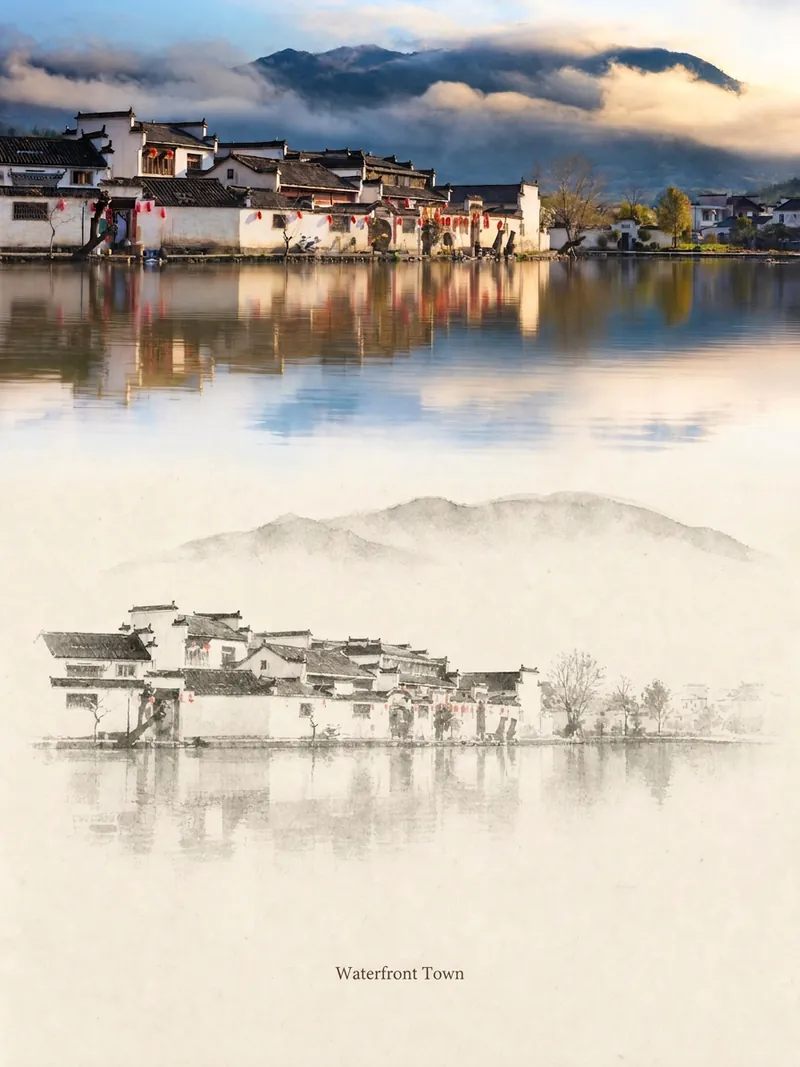
ImageRelic Art
Transform a real photo into a vertical "relic art" poster that blends documentary value with artistic expression: the upper part keeps the original photograph untouched, while the lower part uses warm paper or restrained light and shadow to compress a memory-derived graphic from the image. It's not a typical illustration or decorative poster; instead, it uses sparse ink blocks, softened edges, white-space cuts, and sparse lines to distill architectural, urban, water, road, human-scale, horizon, and light-shadow relationships, so the subject remains recognizable even in thumbnails. The overall feel is quiet, restrained, and like a modern print. Colors are taken from the source photo, primarily deep blue, ink black, gray-green, stone, or low-saturation warm tones, with a small warm accent added when fitting. The title is kept very small, poetic, and similar to an exhibition label, never overwhelming. This is suitable for minimalist art posters, photographic relic series, architectural and urban image posters, abstract editorial photography, gallery-style photo covers, and visual series for mobile platforms like Douyin. The final output preserves the authentic content of the original photo while adding a consistent "memory imprint" below, giving each photo its own mood and an expandable visual identity.
Information
- Version
- v7
- Last updated
- Runtime credits
- Usage-based
- Models
- Auto
- Use cases
- Images & design
- What you get
- Image
- Visual styles
- RetroCollagePrintmaking
