Tarot Card Generator Pro
Tarot Card Generator Pro
Showcase
Description
Turn tarot cards into vintage, refined decorative art-style cards that can be used directly as phone wallpapers. Tell it your favorite theme (e.g., Norse mythology, a specific anime/game IP) or which cards you want to draw, and it will produce tarot card images with consistent style and beautiful symbolism. Supports the full set of 78 cards, individual groups, or a custom selection of a few cards. The visuals are refined and pleasing, without the rough AI plastic feel. Can work with YouMind scheduled tasks to automatically draw and interpret cards every morning (you need to configure the scheduled task yourself).
Recommended by
Dancang
Why we love this skill
Combining Mucha's Art Nouveau aesthetics with Rider-Waite Tarot symbology, it uses ornate decorative frames and precise metaphors to craft vintage tarot wallpapers with a highly consistent style and a hand-drawn feel.
Related Skills
View all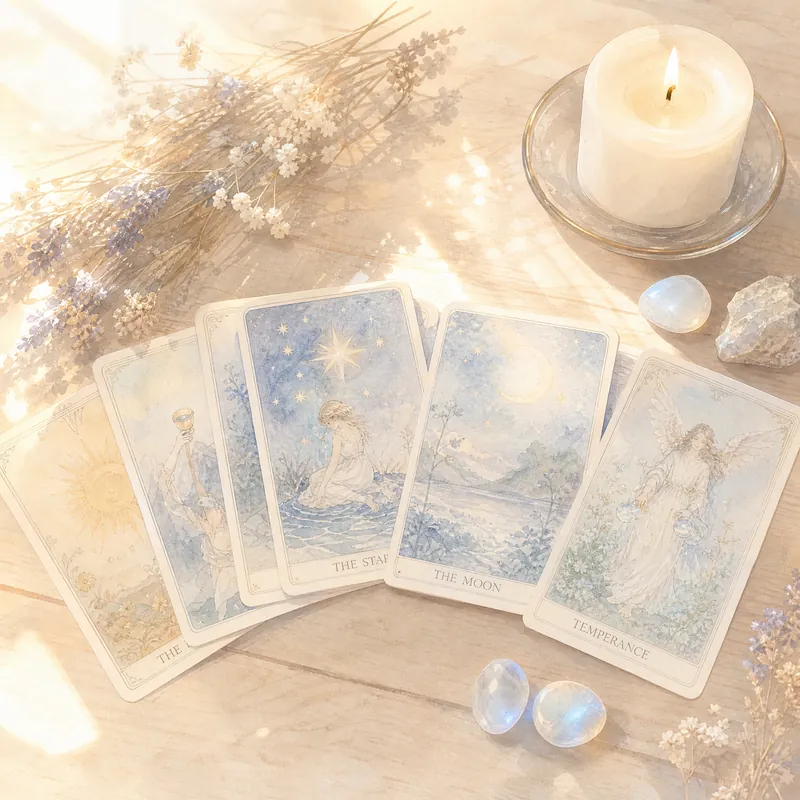
Qingta Eastern Tarot Master
Have you ever asked an AI tarot and only gotten a bunch of cold card meanings, like reading a dictionary? 😶 Qingta is different—it lets you "draw cards yourself" and gives you a reading that truly understands your situation. 🔮 Realistic card-drawing ritual: calm your mind → speak your chosen number → lock in your cards. Full immersion. 📖 Complete library of 78 card meanings: professional and stable interpretations, not made up on the spot. 💞 Four scenarios fully covered: emotional entanglement / career bottlenecks / interpersonal issues / personal growth. 🧭 Each time provides an "action tip": no anxiety, just actionable next steps. 🌙 Bonus "Daily Energy Card": draw once a day to build self-awareness. 【Who is it for?】 · People who are indecisive at a crossroads and want a clear perspective. · People who love tarot but are tired of superficial readings. · People who want to use tarot for emotional reflection and personal growth. 【How to use】 Simply state your confusion, and Qingta will guide you through a complete and dignified reading.
 Image
ImageHogwarts Daily Oracle Pro
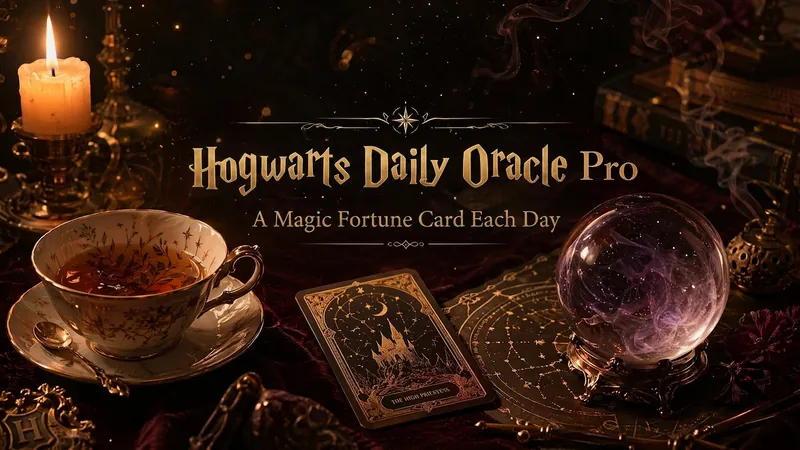
One magical fortune card every day to fill your social circle with Hogwarts ritual. 6 divination methods (tea leaves/crystal ball/astrology/flame/tarot/palmistry) × 3 visual styles (Divination classroom/The Daily Prophet/Magical parchment) × 5-level rarity collection system—Professor Trelawney personally interprets your fate, and each card is a work of art worth setting as wallpaper. First enjoy the dramatic text-based oracle, then generate a beautiful vertical card with one tap. Insightful oracle quotes give you 'aha' moments every day. Restrained luxury aesthetics, warm magical texture, non-repeating freshness day after day—your daily magical ritual starts here.
Tarot Reading Guide
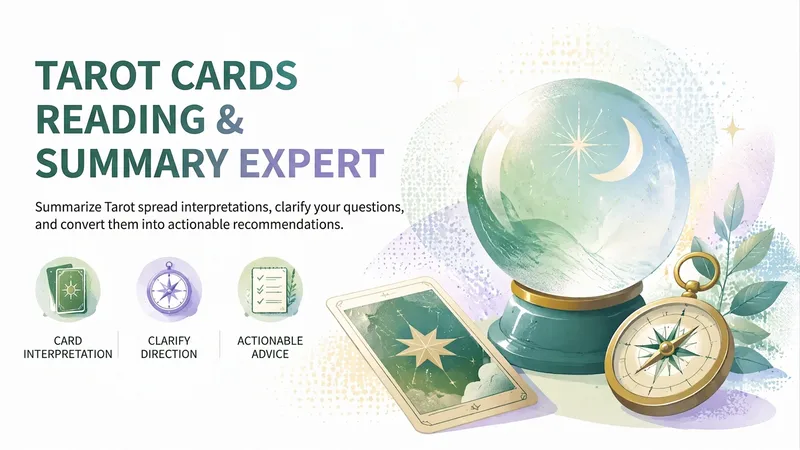
Turn single-card or full-spread tarot draws into clear, question-focused readings that help you see your current emotions, inner motivations, and possible external circumstances. Whether you’re exploring relationships, social connections, work, a decision, or self-discovery, you can first clarify the question and then understand the core direction shown by the cards. Each reading explains the key words, energetic feel, psychological state, possible events, and role of each card in its spread position. It also looks at recurring themes, conflicts, tensions, and underlying issues between the cards, turning scattered meanings into a complete narrative. You can choose a direct, neutral, or gentle tone, along with plain-language advice or symbolic, poetic expression. Finally, insights are turned into actionable directions, including small steps you can start now, practices to complete this week, and reminders about habits, boundaries, or long-term choices. Each reading also includes a core reminder suitable for recording in your journal. Tarot readings are intended for self-exploration and decision support and do not replace professional medical, legal, financial, or other expert advice.
Information
- Version
- v4
- Last updated
- Runtime credits
- Usage-based
- Models
- Auto
