
Keyframe Visual Storyboard
Turn stories into static shots
Keyframe Visual Storyboard
Turn stories into static shots
Showcase
Description
Input original stories and characters, and the skill helps plan shots, shot sizes, and visual keyframes, generating static images when the environment supports it. The four display images are fictional visuals created locally by manually organizing prompts; the first image was modified based on the second, with variations in characters and clothing, and consistency cannot be guaranteed. Not yet fully tested on YouMind, and delivery consists of images rather than finished video. Usage: Provide the story, characters, and scenes, review the shot list and visuals, and adjust as needed.
Best for
Ideal for creators and content planners who need to organize original stories into static visual storyboards.
How to use this Skill
Provide your input
Provide an original story, characters, scenes, and required shots, and you may attach reference materials with usage rights.
Run the Skill
Review the shot order, character actions, composition, and scene settings, and make adjustments as needed. Static keyframes can be generated in environments that support image generation.
Review your result
Receive static storyboard keyframes, a shot list, and matching prompts for visual communication. This does not include finished videos, nor does it guarantee consistent characters and clothing.
Related Skills
View all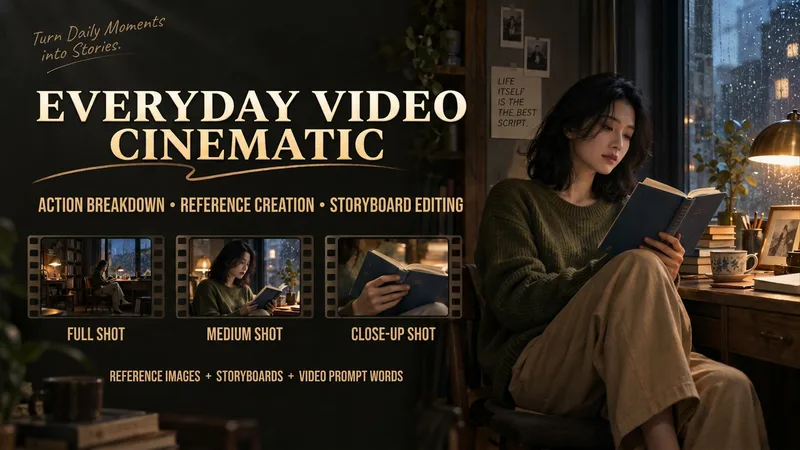
Make Everyday Video Cinematic
Provide everyday footage, ordered keyframes, or action descriptions, and tell it the mood you want. The basic deliverables are an event chain, cinematic storyboard, reference-material mapping, platform-neutral video-generation prompts, and review notes. Reading the original video, creating reference images, and generating the finished video continue according to the tools supported in the current environment. This version has not yet been fully tested with complete tasks in YouMind. The Skill first separates confirmed visual information, user-provided details, and unknown elements. It organizes the people, settings, and key objects, then redesigns the shots, pacing, lighting, and color. When it cannot read the footage, it guides you to provide keyframes and action descriptions. It focuses on checking whether people change appearance, whether extra props appear, whether action cause and effect is altered, and whether positions still connect after a cut. It is suited to everyday creators who want to give life moments, pet stories, and small shop stories a stronger narrative feel. When the environment supports image generation, it directly creates and checks reference images. When it supports a video-generation tool with the relevant reference inputs, it can continue to generate and review a short clip. Without the corresponding tools, it clearly delivers the completed plan and materials for external generation. Actual image and video generation capabilities, available parameters, and resource usage depend on the current environment.
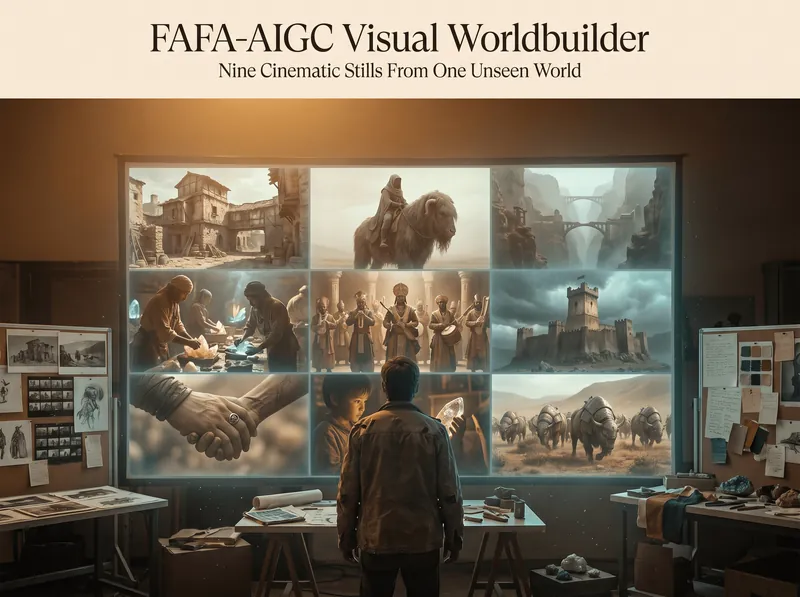
Film World-Building Set FA0719
This skill is a professional "Film World-Building Visual Development Tool". It emphasizes world consistency, cultural logic, ecology and materials, character behavior, spatial relationships, and narrative connections across nine images. -------------- Responsible for constructing a complete world from a concept, reference image, or story idea, and outputting nine world stills. From a single concept, build a complete mythological world and output nine film still prompts. Responsible for exploring nine compositions around a fixed scene; from one image, generate 9 different composition versions. --------------- Suitable for: Fictional world visual development, reference world expansion, nine coherent stills from the same unfilmed movie, cultural/ecological exploration. Not suitable for: Single ordinary image prompts, character design three-view drawings, video motion prompts, storyboard breakdowns, nine compositions of a fixed scene.
 Image
Adult Portrait Studio
Enter an adult character, clothing, and photography scene, and the Skill will help organize the lighting, composition, and prompts, generating images when the environment supports it. The four display images are fictional adult portraits locally generated by manually organizing prompts according to Skill instructions; they are not real clients or actual photos, and have not been fully tested on the YouMind platform. Please confirm authorization before uploading photos of yourself or others; identity consistency cannot be guaranteed, and results depend on the model. Usage: Describe the character, scene, lighting, and aspect ratio; review the results and adjust as needed.
Information
- Version
- v2
- Last updated
- Runtime credits
- Usage-based
- Models
- Auto
- Use cases
- Writing & contentImages & design
- What you get
- DocumentImagePrompt
