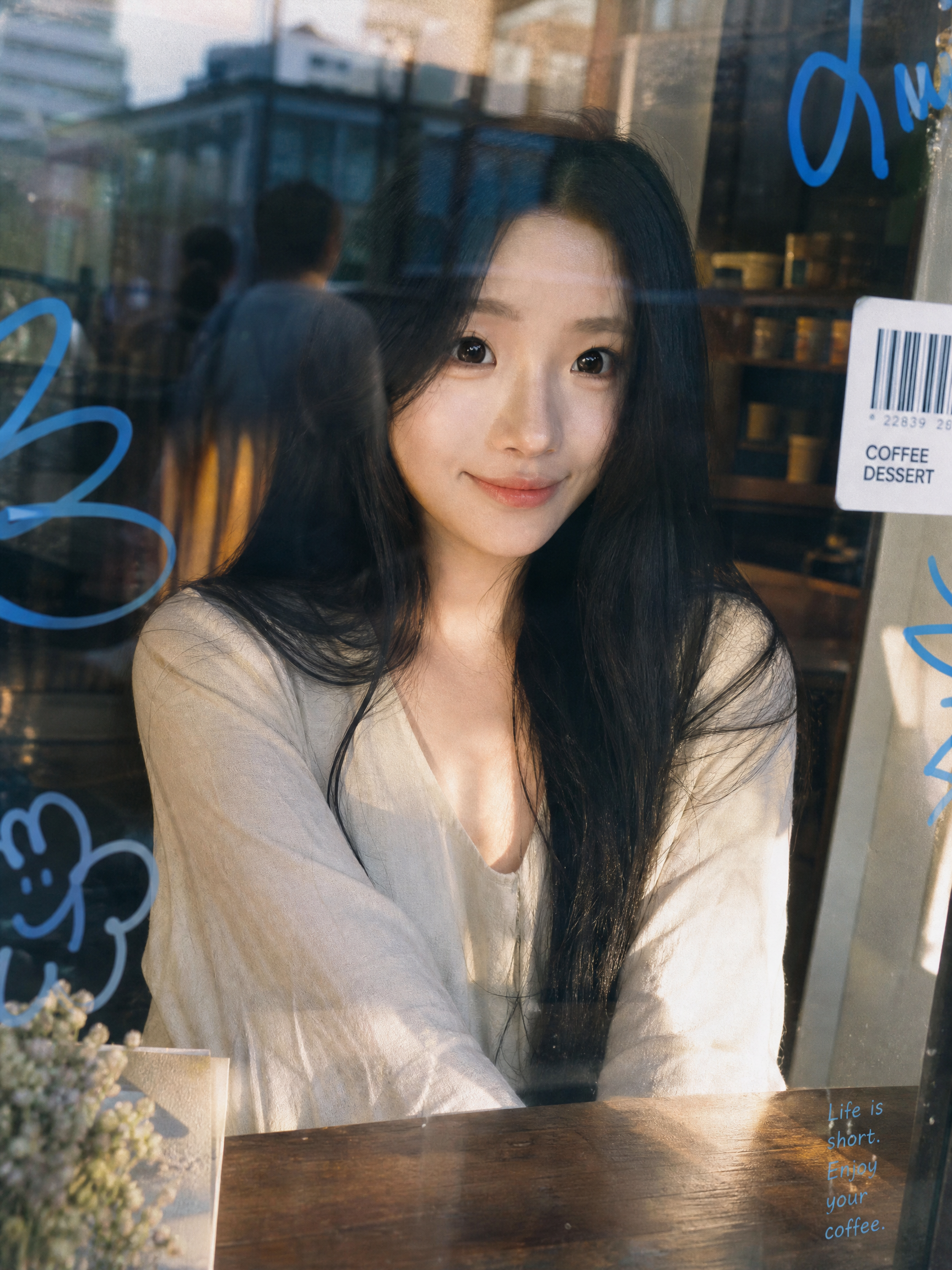
Window Film Portrait Generator
Turn one photo into a Korean-style film portrait behind glass
Window Film Portrait Generator
Turn one photo into a Korean-style film portrait behind glass
Showcase
Description
Core Advantages: 1. Accurate Face Preservation: Strictly maintains the face shape, facial features, hairstyle, and skin tone from the uploaded photo without face-swapping, distortion, or excessive skin smoothing. 2. Clothing Retained: Automatically keeps the clothing from the uploaded photo by default, with an option to specify new ones. 3. One-Click Generation: Features a default 3:4 vertical composition that generates immediately upon upload, requiring no prompt writing. 4. Flexible Customization: Supports changing aspect ratios, scenes (bookstores, flower shops, convenience stores, subway windows), lighting (warm twilight, cool overcast, night neon), expressions, and glass decoration styles. Product Description: Upload a portrait photo to automatically generate a Korean-style film street portrait shot through a café window. The image features realistic glass textures: subtle reflections, street scene mirror images, dust, fingerprints, and water spots. The edges of the glass are adorned with blue hand-drawn doodles, barcode stickers, Polaroids, and small English lettering. The background is a blurred city street with soft, transparent lighting, low-saturation tones, warm highlights, and subtle film grain, resembling a casual everyday snapshot taken by a friend. Best For: Ideal for profile pictures, social media covers, lifestyle portraits, blogger persona photos, and creator branding images.
Recommended by
Dancang
Why we love this skill
Transforms a portrait photo into a Korean-style street film portrait shot through a window while preserving the subject's true appearance and original clothing. Subtle glass reflections, hand-drawn doodles, and stickers add atmosphere while maintaining facial consistency.
Best for
Great for users needing avatars, social media covers, portraits, or creator profile images.
How to use this Skill
Provide your input
Upload a portrait photo; optionally set the aspect ratio, clothing, scene, lighting, expression, and glass decoration style.
Run the Skill
After submitting the photo, the generator transforms it into a film-style street portrait taken through a glass window.
Review your result
Receive a vertical or custom-ratio portrait featuring glass reflections, street scene mirror images, and low-saturation film texture.
Related Skills
View all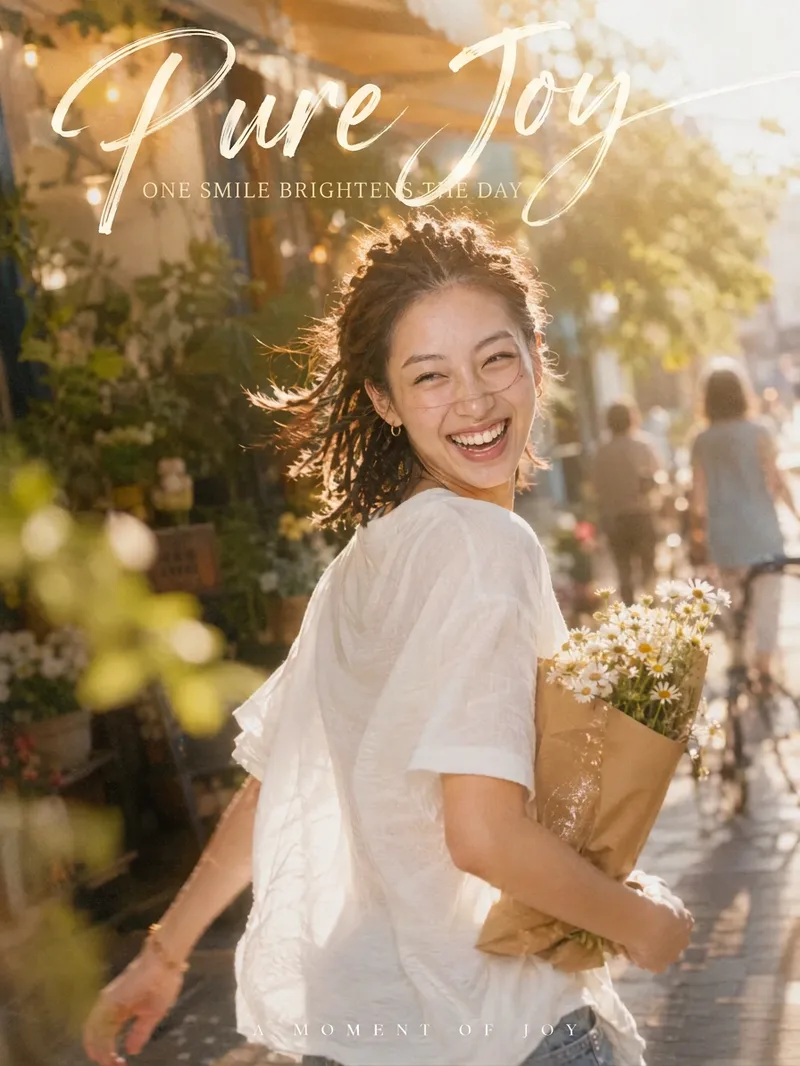 Image
Candid Cinematic Shots
Your photo isn’t missing beauty—it’s missing "that second." 「Candid Cinematic Shots」first reads the person in your photo—their presence, outfit, setting, and mood—then designs a natural candid moment just for them. It might capture wind-tossed hair as you glance back, the instant bright light makes you squint mid-laugh, or your back as you walk past a street corner with a book in your arms. The image features an authentic handheld feel, film grain, backlight glow, and motion-blurred surroundings, keeping the subject sharp while the world moves around them. Add hand-lettered typography and Chinese-English captions, and one image takes on the polished feel of a magazine cover. Core highlights: 🎬 Truly candid: No posing or forced smiles—the expression and movement are captured in a moment of change 🎯 Made for you: Poses, props, settings, and captions are designed from your photo, so every generation is different ✍️ Artistic captions: A handwritten headline with short Chinese-English copy that fits your image instead of using a template 📐 3:4 portrait by default: Ideal for Xiaohongshu, WeChat Moments, and Douyin covers; the aspect ratio can be customized 🎛️ Adjustable: Choose the level of candidness, motion intensity, copy direction, and Chinese-English pairing Best for: Xiaohongshu, Douyin, and WeChat Channels creators: Make covers and personal-brand visuals Content creators in AI art and AI portrait photography: Create viral before-and-after videos Personal-brand and knowledge creators: Make profile photos and promotional graphics
 Image
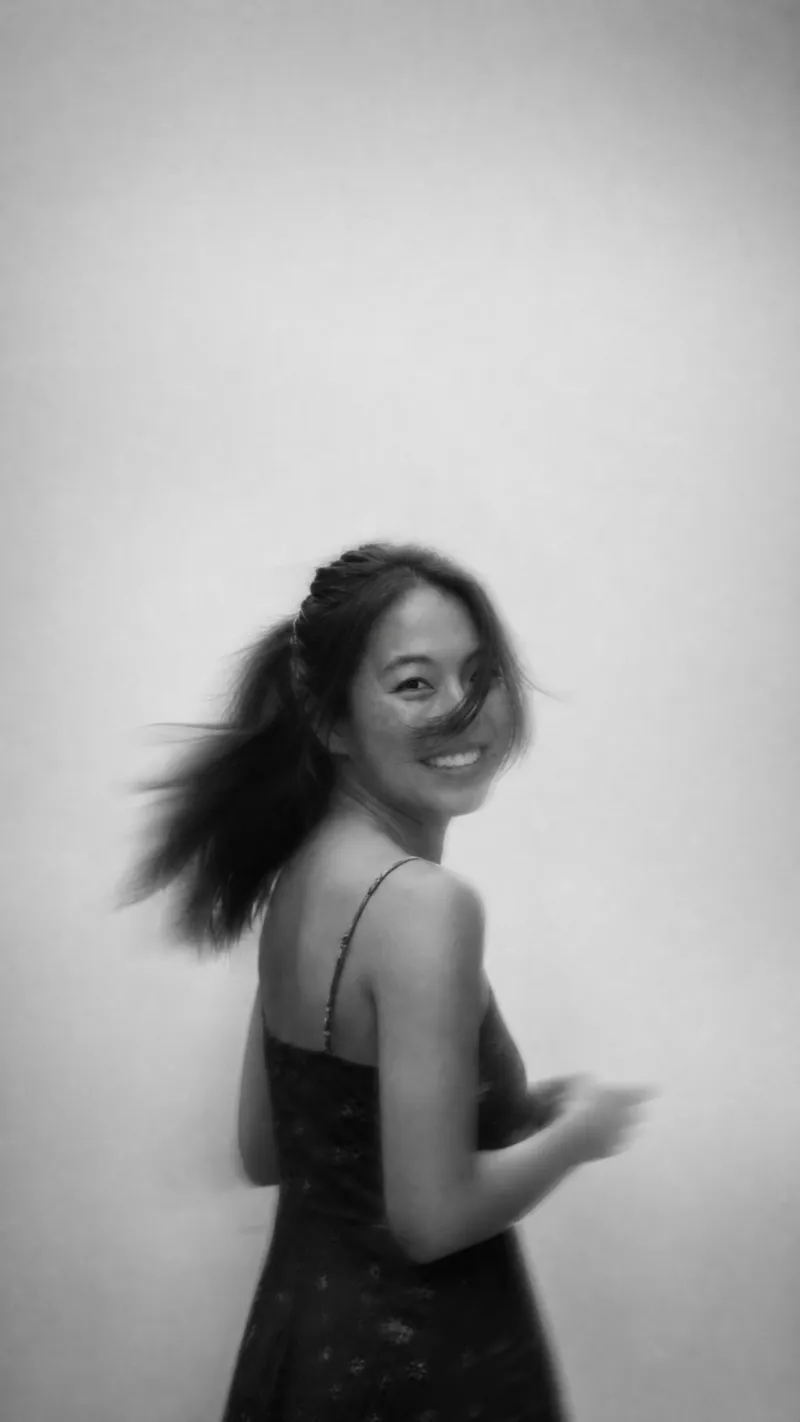
Ethereal Portrait Generator
Best used for: Social media avatars, Moments and Xiaohongshu covers, phone wallpapers, lock screens, personal photoshoots, artistic photo collections, and unified visual profile imagery. Product Description: The Ethereal Black and White Portrait tool generates atmospheric portraits. Upload your photo to receive a black and white film portrait that looks captured in a fleeting moment: hair blowing across the eyes and cheeks, soft motion blur, the subject positioned firmly in the center, and generous quiet negative space surrounding them. Core Features: Preserves your likeness: Facial structure, proportions, and hairstyle match the original photo; the hazy effect comes purely from blur and occlusion. Seven optional styles: Ranging from clear and healing to ghostly motion blur, covering various moods, with support for custom descriptions. Three blur levels: From clear facial features to silhouettes only, letting you choose the degree of obscurity. Flexible aspect ratios: Vertical, square, or horizontal formats are supported, with automatic background extension to maintain negative space and center the subject. Single-photo workflow: No prompts required; simply upload a photo to generate images. Usage Tips: Even lighting and clear facial features yield the most stable results. For a more storytelling vibe, choose a "medium" or "high" blur level; for everyday avatars, Style B with a "low" blur level is recommended. Styles: A: Blowing Hair & Hazy Black & White (Default) B: High-Key White Wall & Clear Hair (Clean and healing) C: Low-Key Darkroom & Ghostly Motion Blur (Mysterious and moody) D: Matte Soft Focus (Dreamy, soft, and distant) E: Laughter Motion & Snapshot Vibe (Vibrant and authentic) F: Grainy Film & Retro Street (High contrast and light leaks) G: Faded Monochrome & Cold Tone (Magazine cover style)
 Image
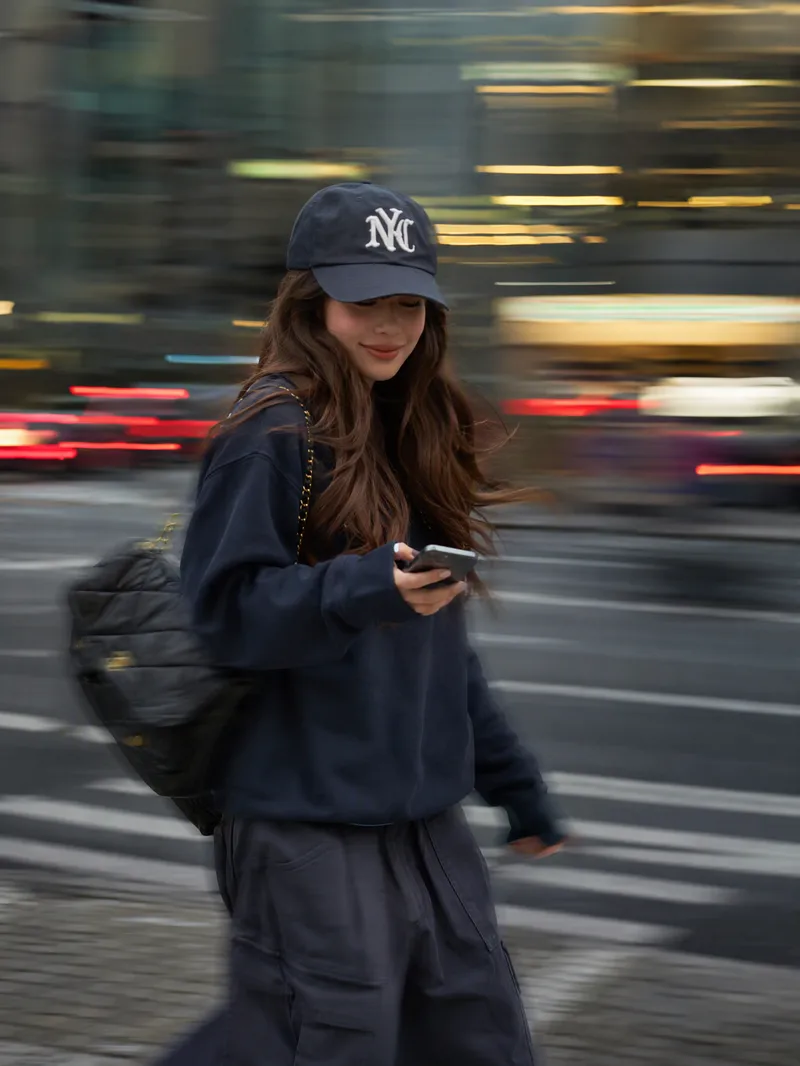
Instagram Street Snapper
Best for: Xiaohongshu and Instagram creators: Need polished personal photos and want to create cover images, profile pictures, and outfit photos in batches Everyday photography lovers, especially young women: Want a magazine-style look without the budget for a photographer Personal brand founders and professionals: Need photos for LinkedIn, WeChat Official Accounts, and personal introduction pages Outfit, fashion, and beauty creators: Want street-style content featuring products or clothing Small business and clothing store owners: Need affordable street-style model images for product listings Short-form video creators: Need video covers, persona images, and profile headers Upload one photo to automatically create a stylish street portrait with a panning slow-shutter effect: your face stays sharp and clear while the background becomes horizontal speed lines, with subtle motion trails on your hands, bag, and clothing—like a photographer catching a fleeting moment on the street. ✦ Still your face: Built-in identity preservation keeps your facial features, skin tone, and hairstyle. No face swapping or generic influencer look. ✦ Automatic outfit styling: Keeps your original clothing when it works; if it is unsuitable for street photography, such as pajamas or an ID photo, it switches to a polished urban look. ✦ Fresh poses every time: Take big strides, cross the street, glance back, carry a bag, hold coffee, and more. ✦ Three lighting moods: Cool gray-green overcast / warm orange dusk / cyan-blue backlight, matched to your overall look. ✦ Film color grading: Low saturation, cyan-tinted shadows, and warm highlights for a magazine-quality finish. ✦ Default 3:4: Ideal for Xiaohongshu and Moments, with custom ratios such as 9:16 also available.
Information
- Version
- v3
- Last updated
- Runtime credits
- Usage-based
- Models
- Auto
- Use cases
- Images & design
- What you get
- Image
- Visual styles
- RetroPhotorealistic
