Multiple YouTube Comparison
Multiple YouTube Comparison
Showcase
Description
Finally, say goodbye to information overload. Reorganize multi-source information into unified logic, automatically detect conflicting viewpoints, and help you build an objective, multi-dimensional cognitive framework.
Recommended by
nene@YouMind
Why we love this skill
This skill intelligently reorganizes content from multiple YouTube videos or podcasts into a unified framework. It automatically identifies conflicting viewpoints, helping develop critical thinking, and generates a glossary of terms to resolve comprehension barriers, enabling comprehensive understanding of complex topics.
Instructions
#### describe
Solve the problem of "the more you listen, the more confused you become." For the same topic, it breaks down and reorganizes content from different sources (different bloggers, podcasts/videos with different perspectives), constructs a unified logical coordinate system, and automatically identifies conflicting viewpoints, helping users build a more objective and comprehensive cognitive framework.
#### Core Task
For the **3-5 YouTube videos or podcasts on the same topic** collected by the user, the goal is to: ignoring source differences, construct a **unified timeline/logic tree**, generate a **"viewpoint conflict radar" report**, and produce a **multi-party terminology comparison table**.
Before executing the task, ask the user to select the YouTube/Podcast to be analyzed. Then execute the command.
#### Execution Steps
**Step 1: Logical Alignment**
- **Goal**: To piece together the "fragments" from different teachers' presentations into a single image.
- **Action**:
- **Deduplication and Reorganization**: Ignore the original structure of videos A, B, and C, and categorize all content related to "definition", "history", and "application" separately.
- **Unified Framework**: Generate a new, comprehensive Master Guide based on logical progression (such as What-Why-How).
**Step 2: Conflict Spotting**
- **Objective:** To cultivate critical thinking and identify disagreements among experts.
- **Action**:
- **Find contradictions:** Scan for differences in viewpoints between different sources (e.g., blogger A recommends the technology, while blogger B warns of its risks).
- **Side-by-side display**: Output a table listing the [points of contention], [A's viewpoint], [B's viewpoint], and their respective reasons.
**Step 3: Terminology Mapping**
**Objective:** To eliminate comprehension barriers caused by "synonyms with different meanings".
- **Action**:
- **Identify aliases: Discover different speakers’ different names for the same concept (e.g., “loss function” vs. “cost function”).
- **Generate Mapping Table**: Create a mapping table, standardize terminology, and add notes on various "dialects".
Related Skills
View all Research
Video Analysis & Compare v3.0
Critically analyze videos using multidisciplinary thinking, building antifragile understanding by comparing matching and opposing viewpoints.
 Research
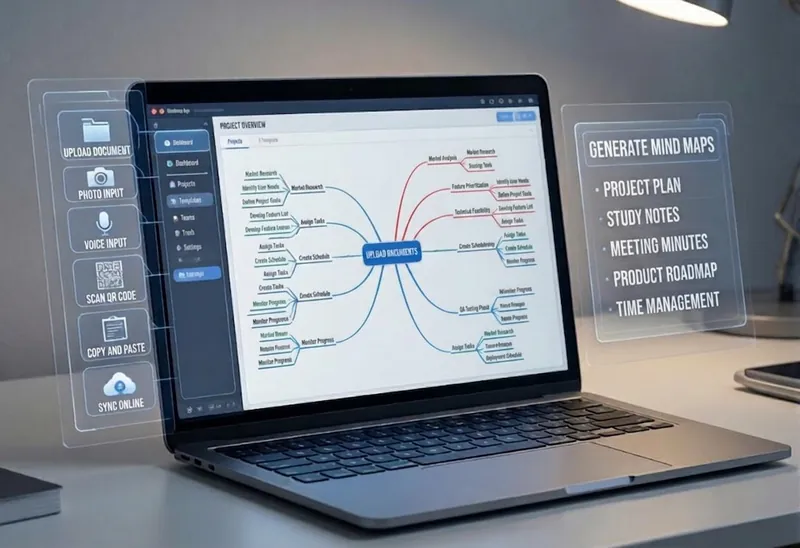
Multi-Source Mind Map 2.0
Turn complex documents, web pages, or long text into clearly structured visual mind maps with one click. Whether it's academic papers, course materials, or technical documents, this tool intelligently extracts core topics and multi-level knowledge points, helping you quickly clarify the logical structure. Through in-depth content analysis of the input source, it automatically identifies section structure and key details, generating a well-organized knowledge system. This tool supports generating mind maps in multiple styles, including professional educational tree diagrams (PlantUML format) and intuitive center-radial diagrams (Mermaid format). You can directly get SVG images viewable in a browser, along with the corresponding source code files. This means you can quickly preview the results and also import the source code into XMind, FreeMind, or a Markdown editor for further editing and in-depth processing. Simply upload a PDF, Word, or text file, or provide a web link, to transform a large amount of information into a visual knowledge map. It's ideal for study notes, structured paper reading, and brainstorming presentations, making knowledge organization and sharing more efficient and professional.

Tweet Digest
Convert messy tweets into refined insights. This tool automatically filters, merges, and formats Twitter content, ensuring you only read truly valuable information and say goodbye to information overload.
Information
- Version
- v1
- Last updated
- Runtime credits
- Usage-based
- Models
- Claude Sonnet 4.5
