專案資料整理 | Better Organize
比先前「剪藏資料整理」更好的專案材料整理skill
專案資料整理 | Better Organize
比先前「剪藏資料整理」更好的專案材料整理skill
展示內容
描述
將專案收藏的散亂資料整理為結構化的索引文件,支援增量更新,自動識別資料類型並提取核心資訊。 FYI:若整理的資料較多,可能耗費較多積分~
編輯推薦
為什麼我們推薦這個技能
此技能能智慧分類並提取專案資料核心資訊,自動生成結構化索引文檔,支援增量更新,是整理複雜專案資料的利器。
相關技能
查看全部
 研究
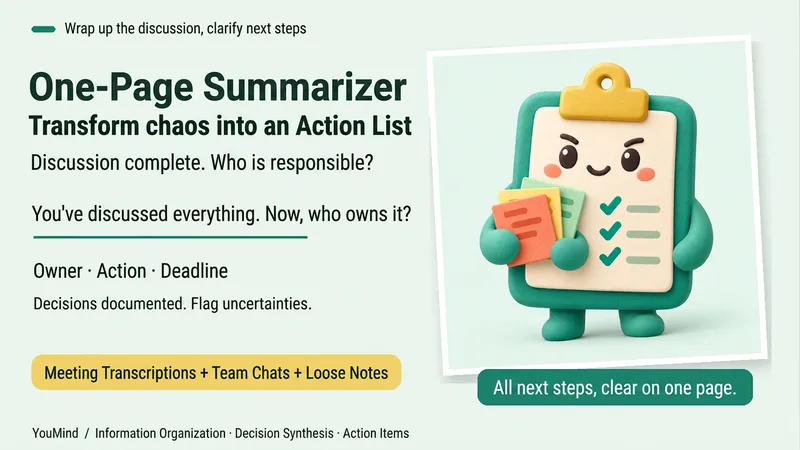
研究一頁紙收斂器|雜亂資料變行動清單
會議開完了,聊天刷了好幾屏,事情卻還是沒有進展。 把會議轉寫、聊天記錄、零散筆記或多份資料交進來,「一頁紙收斂器」幫你整理成一頁:現況、已定事項、卡點,以及下一步誰做什麼、什麼時候做。 每項行動都標明負責人、時間、狀態和來源。已經說定的內容會保留,個人建議會單獨標記;資訊衝突,以及尚未確定的人員、時間,會直接寫上「待確認」。不會因為表格需要填滿,就替團隊拍板。 適合會後收尾、專案交接、多份資料整理和個人計畫規劃。最後只抓出一個最需要優先確認的問題,讓下一步更清楚。 支援文字,以及目前平台能讀取的附件、截圖、錄音轉寫和連結;無法讀取時會明確說明。「一頁」指的是緊湊的閱讀結構,實際長度會隨材料複雜度而變化。
L
1100
剪藏資料整理|Clipping Organization
這是一個幫助你快速整理所剪藏網頁資源資訊的 Agent,幫助大幅減少冗雜的資料整理環節,避免繁瑣的複製貼上操作,快速形成剪藏資料的 Raw Material 資訊框架,形成可引用的高成熟度資源資訊筆記,可作為後續完整的個人筆記的支撐材料等,亦可用於剪藏知識的資訊壓縮
R
374免費
資訊
- 版本
- v7
- 更新時間
- 執行點數
- 依實際用量
- 模型
- 自動選擇
