 nngroup.com
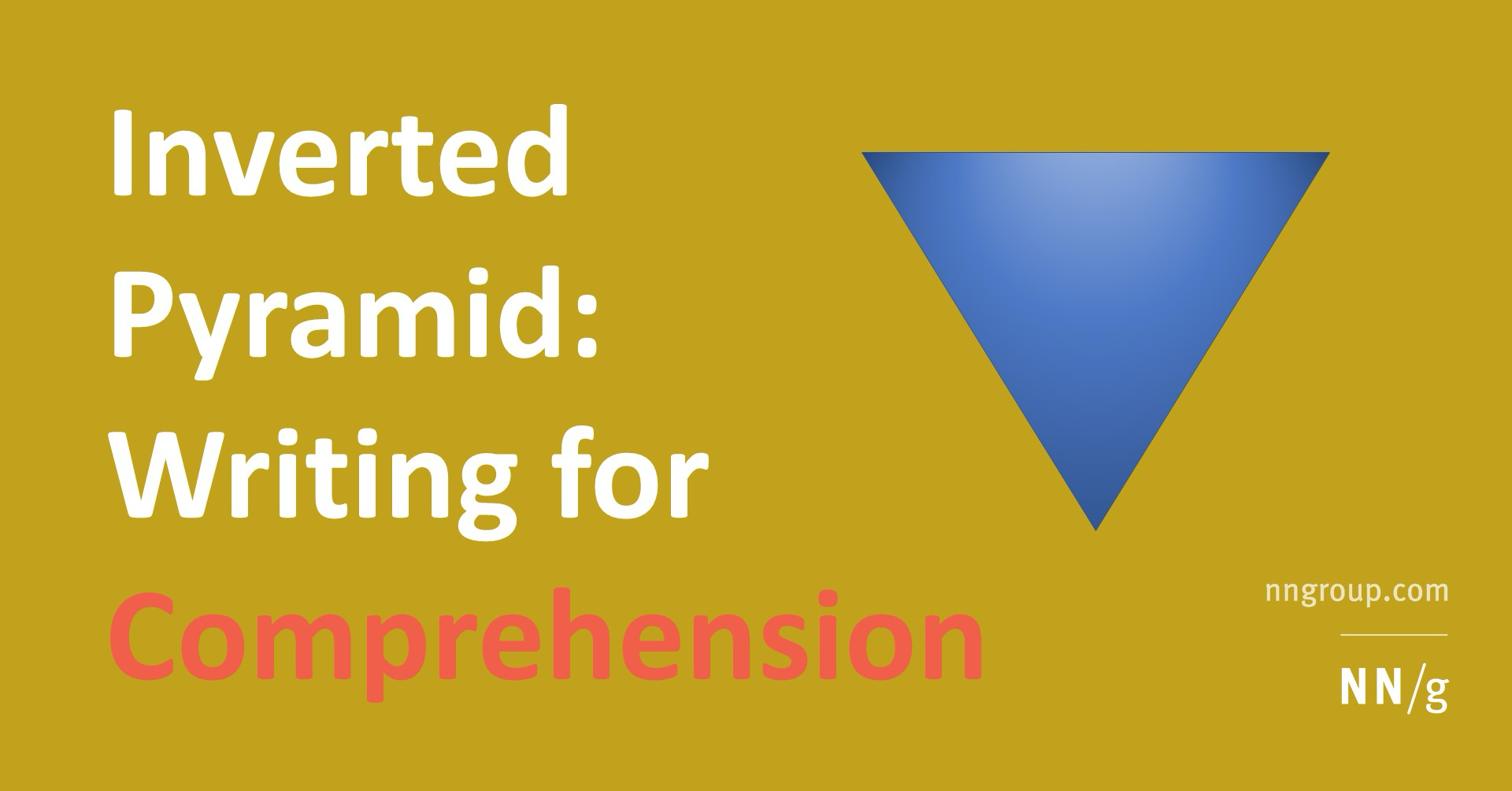
Inverted Pyramid: Writing for Comprehension
Put the most important information first, then add details gradually.
Just nowA YouMind Board is an AI workspace for a single project. Your sources, conversations and finished work live together, stay editable, and can be shared with the people you work with.


How it works
A Board holds the work from the first source to the final file, so you never have to explain the context again.
Webpages, videos, PDFs and notes sit in the same Board as the drafts made from them. Each source keeps its link, so AI answers can cite it and you can check the original.
My writing experience
Last week, I chose just one saved item, wrote down my understanding, and added a real example. It was short, but I finally finished my first post.
nngroup.comInverted Pyramid: Writing for Comprehension
Put the most important information first, then add details gradually.
Just nowThe question I want to answer
Why is it still hard to write after saving so much material? Instead of collecting more, choose one question to respond to, then add your own experience.
My writing practice checklist
Just nowResults open as files you can edit. Ask AI to change one part, and every version, whether you saved it, AI saved it or it saved itself, stays one click away.
Invite coworkers and friends by email and choose what each person can do: manage, edit or view. Share Skills to the Board so everyone can run them.
Invite member
Email address
Role
Export to PDF, Word or Markdown, copy clean text into the next tool, or turn a document into an image card or an X Article draft.
Create
Articles, slides, images, videos and webpages are made from the sources in a Board and saved back into it, ready to keep editing.
Details
The everyday tools for keeping a growing project easy to find, read and share.
Sort files into groups as the project grows.
Keep active projects up front and archive finished ones.
Browse a Board as a list, a waterfall or columns.
Add a whole Board to a chat as context.
Skills added to a Board are ready for every member.
Fetch the latest version of a saved page.
Read a saved source in your own language.
Anyone with the link can view a task, from prompt to result.
Copy and export. Export as Markdown, PDF or Word, or copy it in a format that pastes cleanly into other apps.
Notes become pages. When a quick note keeps growing, convert it to a page and keep writing.
Move or duplicate. Move a file to another group or Board, or make a copy.
Sort your way. Order files by date updated, date created or name.
Image cards and 𝕏 Articles. Turn a document into image cards, or send it to 𝕏 as an Article draft with the browser extension.