 nngroup.com
Inverted Pyramid: Writing for Comprehension
Put the most important information first, then add details gradually.
Just nowStart with your experience, saved sources, or a draft. Use YouMind to organize the text and create a cover and educational images. Keep refining the text and visuals, then share on Rednote when you are ready.
Finish the part in front of you, then bring the text, cover, and images together.
Turn scattered experiences, sources, and ideas into a focused post with a clear opening.
Start writing a post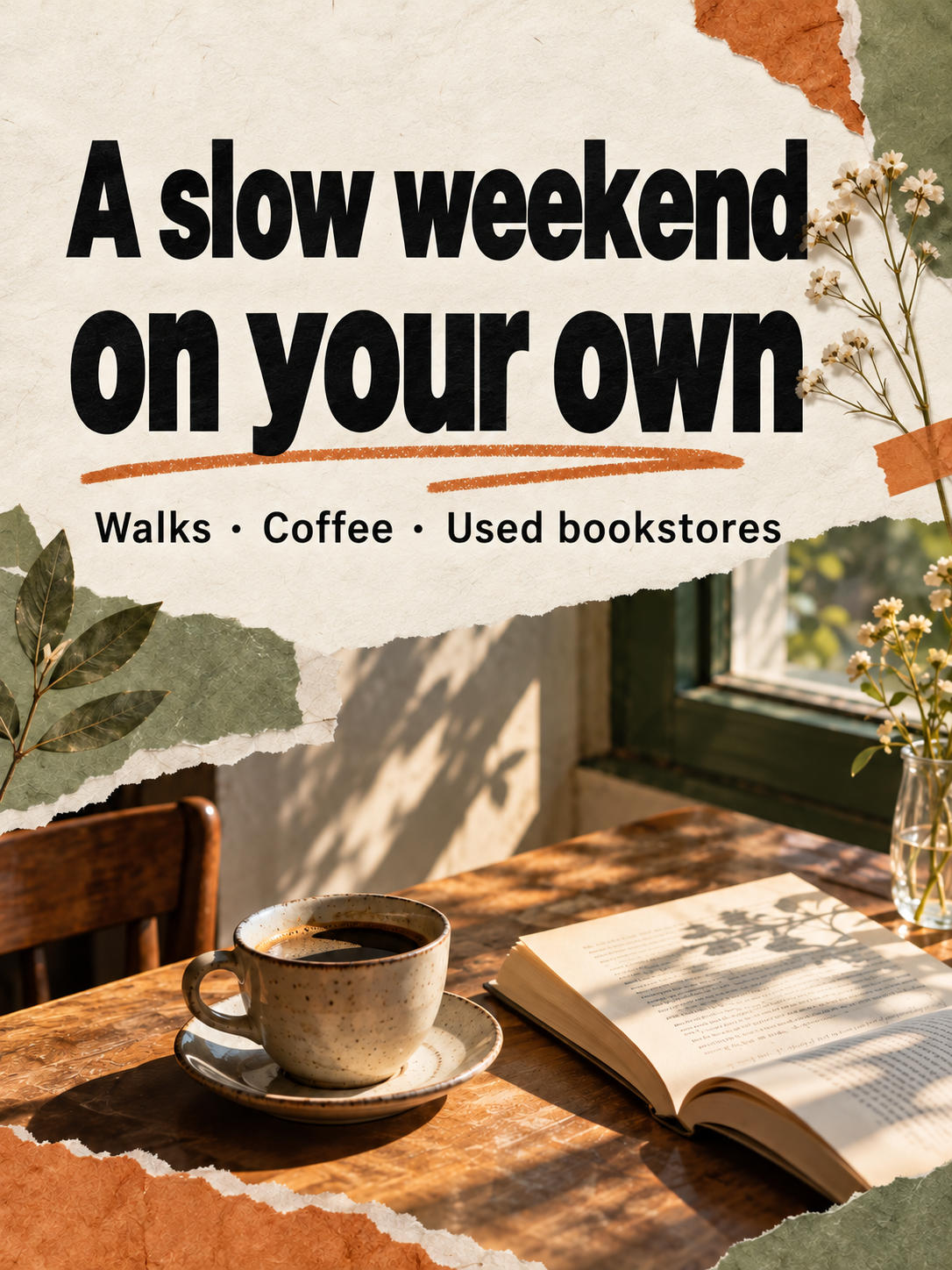
Draw out one key point from the text and create a cover that reflects the content.
Create a cover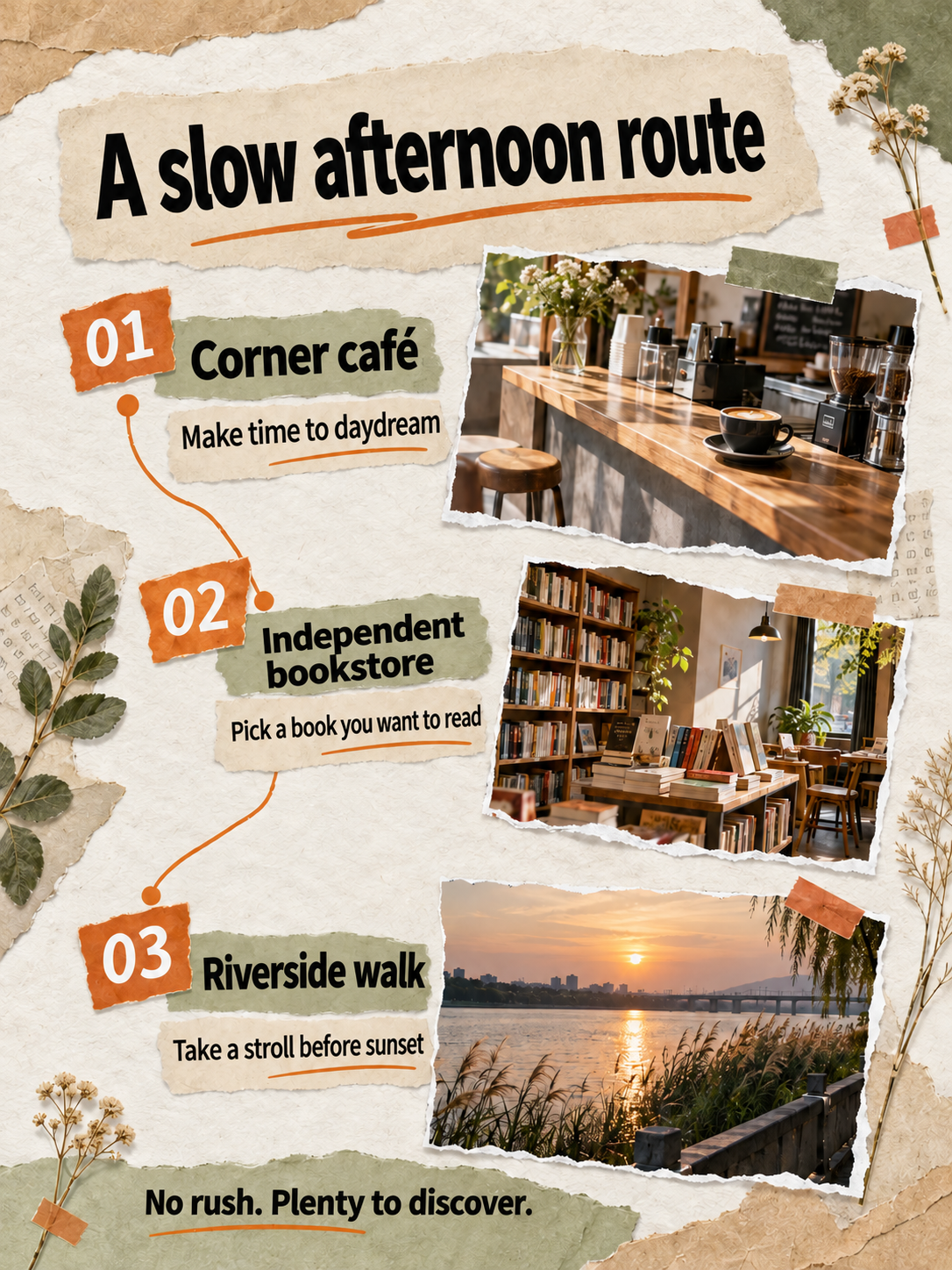
Turn steps, checklists, and explanations into images, then refine the text and details in each one.
Create educational images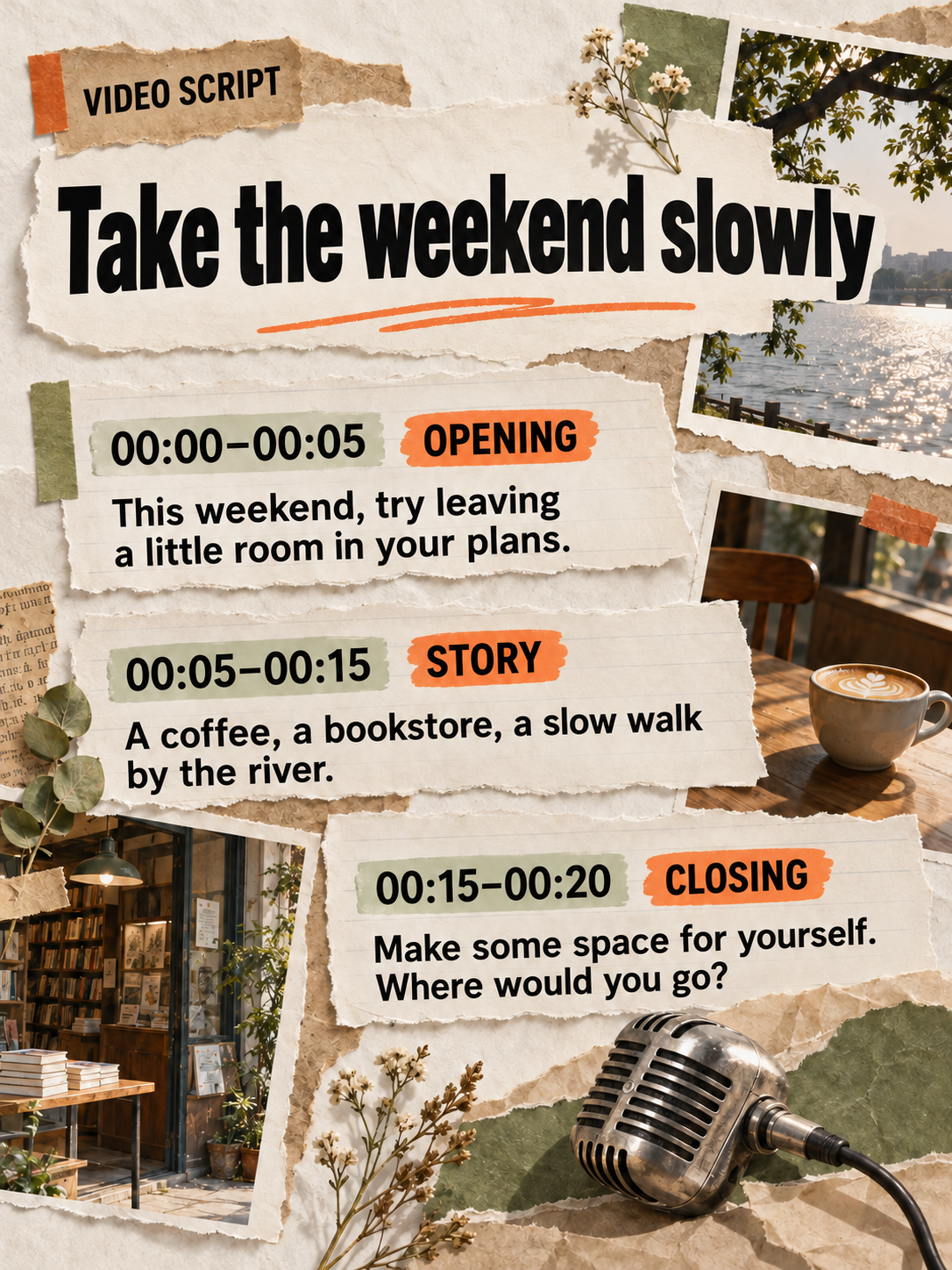
Adapt your writing into a script that sounds natural aloud, with a clear opening and sequence.
Write a video scriptCreation example
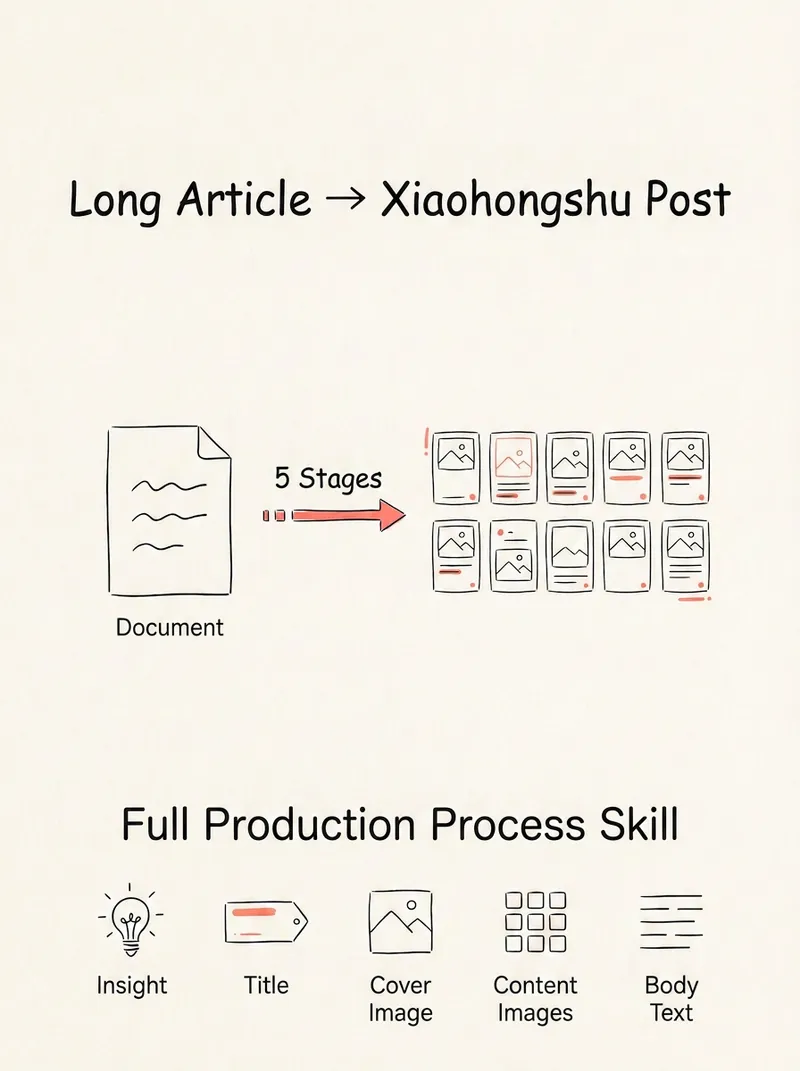
Follow this post's creation to see how sources become text, a cover, and educational images. Scroll down to see each action alongside its result.
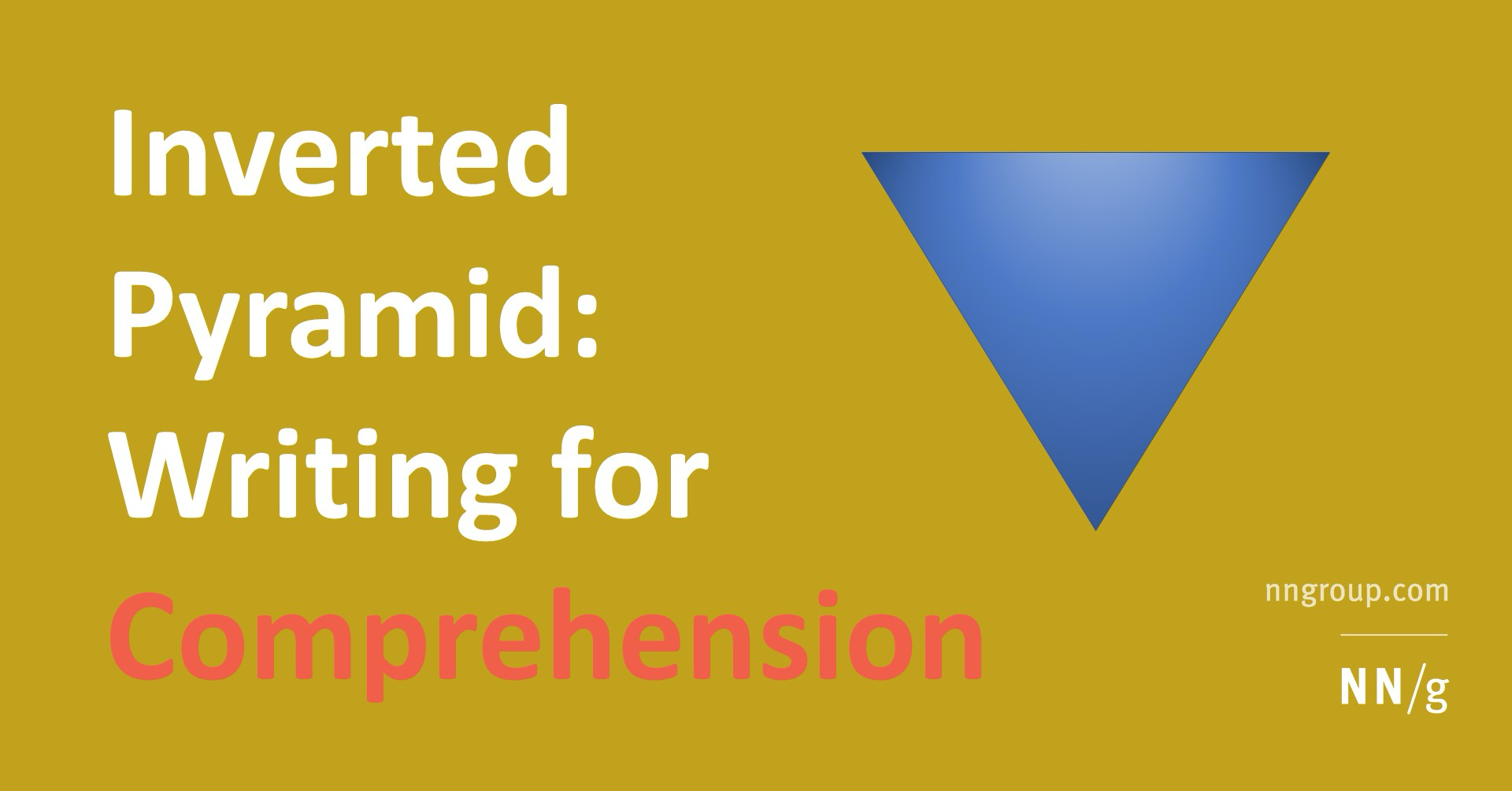 nngroup.com
Inverted Pyramid: Writing for Comprehension
Put the most important information first, then add details gradually.
Just nowMy writing experience
Last week, I chose just one saved item, wrote down my understanding, and added a real example. It was short, but I finally finished my first post.

My writing practice checklist
Just nowThe question I want to answer
Why is it still hard to write after saving so much material? Instead of collecting more, choose one question to respond to, then add your own experience.
Requirements for this post
Write for people who want to start expressing their ideas. Explain it clearly in three steps with specific examples. Separate quotations from your own judgment and check sources before publishing.
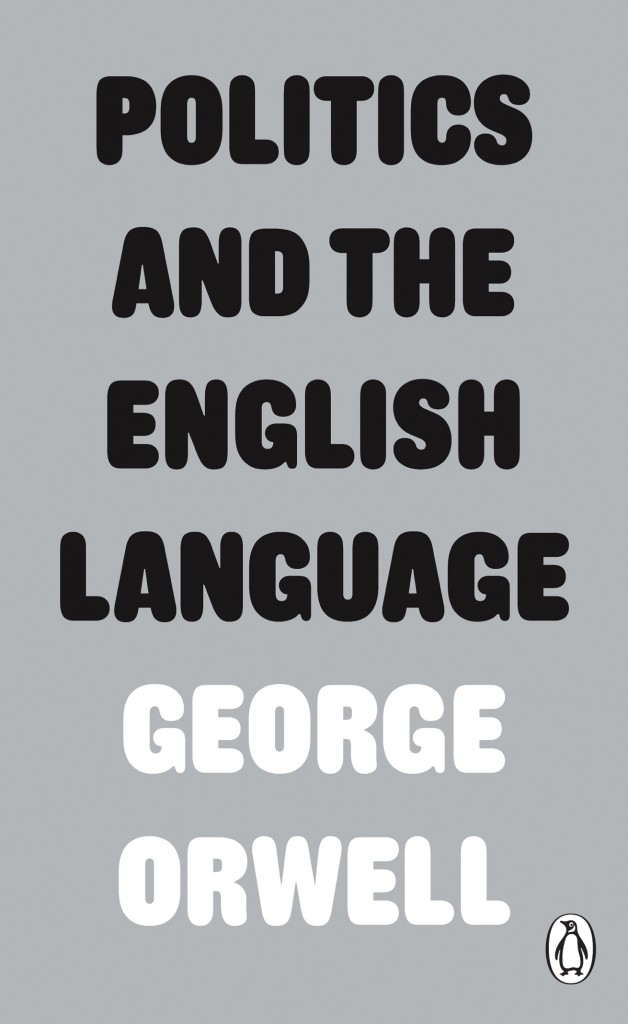
 orwellfoundation.com
Politics and the English Language
Make your writing clearer: use specific words to say what you mean.
Just nowYour existing notes, questions, and firsthand experiences are the starting point. Decide whom you are writing for and what you want to say.
These sources share a starting point: saving plenty but not knowing where to begin writing. You could turn your first writing experience into a short post that readers can follow themselves.
Turn saved content into your own post with these three steps.
You have saved plenty of ideas, but when it is time to write, you do not know where to start. Pick one piece you most want to respond to and write a short post around it.
Why did this content resonate with you? Whom could it help, and with what problem? Define the question first, then look for relevant sources.
Write down what you agree with, what you question, and any specific examples that come to mind. Cite the source when quoting, and separate the source's conclusions from your own judgments.
State the key point in one sentence, develop it in order, then add a cover and images. Before publishing, check the facts, text, and images to make sure they tell the same story.
Look through your recent saves. Which one would you most like to turn into your own post?
Organize the content around one question while keeping your own judgment. Continue editing the title, opening, and body in the same document.Try Skill
You have saved plenty of ideas, but when it is time to write, you do not know where to start. Pick one piece you most want to respond to and write a short post around it.
Why did this content resonate with you? Whom could it help, and with what problem? Define the question first, then look for relevant sources.
Write down what you agree with, what you question, and any specific examples that come to mind. Cite the source when quoting, and separate the source's conclusions from your own judgments.
State the key point in one sentence, develop it in order, then add a cover and images. Before publishing, check the facts, text, and images to make sure they tell the same story.
Put the post's core idea on the cover. A paper collage, a clear title, and a restrained palette make the content easy to grasp at a glance.Try Skill
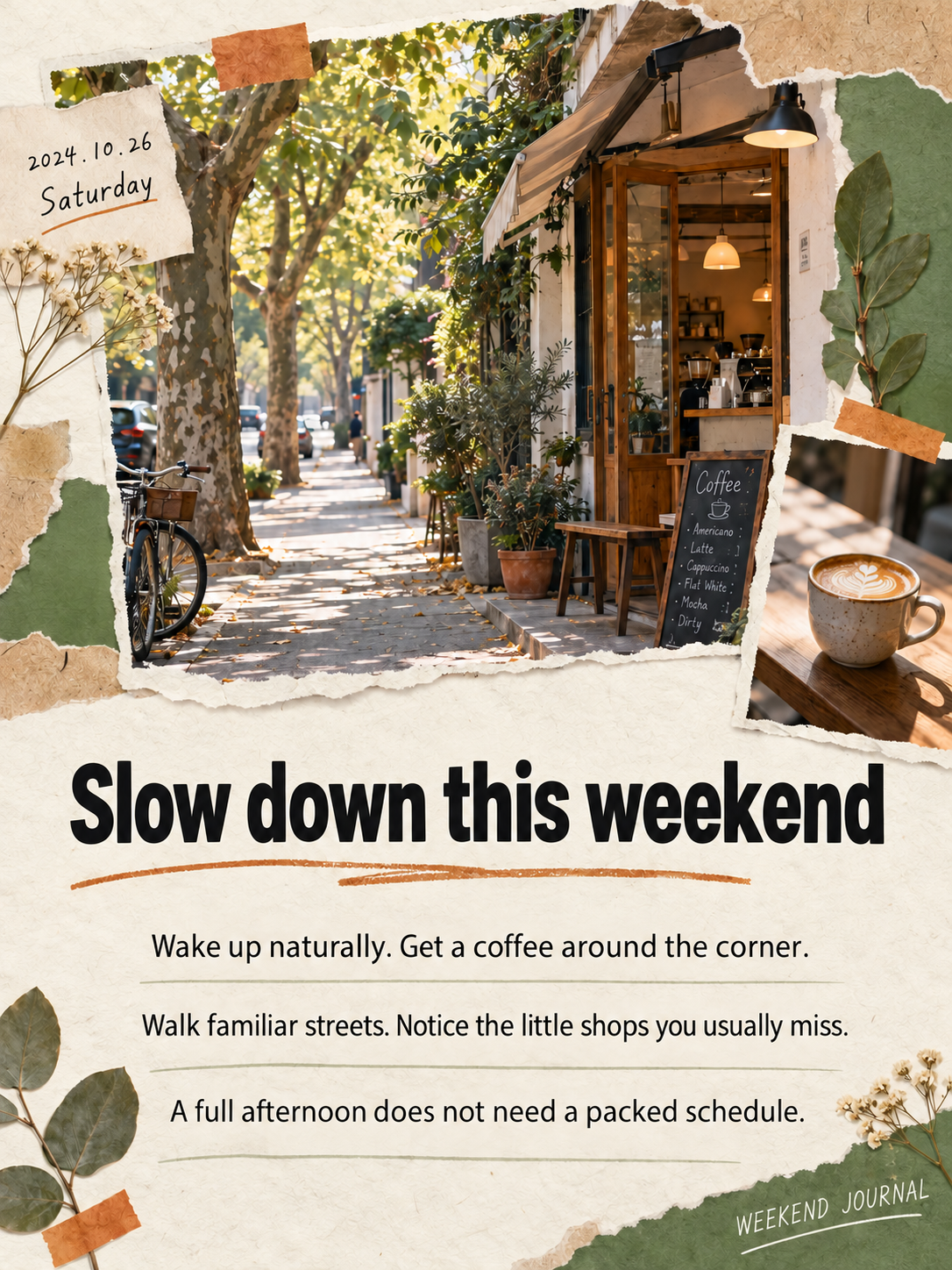
The cover follows “Sources → Understanding → Expression.” Handwritten notes and paper collage echo the theme, with the main title as the first visual focus.
The title emphasizes “Turn saved content into your own post,” with sources, understanding, and expression mirroring the body.
Keep the cover's visual style and expand on the question, understanding, and action. Give each image one main point to form a complete set for the post.Try Skill
The three images follow the text's three steps, keeping the paper texture and orange markings. Before publishing, review the wording, examples, and visual details in each image, then export them.
Return to your sources to add content, adjust the title and tone, and refine the text in your images.
Choose notes, excerpts, and reference material. Write what you want to say first, then add your understanding and examples.
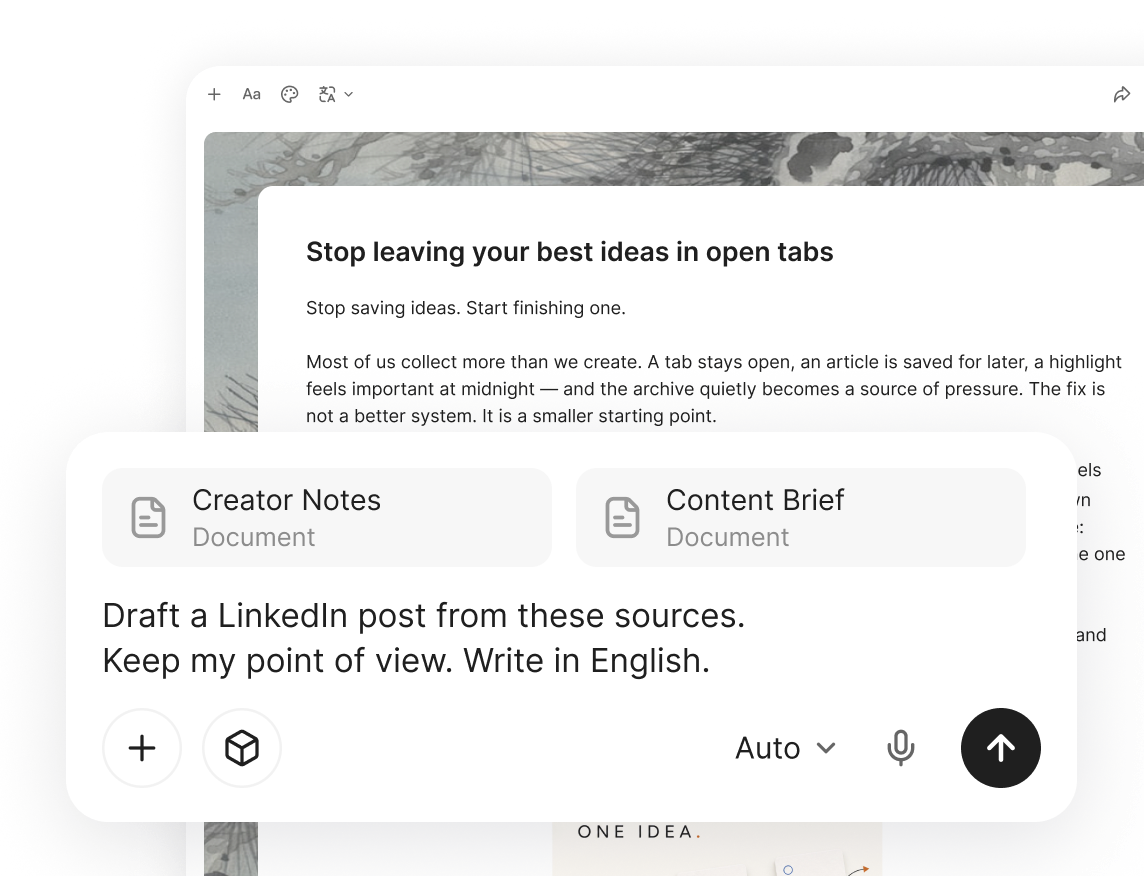
Select a passage to make it more concise or friendly, or add a more specific example. Refine it paragraph by paragraph while keeping your own voice.
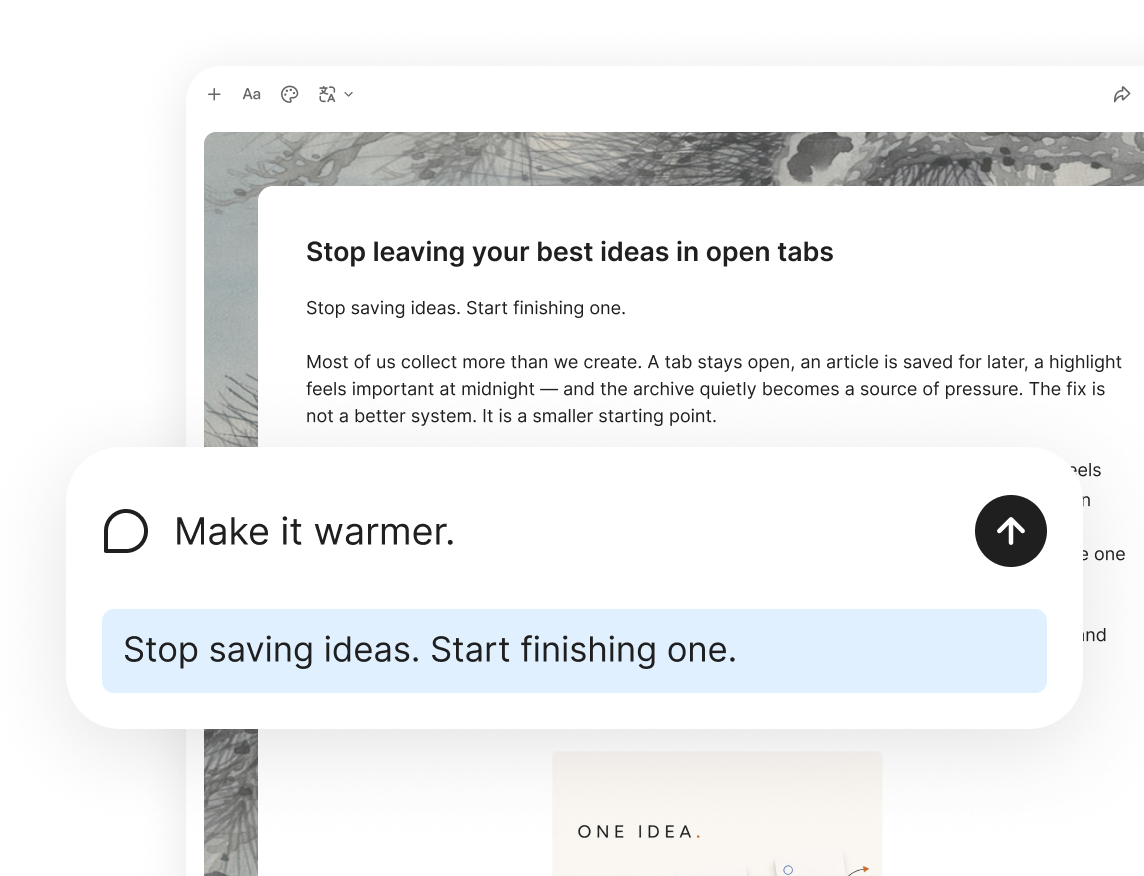
After generating an image, edit the recognized text, adjust a region, or crop it again. Review each image before bringing them together in one post.

Organize what you want to say, create the images, then review and publish.

Choose for what you want to make, from topics and posts to covers and supporting images.
Loading…
Give the content you have organized another use with a different format.
Choose for what you want to make, from topics and posts to covers and supporting images.
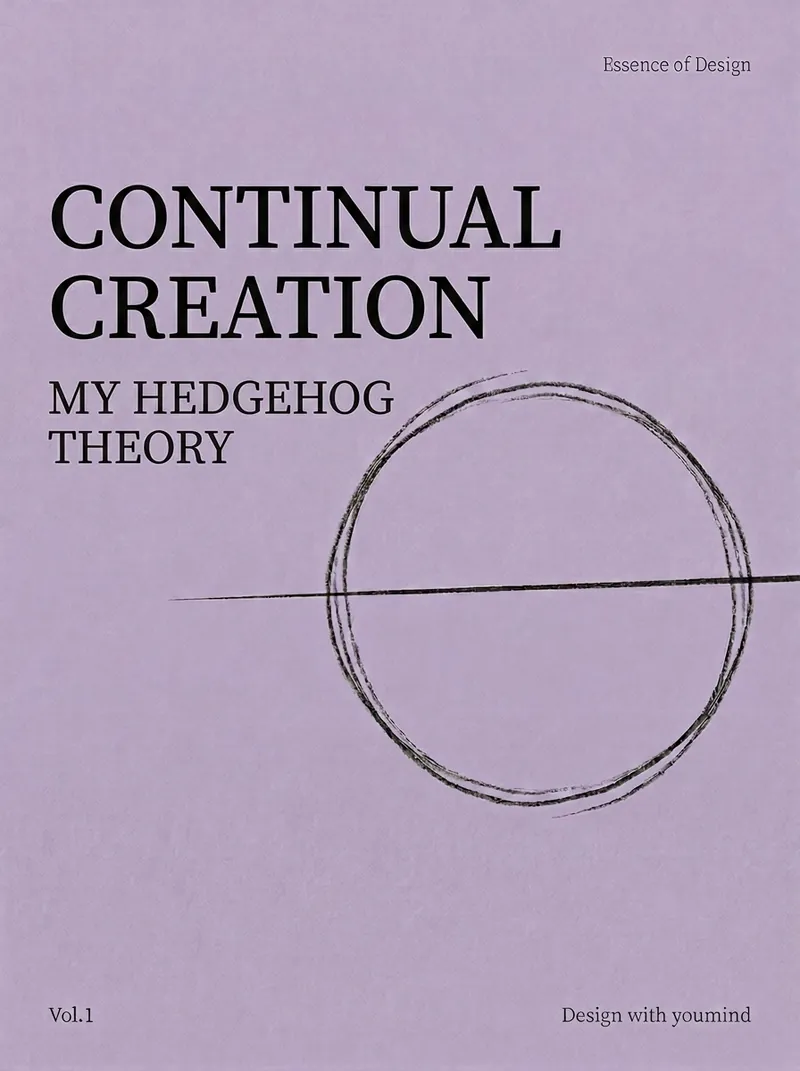 Text and image posts
I asked YouMind: Is it because the quality of random copy is low that it becomes harder to produce high-quality works? Do you have a better approach? YouMind replied: 'Input determines output.' If the source concept is not profound or philosophical enough, no matter how minimalist the visual style, what ends up being presented is just a 'pretty empty shell.' We hope everyone uses good content to c
 Topic ideas
Capture Xiaohongshu's real-time traffic secrets and get content creation guidance based on what's trending now. This tool uses the current system time to accurately collect real-time hot trends for the day, week, or month, covering major fields such as beauty, fashion, food, home, digital, and workplace. By deeply scanning a large number of popular topics, it highlights emerging trend signals and
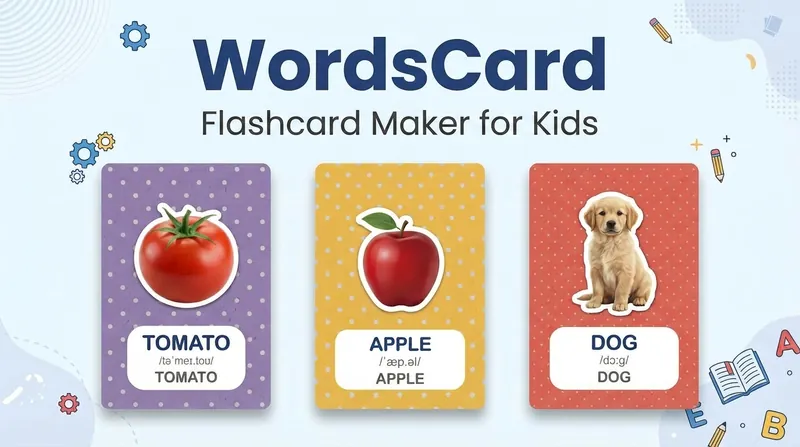 Knowledge cards
Generate high-quality children's word cards, posters, brochures, Xiaohongshu covers, and social media graphics with one click, just like a professional designer. Realistic images, soft backgrounds, and standard pronunciation guides for instant teaching efficiency improvement.
Skills loaded