Replicating the cover style of Xiaohongshu
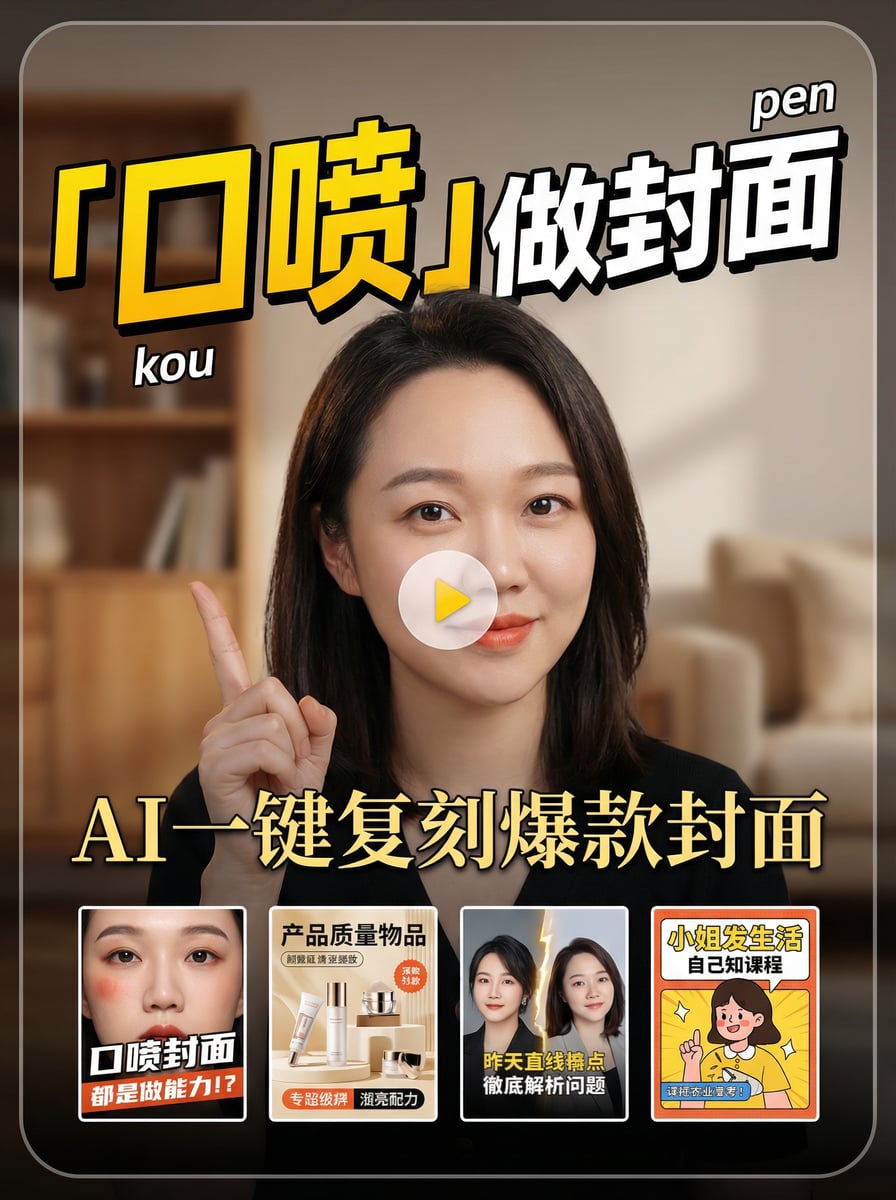
Transform video scripts into eye-catching covers. Intelligent content analysis instantly generates titles and design suggestions to make your videos stand out and boost click-through rates. Skill reference: Original author @I Really Don't Have Pinduoduo
Featured by
Lynne Lau
Why we love this skill
Want your Xiaohongshu posts to stand out? This skill can help you easily replicate viral covers! It can not only intelligently generate eye-catching titles and text based on your video content, but also deeply analyze the style of reference images and combine them with your portrait photos to generate a cover that is both professional and personalized with one click, instantly increasing your work's click-through rate and attention.
Instructions
1. Generate title and cover suggestions based on the subtitles.
- Request input from users: transcripts, subtitle files, outlines, etc.
- Summarize this document, generate video cover titles, and provide suggestions for video cover designs.
- After entering the result, confirm with the user. If the user agrees, continue to the next step; otherwise, continue adjusting until the user agrees.
2. Align the three key elements of the cover:
- Based on the three key elements of the cover—"who is the video for, what problem does it solve, and what results are achieved"—we reconfirmed with the user what these three elements were in the user's mind that this video could be externalized into.
Based on this principle, we redesigned the cover title and cover design.
- After entering the result, confirm with the user. If the user agrees, continue to the next step; otherwise, continue adjusting until the user agrees.
3. Define your design requirements: Tell the AI the style you want.
Ask the user if they have a specific style. If they answer no, ask them to upload a cover they like that they would like to use as a reference.
Extract key elements and key styles from reference covers.
4. Generate the final cover:
- Ask the user if they need a photo of themselves for the cover. If they say yes, ask them to provide a front-facing photo of themselves.
- Based on the reference cover, elements, and style provided in the previous step, and combined with the user's portrait, generate the final cover image.
- While maintaining the consistency of the user's appearance, change the user's actions and expressions to resemble the reference cover image.
The generated cover title and text must be strictly consistent with the title and text confirmed by the user in step two. Do not be misled by the reference cover image.
- The cover is in 3:4 vertical format.
Related Skills
View allInfographic Maker
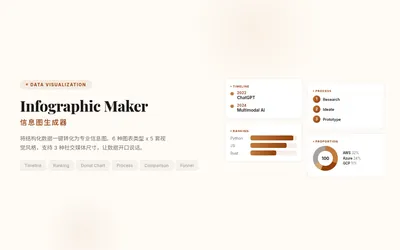
Say goodbye to the hassle of manually creating charts. Simply provide your structured data, and Infographic Maker can generate high-quality PNG infographics with a single click. It features 6 built-in chart types (timeline, flowchart, leaderboard, scale chart, comparison chart, funnel chart) and 5 meticulously crafted visual styles (Business Blue, Creative Color, Dark Tech, Elegant Warm, Minimalist Black and White), easily covering all scenarios from annual reports to social media. Supporting Instagram Stories (9:16), Feed (4:5), and Square (1:1) sizes, it lets your data speak for itself.
Data Visualization
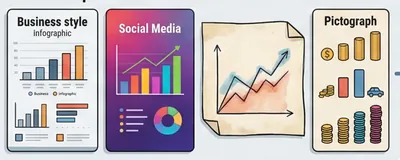
Generate visualizations based on user-provided data that conform to the Storytelling with Data (SWD) principle. Triggering conditions: This skill must be used when a user provides data and requests "draw a chart," "generate a chart," "visualize," "make a graph," or "show me this data," or uploads CSV/Excel/spreadsheet data and wants to see a graphical representation. Even if the user only says "analyze this data" and the data is suitable for visualization, this skill should still be used to generate a chart.
Romantic rendering of portrait images
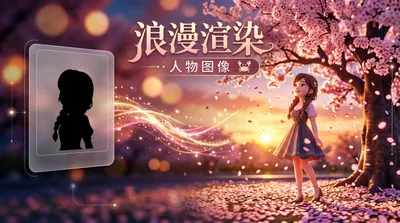
Transform ordinary portrait photos into a 3D cartoon style depicting a tranquil sunset under cherry blossom trees. Supports single or multiple photos (multiple photos will be merged), outputting 4K high-definition images using the Nano Banana 2 model, presenting a serene atmosphere with backlit silhouettes.
Replicating the cover style of Xiaohongshu
Transform video scripts into eye-catching covers. Intelligent content analysis instantly generates titles and design suggestions to make your videos stand out and boost click-through rates. Skill reference: Original author @I Really Don't Have Pinduoduo
Featured by
Lynne Lau
Why we love this skill
Want your Xiaohongshu posts to stand out? This skill can help you easily replicate viral covers! It can not only intelligently generate eye-catching titles and text based on your video content, but also deeply analyze the style of reference images and combine them with your portrait photos to generate a cover that is both professional and personalized with one click, instantly increasing your work's click-through rate and attention.
Instructions
1. Generate title and cover suggestions based on the subtitles.
- Request input from users: transcripts, subtitle files, outlines, etc.
- Summarize this document, generate video cover titles, and provide suggestions for video cover designs.
- After entering the result, confirm with the user. If the user agrees, continue to the next step; otherwise, continue adjusting until the user agrees.
2. Align the three key elements of the cover:
- Based on the three key elements of the cover—"who is the video for, what problem does it solve, and what results are achieved"—we reconfirmed with the user what these three elements were in the user's mind that this video could be externalized into.
Based on this principle, we redesigned the cover title and cover design.
- After entering the result, confirm with the user. If the user agrees, continue to the next step; otherwise, continue adjusting until the user agrees.
3. Define your design requirements: Tell the AI the style you want.
Ask the user if they have a specific style. If they answer no, ask them to upload a cover they like that they would like to use as a reference.
Extract key elements and key styles from reference covers.
4. Generate the final cover:
- Ask the user if they need a photo of themselves for the cover. If they say yes, ask them to provide a front-facing photo of themselves.
- Based on the reference cover, elements, and style provided in the previous step, and combined with the user's portrait, generate the final cover image.
- While maintaining the consistency of the user's appearance, change the user's actions and expressions to resemble the reference cover image.
The generated cover title and text must be strictly consistent with the title and text confirmed by the user in step two. Do not be misled by the reference cover image.
- The cover is in 3:4 vertical format.
Related Skills
View allInfographic Maker
Say goodbye to the hassle of manually creating charts. Simply provide your structured data, and Infographic Maker can generate high-quality PNG infographics with a single click. It features 6 built-in chart types (timeline, flowchart, leaderboard, scale chart, comparison chart, funnel chart) and 5 meticulously crafted visual styles (Business Blue, Creative Color, Dark Tech, Elegant Warm, Minimalist Black and White), easily covering all scenarios from annual reports to social media. Supporting Instagram Stories (9:16), Feed (4:5), and Square (1:1) sizes, it lets your data speak for itself.
Data Visualization
Generate visualizations based on user-provided data that conform to the Storytelling with Data (SWD) principle. Triggering conditions: This skill must be used when a user provides data and requests "draw a chart," "generate a chart," "visualize," "make a graph," or "show me this data," or uploads CSV/Excel/spreadsheet data and wants to see a graphical representation. Even if the user only says "analyze this data" and the data is suitable for visualization, this skill should still be used to generate a chart.
Romantic rendering of portrait images
Transform ordinary portrait photos into a 3D cartoon style depicting a tranquil sunset under cherry blossom trees. Supports single or multiple photos (multiple photos will be merged), outputting 4K high-definition images using the Nano Banana 2 model, presenting a serene atmosphere with backlit silhouettes.
Find your next favorite skill
Explore more curated AI skills for research, creation, and everyday work.
