Minimalist Geist Pixel Style Presentation
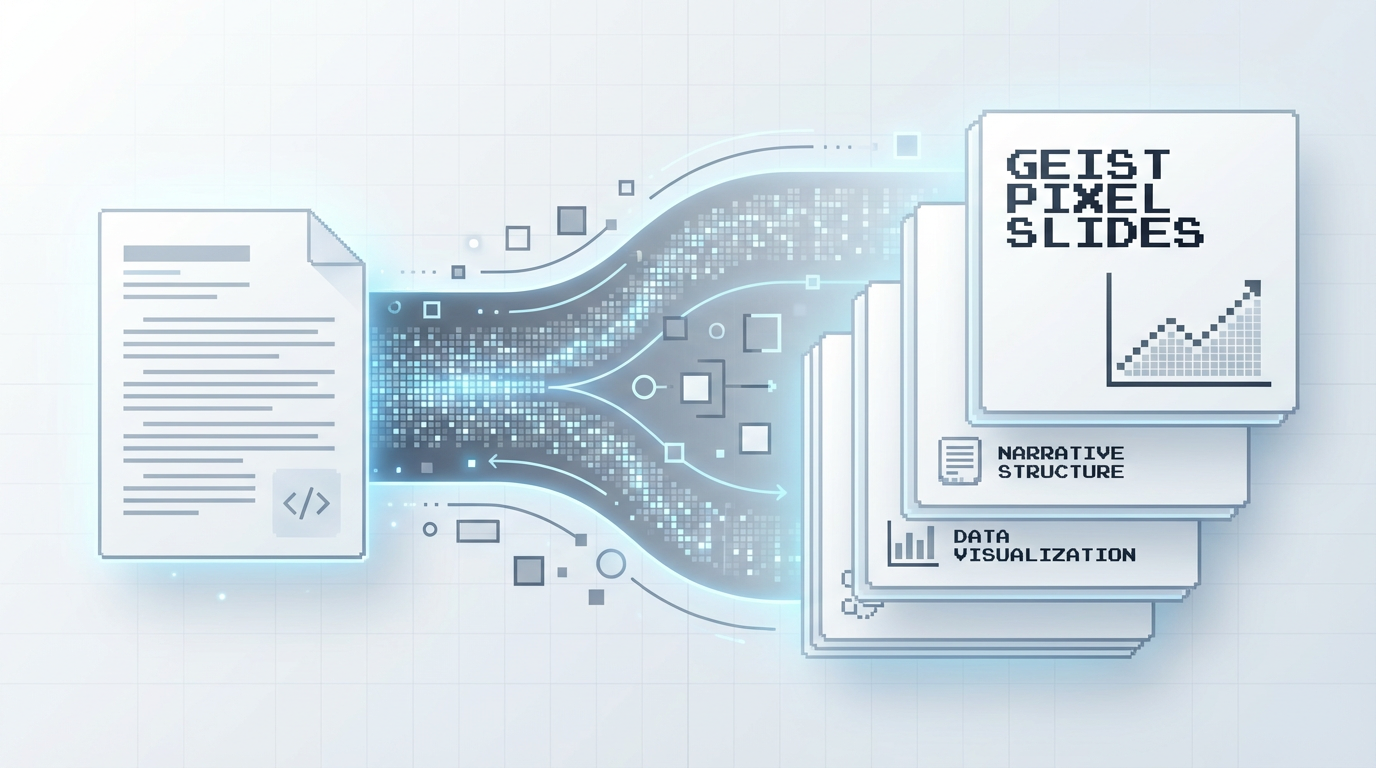
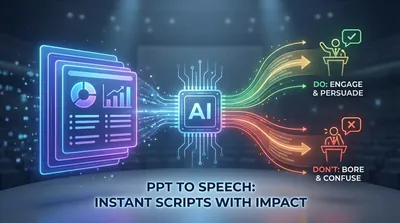
Transform dry documents into minimalist Geist Pixel-style presentations. Automatically extract key points, construct narratives, and present a professional and restrained visual aesthetic, instantly elevating your speech.
Featured by
Lynne Lau
Why we love this skill
This skill can transform your documents into minimalist Geist Pixel-style presentations with a single click. It automatically extracts key points, organizes the narrative structure, and generates approximately 20 slides suitable for presentations, especially for technology, product introductions, or any scenario that seeks a modern, professional visual effect, allowing your content to stand out with a unique aesthetic.
Instructions
Transform document content into minimalist Geist Pixel-style presentation slides with a single click.
---
## Basic Information
| Field | Content |
| --- | --- |
| **Name** | Geist Pixel Slides |
| **Categories** | Content Creation / Presentation Design |
| **Description** | Reads user documents, automatically extracts key points, organizes the narrative structure, and generates approximately 20 pages of Geist Pixel minimalist pixel-style slides suitable for presentations. |
---
## Input Standards
**Input Content**: User-provided document (referenced via @ or pasted directly)
**Input Type:**
- Free text descriptions (such as natural language descriptions of product introductions and feature specifications).
- Structured outline (pre-organized headings, key points, and paginated content)
**Adaptive Logic:** Skill automatically recognizes input types.
- Free description → First extract the structure, then generate the slides
- Structured outline → Proceed directly to the visual design phase
---
## Output Specification
**Output Format:** Geist Pixel-style slides (approximately 20 pages)
**Page Structure**:
- Cover page (1 page)
- Content pages (approximately 18 pages)
- Last page (1 page)
**Content Density:** Each page focuses on a core point, suitable for the pace of the speech, leaving room for the speaker to elaborate.
---
## Style Guide
### Visual Aesthetics: Geist Pixel
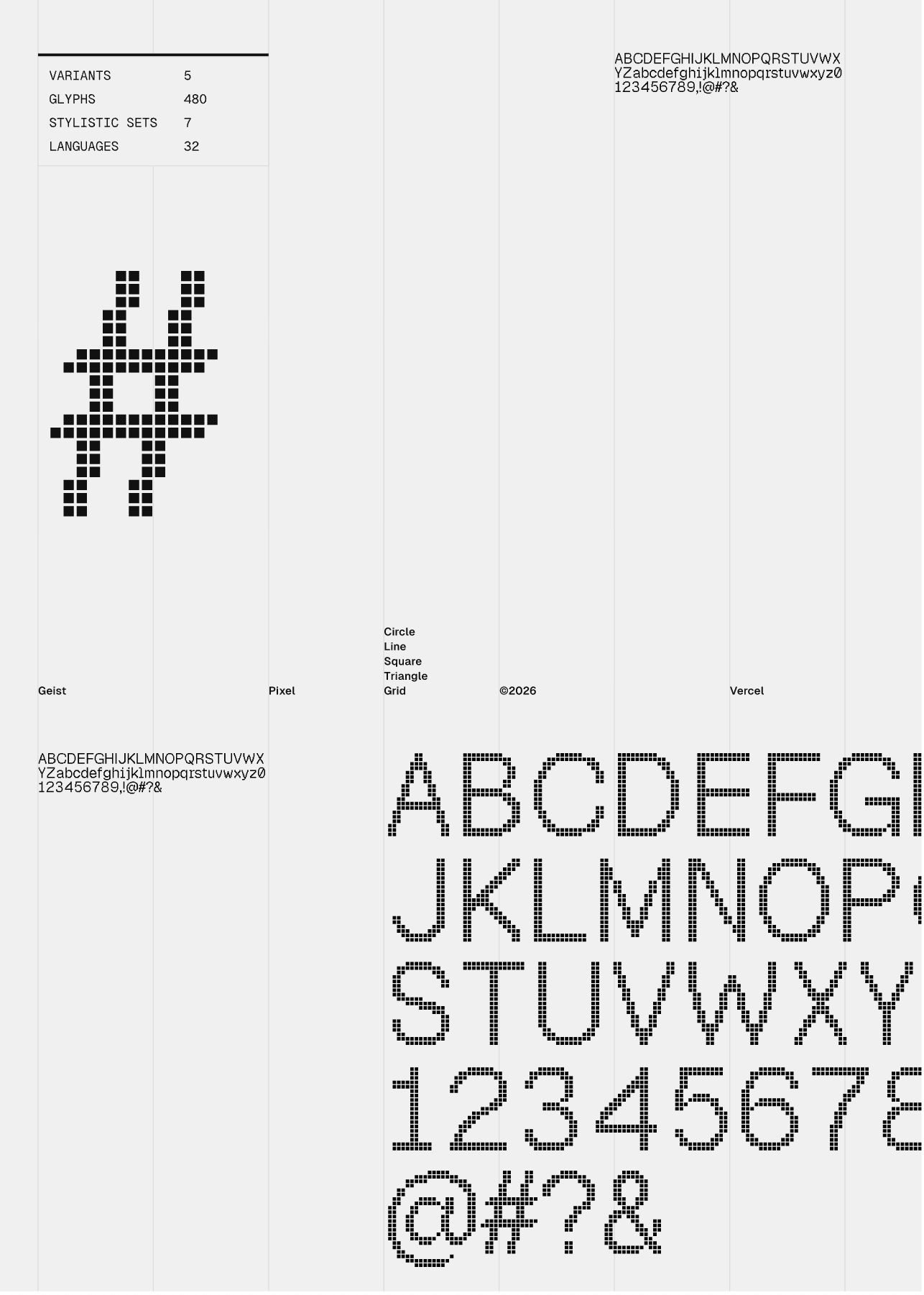
This is a minimalist pixel art style derived from Vercel's design language, with the following core characteristics:
| Element | Specification |
| --- | --- |
| **Background** | Pure white or light gray background, clean and crisp |
| **Font** | Pixelated font style, geometric composition, clear and powerful |
| **Decoration** | Minimalist geometric lines, grid system, pixelated graphic elements |
| **White Space** | Ample white space creates clear information hierarchy |
| **Color Scheme** | Main color: black/dark gray; accent colors used sparingly |
| **Elegance** | A blend of technical sophistication and artistry, modern, refined, and restrained |
### Style Variations
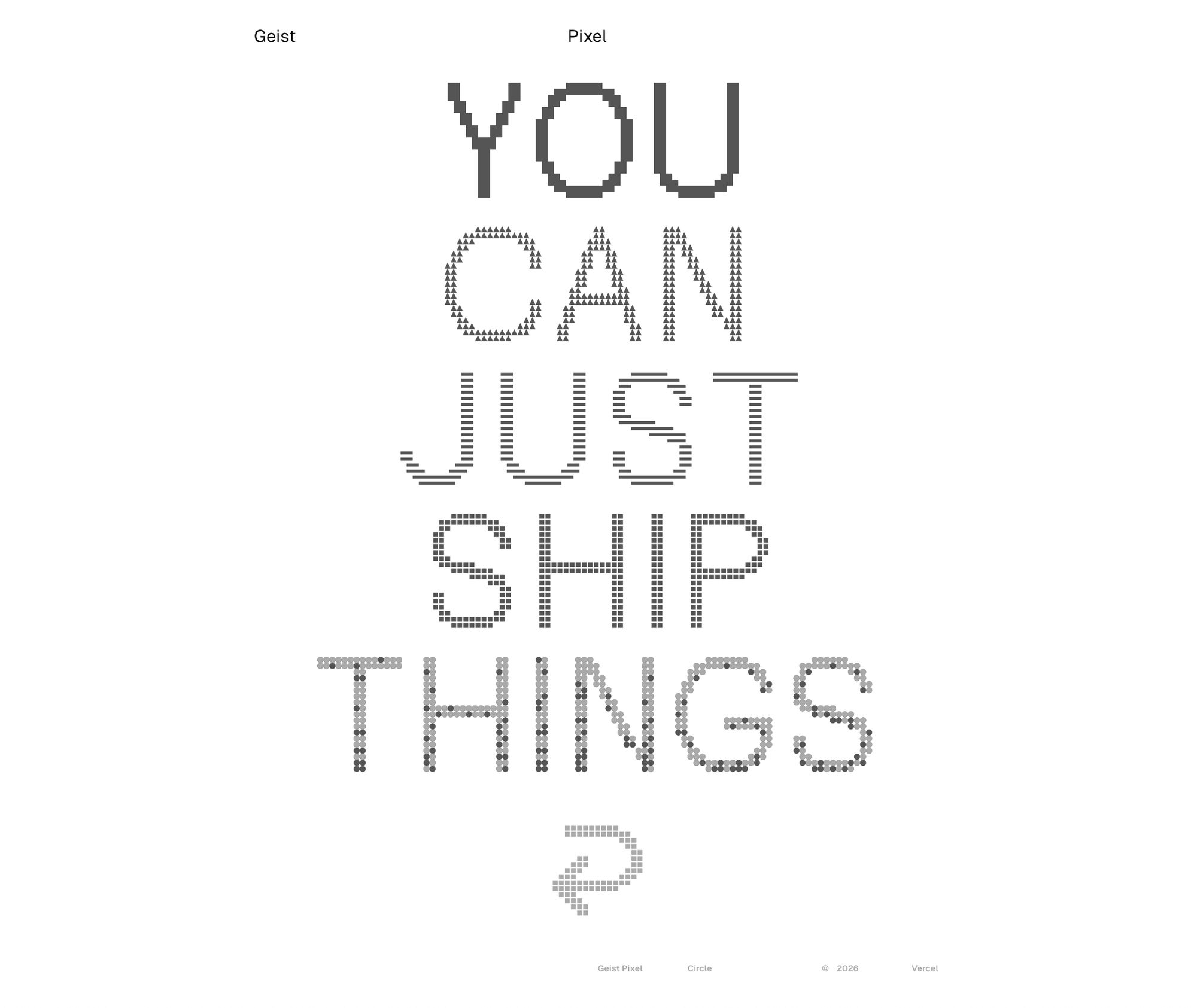
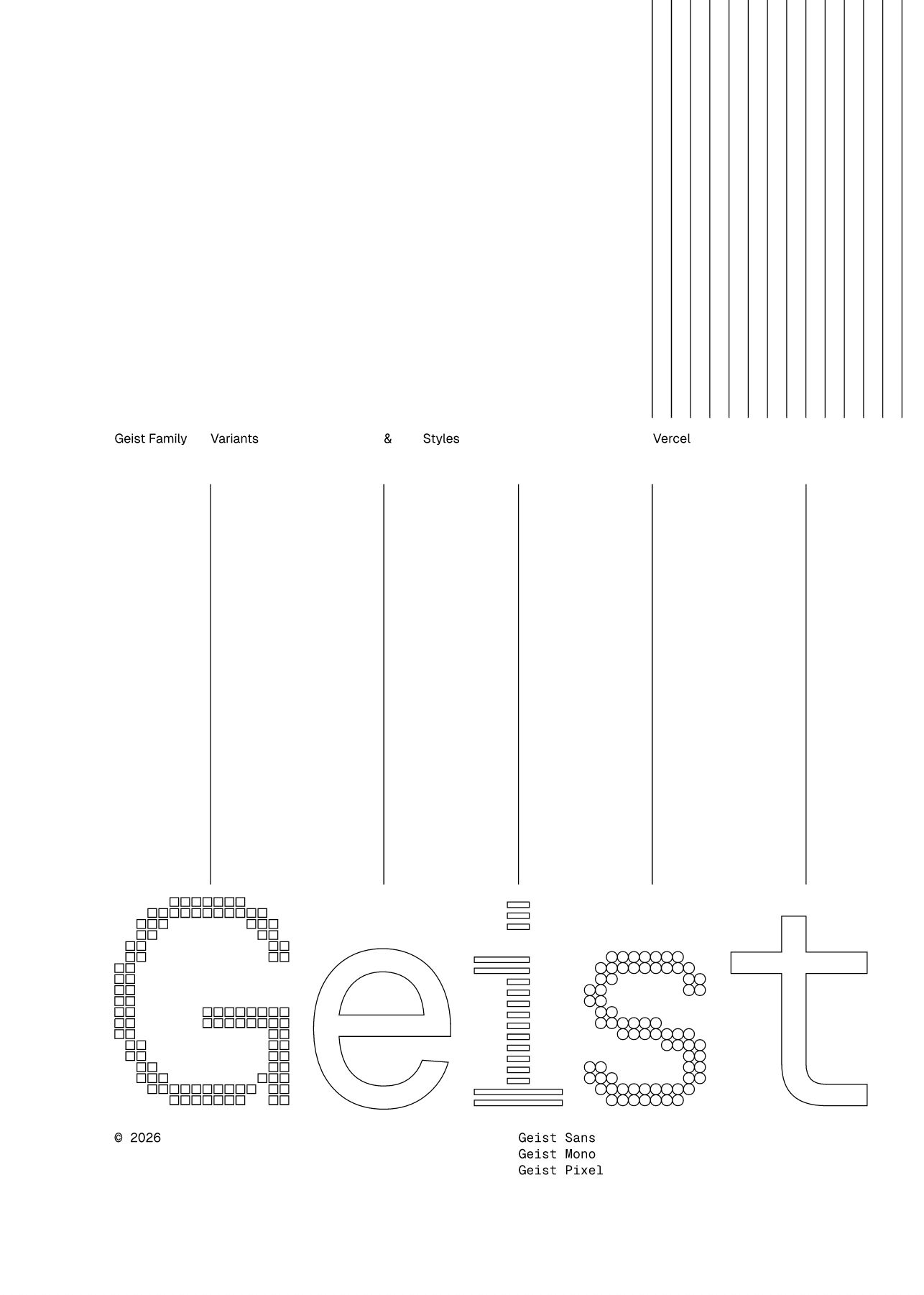
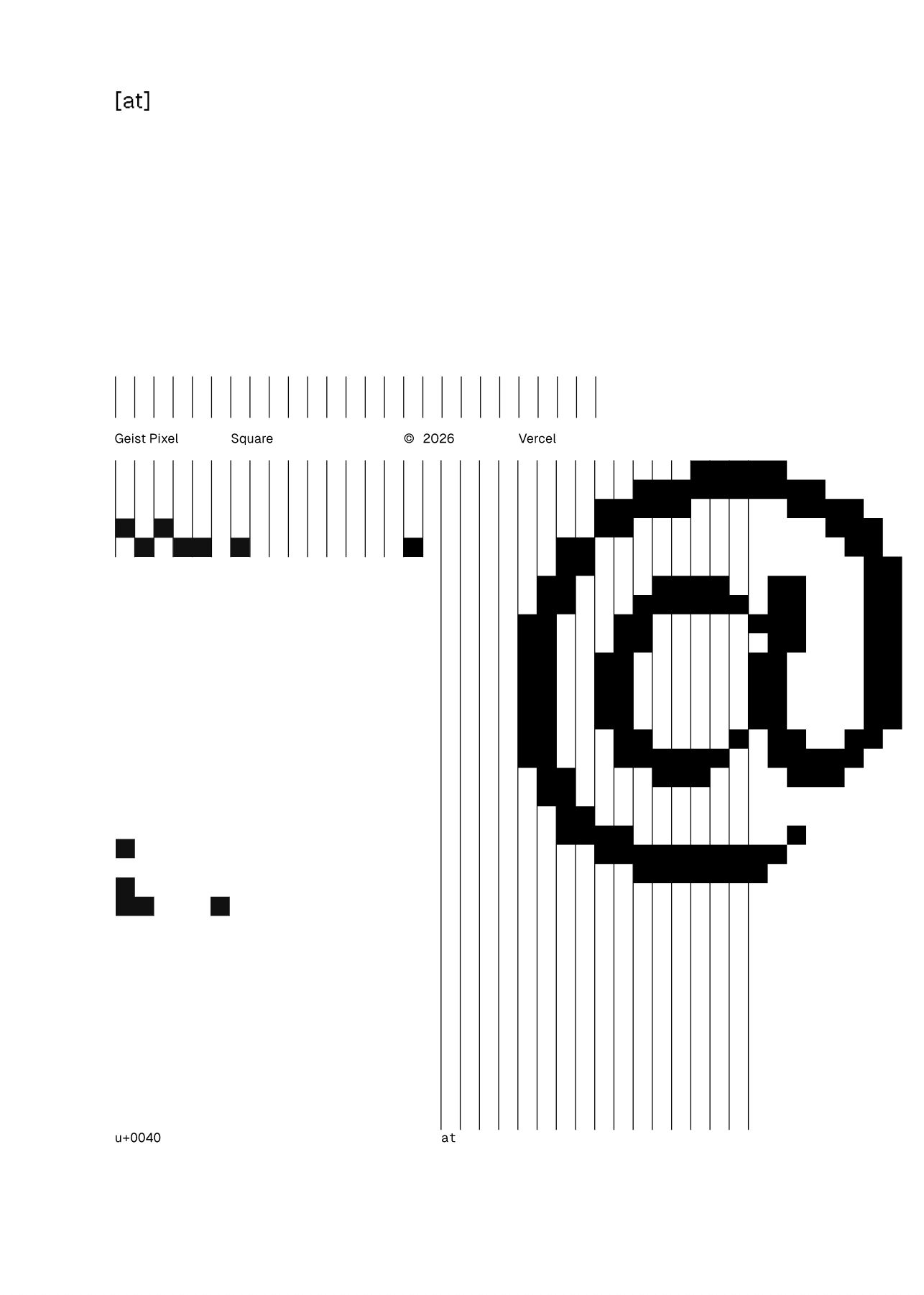
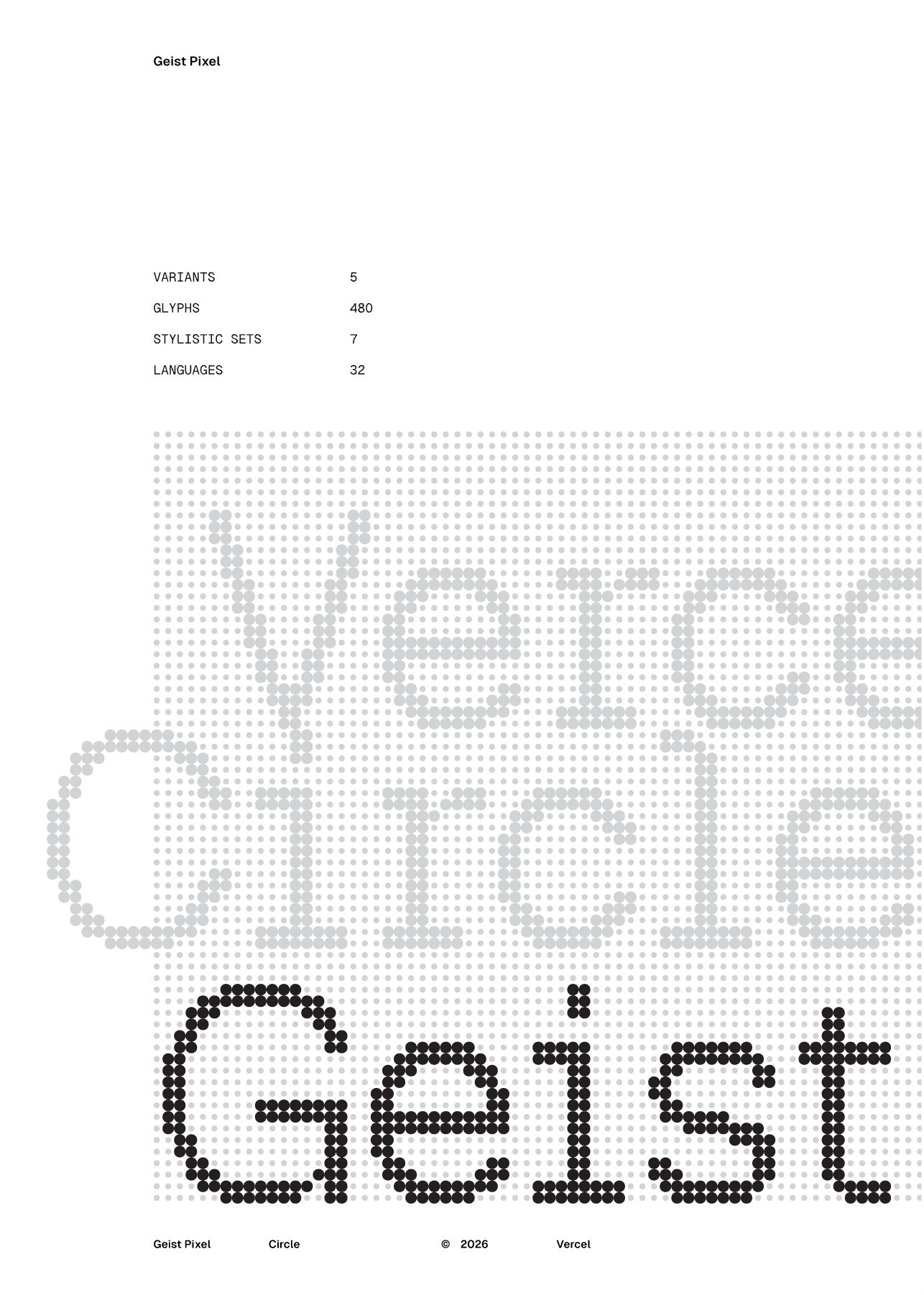
Geist Pixel has several variant forms (Square, Circle, Line, Triangle, Grid), and the Skill is automatically selected or mixed based on the content's tone:
- **Technology/Development Content** → Prefers Square and Grid variations, emphasizing precision.
- **Creative/Design Content** → Prefers variations of Circles and Lines, emphasizing a sense of fluidity.
- **General/Business Content** → Use a mix to maintain balance
### Built-in Style Reference
The following images are included in Skill as style references, so users do not need to provide them each time:
---
## Execution Logic
### Step-by-Step Overview
plaintext
Read document → Search and supplement → Build narrative → Plan pagination → Adapt to style → Generate slides
```
### Detailed Steps
#### Step 1: Read and understand the document
- Use the `read` tool to read the content of documents referenced by users (@).
- Extract core information: theme, key features/highlights, target audience, core value.
- Identify content type: Product introduction / Feature description / Technical sharing / Other
Step 2: Search for supplementary information (optional)
- Use `googleSearch` to search for relevant background information.
- Supplement industry data, competitor comparisons, and technical background, etc.
- Objective: To make the content more in-depth and persuasive.
Step 3: Constructing the Narrative Structure
Organize content according to best practices for presentation-style presentations:
| Narrative Stage | Key Content | Suggested Page Count |
| --- | --- | --- |
| **Opening** | Cover: Title + Subtitle + Main Visual Element | 1 Page |
| **Background** | Industry Status, User Pain Points, Market Opportunities | 2-3 pages |
| **Solution** | What is the product/feature, and how does it solve the problem? | Pages 2-3 |
| **Highlights** | Core functionalities, one page per feature, highlighting value | 6-8 pages |
| **Proof** | Data, Case Studies, User Feedback (if any) | 2-3 pages |
| **Conclusion** | Summarize the value proposition and call to action | Pages 1-2 |
| **End** | Ending Page: Closing Remarks + Contact Information (Optional) | 1 Page |
Step 4: Plan Pagination
- Total number of pages should be kept to approximately 20 pages.
- Each page contains only one core information point.
- The title is the conclusion, and the body text provides supporting evidence.
- Allow room for the speaker to elaborate
Step 5: Adapt to Visual Style
Fine-tune within the Geist Pixel framework according to the content tone:
- **Judging the content's tone:** Technological / Creative / Professional / Energetic
- **Choose a main visual variant:** Square / Circle / Line / Triangle / Grid
- **Determine the accent color:** This can be slightly adjusted based on the product's brand color, but should be kept under control.
- **Plan the visual rhythm:** Emphasize key pages visually, keep transition pages simple.
Step 6: Generate Slides
Use the `slidesGenerate` tool to generate complete slides:
- Output cover page + all content pages + end page
- Maintain global style consistency
- Check the integrity of the information to ensure that the core content of the original text is not lost.
---
## Constraints
### Must comply ✅
| Constraints | Explanation |
| --- | --- |
| **Faithful to the original text** | Do not lose or distort the core content of the user document |
**Consistent Style** | All pages maintain the Geist Pixel style framework.
| **Speech-Oriented Design** | Concise information per page, suitable for oral presentation |
| **Complete Structure** | Must include a cover page and an end page |
### The following is strictly prohibited: ❌
| Taboos | Explanation |
| --- | --- |
| **Complex Decorations** | No fancy elements, gradient shadows, 3D effects, etc. |
Information overload | Avoid piling up multiple key points or long blocks of text on a single page.
| **Style Deviation** | Deviating from Geist Pixel aesthetics (such as common business template styles) is prohibited.
| **Content is fictional** | Fabricating data or functions not found in the original text is prohibited. |
---
## Tool Configuration
| Tools | Uses |
| --- | --- |
| `read` | Reads the content of the document referenced by the user @ |
| `googleSearch` | Search for supplementary background information and industry information |
| `slidesGenerate` | Generates the final slides |
---
## Usage Examples
### Input
plaintext
@Product Introduction Documentation
Please turn this document into a PowerPoint presentation for me.
```
### Output
A set of approximately 20 Geist Pixel-style slides, including:
1. **Cover:** Product Name + One-Sentence Value Proposition
2. **Background**: The problems faced by users (2 pages)
3. **Solution:** How the product addresses this issue (2 pages)
4. **Highlights:** Core functions showcased one by one (8 pages)
5. **Value:** Effectiveness and data proof (3 pages)
6. **Conclusion:** Summary + Call to Action (2 pages)
7. **Closing**: Acknowledgements/Contact Information
---
## General Design Specification
This skill is designed as a general-purpose tool; the following parts are **adaptive logic**, rather than fixed preferences:
| Adaptive Item | Description |
| --- | --- |
Input Type Recognition | Automatically determines whether it is free text or a structured outline |
| Narrative Structure Adjustment | Adjusting Narrative Weight Based on Content Type |
| Visual Variation Selection | Choose the Geist Pixel variant based on content tone |
| Color Scheme Fine-tuning | Accent colors can be adjusted appropriately based on the brand colors |
| Page Allocation | Adjusted dynamically based on content volume, with approximately 20 pages as a baseline |
---
## Quality Checklist
After generation, perform the following self-checks:
Does the style [ ] conform to Geist Pixel aesthetics?
- [ ] Is there only one core point per page?
- [ ] Has the core content of the original text been completely preserved?
- Is the narrative logic clear and coherent?
- [ ] Is there complex decoration or information overload?
- [ ] Are the cover and end pages complete?
---
*Skill Design Scheme v1.0 | Creator: Jackywine | 2026.02.09*
Related Skills
View allTableCraft
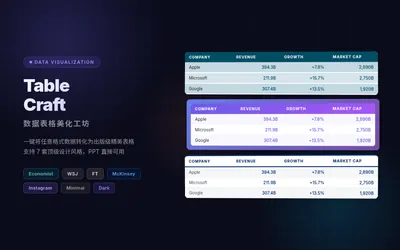
TableCraft – Transform raw data of any format into professional-grade spreadsheets with a single click. It features 7 top-tier design styles (The Economist/Wall Street Journal/Financial Times/McKinsey/Instagram/Minimalist/Dark High-End), supports input of any format including CSV, JSON, Markdown, and plain text, automatically recognizes and aligns numerical columns, and outputs high-definition HTML + PNG files, ready for direct use in PowerPoint presentations. Professional layout, high-end design, and it's ready to use right out of the box.
McKinsey Business Consultants
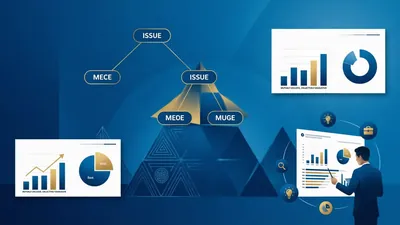
McKinsey's Consultative Business Problem Solving System. This systematizes the McKinsey Problem Solving methodology, providing an end-to-end consulting-level solution from business problem identification and issue tree decomposition to hypothesis-driven research and professional PPT output. It adheres to the MECE principle and supports cross-conversation project continuation.
PPT presentation script
PPT presentation script
Minimalist Geist Pixel Style Presentation
Transform dry documents into minimalist Geist Pixel-style presentations. Automatically extract key points, construct narratives, and present a professional and restrained visual aesthetic, instantly elevating your speech.
Featured by
Lynne Lau
Why we love this skill
This skill can transform your documents into minimalist Geist Pixel-style presentations with a single click. It automatically extracts key points, organizes the narrative structure, and generates approximately 20 slides suitable for presentations, especially for technology, product introductions, or any scenario that seeks a modern, professional visual effect, allowing your content to stand out with a unique aesthetic.
Instructions
Transform document content into minimalist Geist Pixel-style presentation slides with a single click.
---
## Basic Information
| Field | Content |
| --- | --- |
| **Name** | Geist Pixel Slides |
| **Categories** | Content Creation / Presentation Design |
| **Description** | Reads user documents, automatically extracts key points, organizes the narrative structure, and generates approximately 20 pages of Geist Pixel minimalist pixel-style slides suitable for presentations. |
---
## Input Standards
**Input Content**: User-provided document (referenced via @ or pasted directly)
**Input Type:**
- Free text descriptions (such as natural language descriptions of product introductions and feature specifications).
- Structured outline (pre-organized headings, key points, and paginated content)
**Adaptive Logic:** Skill automatically recognizes input types.
- Free description → First extract the structure, then generate the slides
- Structured outline → Proceed directly to the visual design phase
---
## Output Specification
**Output Format:** Geist Pixel-style slides (approximately 20 pages)
**Page Structure**:
- Cover page (1 page)
- Content pages (approximately 18 pages)
- Last page (1 page)
**Content Density:** Each page focuses on a core point, suitable for the pace of the speech, leaving room for the speaker to elaborate.
---
## Style Guide
### Visual Aesthetics: Geist Pixel
This is a minimalist pixel art style derived from Vercel's design language, with the following core characteristics:
| Element | Specification |
| --- | --- |
| **Background** | Pure white or light gray background, clean and crisp |
| **Font** | Pixelated font style, geometric composition, clear and powerful |
| **Decoration** | Minimalist geometric lines, grid system, pixelated graphic elements |
| **White Space** | Ample white space creates clear information hierarchy |
| **Color Scheme** | Main color: black/dark gray; accent colors used sparingly |
| **Elegance** | A blend of technical sophistication and artistry, modern, refined, and restrained |
### Style Variations
Geist Pixel has several variant forms (Square, Circle, Line, Triangle, Grid), and the Skill is automatically selected or mixed based on the content's tone:
- **Technology/Development Content** → Prefers Square and Grid variations, emphasizing precision.
- **Creative/Design Content** → Prefers variations of Circles and Lines, emphasizing a sense of fluidity.
- **General/Business Content** → Use a mix to maintain balance
### Built-in Style Reference
The following images are included in Skill as style references, so users do not need to provide them each time:





---
## Execution Logic
### Step-by-Step Overview
plaintext
Read document → Search and supplement → Build narrative → Plan pagination → Adapt to style → Generate slides
```
### Detailed Steps
#### Step 1: Read and understand the document
- Use the `read` tool to read the content of documents referenced by users (@).
- Extract core information: theme, key features/highlights, target audience, core value.
- Identify content type: Product introduction / Feature description / Technical sharing / Other
Step 2: Search for supplementary information (optional)
- Use `googleSearch` to search for relevant background information.
- Supplement industry data, competitor comparisons, and technical background, etc.
- Objective: To make the content more in-depth and persuasive.
Step 3: Constructing the Narrative Structure
Organize content according to best practices for presentation-style presentations:
| Narrative Stage | Key Content | Suggested Page Count |
| --- | --- | --- |
| **Opening** | Cover: Title + Subtitle + Main Visual Element | 1 Page |
| **Background** | Industry Status, User Pain Points, Market Opportunities | 2-3 pages |
| **Solution** | What is the product/feature, and how does it solve the problem? | Pages 2-3 |
| **Highlights** | Core functionalities, one page per feature, highlighting value | 6-8 pages |
| **Proof** | Data, Case Studies, User Feedback (if any) | 2-3 pages |
| **Conclusion** | Summarize the value proposition and call to action | Pages 1-2 |
| **End** | Ending Page: Closing Remarks + Contact Information (Optional) | 1 Page |
Step 4: Plan Pagination
- Total number of pages should be kept to approximately 20 pages.
- Each page contains only one core information point.
- The title is the conclusion, and the body text provides supporting evidence.
- Allow room for the speaker to elaborate
Step 5: Adapt to Visual Style
Fine-tune within the Geist Pixel framework according to the content tone:
- **Judging the content's tone:** Technological / Creative / Professional / Energetic
- **Choose a main visual variant:** Square / Circle / Line / Triangle / Grid
- **Determine the accent color:** This can be slightly adjusted based on the product's brand color, but should be kept under control.
- **Plan the visual rhythm:** Emphasize key pages visually, keep transition pages simple.
Step 6: Generate Slides
Use the `slidesGenerate` tool to generate complete slides:
- Output cover page + all content pages + end page
- Maintain global style consistency
- Check the integrity of the information to ensure that the core content of the original text is not lost.
---
## Constraints
### Must comply ✅
| Constraints | Explanation |
| --- | --- |
| **Faithful to the original text** | Do not lose or distort the core content of the user document |
**Consistent Style** | All pages maintain the Geist Pixel style framework.
| **Speech-Oriented Design** | Concise information per page, suitable for oral presentation |
| **Complete Structure** | Must include a cover page and an end page |
### The following is strictly prohibited: ❌
| Taboos | Explanation |
| --- | --- |
| **Complex Decorations** | No fancy elements, gradient shadows, 3D effects, etc. |
Information overload | Avoid piling up multiple key points or long blocks of text on a single page.
| **Style Deviation** | Deviating from Geist Pixel aesthetics (such as common business template styles) is prohibited.
| **Content is fictional** | Fabricating data or functions not found in the original text is prohibited. |
---
## Tool Configuration
| Tools | Uses |
| --- | --- |
| `read` | Reads the content of the document referenced by the user @ |
| `googleSearch` | Search for supplementary background information and industry information |
| `slidesGenerate` | Generates the final slides |
---
## Usage Examples
### Input
plaintext
@Product Introduction Documentation
Please turn this document into a PowerPoint presentation for me.
```
### Output
A set of approximately 20 Geist Pixel-style slides, including:
1. **Cover:** Product Name + One-Sentence Value Proposition
2. **Background**: The problems faced by users (2 pages)
3. **Solution:** How the product addresses this issue (2 pages)
4. **Highlights:** Core functions showcased one by one (8 pages)
5. **Value:** Effectiveness and data proof (3 pages)
6. **Conclusion:** Summary + Call to Action (2 pages)
7. **Closing**: Acknowledgements/Contact Information
---
## General Design Specification
This skill is designed as a general-purpose tool; the following parts are **adaptive logic**, rather than fixed preferences:
| Adaptive Item | Description |
| --- | --- |
Input Type Recognition | Automatically determines whether it is free text or a structured outline |
| Narrative Structure Adjustment | Adjusting Narrative Weight Based on Content Type |
| Visual Variation Selection | Choose the Geist Pixel variant based on content tone |
| Color Scheme Fine-tuning | Accent colors can be adjusted appropriately based on the brand colors |
| Page Allocation | Adjusted dynamically based on content volume, with approximately 20 pages as a baseline |
---
## Quality Checklist
After generation, perform the following self-checks:
Does the style [ ] conform to Geist Pixel aesthetics?
- [ ] Is there only one core point per page?
- [ ] Has the core content of the original text been completely preserved?
- Is the narrative logic clear and coherent?
- [ ] Is there complex decoration or information overload?
- [ ] Are the cover and end pages complete?
---
*Skill Design Scheme v1.0 | Creator: Jackywine | 2026.02.09*
Related Skills
View allTableCraft
TableCraft – Transform raw data of any format into professional-grade spreadsheets with a single click. It features 7 top-tier design styles (The Economist/Wall Street Journal/Financial Times/McKinsey/Instagram/Minimalist/Dark High-End), supports input of any format including CSV, JSON, Markdown, and plain text, automatically recognizes and aligns numerical columns, and outputs high-definition HTML + PNG files, ready for direct use in PowerPoint presentations. Professional layout, high-end design, and it's ready to use right out of the box.
McKinsey Business Consultants
McKinsey's Consultative Business Problem Solving System. This systematizes the McKinsey Problem Solving methodology, providing an end-to-end consulting-level solution from business problem identification and issue tree decomposition to hypothesis-driven research and professional PPT output. It adheres to the MECE principle and supports cross-conversation project continuation.
PPT presentation script
PPT presentation script
Find your next favorite skill
Explore more curated AI skills for research, creation, and everyday work.
