Claude style slides 2.5
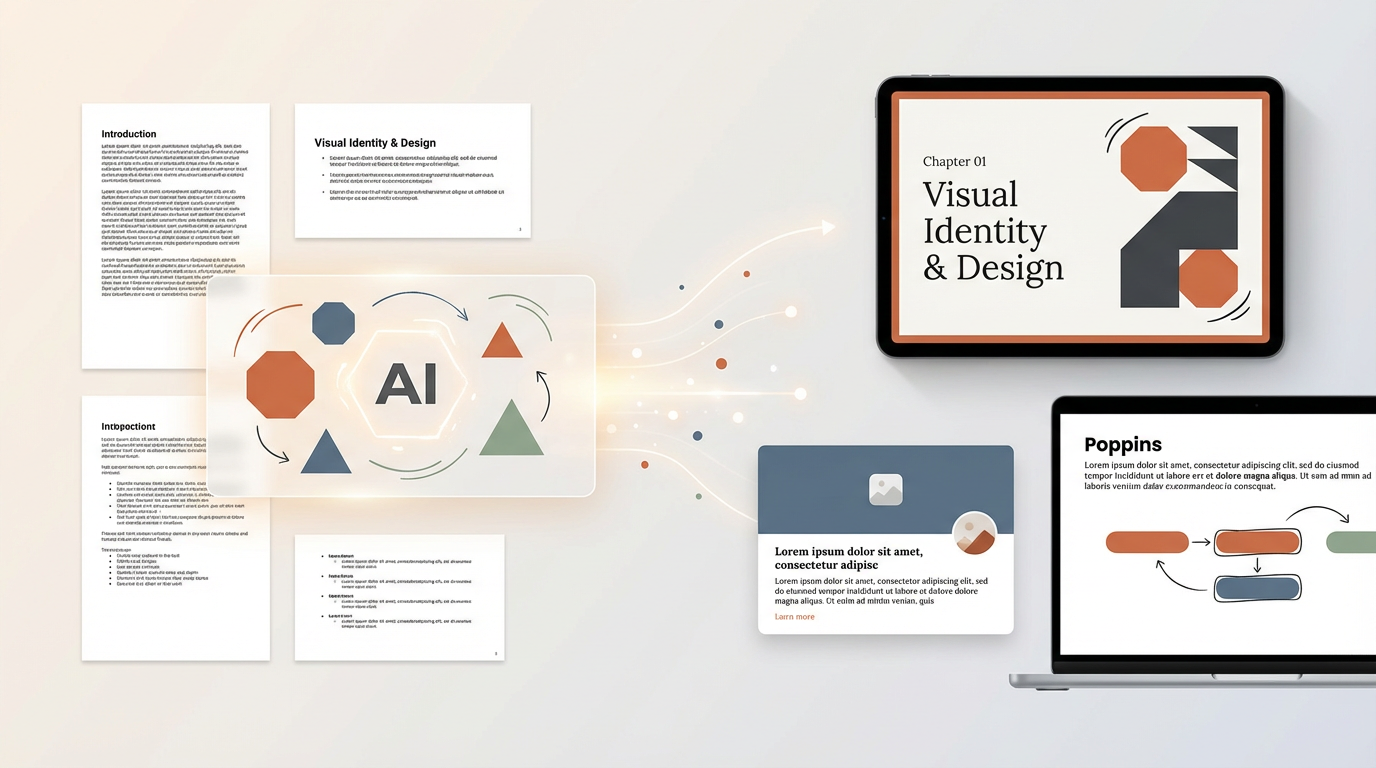
Transform any document into a polished, on-brand masterpiece. Instantly apply Anthropic's official colors and typography, ensuring every artifact reflects professional, consistent design standards.
Featured by
Lynne Lau
Why we love this skill
Instantly transform your presentations into a professional, on-brand experience with this skill. It meticulously applies Anthropic's distinctive Claude style, including precise colors, typography, and unique geometric and hand-drawn accents. Perfect for creating visually consistent and elegant slides, documents, and marketing materials that embody the brand's sophisticated aesthetic.
Author
jacky wine
Categories
Instructions
The author has set the instructions to private. Below is a brief overview.
This skill applies Anthropic's official brand colors, typography, and visual design system to various documents, enabling users to create presentations, reports, and other artifacts with the distinctive Claude/Anthropic aesthetic. It is ideal for anyone looking to produce professional, on-brand materials that embody a minimal, warm, intellectually elegant, and modern look. The skill leverages a comprehensive set of brand guidelines, including a core color palette with foundation and accent colors, ensuring visual consistency. It also incorporates a specific typography system, utilizing Poppins for headings and Lora for body text, with automatic fallbacks for optimal readability across different environments. Key capabilities include the precise application of geometric shapes like octagons, triangles, and circles to convey concepts, along with unique hand-drawn accents such as arc lines and wavy connectors that add a dynamic, organic feel. The skill also guides the design of icons, ensuring they align with the abstract and conceptual style seen in Claude's official documentation. Users benefit from smart styling features that automatically apply fonts, select appropriate text colors based on background luminance, and cycle through accent colors for non-text shapes, maintaining visual interest while adhering to brand standards. This robust tool helps users effortlessly create visually consistent and high-quality branded content, making it invaluable for corporate identity and visual formatting.
Related Skills
View allTableCraft
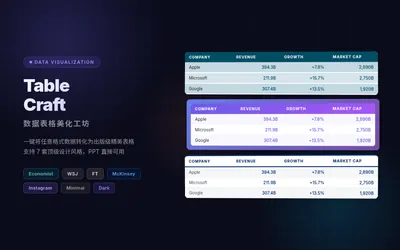
TableCraft – Transform raw data of any format into professional-grade spreadsheets with a single click. It features 7 top-tier design styles (The Economist/Wall Street Journal/Financial Times/McKinsey/Instagram/Minimalist/Dark High-End), supports input of any format including CSV, JSON, Markdown, and plain text, automatically recognizes and aligns numerical columns, and outputs high-definition HTML + PNG files, ready for direct use in PowerPoint presentations. Professional layout, high-end design, and it's ready to use right out of the box.
McKinsey Business Consultants
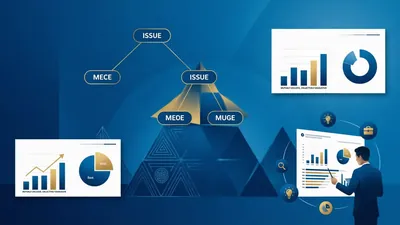
McKinsey's Consultative Business Problem Solving System. This systematizes the McKinsey Problem Solving methodology, providing an end-to-end consulting-level solution from business problem identification and issue tree decomposition to hypothesis-driven research and professional PPT output. It adheres to the MECE principle and supports cross-conversation project continuation.
PPT presentation script
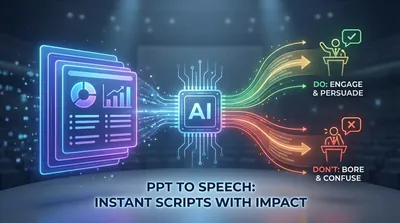
PPT presentation script
Claude style slides 2.5
Transform any document into a polished, on-brand masterpiece. Instantly apply Anthropic's official colors and typography, ensuring every artifact reflects professional, consistent design standards.
Featured by
Lynne Lau
Why we love this skill
Instantly transform your presentations into a professional, on-brand experience with this skill. It meticulously applies Anthropic's distinctive Claude style, including precise colors, typography, and unique geometric and hand-drawn accents. Perfect for creating visually consistent and elegant slides, documents, and marketing materials that embody the brand's sophisticated aesthetic.
Author
jacky wine
Categories
slides
Instructions
The author has set the instructions to private. Below is a brief overview.
This skill applies Anthropic's official brand colors, typography, and visual design system to various documents, enabling users to create presentations, reports, and other artifacts with the distinctive Claude/Anthropic aesthetic. It is ideal for anyone looking to produce professional, on-brand materials that embody a minimal, warm, intellectually elegant, and modern look. The skill leverages a comprehensive set of brand guidelines, including a core color palette with foundation and accent colors, ensuring visual consistency. It also incorporates a specific typography system, utilizing Poppins for headings and Lora for body text, with automatic fallbacks for optimal readability across different environments. Key capabilities include the precise application of geometric shapes like octagons, triangles, and circles to convey concepts, along with unique hand-drawn accents such as arc lines and wavy connectors that add a dynamic, organic feel. The skill also guides the design of icons, ensuring they align with the abstract and conceptual style seen in Claude's official documentation. Users benefit from smart styling features that automatically apply fonts, select appropriate text colors based on background luminance, and cycle through accent colors for non-text shapes, maintaining visual interest while adhering to brand standards. This robust tool helps users effortlessly create visually consistent and high-quality branded content, making it invaluable for corporate identity and visual formatting.
Related Skills
View allTableCraft
TableCraft – Transform raw data of any format into professional-grade spreadsheets with a single click. It features 7 top-tier design styles (The Economist/Wall Street Journal/Financial Times/McKinsey/Instagram/Minimalist/Dark High-End), supports input of any format including CSV, JSON, Markdown, and plain text, automatically recognizes and aligns numerical columns, and outputs high-definition HTML + PNG files, ready for direct use in PowerPoint presentations. Professional layout, high-end design, and it's ready to use right out of the box.
McKinsey Business Consultants
McKinsey's Consultative Business Problem Solving System. This systematizes the McKinsey Problem Solving methodology, providing an end-to-end consulting-level solution from business problem identification and issue tree decomposition to hypothesis-driven research and professional PPT output. It adheres to the MECE principle and supports cross-conversation project continuation.
PPT presentation script
PPT presentation script
Find your next favorite skill
Explore more curated AI skills for research, creation, and everyday work.
