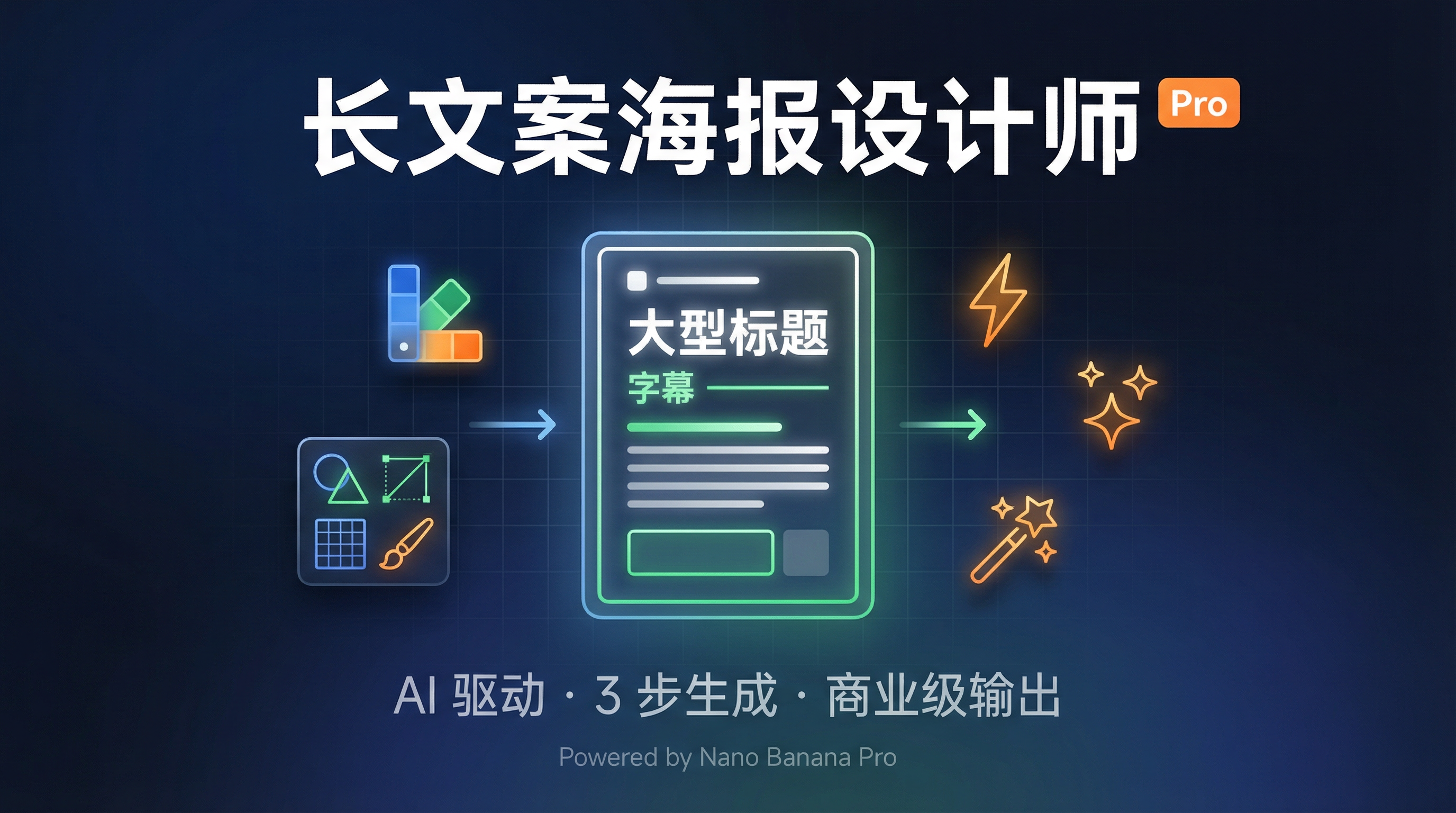
## Step 1: Information Diagnosis and Structuring ### The goal is to conduct in-depth analysis of the long text provided by the user, completing the information hierarchy and module division. ### Execution Process 1. **Obtaining Text Content** - If the user directly pasted the text, use it directly. - If the user @referenced Note/Page/Material, use the `read` tool to read the complete content. - Confirm the text length and information density (the standard for suitable long text posters: more than 200 words, containing multiple information modules). 2. **Information Type Identification** Analyze the text according to the following dimensions: - **Core Theme**: What is this poster about? (Event, course, product, service, etc.) - **Target Audience**: Who will see this poster? (Students, parents, professionals, etc.) - **Key Information Types**: Title, subtitle, core selling points, detailed description, call to action, contact information, etc. 3. **Information Hierarchy Organization** Divide the text content into **4-6 levels**: - **L1 - Main Title**: The most crucial sentence (1) - **L2 - Subtitle/Core Claim**: Key information supporting the main title (1-2) - **L3 - Module Titles**: Titles of each content section (3-5) - **L4 - Module Content**: Detailed descriptions of each section - **L5 - Supplementary Information**: Secondary details, notes - **L6 - Action Guidance**: Contact information, registration portal, etc. 4. **Module Division and Packaging** - Identify 3-6 logical modules (e.g., "Course Features", "Suitable Audience", "Service Content", "Time and Location", etc.) - Assign each module: Module Title + Key Content Points - Mark which modules need to be "packaged" (aggregated using a uniform background color) 5. **Output Structured Solution** Present the information to the user in a clear format: ``` 【Information Architecture Solution】 Main Title (L1):... Subtitle (L2):... Module 1: [Module Name] - Title (L3):... - Content (L4):... Module 2: [Module Name] ... Action Guide (L6):... ``` 6. **Seek User Confirmation** Ask the user: "Does this information structure meet your expectations? Do you need to adjust the module division or hierarchical focus?" **Wait for user confirmation before proceeding to Step 2**.
## Step 2: Color and Visual Decisions (Co-creation with Users) ### The goal is to determine a color harmony system and visual style scheme based on the content tone and user preferences. ### Execution Process 1. **Content Tone Analysis** Based on the information architecture in Step 1, determine the emotional tone of the content: - **Professional and Serious** (e.g., exam preparation, business services) → Recommended cool colors (blue, gray, dark green) - **Energetic and Encouraging** (e.g., youth activities, innovative products) → Recommended warm colors (orange, red, yellow) - **High-End and Refined** (e.g., high-end courses, luxury goods) → Recommended dark colors (dark blue, dark purple, gold) - **Friendly and Approachable** (e.g., children's education, community activities) → Recommended soft colors (light blue, pink, light green) 2. **Provide Professional Suggestions (Color + Style)** Present to users: ``` 【Color Scheme Suggestions】 Based on your content tone ([tone type]), I recommend the following primary color scheme: Scheme A: [Primary Color Name] (e.g., Deep Sea Blue) - Primary Color: #[hex] - Secondary Color: #[hex] (used for embellishment and emphasis) - Suitable Scenarios: ... - Visual effects: ... Option B: [Alternative main color scheme] ... You can also tell me your preferred colors (e.g., "I want orange tones", "use blue-green"), and I will design a harmonious color scheme based on your preferences. --- 【Visual Style Suggestions】 Based on your content type, I recommend the following visual styles: Style A: Modern Business Minimalist - Characteristics: Clean, restrained, ample white space, typography-centric, thin line division - Decorative elements: Simple geometric shapes, thin borders, subtle shadows - Suitable scenarios: Traditional consulting, high-end services, B2B products, professional training - Visual effects: Professional, credible, high-end, easy to read Style B: Technological Futuristic - Characteristics: Grid textures, glowing effects, gradient halos, data flow lines, circuit board elements - Decorative elements: Neon lines, tech icons, particle effects, digital display style - Suitable scenarios: AI-driven services, digital transformation, technology products, innovative consulting - Visual effects: Cutting-edge, intelligent, futuristic, dynamic Style C: Vibrant Creative - Characteristics: Bold color schemes, dynamic composition, illustration elements, hand-drawn style - Decorative elements: Hand-drawn icons, wavy lines, fun graphics, graffiti-like feel - Suitable scenarios: Youth products, innovative brands, cultural activities, relaxed communities - Visual effects: lively, fun, approachable, youthful. You can also tell me directly what kind of visual style you want (such as "tech-savvy", "simple", "lively", "high-end and sophisticated"). 3. **Receive User Feedback** - If the user selects the recommended scheme (Color A/B + Style A/B/C), use it directly. - If the user specifies a color preference, build a two-color main color system based on that color: - Primary Color: The color specified by the user - Secondary Color: A color that harmonizes with the primary color on the color wheel (adjacent or contrasting colors, with reduced saturation) - Lightness Variation: 3-4 lightness variations of the primary color - If the user describes a style preference, translate it into a list of specific visual elements. 4. **Visual Rhythm Design** Based on the number of modules in Step 1, design an "alternating lightness rhythm": - **Dark Blocks**: Use a dark variation of the primary color as the background, with white text. - **Light Blocks**: Use a light variation of the primary color or a white background, with dark text. - **Alternating Pattern**: Dark-light-dark-light, or light-dark-light (depending on the number of modules). - **Module Packaging**: Related modules are "packed" into visual groups using the same background color. 5. **Output Complete Design Strategy** 【Final Design Strategy】 Color System: - Primary Color: [Color Name] #[hex] - Secondary Color: [Color Name] #[hex] - Dark Variant: #[hex] (for dark block backgrounds) - Light Variant: #[hex] (for light block backgrounds) Visual Style: - Style Positioning: [Business Simplicity/Technological Futurism/Dynamic Creativity] - Decorative Elements: [List of Specific Elements] - Overall Atmosphere: [Detailed Description] Visual Rhythm: - Block 1 (Main Title Area): [Dark/Light] Background - Block 2 (Modules 1-2): [Dark/Light] Background, Packaged - Block 3 (Modules 3-4): [Dark/Light] Background, Packaged... Font Level: - L1 (Main Title): 72-84pt, Bold, [Color] - L2 (Subtitle): 48-56pt, Semi-Bold, [Color] - L3 (Module Title): 36-42pt, Bold, [Color] - L4 (Body Text): 24-28pt, Regular, [Color] - L5 (Supplement): 18-20pt, Light, [Color] - L6 (Action Guidance): 28-32pt, Bold, [Accent Color] 6. **Final Confirmation** Ask the user: "Does this design strategy meet your expectations? If there are no problems, I will generate the poster immediately." **Wait for user confirmation before proceeding to Step 3**.
## Step 3: Poster Generation ### The goal is to generate a professional long-form text poster based on the confirmed information architecture and design strategy. ### Execution Process 1. **Construct Generation Prompt** Organize the `imageGenerate` prompt according to the following structure: ``` 【Screen Type】 A vertical long-form text poster, [Content Theme Description], professional design, high information density, clear visual hierarchy, [Visual Style Positioning]. 【Color System - CRITICAL】 - Primary Color: [Color Name] [hex], accounting for 70-80% of visual weight - Secondary Color: [Color Name] [hex], used only for key emphasis points, accounting for 10-15% - Dark Variant: [hex] (for dark background blocks) - Light Variant: [hex] (for light background blocks) - Text Color: Use white #FFFFFF or light gray text in dark areas, and dark text in light areas - Prohibited: Do not use bright colors other than the primary color, avoid rainbow colors and chaotic color schemes. 【Visual Style Elements - CRITICAL】 [Describe decorative elements in detail according to the user's chosen style:] If it is a "Business Minimalist" style: - Use thin lines for division, simple geometric shapes, and subtle shadows - Maintain a lot of white space, prioritize typography, and restrain decoration - The overall look should be clean, neat, and professional. If it is a "Technological Futuristic" style: - Add subtle grid lines, circuit board textures, or data flow lines (semi-transparent, not interfering with text readability) to dark background blocks. Key elements (data, titles, icons) use glowing effects, neon lines, or gradient halos - blocks are separated by light-effect dividing lines or gradient transitions - overall atmosphere: similar to the visual style of a high-end technology company's press conference poster or AI product promotion. If it is a "vibrant and creative" style: - Use hand-drawn icons, wavy lines, fun graphics, and graffiti-like elements - Bold color contrasts and dynamic compositions - Illustration-style decorative elements - Overall lively, fun, and approachable. [Layout and Visual Rhythm] The screen is divided into [N] blocks from top to bottom, using [alternating light and dark rhythm description]: Block 1 (Main Title Area): [Dark/Light] background [hex], [Visual Style Decoration Description], containing the main title.