There are paintings in the words, and classics in the paintings.
Enter idioms, select art style (20 traditional Chinese painting techniques), meaning, allusion, and artistic conception—all at once.
Why we love this skill
This skill perfectly blends the profound cultural heritage of idioms with visual art, offering twenty styles of traditional Chinese painting to choose from, allowing users to appreciate exquisite paintings while gaining a deeper understanding of the meanings and allusions of idioms.
Instructions
The author has set the instructions to private. Below is a brief overview.
description
Input an idiom, select from 20 image styles, and automatically generate an "Idiom Analysis Card (including pinyin, original meaning, extended meaning, example sentence, and applicable scenarios)" and an "Image that matches the artistic conception of the idiom". The two are then combined on the same image and output horizontally.
Related Skills
View all
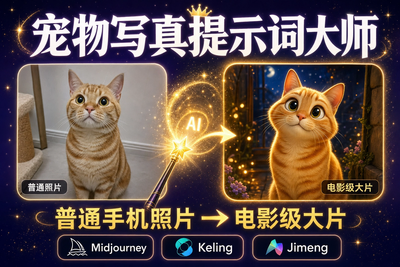
Pet Photography Director | Generate Cinematic Pet Photos with One Click
Want to paint a light and airy hand-painted watercolor for your furry friend? Want to see your Golden Retriever in a spacesuit? Want to turn your orange tabby into a Ghibli movie character? No need to go to a photo studio or understand complicated AI prompts. This skill is your "personalized pet visual director," supporting two super cool features: 1. Photo Transformation (Highly Recommended): Upload a photo of your pet, choose a style, and it will instantly generate a stunning image that retains its true features! 2. Text Summoning: No photo? Just type a description (e.g., "A French Bulldog wearing sunglasses is driving a sports car"), and it will still generate an image. It automatically translates professional prompts and generates an image directly within the chat box. It includes 14 popular styles (including the latest hand-painted watercolor and Japanese hand-painted styles), supporting one-click switching. Changing your screensaver daily is that simple!
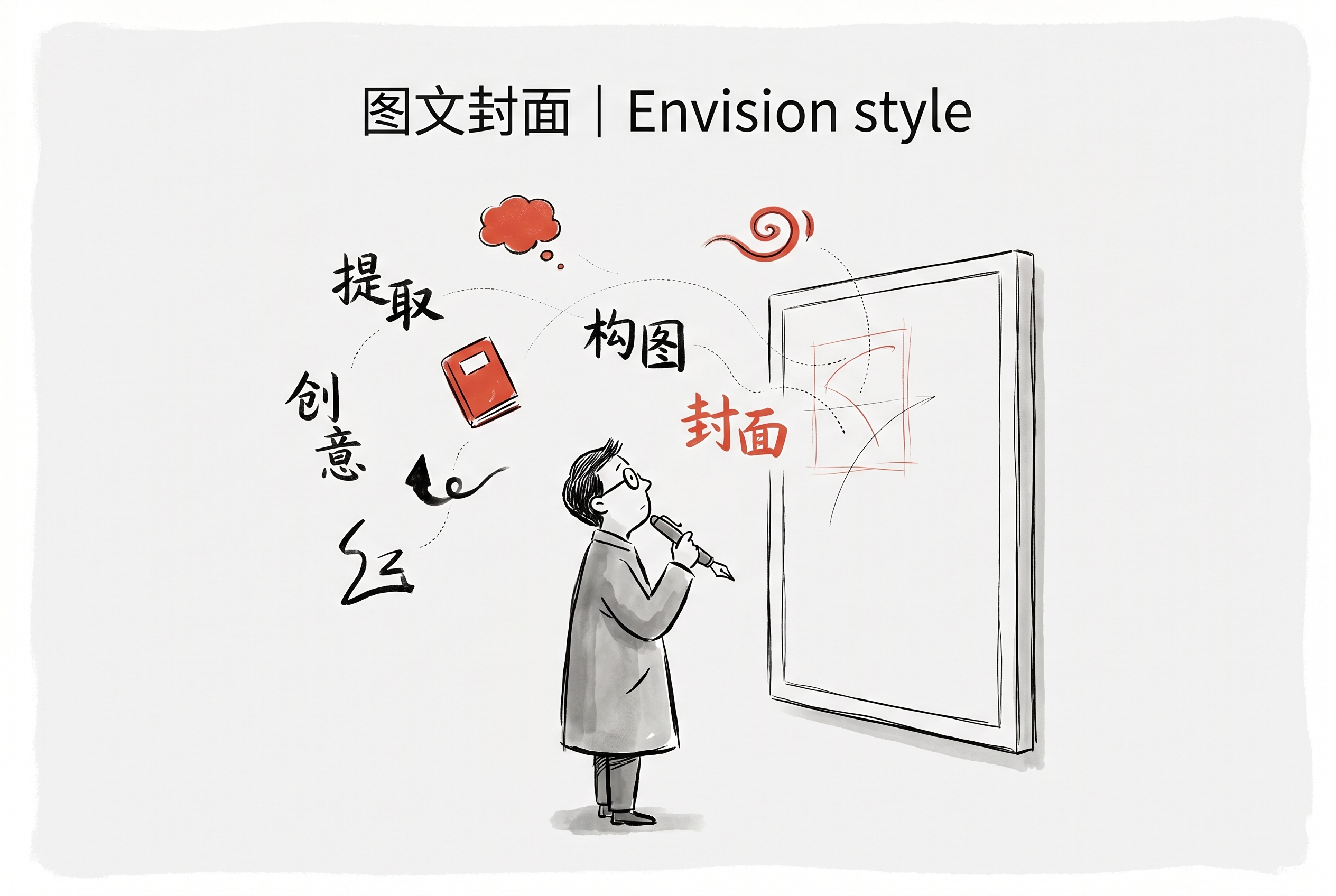
Cover Image | Envision Style
Based on article or text content, it automatically extracts engaging questions or viewpoints, generating Envision-style vertical image and text covers (3:4 aspect ratio). Suitable for vertical platforms such as Xiaohongshu, WeChat articles, and Instagram. It supports automatic multilingual adaptation, maintaining a minimalist hand-drawn illustration style and organically integrated text.

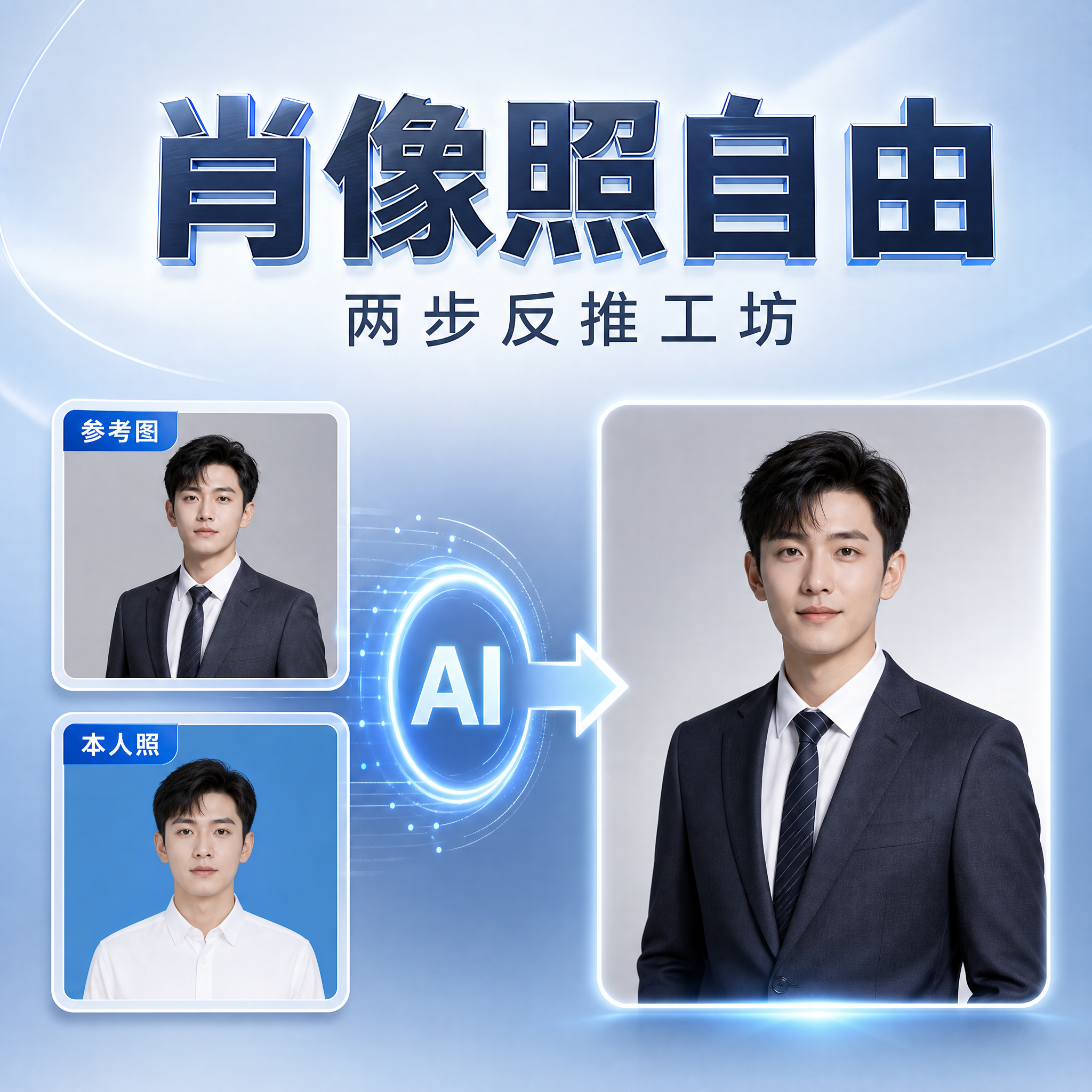
Portrait Freedom: Two-Step Reverse Workshop
One reference image generates a unique, high-quality portrait. Many people create AI portraits by uploading a selfie and asking, "Generate a high-quality professional portrait for me." The result is often: the face doesn't resemble the person, the style is generic and generic, the skin looks plastic, and the makeup and clothing are completely mismatched with the individual's personality. The root of the problem is that the AI tries to guess both "what you look like" and "what style you should have," failing at both. This skill breaks this down into two stable steps: First, you provide only one reference image (professional portrait, magazine portrait, black and white film, modern Chinese style…any direction). The AI doesn't rush to generate an image; instead, it breaks down the "photographic language" of the image like a photographer—lighting, composition, lens focal length, background, color tone, atmosphere, texture—and writes two complete sets of prompts for "male" and "female" versions. Clothing, makeup, hairstyle, and pose are all written separately for each gender, fundamentally preventing the disastrous result of "putting a man in a silk suspender top." The second step involves choosing your preferred prompt and pairing it with a clear photo of yourself: the reference image defines the style, while your photo defines your identity—preserve your face shape, features, age, and expression, then apply the professional photographic quality of the reference image. The result is a portrait that is instantly recognizable and has a high-quality, professional feel. The reference image controls the style, and your photo defines your identity—it's that simple. Changing the reference image allows you to change your style: ID photos, professional images, magazine covers, black and white film—all done in one process, completely eliminating the homogenization and artificiality of AI portraits. Suitable for: Professionals, social media influencers, job seekers, and anyone who wants a high-end portrait that is uniquely theirs, requiring a professional headshot/ID photo/personal brand portrait.
There are paintings in the words, and classics in the paintings.
Enter idioms, select art style (20 traditional Chinese painting techniques), meaning, allusion, and artistic conception—all at once.
Why we love this skill
This skill perfectly blends the profound cultural heritage of idioms with visual art, offering twenty styles of traditional Chinese painting to choose from, allowing users to appreciate exquisite paintings while gaining a deeper understanding of the meanings and allusions of idioms.
Instructions
The author has set the instructions to private. Below is a brief overview.
description
Input an idiom, select from 20 image styles, and automatically generate an "Idiom Analysis Card (including pinyin, original meaning, extended meaning, example sentence, and applicable scenarios)" and an "Image that matches the artistic conception of the idiom". The two are then combined on the same image and output horizontally.
Related Skills
View allPet Photography Director | Generate Cinematic Pet Photos with One Click
Want to paint a light and airy hand-painted watercolor for your furry friend? Want to see your Golden Retriever in a spacesuit? Want to turn your orange tabby into a Ghibli movie character? No need to go to a photo studio or understand complicated AI prompts. This skill is your "personalized pet visual director," supporting two super cool features: 1. Photo Transformation (Highly Recommended): Upload a photo of your pet, choose a style, and it will instantly generate a stunning image that retains its true features! 2. Text Summoning: No photo? Just type a description (e.g., "A French Bulldog wearing sunglasses is driving a sports car"), and it will still generate an image. It automatically translates professional prompts and generates an image directly within the chat box. It includes 14 popular styles (including the latest hand-painted watercolor and Japanese hand-painted styles), supporting one-click switching. Changing your screensaver daily is that simple!
Cover Image | Envision Style
Based on article or text content, it automatically extracts engaging questions or viewpoints, generating Envision-style vertical image and text covers (3:4 aspect ratio). Suitable for vertical platforms such as Xiaohongshu, WeChat articles, and Instagram. It supports automatic multilingual adaptation, maintaining a minimalist hand-drawn illustration style and organically integrated text.
Portrait Freedom: Two-Step Reverse Workshop
One reference image generates a unique, high-quality portrait. Many people create AI portraits by uploading a selfie and asking, "Generate a high-quality professional portrait for me." The result is often: the face doesn't resemble the person, the style is generic and generic, the skin looks plastic, and the makeup and clothing are completely mismatched with the individual's personality. The root of the problem is that the AI tries to guess both "what you look like" and "what style you should have," failing at both. This skill breaks this down into two stable steps: First, you provide only one reference image (professional portrait, magazine portrait, black and white film, modern Chinese style…any direction). The AI doesn't rush to generate an image; instead, it breaks down the "photographic language" of the image like a photographer—lighting, composition, lens focal length, background, color tone, atmosphere, texture—and writes two complete sets of prompts for "male" and "female" versions. Clothing, makeup, hairstyle, and pose are all written separately for each gender, fundamentally preventing the disastrous result of "putting a man in a silk suspender top." The second step involves choosing your preferred prompt and pairing it with a clear photo of yourself: the reference image defines the style, while your photo defines your identity—preserve your face shape, features, age, and expression, then apply the professional photographic quality of the reference image. The result is a portrait that is instantly recognizable and has a high-quality, professional feel. The reference image controls the style, and your photo defines your identity—it's that simple. Changing the reference image allows you to change your style: ID photos, professional images, magazine covers, black and white film—all done in one process, completely eliminating the homogenization and artificiality of AI portraits. Suitable for: Professionals, social media influencers, job seekers, and anyone who wants a high-end portrait that is uniquely theirs, requiring a professional headshot/ID photo/personal brand portrait.
Find your next favorite skill
Explore more curated AI skills for research, creation, and everyday work.
