Surrounded Portraits
Turn selfies into overhead editorial portraits
Surrounded Portraits
Turn selfies into overhead editorial portraits
Showcase
Description
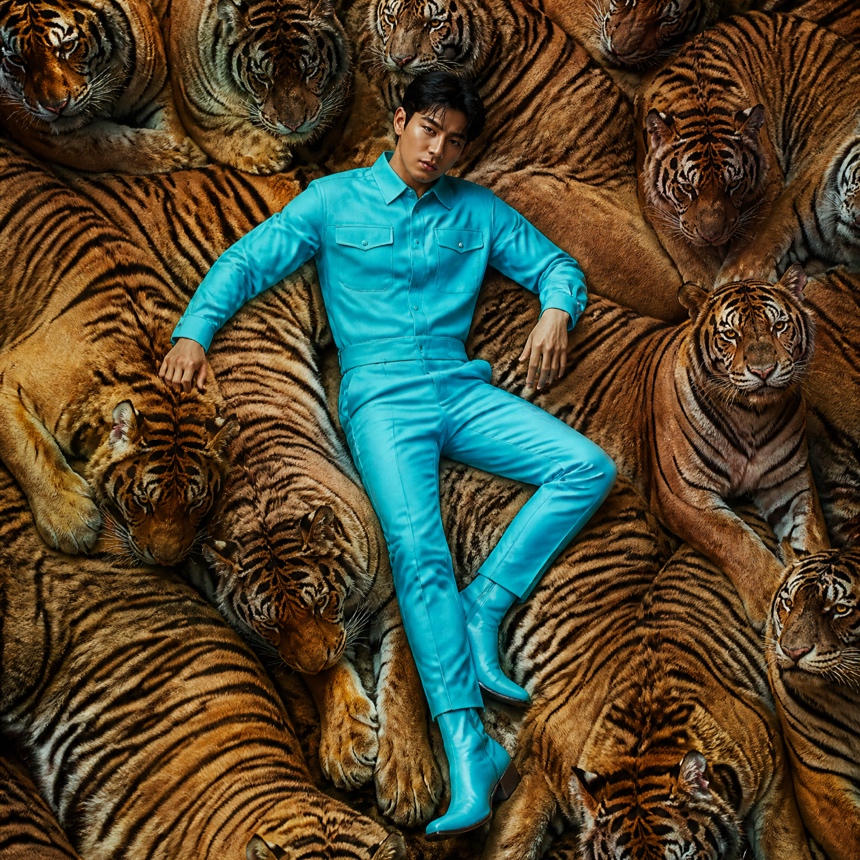
Would you open your eyes in the middle of a tiger pack? Upload a clear photo and pick what you want to lie in. Striped tiger backs press in from every side, crocodile scales brush your sleeves, or pythons coil beside your legs. For a different mood, try white swans, giant oranges or blue paper parasols. Even a headshot becomes a full-length fashion portrait photographed from above. One text-free 4:5 portrait by default. Works in Chinese and English. The swan comparison shows an actual Lovart edit of the original portrait. The predator and colorful sets are original AI concept studies.
Recommended by
Dancang
Why we love this skill
Transforms ordinary selfies into realistic top-down full-body fashion editorials while carefully preserving character likeness, pose, and surrounding settings.
Best for
Best for content creators and visual enthusiasts who want to transform selfies or portraits into immersive, themed fashion editorials.
How to use this Skill
Provide your input
Upload a clear portrait and specify the theme to surround your body, such as animals, flowers, fruits, or materials; you can also attach a reference image for the set.
Run the Skill
The system reconstructs the pose, camera angle, and background based on the portrait and theme, spreading the elements to the corners of the frame and fitting them closely to your body contours.
Review your result
Generates a default 4:5 text-free vertical overhead fashion editorial photograph, preserving the subject's key facial and appearance features.
Related Skills
View all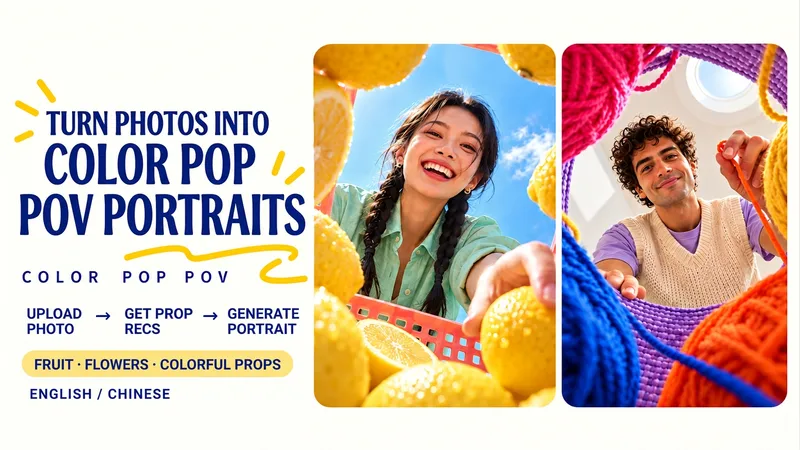 Image
Color Pop Low-Angle Portrait
Upload a portrait, receive tailored recommendations for fruits, flowers, or colorful items, and generate a wide-angle low-angle portrait shot from inside a prop container. Foreground props frame the lens while you lean over the scene with a clear sky or skylight in the background. Choose from lemon summer, cherry soda, colorful yarn crafts, tulips, bell peppers, building blocks, or your own favorite objects. Props and containers are coordinated with your clothing colors while keeping your recognizable facial features, hairstyle, glasses, and main outfit intact. Choose from three sets of pairings or simply say "surprise me and generate directly." Adjust props, containers, poses, color schemes, and aspect ratios. Generates a text-free 3:4 vertical image by default. Great for social media avatars, summer portraits, creative illustrations, and personal profile pages. Supports Chinese and English communication with bilingual prompts. Upload a portrait, discover three colorful prop pairings, then create a wide-angle portrait from below—framed by fruit, flowers or everyday objects. Lean over a lemon-filled basket, a cherry-red foreground or a ring of colorful yarn. Your clothing colors guide the props and container while your recognizable face, hair, glasses and main outfit stay central. Try tulips, peppers, toy blocks or your own favorite objects. Choose a pairing, name your props, or say “surprise me.” Customize the container, pose, colors and aspect ratio. One text-free 3:4 portrait by default, with Chinese and English conversation and optional bilingual prompts.
 Image
Paper Portrait Studio
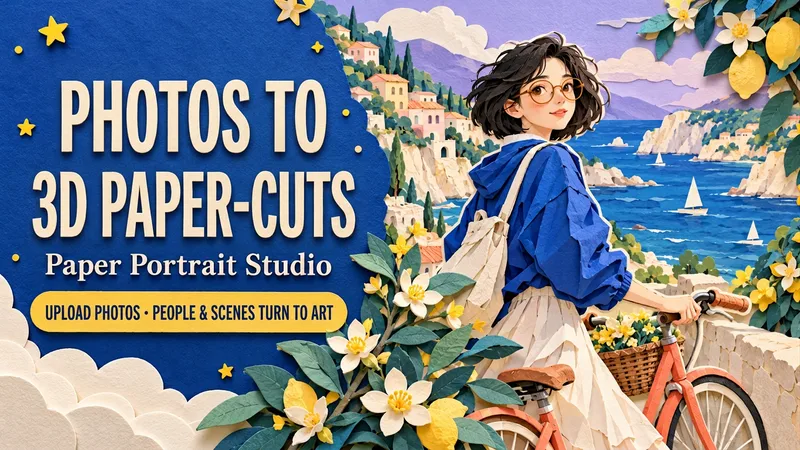
Upload a portrait, a couple photo or a pet photo. Transform both the subject and the setting into a dimensional cut-paper scene, with layered hair and clothes, crisp ivory edges, tactile cardstock and soft cast shadows. Choose Coastal Ride, Rainy Bookshop or Greenhouse Companion—or create your own setting. Keep recognizable hair, glasses, outfit colors and pet markings while customizing the action, palette, background and framing. Create solo portraits, shared memories or a paper garden for your pet. One text-free 3:4 portrait by default. Use English or Chinese, add a short title, or request matching separate language editions. Made for profile art, keepsake images, wallpapers and social posts. Try: “Use my photo for a seaside paper scene. Keep my short hair and glasses. Cobalt blue and coral, walking a bicycle. No text. Generate it.”
 Image
9-Grid Portrait Generator
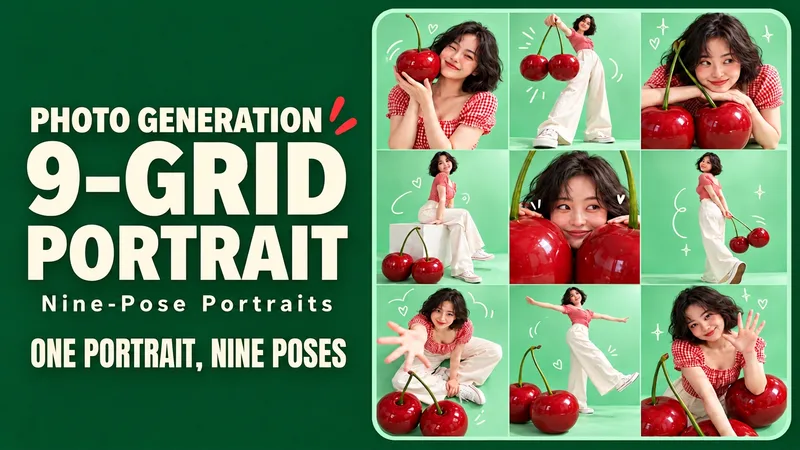
Upload a portrait and generate nine different poses of the same person, complete with colorful backgrounds, playful props, and doodles. Upload a character photo and place yourself into a vibrant creative photoshoot: exaggerated props, different camera angles, natural expressions, and a few witty doodles make up a complete 3x3 grid. Close-ups, full-body shots, high-angle views, and side profiles keep every frame interesting. Start with themes like Mint Cherry, Sunset Skate, or Purple Space, or define your own. By default, it keeps the original hairstyle and clothing to generate a text-free 3:4 vertical 3x3 grid. You can also change outfits, alter colors, or add short titles. Ideal for social sharing, birthday photos, profile pages, and creative outfit lookbooks. Supports both Chinese and English input; supports Chinese titles, English titles, or separate bilingual editions with the same composition. Individual tile export depends on the runtime environment. Try: "Keep my short hair and glasses, use mint green and cherry red, nine poses, no text, generate directly." Turn one favorite photo into nine playful portraits. Step into a colorful mini photo shoot with oversized props, expressive poses and a few hand-drawn accents. Close-ups, full-body frames, overhead views and side profiles give each panel its own moment while one face, outfit and visual theme hold the set together. Explore Mint Cherry, Sunset Skate and Lilac Orbit—or invent your own theme. Keep your original hair and clothes by default, or request a new outfit. Default: one text-free 3:4 portrait contact sheet in an exact 3×3 layout. Optional individual tile export depends on the host tools. Made for social posts, birthdays, profile pages and outfit inspiration. Use English or Chinese, add short titles, or request matching separate language editions. Try: “Keep my short curls and glasses. Create a Sunset Skate nine-shot sheet in coral and teal. Nine distinct poses. No text. Generate it.”
Information
- Version
- v6
- Last updated
- Runtime credits
- Usage-based
- Models
- Auto
- Use cases
- Images & design
- What you get
- Image
- Visual styles
- EditorialPhotorealistic
