
AI Prompt Detail Master
AI Prompt Detail Master
Showcase
Description
AI image prompt detail correction. Used to check and rewrite image generation prompts, correcting subject details, camera perspective, spatial relationships, material combinations, action logic, foreground/midground/background, and visibility conflicts. Use when users mention image pitfalls, detail prompts, prompt correction, wrong image, AI drawing errors, local distortion, confusing relationships, unclear perspective, or composition errors.
Related Skills
View all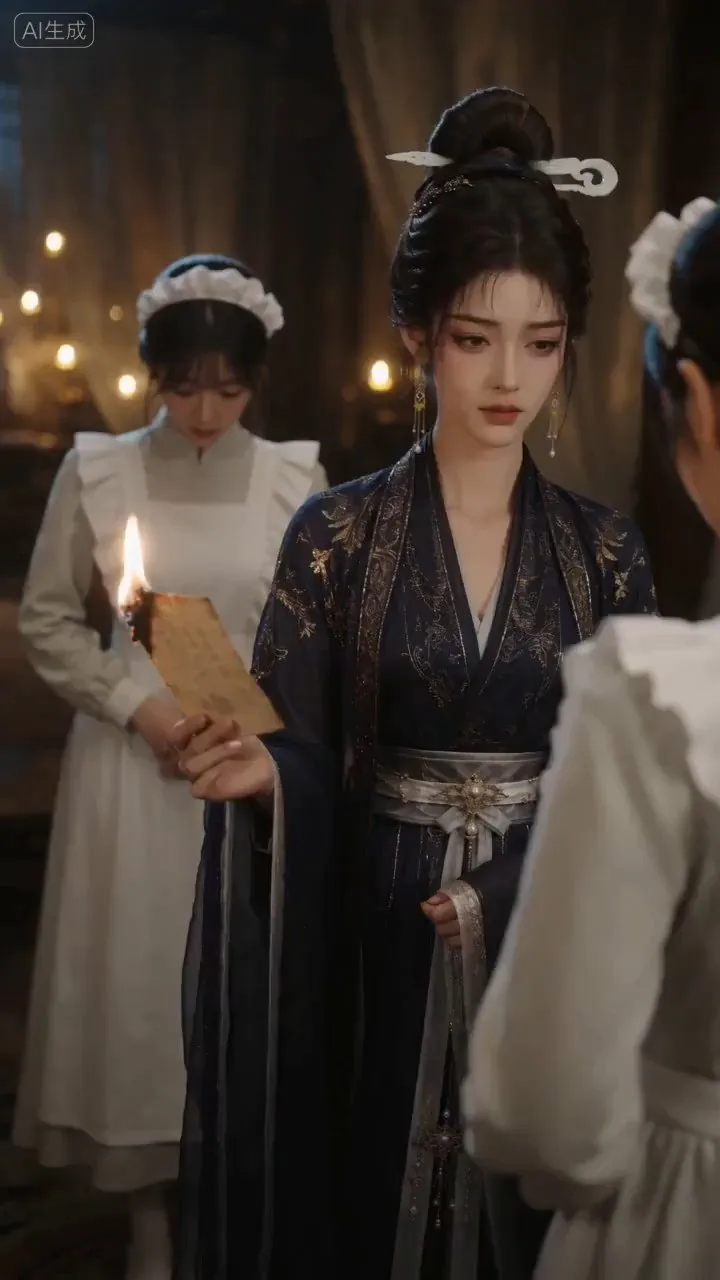
AI Video & Storyboard Prompts
Turn storylines, character profiles, or existing video prompts into professional storyboards and ready-to-use shot prompts for AI video generation. Whether the scene involves contemporary life, historical drama, mystery, romance, or high-payoff drama, the skill focuses on character relationships, pacing, and emotional hooks. It clearly defines shot scale, camera position, perspective, camera movement, composition, lighting, ambient sound, and dialogue, giving every shot a clear visual focus and actionable movement. The skill pays close attention to character consistency and scene continuity. It helps lock in each character’s appearance, clothing logic, identity and status, and defining details, reducing generation issues such as facial changes, visual drift, spatial confusion, and unclear actions. A character’s gaze, expressions, breathing, hand movements, and physical reactions are also translated into visible performance changes, strengthening conflict, tension, twists, and emotional progression. You can start with a complete storyline or provide existing character assets, storyboards, or prompts for targeted optimization. When you already have an established character profile, it can be reused directly to avoid redesigning it. The complete sequence can then be organized into clips of 15 seconds or less for generation with mainstream AI video models, while preserving visual, audio, and duration details for easy copying, use, and further editing.
 Image
ImagePrecise AI Character Images
Turn the character you envision into ready-to-use prompts and finished images. Start with a seed description or a broad theme, then define key details step by step, including hairstyle, hair accessories, clothing, expression, pose, camera, lighting, and setting. Whether you’re creating a classical Chinese woman, a cyberpunk girl, a Japanese-style character, a realistic portrait, or a custom character concept, you can develop a cohesive visual direction based on the character’s overall mood. Choose Quick Image Generation to let AI complete the character design automatically, or use Fine Control to adjust each element through selections or custom input. Results include structured prompts in both Chinese and English, along with a matching Negative Prompt, making them easy to understand and reuse with leading models such as FLUX, Midjourney, and SDXL. You can also generate the finished character image with AI. After generating an image, continue fine-tuning specific dimensions, such as hairstyle, expression, pose, camera angle, lighting, setting, or art style. Regenerate while keeping the other details unchanged, with each modification clearly identified. Ideal for character design, character concept art, avatar creation, illustration planning, and exploring visual directions.
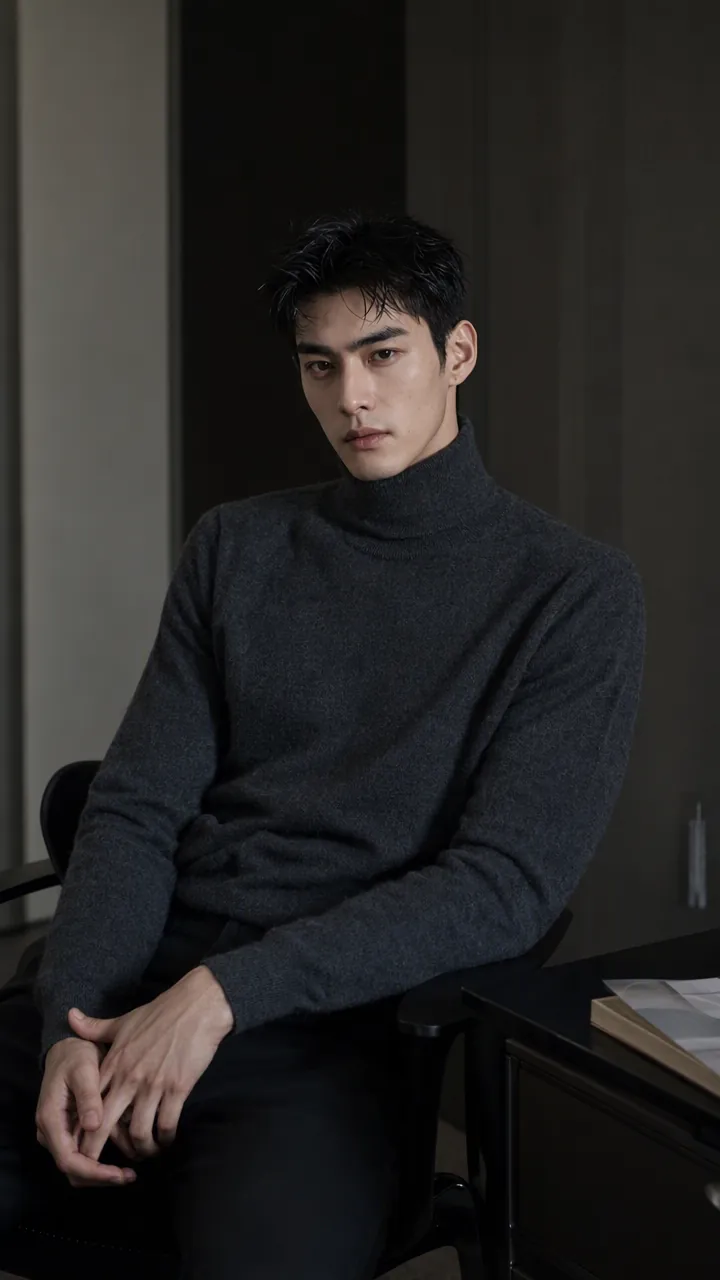
Realistic Skin Texture Prompts
Generate text-to-image prompts for selfies, close-ups, half-body portraits, and portrait photography, with a focus on reducing plastic-looking skin, an oily film, and AI-looking faces. Skin is guided toward more natural glow, texture, and subtle variation. Whether you need everyday portraits, magazine-style portraits, direct-flash snapshots, or realistic portraits with less of an AI look, prompts can be customized based on the subject, camera position, lighting, style, and preferred imperfections. Prompts are organized around the overall skin texture, highlight placement, differences across facial areas, textures such as pores and peach fuzz, and natural skin-tone variation, rather than simply stacking vague terms like “realistic skin” or “ultra-realistic.” You can specify image ratios such as 9:16, 3:4, and 1:1, and get composition and parameter suggestions for the image-generation model you use. When needed, you can also generate Chinese, English, or bilingual versions for GPT-Image, 即梦, 豆包, Midjourney, SDXL, or Flux. In addition to copy-ready positive prompts, the Skill explains how key descriptions affect skin texture and provides targeted troubleshooting and adjustment suggestions for over-smoothed skin, an overly oily face, a waxy appearance, or distorted texture. Generated prompts can also be saved by topic for easier lookup, fine-tuning, and consistent texture across a portrait series.
Information
- Version
- v2
- Last updated
- Runtime credits
- Usage-based
- Models
- Auto
